Clippingmagic
Clipping Magic is a web-based background removal and image editing app that combines an Auto-Clip AI with manual tools (keep/remove markers, hair tool, scalpel) to produce production-ready cutouts, batch processing, and export options for e-commerce and professional use.
Clippingmagic is image & design software teams evaluate for image & design. Use this page to review pricing, integration signals, and the best alternatives before you commit.
Profile facts come from the vendor source. AiMatch labels unknown pricing or API details instead of estimating them.
Review official source →Used in These Packs
Quick Overview
Best for: Image & Design
What it does
Image & Design software for decision-makers comparing workflow fit and alternatives.
Best fit
Image & Design
Pricing snapshot
Contact for pricing
Next step
Compare Clippingmagic with similar tools before you shortlist it.
Compare this tool before you shortlist it
Review alternatives, pricing posture, and workflow fit side by side.
Clipping Magic is an online background removal and image finishing application that pairs a production-trained Auto-Clip AI with a smart editor of manual tools (foreground/background markers, hair tool, scalpel) to let users automatically remove backgrounds and refine results. It is targeted at e-commerce, business marketing, and graphic design workflows where consistent, publish-ready product photos and cutouts are required. The service supports single-image interactive editing as well as bulk processing for large catalogs, and offers export options such as transparent PNGs, alpha masks, SVG clipping paths, and TIFF clipping paths for downstream editing.
Clipping Magic is a web-based background removal and image editing app that combines an Auto-Clip AI with manual tools (keep/remove markers, hair tool, scalpel) to produce production-ready cutouts, batch processing, and export options for e-commerce and professional use.
Own this listing?
Claim this page for a one-time $29 to add pricing, features, screenshots, verified owner details, and a clearly labeled 30-day category position after the profile is live.
Claim this listing for $29Key Features
Auto-Clip AI
Automatically removes image backgrounds using an AI trained on millions of real-world images for robust automatic results.
Smart Editor (Markers & Scalpel)
Interactive tools including red/green background/foreground markers and a scalpel for precision cuts to refine automatic results.
Dedicated Hair Tool
Specialized hair separation tool that can automatically separate hair from clean or sufficiently distinct backgrounds.
Smart Edge Controls
Configurable smart smoothing, local feathering, edge guard, halo scrubber, and corner guard to control edge appearance.
Graphics Mode
Mode for removing backgrounds from logos and computer graphics while preserving pixel-level foreground detail.
Bulk Clipping & Defaults
Bulk remove backgrounds for large image catalogs and configure sticky default settings for consistent color correction and cropping.
Export Options
Export transparent PNGs, alpha channel masks (PNG), clipping paths as SVG, and clipping paths embedded in TIFF for Photoshop workflows.
Color & Photo Adjustments
Comprehensive color control including brightness, shadows, highlights, temperature, saturation, white balance and color cast removal.
Shadows, Reflections & Cropping
Instant drop/oval/cast shadows and reflections, smart auto-crop with adjustable margins and alignment, rotate/straighten and resize options.
Performance & Limits
Snappy app with autosave and shareable secure URLs; supports images up to 25 megapixels and 80 megabytes per file.
Pricing
Current pricing details are not available from the vendor source.
Use Cases
E-commerce Product Photography
Create consistent, marketplace-compliant product shots (white backgrounds, crop/alignment, color correction) to increase conversions.
Bulk Catalog Processing
Auto-clip and apply configured defaults across large image sets for uniform product imagery and batch downloads.
Marketing & Presentations
Quickly make images transparent or swap backgrounds for marketing materials, slides and promotional graphics.
Graphic Design & Logo Preparation
Remove backgrounds from logos and graphics using Graphics Mode and export precise clipping paths for further editing.
Scans and Specialized Background Removal
Processing modes to handle scans and graphics with specialized controls for clean results.
Integrations
Bulk API
Programmatic bulk clipping and pricing is available (site navigation references Bulk API Pricing).
Benefits
Limitations
Frequently Asked Questions
No verified FAQs are available.
Getting Started
- 1 Step 1: Open the app and drag-and-drop or upload an image (or paste an image or URL).
- 2 Step 2: Let Auto-Clip AI generate an initial background removal, then refine using green/red markers, hair tool, or the scalpel.
- 3 Step 3: Adjust color, crop, shadows or export settings, then download the result or process images in bulk.
Support
Docs / Tutorials
In-app tutorials and resources (Photo Basics, Hair, Scalpel, Refine Edges, Graphics, Scans, Finishing Touches) available from the site.
Contact Support
Assistance via the site's Contact / Support links ('Need Help? Assistance is only a click away').
API
Compare Clippingmagic with similar tools
See how it stacks up against alternatives
Related Tools
View all 375 →
Bestfaceswap
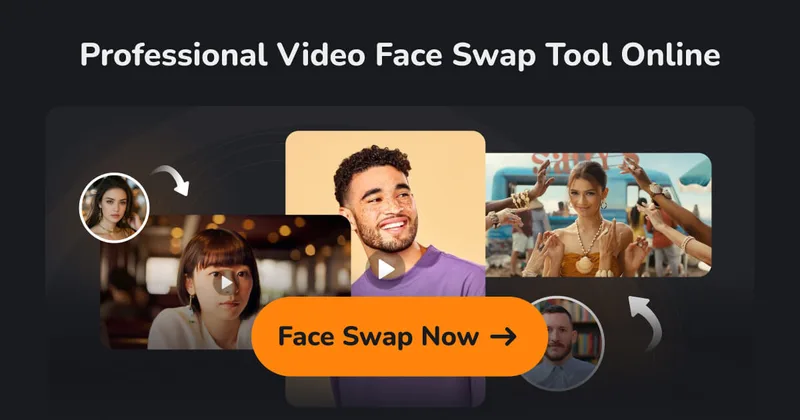
BestFaceSwap is a web-based AI face swapping service for photos and videos that creates realistic, high-quality face swaps using facial landmark detection, 3D reconstruction, and depth maps — aimed at creators and filmmakers.


Imagetoimage
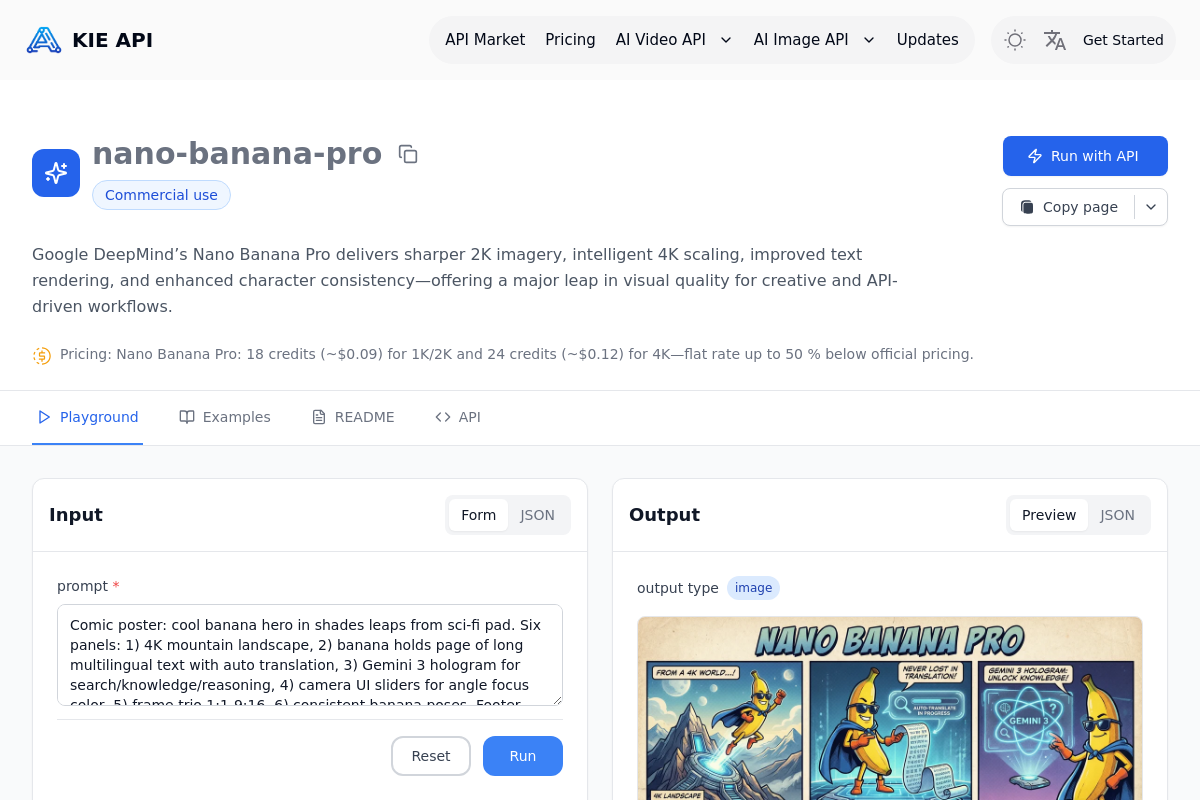
Image to Image is a web-based AI creative platform that lets users upload photos or sketches and transform them via text-guided image-to-image generation, plus tools for text-to-image, video generation, editing, and enhancement.

Aithumbnail
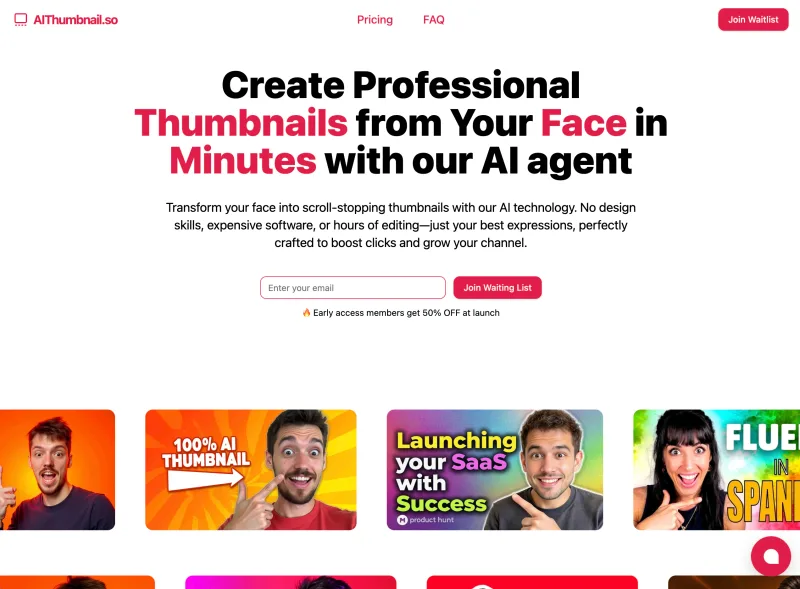
AIThumbnail.so is an AI-powered thumbnail maker for YouTube and creators that generates high-converting thumbnails in under a minute, offering features like Replica Mode, one-photo face integration, and AI smart suggestions to boost CTR and views.
Ipadapterfaceid
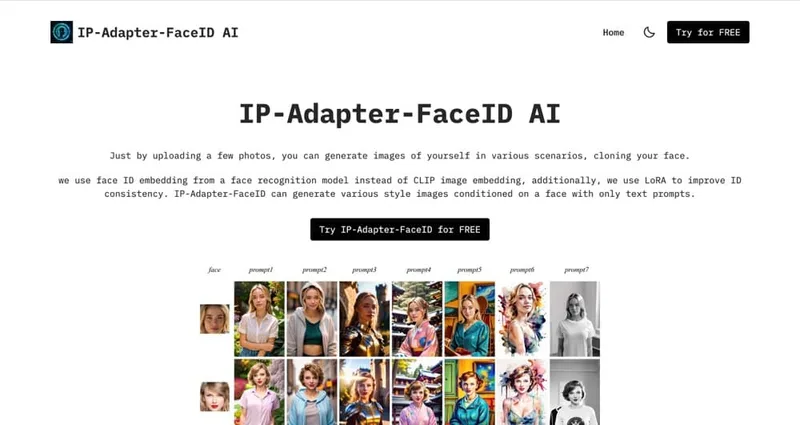
IP Adapter Face ID is an image-generation offering based on the IP-Adapter-FaceID model that generates various-style images conditioned on a provided face using only text prompts; users upload a few photos and enter prompts to produce images that clone their face.
Premium Alternatives

drawingpics
DrawingPics is a native macOS app for Apple Silicon that converts sketches into photorealistic or stylized images in real time using Core ML and the Apple Neural Engine. It runs fully offline, is available as a one-time purchase, and targets creators and small studios.



Aithumbnail
AIThumbnail.so is an AI-powered thumbnail maker for YouTube and creators that generates high-converting thumbnails in under a minute, offering features like Replica Mode, one-photo face integration, and AI smart suggestions to boost CTR and views.
Photostudio
Blockode AI Photo Studio is an AI-powered photoshoot generator that trains a custom model from your uploaded selfies to produce stylized, high-resolution AI photoshoots. It targets users who want custom-generated portraits with options for commercial use.