

Picpicai
PicPicAI is an all-in-one AI photo editor that enhances photos, removes backgrounds, restores and upscales images, and generates AI art and portraits via a suite of web tools aimed at social media users, e-commerce sellers, and creators.
Picpicai is image & design software teams evaluate for creative & design. Use this page to review pricing, integration signals, and the best alternatives before you commit.
Profile facts come from the vendor source. AiMatch labels unknown pricing or API details instead of estimating them.
Review official source →Used in These Packs
Quick Overview
Best for: Creative & Design
What it does
Image & Design software for decision-makers comparing workflow fit and alternatives.
Best fit
Creative & Design
Pricing snapshot
Paid from Not listed on page (purchase selectable credits packages via Pricing)
Next step
Compare Picpicai with similar tools before you shortlist it.
Compare this tool before you shortlist it
Review alternatives, pricing posture, and workflow fit side by side.
PicPicAI is a web-based suite of AI photo-editing tools that lets users enhance photos, remove backgrounds, restore and relight images, upscale creatively (including anime/waifu upscaling), and generate AI art and portraits. The platform emphasizes ease of use and affordability, offering one-click operations and a credits-based purchase model. It is positioned for social media managers, marketers, e-commerce sellers, resellers, and content creators who need fast, professional-looking image edits and generation.
PicPicAI is an all-in-one AI photo editor that enhances photos, removes backgrounds, restores and upscales images, and generates AI art and portraits via a suite of web tools aimed at social media users, e-commerce sellers, and creators.
Own this listing?
Claim this page for a one-time $29 to add pricing, features, screenshots, verified owner details, and a clearly labeled 30-day category position after the profile is live.
Claim this listing for $29Key Features
AI Photo Enhancer
Enhances image clarity, adjusts colors, and improves details for blurred or low-quality photos.
AI Portrait Enhancer
Unblurs and enhances portrait faces, bringing out finer facial details for individual or group portraits.
AI Background Remover & Remove Objects
Creates transparent backgrounds, changes background colors, and erases unwanted objects with one click.
Restore Old Photos
Restores old and blurry face photos using AI-based restoration tools.
Creative & Anime Upscalers
Upscales images and adds new details; includes a dedicated Anime/Waifu upscaler to enhance and double anime images.
Relight
Instantly brightens or relights photos using AI to improve exposure and visibility.
AI Image Extender
Seamlessly extends image borders beyond their original frame using AI.
Image-to-Art & Portrait Generators
Convert selfies to sketches, paintings, anime, or other stylized portraits (Portrait to Sketch, Portrait to Art Painting, AI Hairstyles, Headshot/Avatar generators).
FLUX.1 AI Image Generator
An AI image generation tool for creating new art (listed among platform tools).
Passport Photo Maker & Batch Tools
Specialized tools for passport photos and batch processing workflows.
Pricing
5 registration credits granted to new sign-ups (claimable on the site).
Credits packages
Not listed on page (purchase selectable credits packages via Pricing)- Credits are added to your PicPicAI account and serve as virtual tokens to access tools
- Credits are permanently valid
- Purchases accepted via major credit/debit cards, PayPal, Apple Pay, and Google Pay
Use Cases
E-commerce product images
Remove backgrounds, add shadows, and enhance photos for product listings to make images more appealing to shoppers.
Social media content creation
Quickly enhance, relight, or stylize photos and generate avatars or art for social posts and profiles.
Photo restoration and archiving
Restore old or blurry photos and colorize black-and-white images to revive memories or prepare archival assets.
Portrait and headshot production
Generate or enhance portraits, create passport photos, and apply hairstyles or artistic styles for professional and personal use.
Rapid batch processing
Use batch tools to process multiple images (background removal, upscaling, etc.) for resellers or high-volume workflows.
Integrations
PayPal
Supported payment method for purchasing credits.
Apple Pay
Supported payment method for purchasing credits.
Google Pay
Supported payment method for purchasing credits.
Benefits
Limitations
No verified limitations are available.
Frequently Asked Questions
What AI photo editing tools does PicPicAI offer?
How to use PicPicAI's powerful AI image tools?
Who can benefit from using PicPicAI's powerful AI image tools?
How to purchase PicPicAI's AI photo tools?
Getting Started
- 1 Step 1: Visit the specific photo tool page (for example: AI Photo Enhancer or Background Remover).
- 2 Step 2: Upload your image to the chosen tool and configure any available options.
- 3 Step 3: Let PicPicAI process the image, then download the result; purchase credits via the Pricing/Buy Now flow if you need additional usage.
Support
Help / Docs
Help & legal section and tool pages on the site provide guidance and tool access.
Contact
The site lists a 'Contact Us' entry under Help & legal for contacting the team (page lists Contact Us link).
Legal pages
Terms & conditions and Privacy policy pages are available from the site footer.
API
Compare Picpicai with similar tools
See how it stacks up against alternatives
Related Tools
View all 386 →

Describepicture
Describe Picture is an AI-powered web tool that instantly analyzes images to produce detailed descriptions, alt text, tags, markdown, OCR-extracted text, and can convert screenshots into code. It targets accessibility, SEO, content workflows, and creative image generation.
Magicstudio
Magic Studio is a web and mobile image-editing studio that uses AI to generate and edit photos — from removing objects and changing backgrounds to creating images from text — aimed at consumers and professionals looking to produce headshots, product photos, ads, and social content quickly.
Raphael
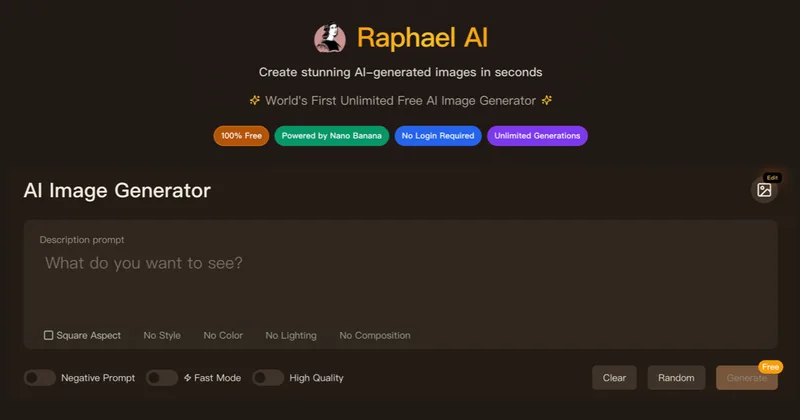
Raphael AI is a web-based platform offering a free, unlimited AI image generator plus a suite of AI creative tools (image editing, image-to-image, video, lip-sync, 3D generation and voice cloning) with multi-model routing and professional-grade models for high-resolution outputs.
ImagePipeline
ImagePipeline is a developer-first image AI API for product and fashion commerce that generates studio-quality product shots, model swaps, and virtual try-on at scale, backed by SDKs, webhooks, and production-grade controls.

Flux AI Pro (flux-pro.net)
Flux AI Pro (flux-pro.net) is a web-based suite of AI image and video generation tools offering text- and image-to-image generation, an image editor, multi-model options, and credit-based paid plans for commercial use and high-resolution outputs.

Revivast
Revivast is an online professional photo restoration and colorization service that uses AI-enhanced workflows combined with human review to repair, enhance, and naturally colorize damaged, faded, or black-and-white photographs for digital download and optional framed prints.
4oimagegen
4o Image Gen's Flux Kontext is a free, instruction-based AI image generator and editor that produces high-quality text-to-image and image-edit edits in 6–10 seconds with strong character consistency and text preservation.
Budget-Friendly Alternatives
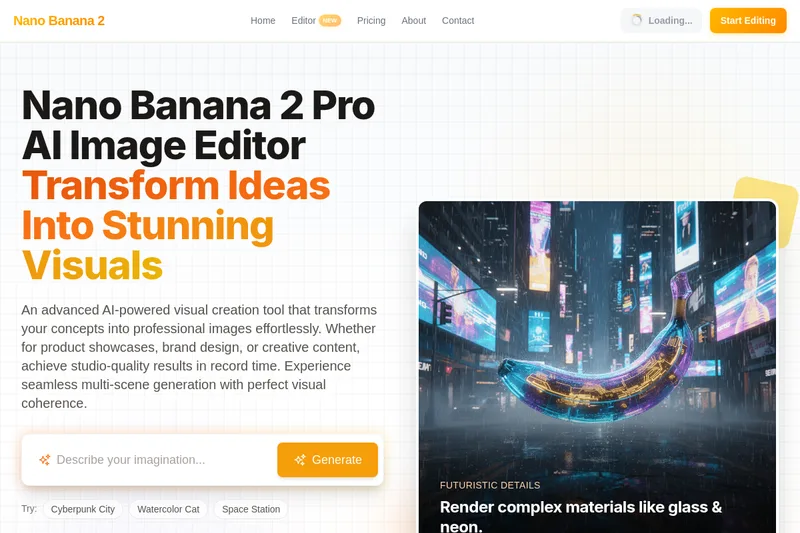
Nano2
Nano Banana 2 Pro is an AI-powered image editor that generates high-quality 1024×1024 images with claimed perfect element consistency across scenes and ultra-fast (2.3s) generation, using conversational chat-based editing and iterative refinement for professional and commercial use.

mimicphoto
MimicPhoto is an AI-powered photo and video editing platform offering 30+ specialized tools—from facial expression editing and virtual try-on to video generation—designed for creators and professional workflows with real-time, studio-quality results.
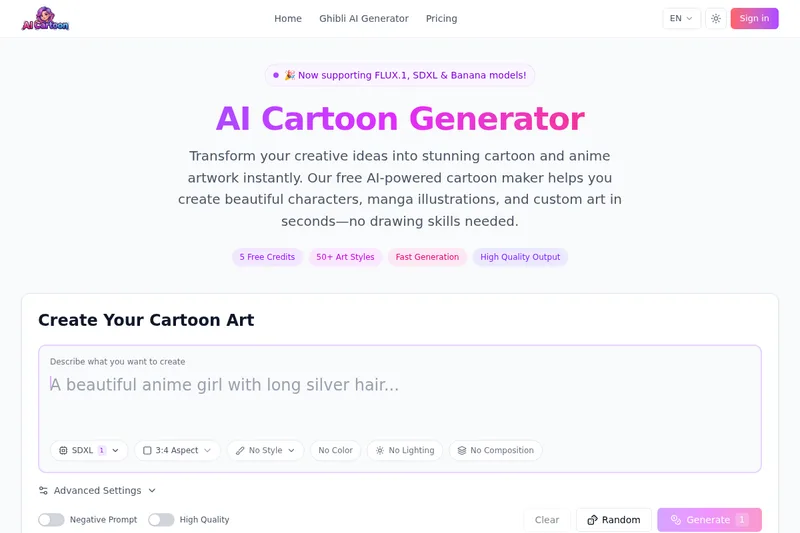
AI Cartoon Generator
AI Cartoon Generator is a free web-based tool that transforms text prompts into cartoon and anime-style artwork using advanced AI models (SDXL, FLUX.1, Banana), offering 50+ art styles, high-resolution outputs, and commercial usage rights.
Flux2klein
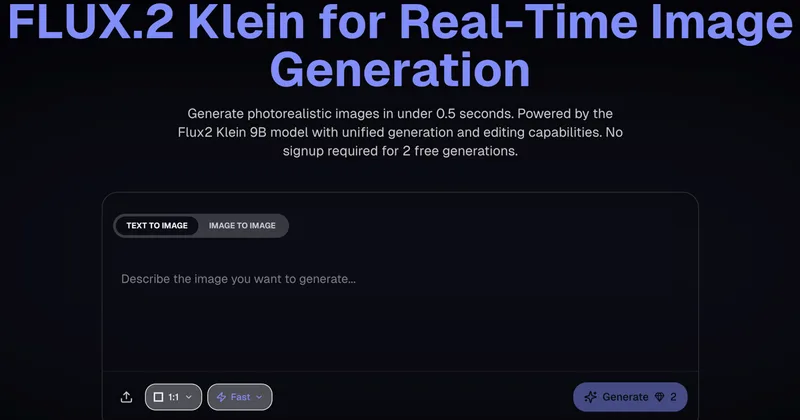
Flux2 Klein AI is a web-based image generator that produces photorealistic images in under 0.5 seconds using the Flux2 Klein 9B model, offering text-to-image and image-to-image generation plus unified generation and editing capabilities.