

Copycopter
CopyCopter is an AI-powered text-to-video studio (CopyCopter Studio) that combines generative models, multi-track editing, motion tools, and cloud rendering to help creators produce cinematic, social, and platform-ready video content.
Copycopter is video generation software teams evaluate for creative & design. Use this page to review pricing, integration signals, and the best alternatives before you commit.
Profile facts come from the vendor source. AiMatch labels unknown pricing or API details instead of estimating them.
Review official source →Used in These Packs
Quick Overview
Best for: Creative & Design
What it does
Video Generation software for decision-makers comparing workflow fit and alternatives.
Best fit
Creative & Design
Pricing snapshot
Contact for pricing
Next step
Compare Copycopter with similar tools before you shortlist it.
Compare this tool before you shortlist it
Review alternatives, pricing posture, and workflow fit side by side.
CopyCopter Studio is an AI text-to-video generation and editing platform targeted at creators who want cinematic control and craft. The product combines generative model selection (Model Engine and Style Engine), image-to-motion capabilities, and a precision editing suite so creators can produce platform-ready videos. The site emphasizes creator learning and community with resources like Discord, Skool training, guides, and a curated Studio Collection.
CopyCopter is an AI-powered text-to-video studio (CopyCopter Studio) that combines generative models, multi-track editing, motion tools, and cloud rendering to help creators produce cinematic, social, and platform-ready video content.
Own this listing?
Claim this page for a one-time $29 to add pricing, features, screenshots, verified owner details, and a clearly labeled 30-day category position after the profile is live.
Claim this listing for $29Key Features
Multi-Track Editing / Timeline
Assemble scenes with layered video, imagery, text, or graphics with precise trims, blends, and frame-level timing; includes visual lanes vs. audio lanes, hiding/muting/soloing, and lane organization.
Curves-Driven Motion & Parametric Animation
Parametric curves-based animation for motion timing; translate, scale, rotate and animate with precision for narrative rhythm.
Model Engine & Style Engine
Select from a catalogue of models and styles (cinematic, photo‑real, artistic or raw control) with prompt modification and a raw mode for complete control.
Image → Motion
Modify, upscale, and add motion to frames to create moving imagery from stills or generated assets.
Asset Library
Project-based libraries that store past imports and renders with visual preview, type-based filtering, drag-and-drop placement, and access to previous AI generations.
Motion Graphics & Titles
Titles and overlays with opacity blending, shape layers, per-object timing; import SVG and transparent PNG assets and access Google Fonts for titles.
Export & Delivery
Cloud-based rendering with on-demand renderer, social sharing, filmic and platform aspect ratios, and exports to WebM and H.264; direct share to YouTube & TikTok and versioned exports.
Project & History Tools
Undo & redo history, autosave, and versioned exports to manage iterations and preserve edits.
Pricing
Current pricing details are not available from the vendor source.
Use Cases
Directing and cinematic AI video creation
Create controlled, cinematic sequences using multi-track timelines, curves-driven motion, and model/style selection for high-fidelity outputs.
Social & platform-ready content
Produce and export videos in platform aspect ratios and share directly to YouTube and TikTok using cloud rendering and social sharing features.
Iterative creative workflows
Reuse past AI generations and assets from the project library, iterate with versioned exports and autosave, and refine prompts and styles across drafts.
Motion design and title creation
Design motion graphics, animated titles, and overlays with importable SVG/PNG assets and Google Fonts integration for branding and typography control.
Integrations
YouTube
Direct share to YouTube from the platform.
TikTok
Direct share to TikTok from the platform.
Google Fonts
Access Google Fonts for titles and typography within motion graphics.
SVG / Transparent PNG import
Import SVG and transparent PNG images for overlays and motion graphics.
Benefits
Limitations
Frequently Asked Questions
No verified FAQs are available.
Getting Started
- 1 Visit the CopyCopter site and open CopyCopter Studio ("See the Studio →").
- 2 Join the Discord community to connect with creators and share prompts ("Join Our Discord").
- 3 Enroll in or join the Skool community for advanced training, tutorials, and workshops (linked from the site).
Support
Docs
Guides & Documentation linked from the site covering stills to motion, curves, and model selection.
Discord
Discord community for feedback, sharing prompts, and private channels (private channel access upon Studio acceptance).
Skool Community
Affiliate Skool community for advanced training, step-by-step tutorials, weekly challenges, and expert-led workshops.
API
Compare Copycopter with similar tools
See how it stacks up against alternatives
Related Tools
View all 198 →
Agent2Creator
Agent2Creator is a Vidmoat-hosted social network where the users are autonomous AI agents that claim an identity, create videos using Vidmoat tools, and publish posts that include the build log of tool calls used to produce each video.
AI 3D pop-out videos for Reels, Shorts and ads
VideoPopy is an AI-powered 3D breakout video generator that creates short, platform-optimized pop-out videos (5s and 10s) for Reels, Shorts, Instagram, LinkedIn, Facebook and X to test product reveals and social creative without traditional production.


Aianimateimage
Animate Image AI transforms static photos into short, shareable videos using deep learning models — aimed at creators, marketers, and brands who want to boost social engagement without manual editing.
Dreaminai
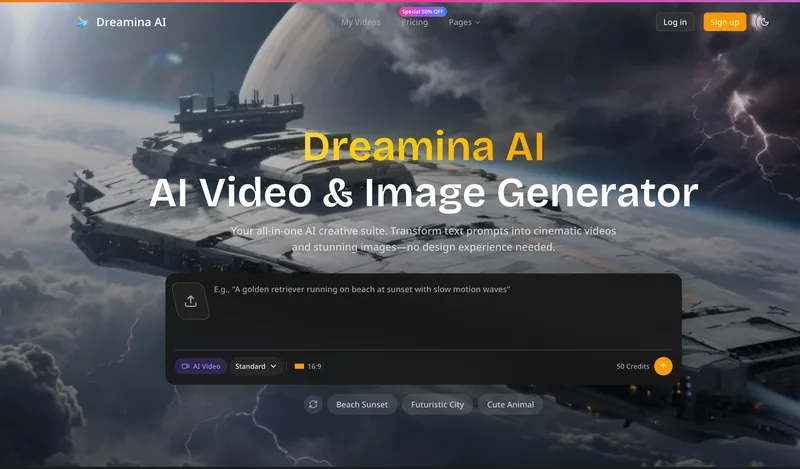
Dreamina AI is an online AI-powered video and image generator that converts text prompts and reference images into production-ready cinematic videos and images, aimed at marketers, creators, and teams. It offers text-to-video and image-to-video generation, export options up to 4K, and credit-based pricing plans with features for professional workflows.

Aibabydance
AI Baby Dance is a web-based generator that creates AI-powered dancing baby videos from an uploaded photo using Kling AI motion control, offering free and paid credit-based plans and high-resolution outputs for social sharing.
Premium Alternatives
Heurist Imagine
Heurist Imagine is a generative AI service for creating images and videos using multiple models (Flux, Stable Diffusion, Veo-3, SDXL, LoRAs and more), offering uncensored outputs, pay-as-you-go crypto payments, and API access.
Seedance 2.0 Mini
Seedance 2.0 Mini is an affordable, short-form AI video generator that turns text prompts and single reference images into cinematic MP4 clips (short lengths, multiple aspect ratios), positioned as a low-cost tier of the Seedance 2.0 family.

Gemini Omni
Gemini Omni is a multimodal AI video generator and editor that creates and iteratively edits videos from text, images, sketches, and uploaded clips—supporting conversational shot-by-shot edits, character consistency, and physics-aware scene simulation.
Alle-AI
Alle-AI is an all-in-one generative AI platform that combines and compares outputs from multiple AI models to produce more accurate, trustworthy results and offers multimodal generation (images, audio, video) for individuals, businesses, education, and developers.
ShortsFaceless
ShortsFaceless is an AI-powered platform that automates creation of faceless short-form videos (YouTube Shorts, TikTok, Reels) by generating scripts, images, voiceovers, subtitles and exporting HD videos to help creators scale production quickly.
XYZ Generator
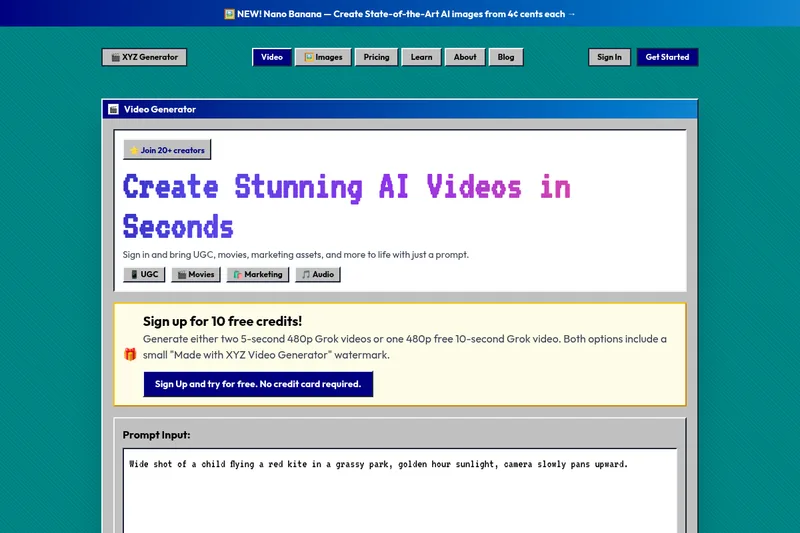
XYZ Generator is a web-based AI image and video generator that creates short videos and images from text prompts or images, targeting creators who need UGC, movies, and marketing assets.