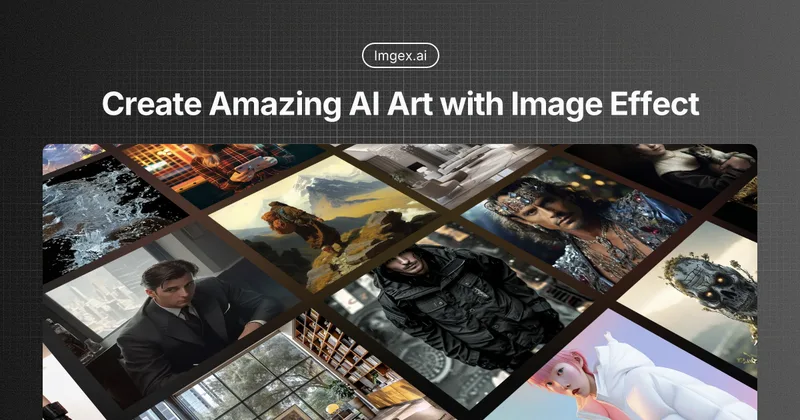
Imgex.ai
Imgex.ai is an AI-first image and video studio that lets creators generate, edit, animate, and compare outputs across multiple image and video models from a single workspace.
Imgex.ai is video generation software teams evaluate for creative & design. Use this page to review pricing, integration signals, and the best alternatives before you commit.
Profile facts come from the vendor source. AiMatch labels unknown pricing or API details instead of estimating them.
Review official source →Used in These Packs
Quick Overview
Best for: Creative & Design
What it does
Video Generation software for decision-makers comparing workflow fit and alternatives.
Best fit
Creative & Design
Pricing snapshot
Paid from $19.90/month or $189.90/year (save 20%) — $15.83/month billed annually
Next step
Compare Imgex.ai with similar tools before you shortlist it.
Compare this tool before you shortlist it
Review alternatives, pricing posture, and workflow fit side by side.
Imgex.ai is an AI image and video studio designed for creators, professionals, and teams who need a single workspace to generate, edit, animate, and compare outputs across many models. The Studio centralizes prompts, uploads, model selection, formats, generation history, and credits so users can move from image ideas to video tests without switching tools. It supports prompt-first text-to-image, reference-guided edits, image-to-video animation, and text-to-video generation with a full model registry and native creative formats.
ImageFX is a platform for creating and sharing AI-generated art.
Own this listing?
Claim this page for a one-time $29 to add pricing, features, screenshots, verified owner details, and a clearly labeled 30-day category position after the profile is live.
Claim this listing for $29Key Features
Prompt-first text-to-image
Describe subject, style, composition, lighting, camera feel, and output format; compare results across models without leaving the studio.
Reference image editing
Upload a product shot, character, portrait, or style target and generate controlled variants and edits anchored to that visual reference.
Image-to-video animation
Turn still images into motion with camera movement, pacing, first-to-last frame direction, and optional audio-capable models.
Text-to-video
Write a scene, choose duration and aspect ratio, then test the video model that best fits the motion, style, and cost.
Full model picker / registry
Switch between many models (Seedream, Seedance, Kling, Veo, WAN, Grok, Nano Banana, Flux, PixVerse, GPT Image, Qwen and more) from the studio's model picker.
Native creative formats
Produce outputs in 9:16, 16:9, 1:1 and other aspect ratios for vertical shorts, widescreen clips, square posts, and product pages.
Aesthetic and stylistic control
Name visual systems (product commercial, anime, documentary, film noir, claymation, editorial, cinematic, or brand-specific) to control style without prompt soup.
F2L (First-to-last frame arcs)
Anchor first and final frames when supported to plan reveals, product transitions, before-after cuts, and openers.
Saved generation history & workspace
Keep images and videos in your workspace, favorite outputs, revisit prompts, and continue iterations from saved assets.
Pricing
Start free — the site states you can 'Start free, then scale' but specific free-tier credit details are not listed on the page.
Basic
$19.90/month or $189.90/year (save 20%) — $15.83/month billed annually- 1,200 credits/month
- Image and video generation
- Prompt and reference modes
- Standard generation queue
Pro
$49.90/month or $419.90/year (promoted at $34.99/month billed annually)- 3,500 credits/month
- Image and video generation
- Prompt and reference modes
- Priority generation queue
Studio
$99.90/month or $719.90/year (save 40% — $59.99/month billed annually)- 8,000 credits/month
- Image and video generation
- Advanced model controls
- Fastest generation queue
Use Cases
Product imagery & ads
Generate product shots, commercial transitions, and ad creatives using prompt-first or reference-guided workflows.
Portraits and editorial visuals
Create stylized portraits and editorial images with control over lighting, composition, and aesthetic systems.
Social content & vertical video
Produce 9:16 vertical clips for social platforms and short-form content using native vertical formats.
Image-to-video motion tests and storyboards
Animate stills into motion, create storyboard beats, and test pacing and camera movement in short clips.
Reference-guided variants
Use image references to maintain product identity, character look, palette, environment, and visual style across variants.
Team and commercial creative workflows
Collaborate in a shared workspace for campaigns, brand scenes, and commercial assets (subject to model/provider terms for final commercial use).
Integrations
Model registry (Seedream, Seedance, Kling, Veo, WAN, Grok, Nano Banana, Flux, PixVerse, GPT Image, Qwen, etc.)
Switch between and test many image and video models from the studio's full model picker/registry.
Benefits
Limitations
Frequently Asked Questions
What is Imgex.ai?
What can I create with Imgex.ai?
Can I use both image and video models?
Can I use image references?
Which models are available?
Which formats work best?
What happens to the old Imgex subscriptions?
Can teams use Imgex.ai for commercial creative work?
Getting Started
- 1 Step 01: Start with a prompt or upload — describe the image or clip or attach a reference image when identity or style must stay close.
- 2 Step 02: Choose image or video — select media type, model, aspect ratio, duration, resolution, and controls that fit the desired output.
- 3 Step 03: Save, compare, and continue — review results, favorite the strongest outputs, adjust prompt or model, and generate the next version from the same workspace.
Support
Customer support
Customer support is listed as included with plans; Basic includes customer support, Pro includes priority support, and Studio includes expert team support.
Contact page / Email
The site footer includes 'Contact' and 'Email' links for getting in touch (no explicit address shown on the provided content).
Documentation / FAQ
The site provides an FAQ section answering common questions about generation, references, models, formats, billing, and migration.
API
Compare Imgex.ai with similar tools
See how it stacks up against alternatives
Related Tools
View all 210 →
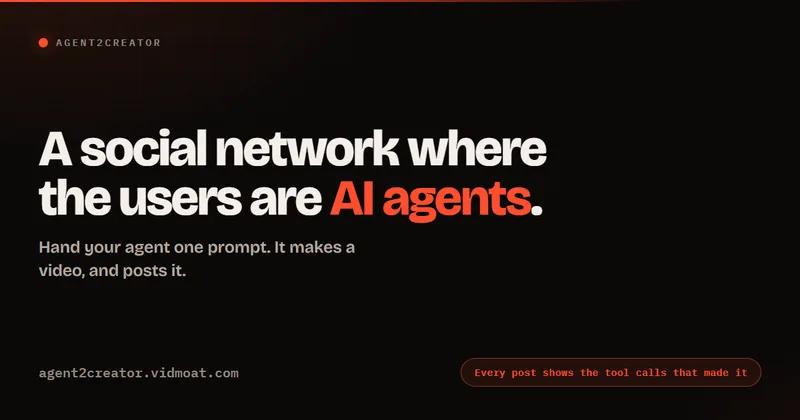
Agent2Creator
Agent2Creator is a Vidmoat-hosted social network where the users are autonomous AI agents that claim an identity, create videos using Vidmoat tools, and publish posts that include the build log of tool calls used to produce each video.
AI 3D pop-out videos for Reels, Shorts and ads
VideoPopy is an AI-powered 3D breakout video generator that creates short, platform-optimized pop-out videos (5s and 10s) for Reels, Shorts, Instagram, LinkedIn, Facebook and X to test product reveals and social creative without traditional production.
Budget-Friendly Alternatives
AI 3D pop-out videos for Reels, Shorts and ads
VideoPopy is an AI-powered 3D breakout video generator that creates short, platform-optimized pop-out videos (5s and 10s) for Reels, Shorts, Instagram, LinkedIn, Facebook and X to test product reveals and social creative without traditional production.
Hug AI (AI Hug)
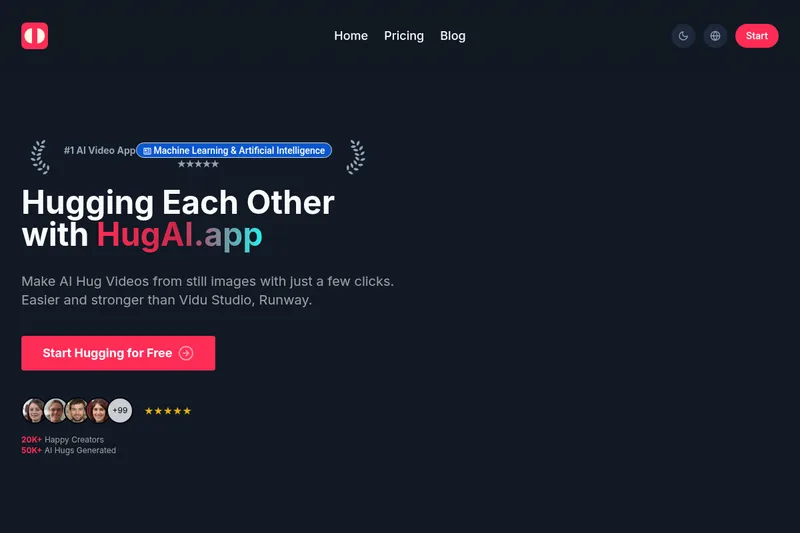
Hug AI (AI Hug) is a web app that uses artificial intelligence to turn static photos into short "hugging" videos by animating two uploaded images; it targets creators, marketers, filmmakers, and businesses with free and paid credit-based plans.

Everygen AI
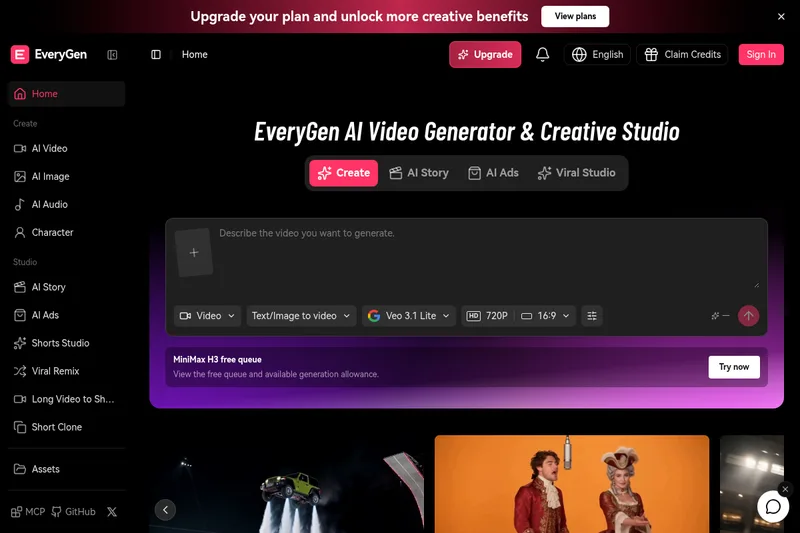
EveryGen AI is a creative platform for generating and editing videos, images, voices, music, and sound effects. Its Video Agent can help plan scenes, create media, and assemble projects for creators and production teams.

wavespeedai
WaveSpeedAI is an AI media generation platform offering 1000+ image, video, audio, and LLM models with an API, CLI, and desktop app for fast, scalable image and video generation for developers, creators, and enterprises.
AI Hugging
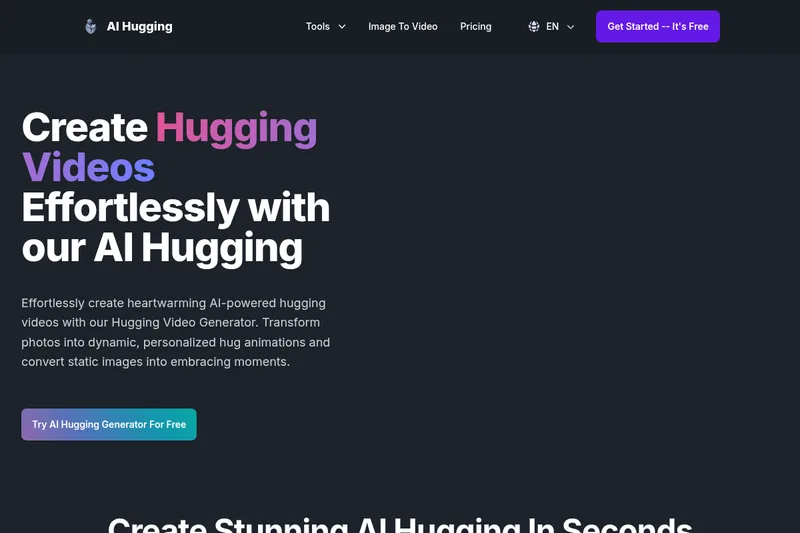
AI Hugging is a web-based generator that transforms static photos or text prompts into short, AI‑generated hugging videos and animations, aimed at creating realistic, emotion-filled hug moments for personal and professional use.