
Cubox
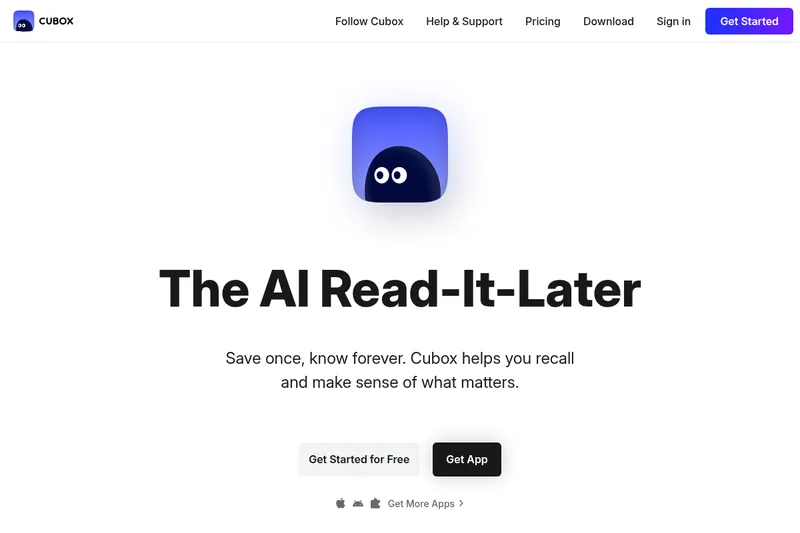
Cubox saves web reading in a cross-platform library and adds AI Q&A, webpage insights, and summaries. It is for readers who want to keep articles and links organized and retrieve or review them later.
One of 132 tools in Productivity
Who it's for
- Readers who save web articles and want to keep them in one library across browser extensions and native apps.
- People with a growing collection of saved links who want to ask questions about it or get AI summaries.
- Pocket users who want to move their saved reading to Cubox, which offers a Pocket import option.
How it fits your workflow
Install a Cubox app or browser extension, then save web content into your library. The page says Cubox provides parsing, snapshots, and sync.
Read, highlight, annotate, share, and organize saved content. Use Library Q&A to ask questions about the collection, or use AI insights and scheduled summaries to review saved material.
Pricing
Free: Basic reading/saving access remains free within limits. AI features require a paid plan or temporary trial.
Free plan
$0
- · Basic reading/saving access remains free within limits. AI features require a paid plan or temporary trial.
Paid plans
Price not published
- · See the provider pricing page for current rates, billing periods, and usage limits.
Prices checked on Sep 7, 2026 from the vendor's site. They can change; confirm before you buy.
Key features
- AI summaries
- Personalized AI summaries of saved links delivered on your schedule to turn saved content into concise, readable briefs.
- Library Q&A
- Ask your entire library questions and get instant answers from content saved as far back as years ago.
- Browser extensions
- 10+ extensions (Chrome, Edge, Firefox, Safari) to save webpages with one click and get AI insight via highlights.
- Cross-platform native apps
- Native apps for Mac, iPhone/iPad, Android, and E-Ink devices to keep content in sync across platforms.
- Cubox CLI
- A command-line interface to access your reading on demand and integrate with developer workflows.
- Advanced parsing & snapshot
- Advanced parsing, snapshotting, and sync to preserve what you save so it remains accessible over time.
Works with
- Browser extensions (Chrome, Edge, Firefox, Safari)
- Native apps
- Pocket import
- Cubox CLI
Alternatives to consider
-
Samurai
Choose it if you want summaries of YouTube videos and podcasts as well as articles, rather than Cubox’s focus on a saved reading library.
-
Clearly Reader
Choose it if you want a reading assistant with text-to-speech, translation, and customizable reading themes and fonts.
-
Deepmark
Choose it if you want a bookmark library that specifically captures sources such as X, Instagram, and YouTube and describes AI indexing across many languages.
Getting started
- Choose Get Started for Free on the Cubox website.
- Download Cubox for a listed platform or install a browser extension.
- Save web content to your library and use its reading and organization features.
- If you are coming from Pocket, use the import option.