

Curved-text
Curved Text is a free, browser-based tool for creating curved typography — including circle text, wavy text, and text-on-path — with adjustable radius, arc, spacing, direction, and export to PNG/SVG. No signup required.
Curved-text is design generators software teams evaluate for design generators. Use this page to review pricing, integration signals, and the best alternatives before you commit.
Used in These Packs
Quick Overview
Best for: Design Generators
What it does
Design Generators software for decision-makers comparing workflow fit and alternatives.
Best fit
Design Generators
Pricing snapshot
Free from Free
Next step
Compare Curved-text with similar tools before you shortlist it.
Compare this tool before you shortlist it
Review alternatives, pricing posture, and workflow fit side by side.
Curved-text
Curved Text is an online, no-signup tool for designing curved typography quickly and easily. It supports three primary modes — circle text, wavy text, and freehand text-on-path — and provides real-time controls for radius, arc, spacing, start offset/direction and basic typographic settings. The tool is aimed at designers, social creators, and anyone who needs arched titles, badges, or dynamic captions for graphics and video overlays.
The editor includes template presets (badges, circles, elegant arcs), typography controls (font family, weight, size, spacing, style, color), background/image upload, and export options (transparent PNG and clean SVG). It emphasizes speed and simplicity for creating professional curved text elements without account setup.
Curved Text is a free, browser-based tool for creating curved typography — including circle text, wavy text, and text-on-path — with adjustable radius, arc, spacing, direction, and export to PNG/SVG. No signup required.
Own this listing?
Claim this page to add pricing, features, screenshots, and verified owner details.
Claim this listingKey Features
Circle Text Generator
Place text inside or outside a ring with precise controls for radius, arc, spacing, and start offset to create circular or badge-style text.
Wavy Text Generator
Create dynamic wavy captions with adjustable amplitude, spacing, and direction for use in stories, Reels, and other social content.
Text on Path (Draw)
Draw any custom line or path and have your text follow it instantly for custom arched or flowing text layouts.
Typographic Controls
Adjust font family, weight, size, letter spacing, style (italic/bold), color, and bend to fine-tune text appearance.
Templates & Presets
Built-in templates including Badge, Circle, Elegant, and Arc to jumpstart designs.
Image & Background Options
Set background color and upload an image to place curved text over visuals.
Export PNG & SVG
Export designs as transparent PNG or clean SVG for use in web, print, or video workflows.
No Signup Required
Use the tool instantly in the browser with no account creation or sign-in.
Undo / Clear
Basic editing controls such as undo, clear all, move, rotate, and bend percentage adjustments.
Pricing
Curved Text is free to use in the browser with no signup required; exports are available as PNG and SVG.
Free
Free- Full editor access (circle, wave, path modes)
- Export to PNG and SVG
- No signup required
Use Cases
Circle Logos
Create timeless badge-style logos with inside/outside ring text for brands and products.
Cards & Invitations
Design arched headlines for birthday cards, wedding invitations, and event passes.
Stories & Reels
Add wavy captions and hand-drawn path text to social video content to increase engagement.
Thumbnails
Produce eye-catching YouTube and content thumbnails with curved titles that stand out.
Flyers & Posters
Bend type for marketing materials, signage, and promotional prints.
Postcards
Add charming arches and waves to postcards and small-format print pieces.
Integrations
Claim this listing to add integrations.
Benefits
Limitations
Frequently Asked Questions
What is a curved text generator?
How do I use Curved Text?
What can I make with curved text?
Is Curved Text free to use?
Which features are included?
Can I add curved text to photos or videos?
Does it work on mobile?
How do businesses use Curved Text?
Getting Started
- 1 Step 1: Draw or pick a shape — choose Circle, Arc, Wave, or draw a custom path.
- 2 Step 2: Type your text — enter text and preview it on the selected path or shape.
- 3 Step 3: Tweak settings and export — adjust radius/arc/spacing/typography, then export as PNG or SVG.
Support
Discord
The site requests users to join their Discord to request features; a join link is referenced on the site (link not provided in the source content).
Legal / Policies
Cookie Policy, Privacy Policy, and Terms of Service are available from the site footer for legal and usage information.
API
Compare Curved-text with similar tools
See how it stacks up against alternatives
Related Tools
View all 180 →
textart-ai-legible-text-image-generator
Text Art AI is a legible text image generator that helps users design impactful and personalized text-based images for banners, logos, posters, stickers, t-shirts, and more.

Pronti
Pronti is an AI-powered outfit generator and personal stylist that creates outfit suggestions from your existing wardrobe, lets you upload clothes via photos or receipts, and learns your style over time to improve recommendations while promoting fashion sustainability.
backflip-ai
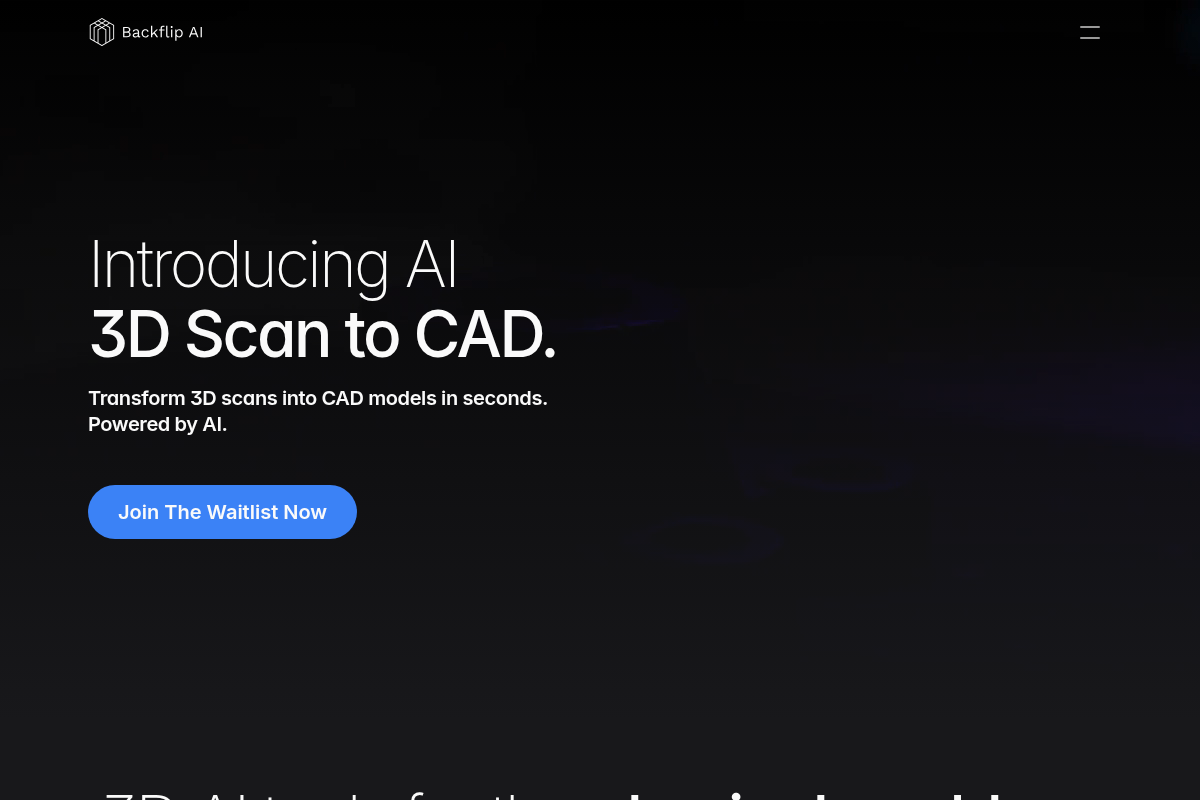
Backflip AI offers AI-powered tools that transform 3D scans into CAD models within seconds, revolutionizing the 3D design process for the physical world.


Flowva - Visual brainstorming
Information about Flowva - Visual brainstorming is currently unavailable due to access restrictions on the source page.
Namingmagic
Namingmagic uses GPT-3 to generate company and product name suggestions based on a short product description and keywords, and helps surface available domain names for those suggestions.
Premium Alternatives

Profilebakery
ProfileBakery is an AI-powered headshot generator that creates professional studio-quality portraits from user photos, starting at $24. It targets individuals and teams seeking fast, affordable, and customizable professional headshots with privacy-focused storage and usage rights.
Continualengine
PREP by Continual Engine is a cloud-based PDF and document remediation platform that uses AI-powered automation, OCR, and collaboration features to produce ADA/508/WCAG-compliant documents at scale for organizations, educational institutions, and government.
Flux-kontext
FLUX Kontext is an instruction-based AI image editor that performs targeted, surgical edits specified by natural-language instructions while preserving the rest of the image. It’s designed for creators, designers, and marketers who need precise, iterative image modifications with character consistency and commercial usage rights.

Aidancevideo
AI Dance Video is a web tool that turns any still photo (people, pets, or objects) into a short, shareable dancing video using motion-control AI models — aimed at social creators and casual users who want quick, humorous dance clips.

