
diverseshot
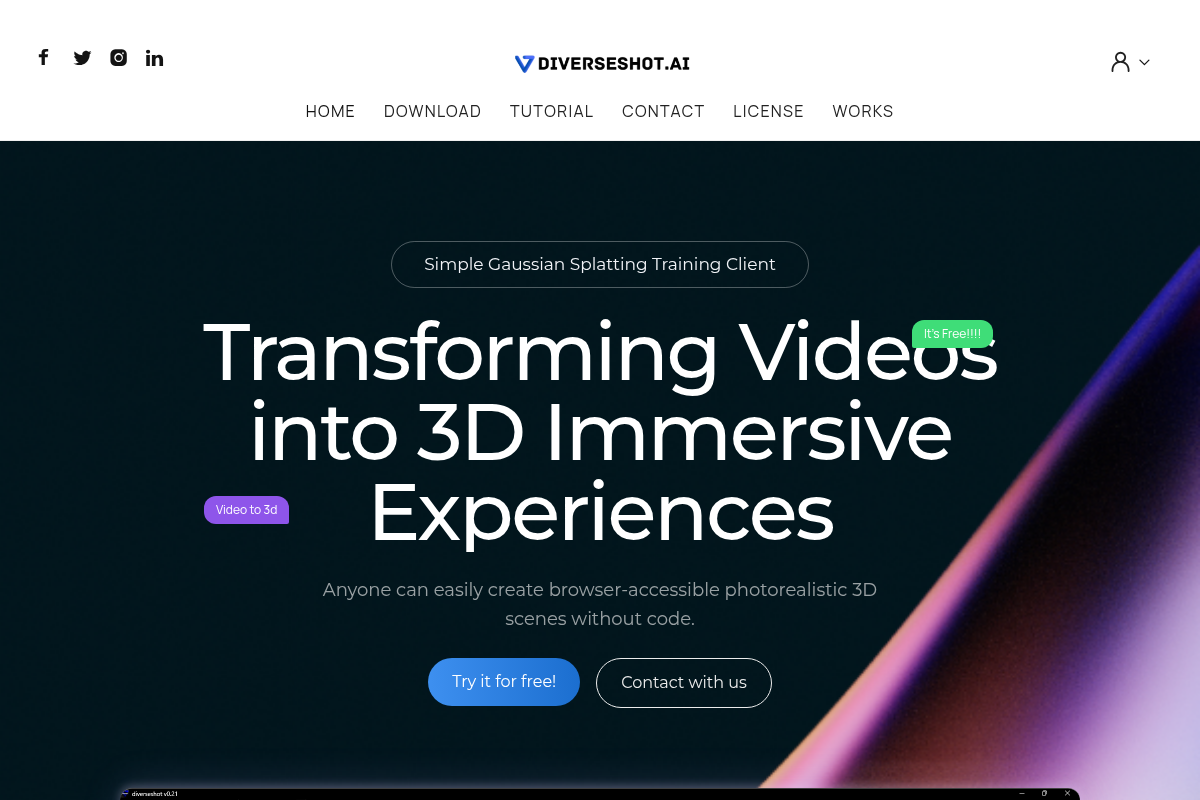
DiverseShot AI is a simple AI toolkit that transforms videos into photorealistic 3D Gaussian splatting scenes accessible via a browser, enabling users to create immersive 3D experiences without coding.
diverseshot is nocode / lowcode software teams evaluate for content & marketing. Use this page to review pricing, integration signals, and the best alternatives before you commit.
Used in These Packs
Quick Overview
Best for: Content & Marketing
What it does
NoCode / LowCode software for decision-makers comparing workflow fit and alternatives.
Best fit
Content & Marketing
Pricing snapshot
Free
Next step
Compare diverseshot with similar tools before you shortlist it.
Compare this tool before you shortlist it
Review alternatives, pricing posture, and workflow fit side by side.
diverseshot
DiverseShot AI provides an easy-to-use client for converting videos into photorealistic 3D scenes using Gaussian splatting technology. It is designed for anyone, regardless of coding skills, to create browser-accessible immersive 3D experiences. Users capture a 360-degree video of an object, run the training process within the DiverseShot client, and export the results as .ply files for further use or display. The tool supports real-time training visualization and manual adjustments to refine the 3D reconstruction. It integrates well with platforms like Spline for enhanced 3D design and web interactivity.
AI toolkit for converting videos to 3D Gaussian splatting files.
Own this listing?
Claim this page to add pricing, features, screenshots, and verified owner details.
Claim this listingKey Features
Video to 3D Reconstruction
Transforms multi-angle videos into photorealistic 3D scenes using Gaussian splatting.
No Coding Required
Enables users without programming knowledge to create immersive 3D content easily.
Real-Time Training Visualization
Allows users to observe the effects of the 3D reconstruction during the training process.
Manual Point Cloud Cropping
Users can crop unnecessary point clouds during training to improve the 3D model.
Export to .ply Format
Exports the 3D reconstruction results as .ply files compatible with various renderers.
Integration with Spline
Supports importing .ply files into Spline for secondary editing and creating interactive web experiences.
Pricing
DiverseShot AI is free to use.
Use Cases
3D Content Creation for Web
Create photorealistic 3D scenes from videos that can be embedded and accessed directly in web browsers.
Product Visualization
Capture products from multiple angles and convert them into interactive 3D models for online showcases.
Educational and Training Materials
Develop immersive 3D visualizations for educational content or training simulations.
Creative and Artistic Projects
Artists and designers can transform real-world objects into 3D assets for digital art or interactive experiences.
Integrations
Spline
Allows importing .ply files for secondary editing, cropping, animation, and creating interactive web-based 3D experiences.
Benefits
Limitations
Frequently Asked Questions
What type of videos can I use with DiverseShot?
Do I need coding skills to use DiverseShot?
What file formats does DiverseShot export?
Can I edit the 3D models after export?
Getting Started
- 1 Step 1: Shoot a 360-degree video of the object using any camera device, ideally with a helically ascending path around the object.
- 2 Step 2: Drag the captured video or sequence frames into the DiverseShot client viewport to automatically create a project and start Gaussian splatting training.
- 3 Step 3: Monitor the training process in real time, crop unnecessary point clouds as needed, and after achieving satisfactory results, export the 3D reconstruction as a .ply file.
- 4 Step 4: Upload the exported .ply file to a web platform such as Spline for further editing and interactive display.
Support
Website
Access support and information through the official website at https://www.diverseshot.com/
API
Compare diverseshot with similar tools
See how it stacks up against alternatives
Related Tools
View all 197 →Weblium
Weblium is a no-code website builder that lets individuals and businesses create responsive websites and online stores using professional templates, a flexible block-based editor, built-in hosting, and 24/7 support — with a free plan and paid upgrades for custom domains and advanced features.
Entity Relationship Web App
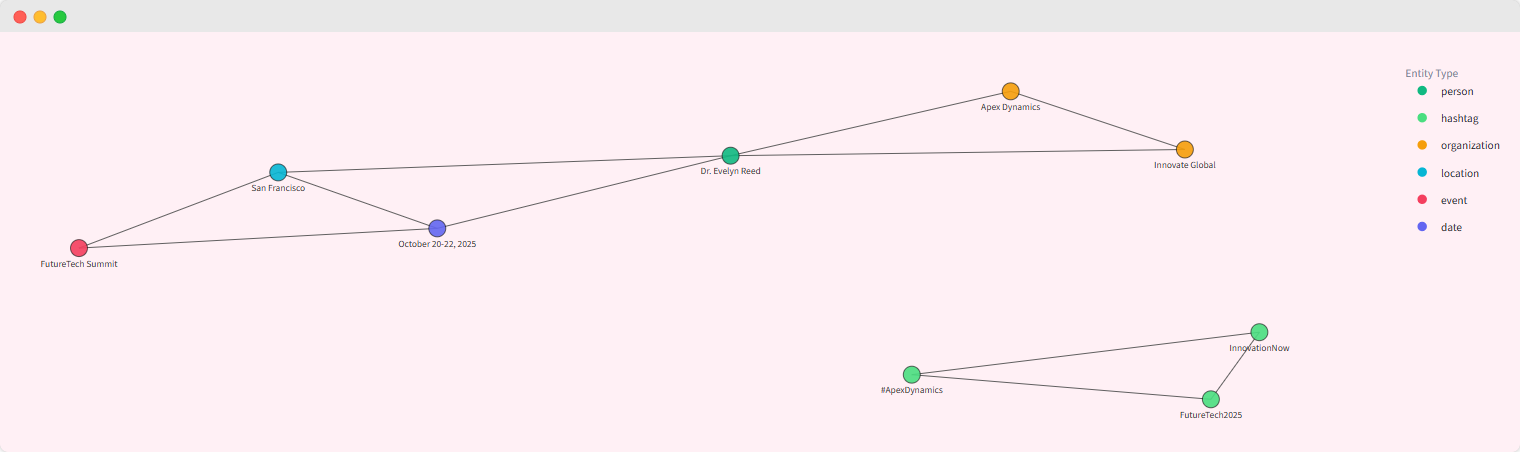
Information about Entity Relationship Web App is currently unavailable due to access restrictions on the source page.



mailvio-com
Information about mailvio-com is not available due to a 403 Forbidden error on the source page.


Premium Alternatives


Seeyourbaby
SeeYourBaby is an AI-powered baby generator that predicts a future child's likely appearance from photos of two parents, delivering multiple high-resolution boy and girl images via email with a one-time payment.

botgauge
BotGauge is an AI-driven autonomous QA solution that delivers over 80% test coverage within two weeks, enabling faster, more reliable end-to-end testing with human-verified accuracy. It is designed for engineering teams seeking to automate testing without the need for scripting or large QA teams.

unitedtax-ai
UnitedTax.AI offers professional tax preparation services for modern businesses and professionals, combining experienced tax professionals with AI technology to deliver faster, more accurate, and cost-effective tax filing solutions.
Momentum AI
Momentum AI is a production-ready Retrieval-Augmented Generation (RAG) starter kit that provides a complete full-stack application for building AI chatbots capable of understanding documents. It offers a fast setup, free local LLM integration, and comprehensive documentation, designed for developers, indie hackers, companies, and students.


Vectormagic
Vector Magic is an automatic full-color bitmap-to-vector conversion tool (online and desktop) that converts JPG, PNG, BMP, and GIF files into true vector formats (SVG, EPS, PDF, and desktop-only AI/DXF) for printing, cutting, embroidery, and design workflows.