FindYourAI
FindYourAI is a curated directory and comparison platform that helps people and teams discover, compare, and shortlist AI tools by category, use case, pricing, strengths, limitations, and alternatives.
FindYourAI is other software teams evaluate for other. Use this page to review pricing, integration signals, and the best alternatives before you commit.
Profile facts come from the vendor source. AiMatch labels unknown pricing or API details instead of estimating them.
Review official source →Quick Overview
Best for: Other
What it does
Other software for decision-makers comparing workflow fit and alternatives.
Best fit
Other
Pricing snapshot
Contact for pricing
Next step
Compare FindYourAI with similar tools before you shortlist it.
Compare this tool before you shortlist it
Review alternatives, pricing posture, and workflow fit side by side.
FindYourAI is a curated AI tools directory designed to help users choose the right AI tool faster and with greater confidence. The site organizes top AI tools into curated categories and structured pages that surface pricing, strengths, limitations, alternatives, and composite scores. It is aimed at people and teams looking to match tools to real workflows — from writing and image generation to productivity, SEO, and customer support — and emphasizes editorial curation and structured comparisons over large unfiltered catalogs.
Find the right AI tools without searching through endless lists. FindYourAI is a AI Tool featured on Dang.ai. Learn more about FindYourAI's AI tool.
Own this listing?
Claim this page for a one-time $29 to add pricing, features, screenshots, verified owner details, and a clearly labeled 30-day category position after the profile is live.
Claim this listing for $29Key Features
Curated editorial reviews
Every tool is reviewed by the FindYourAI editorial team before it reaches the platform, reducing clutter and surfacing higher-quality options.
Side-by-side comparisons
Structured pages present side-by-side pricing, strengths, limitations, and closest alternatives to simplify comparison.
Browse by category and use case
Users can explore curated categories and jump to specific use cases (e.g., write content, generate images, automate tasks) to find tools that match workflows.
Composite scoring and match indicators
Tools are scored using composite scores from seven weighted criteria and show match percentages to help shortlist best-fit options.
Pricing visibility
Tool pages show pricing models (free, freemium, paid, enterprise) when available to help compare by budget and team size.
Sponsored labeling
Sponsored tools are labeled to maintain transparency.
Pricing
Current pricing details are not available from the vendor source.
Use Cases
Tool discovery for specific workflows
FindYourAI helps users identify AI tools tailored to tasks like blog writing, image generation, voice synthesis, or code assistance by grouping tools by real workflows.
Vendor comparison for teams and businesses
Teams can compare pricing, limits, and features across tools to select options that fit budget and team size.
Shortlisting alternatives
Users can quickly view strengths, limitations, and closest alternatives to create a short list for trials or procurement.
Integrations
No verified integration details are available.
Benefits
Limitations
No verified limitations are available.
Frequently Asked Questions
What is FindYourAI?
How do I choose the right AI tool?
Can I browse AI tools by category or use case?
Are the AI tools listed on FindYourAI free or paid?
What makes FindYourAI different from other AI tool directories?
Getting Started
- 1 Step 1: Visit the FindYourAI homepage and browse categories or use cases
- 2 Step 2: Select a use case or filter to surface tools that match your workflow
- 3 Step 3: Open tool pages to compare side-by-side pricing, strengths, limitations, and alternatives, then shortlist options
Support
Contact via [email protected]
docs/faq
Frequently asked questions and guides available on the site (FAQ section).
blog
Editorial content and guides accessible from the site’s Blog.
API
Compare FindYourAI with similar tools
See how it stacks up against alternatives
Related Tools
View all 41 →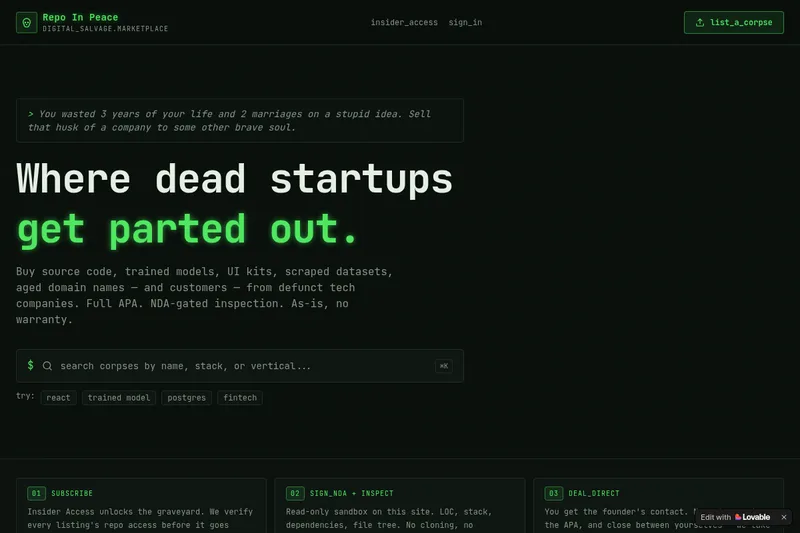
RepoInPeace
Repo In Peace is a digital salvage marketplace for buying and selling assets from defunct tech startups — source code, trained models, UI kits, scraped datasets, aged domains and customers — sold as-is under a full APA with NDA-gated inspection.

sendbridge
SendBridge is an email verification and list-cleaning service that removes invalid, risky, and disposable addresses to improve deliverability and protect sender reputation. It offers a web client for batch uploads, a real-time verification API, free tools, and a free tier with 100 checks/month.


DropYourAI
DropYourAI is a directory for discovering AI tools across categories such as business, writing, design, coding, and marketing. It offers search in any language and describes its search experience as conversational and powered by OpenAI.

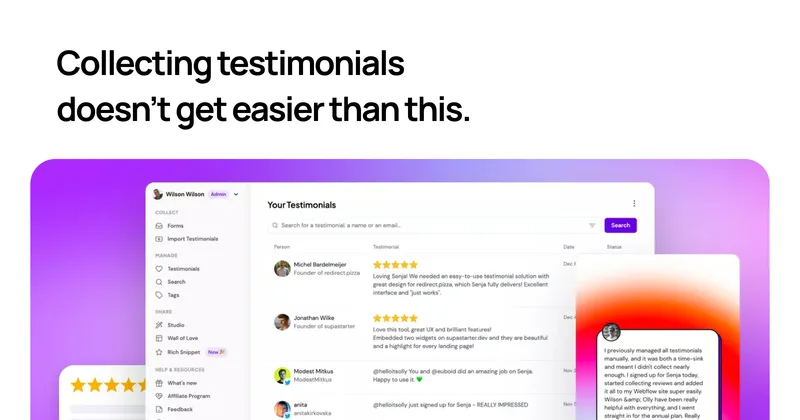

Captureapp
Capture is a blockchain licensing framework that combines C2PA content credentials, ERC-7053 on-chain registration, and x402 HTTP-native AI-agent micropayments to provide tamper-evident provenance, EU AI Act Article 50 compliance, and per-fetch monetization for creators and publishers.