Finlens
Finlens is a QuickBooks‑connected automation platform that uses AI to categorize transactions, extract documents, draft journal entries and accruals, and automate month‑end reconciliation and close workflows for accountants and founders.
Finlens is saas software teams evaluate for automation. Use this page to review pricing, integration signals, and the best alternatives before you commit.
Profile facts come from the vendor source. AiMatch labels unknown pricing or API details instead of estimating them.
Review official source →Used in These Packs
AI Business Productivity Tools
View this curated Starter Pack
AI Marketing Tools
View this curated Starter Pack
AI Content Creation Tools
View this curated Starter Pack
AI Analytics & Business Intelligence Tools
View this curated Starter Pack
AI Automation & Workflow Tools
View this curated Starter Pack
AI Design & Graphic Tools
View this curated Starter Pack
Quick Overview
Best for: Automation
What it does
SaaS software for decision-makers comparing workflow fit and alternatives.
Best fit
Automation
Pricing snapshot
Freemium from Custom — based on number of clients (contact sales for quote)
Next step
Compare Finlens with similar tools before you shortlist it.
Compare this tool before you shortlist it
Review alternatives, pricing posture, and workflow fit side by side.
Finlens is a SaaS platform that connects to QuickBooks Online and client bank, card and payments feeds to automate month‑end accounting tasks for accounting firms and businesses. It imports transaction history, uses AI to categorize transactions and extract data from bills, invoices and receipts, drafts journal entries and accrual schedules, and presents a review workflow so accountants approve exceptions before entries post to QBO. Finlens also provides a centralized close workflow and task tracking so firms can close books faster and scale their client book without adding headcount.
Finlens is an AI-powered accounting co-pilot designed for founders and accountants to streamline financial workflows, integrate with QuickBooks and other legacy tools, and provide real-time visibility with faster month-end closes.
Own this listing?
Claim this page for a one-time $29 to add pricing, features, screenshots, verified owner details, and a clearly labeled 30-day category position after the profile is live.
Claim this listing for $29Key Features
AI transaction categorization
Automatically categorizes transactions across bank accounts, cards and payment feeds with confidence scores to surface exceptions for review.
Document extraction & matching
Extracts vendor, amount, date and line items from bills, invoices and receipts via Gmail sync, email parsing or bulk PDF/CSV/XML upload and auto-matches to transactions.
Journal entries & accrual automation
Drafts journal entries, detects prepayments and creates automated accrual schedules with period-by-period recognition and posts to QBO.
Automated reconciliation
Automatically matches bank, card and payment feeds (Stripe, credit cards, bank) in real time, identifies discrepancies and generates reconciliation entries.
Close workflow & task tracking
Structured close checklists per client, task assignment, real-time status, time elapsed tracking and due date alerts to manage month‑end across many clients.
Rules engine & learning
Rules learn from corrections over time so the system improves categorization and mapping to the Chart of Accounts.
Pricing
Start Free (site indicates a 'Start Free' option; no detailed limits listed)
Accountants (volume plans)
Custom — based on number of clients (contact sales for quote)- Volume plans for growing firms
- Pricing based on number of clients managed
Founders (one simple plan)
Custom — one plan for businesses (contact sales for quote)- One simple plan for businesses
- No setup fees, no contracts (per site text)
Use Cases
Accounting firms / CPAs
Multi‑client firm management: central dashboard for close status across clients, automated reconciliation and journal entry drafting to reduce month‑end workload and scale client capacity.
Founders / Small businesses
Keep books always ready by automating categorization, revenue recognition (Stripe RevRec), prepaid schedules and reconciliations without chasing a bookkeeper.
Firms seeking efficiency gains
Firms looking to shorten close cycles and reduce manual reconciliation time — ROI calculator estimates hours & value recovered and additional clients supportable.
Integrations
QuickBooks Online
Two‑way accounting sync: reviewed entries post to QBO, mapped to the Chart of Accounts, with reconciliation kept aligned.
Stripe
Revenue recognition and Stripe journal entries / rev rec automated and posted to QBO.
Plaid
Bank and card feed connections via Plaid for transaction ingestion.
Gmail / email parsing
Gmail sync or email parsing to pull bills, invoices and receipts directly from email.
200+ app integrations
Site claims the ability to connect to 200+ apps (find and connect to your favourite tool).
Benefits
Limitations
No verified limitations are available.
Frequently Asked Questions
Does Finlens replace QuickBooks Online?
How long does setup take?
Can Finlens handle 30+ clients?
What if our close process is different from other firms?
Is our client data secure?
What does it cost?
Getting Started
- 1 Step 1: Book a demo or Start Free to create an account.
- 2 Step 2: Connect QuickBooks Online and client bank, card and payment feeds (Plaid/Stripe/others).
- 3 Step 3: Finlens imports history and begins AI categorization and document extraction.
- 4 Step 4: Review low-confidence items, approve entries and let high-confidence work clear automatically.
- 5 Step 5: Sync reviewed entries back to QBO and use the close workflow to finalize month‑end.
Support
Demo / Sales
Book a Demo (30-minute call) to see the platform and get a quote.
Contact
Site provides a Contact option to get in touch with the team for sales or help.
Guides
Guides (coming soon) and playbooks to help with faster, cleaner closes.
Blogs
Blog content on AI, accounting and closing books for additional resources.
API
Compare Finlens with similar tools
See how it stacks up against alternatives
Related Tools
View all 148 →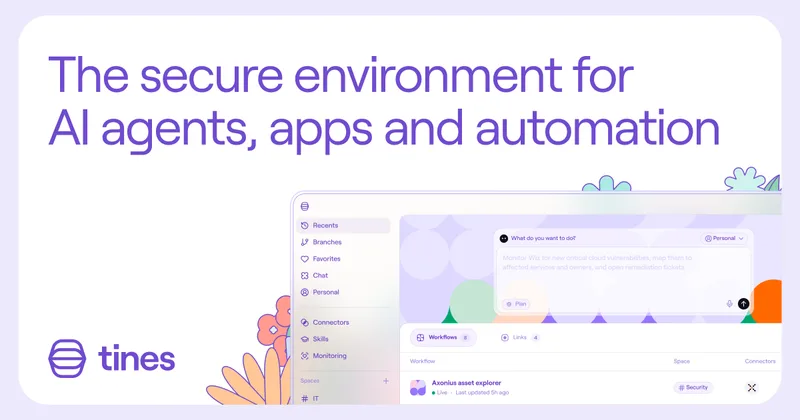

TamedTable, AI ETL in Natural Language
TamedTable is a source-available AI-first ETL tool that lets you load tabular data, issue natural-language commands to clean, enrich, classify, validate, and reshape data, and then replay or export those transformation recipes (browser and CLI).

Browser Tools SDK
Browser Tools SDK is an open-source npm package from Libretto that gives AI agents a small set of Playwright-backed browser tools so agents can open real browsers, read page snapshots, and run Playwright actions programmatically.

Document Automation
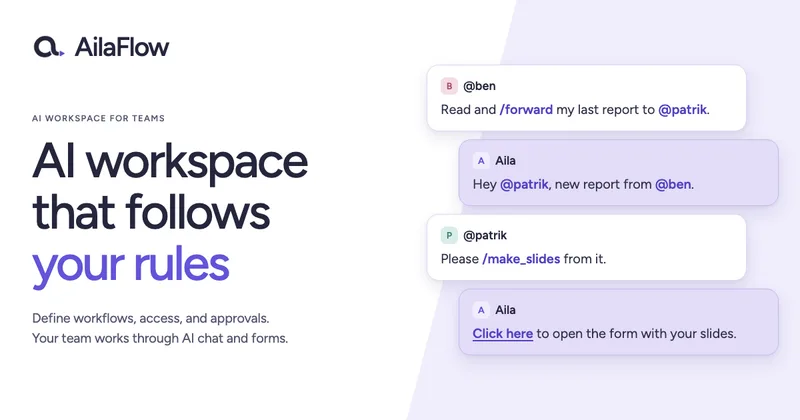
DocuQueue automates end-to-end document workflows using AI to detect and fill PDF form fields, generate business-ready documents, enforce templates/branding, and integrate with existing systems via API and webhooks. It's targeted at teams across legal, HR, sales, finance, and regulated industries.

Virtualverselabs
virtualverselabs provides AI integrations, task automations, custom software products, and cloud/API engineering to help growing businesses build scalable, automated digital solutions.

Pump
Pump is an intelligent cloud platform that optimizes cloud spend, automates savings, provides cost visibility, and delivers built-in cloud security for teams using AWS, GCP, and Azure. The platform is offered to customers at no cost, with automated AI-driven savings and forecasting tools.
Premium Alternatives


ikapture
iKapture is an AI-fueled accounts payable automation platform that uses AI/ML/NLP and human intelligence in a no-code environment to extract document data, automate invoice processing and integrate with ERPs to improve cash flow monitoring and AP efficiency.

AI Content Labs
AI Content Labs is a multimodal AI content creation platform that lets teams design visual workflows, connect multiple AI providers (text, image, voice), and automate production of textual and visual content at scale.

ExcelMaster
ExcelMaster is an AI agent add-in for Microsoft Excel on Windows that reads workbook structure, writes and runs VBA or Python, and verifies spreadsheet changes. Users describe a task in plain language and can watch the agent work inside Excel.

Productify.ai
Productify.ai is an API-first platform that ingests and normalises unstructured product content (images, packaging, text, tables) into structured, compliant, reusable product data for retailers, agencies, and enterprise teams.
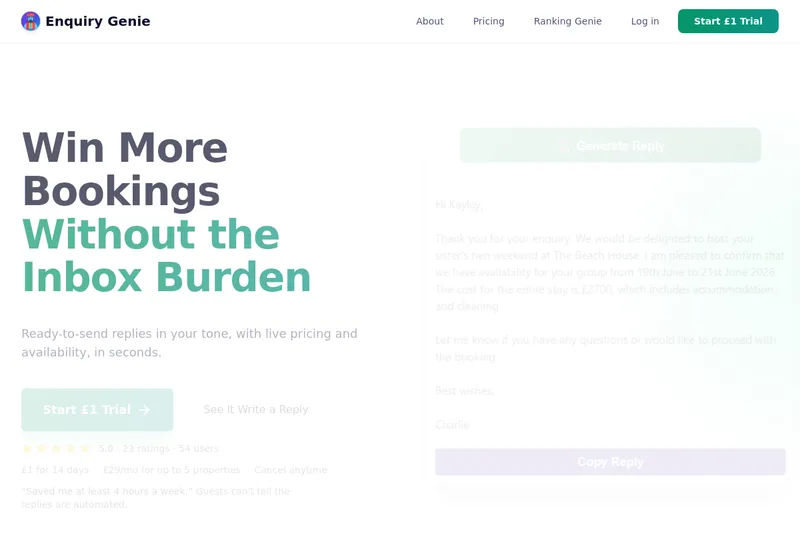
Enquirygenie
Enquiry Genie is an AI-powered email automation tool for property managers and hosts that drafts replies in your tone with live pricing and availability, integrating with Gmail/Outlook via a Chrome extension to speed up responses and increase bookings.