
Flashai
FlashAI is a Chrome extension that embeds ChatGPT-powered assistance into any website, enabling one-click summarization, custom prompts, and interactive in-page AI help to boost browsing productivity.
Flashai is chatbots & assistants software teams evaluate for creative & design. Use this page to review pricing, integration signals, and the best alternatives before you commit.
Quick Overview
Best for: Creative & Design
What it does
Chatbots & Assistants software for decision-makers comparing workflow fit and alternatives.
Best fit
Creative & Design
Pricing snapshot
Free from $10 (one-time)
Next step
Compare Flashai with similar tools before you shortlist it.
Compare this tool before you shortlist it
Review alternatives, pricing posture, and workflow fit side by side.
Flashai
FlashAI is a Chrome extension that integrates ChatGPT into the browser, allowing users to access AI assistance on any website. It is designed for users who want faster reading, on-page assistance, and customizable prompt-based workflows without leaving the webpage. FlashAI stores the user's license and their OpenAI API key locally in the browser and emphasizes user privacy by not collecting or saving user data externally.
FlashAI is a Chrome extension that embeds ChatGPT-powered assistance into any website, enabling one-click summarization, custom prompts, and interactive in-page AI help to boost browsing productivity.
Own this listing?
Claim this page to add pricing, features, screenshots, and verified owner details.
Claim this listingKey Features
Access ChatGPT on all websites
Use ChatGPT-style AI assistance directly on any webpage through the Chrome extension.
Effortless summarization
Summarize long articles and web pages into concise summaries with a single click or keystroke.
Custom prompts (Your AI, Your Rules)
Create, store, and manage tailor-made prompts in the extension to get precise, repeatable answers tailored to your needs.
Interactive web assistance
Highlight text on any webpage and run pre-registered prompts to get contextual AI responses inline.
Use your own OpenAI API key
Connect the extension to your personal OpenAI API key (obtained from platform.openai.com) so API usage goes through your account.
Advanced productivity tools
Includes productivity-focused features such as prompt bookmarking, one-click summaries, and other enhancements aimed at speeding web workflows.
One license for unlimited activations
A single purchased license can be activated without per-install limits as described by the product.
Enhanced support
Support and feature requests are handled via the provided support email.
Pricing
One-time License
$10 (one-time)- Access to ChatGPT on all websites
- Store and manage your own prompts
- Summarize in one click
- Advanced productivity tools
Use Cases
Quick article summarization
Condense lengthy articles, research papers, or blog posts into short summaries to save reading time.
Domain-specific templated prompts
Create and reuse prompts tailored to specific fields (for example, marketing prompts) to generate consistent, domain-focused output.
On-page research and note-taking
Highlight text on any webpage and run prompts to analyze, rephrase, or extract insights without switching apps.
Productivity workflows
Use stored prompts and one-click actions to streamline repetitive tasks across websites (e.g., drafting, summarizing, or extracting key points).
Integrations
OpenAI API
Uses the user's OpenAI API key to connect to ChatGPT capabilities; all API usage is routed through the user's OpenAI account.
Chrome (Browser extension)
Installs as a Chrome extension and operates within the browser to provide in-page AI assistance.
Benefits
Limitations
Frequently Asked Questions
Where is FlashAI accessible from?
How do I secure an OpenAI API key?
Is it possible to devise my own prompts?
What's the best way to connect with your assistance crew?
How does FlashAI manage my license and OpenAI API key?
Does FlashAI access my personal information?
What's the procedure to suggest features?
Getting Started
- 1 Step 1: Download and install the FlashAI extension from the Chrome Web Store.
- 2 Step 2: Obtain an OpenAI API key at https://platform.openai.com/account/api-keys (sign up or log in) and enter it into the extension.
- 3 Step 3: Create or import custom prompts in the extension dashboard and start using one-click summaries and on-page assistance.
Support
Contact support and submit feature requests at [email protected].
docs
Getting started resources are available via the extension listing (Chrome Web Store) and the extension dashboard; no separate documentation link provided on the page.
download
Install the extension from the Chrome Web Store (link provided on the product page).
API
Compare Flashai with similar tools
See how it stacks up against alternatives
Related Tools
View all 268 →

gupshup-io
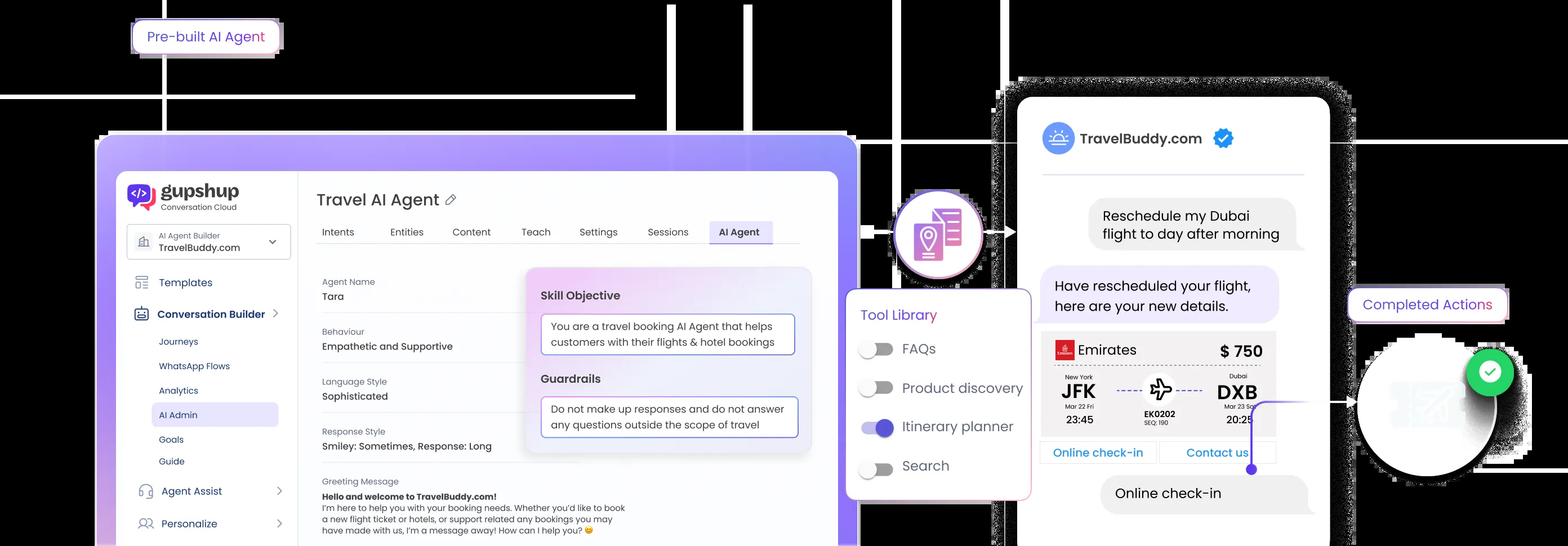
Gupshup.ai offers autonomous AI agents designed to automate and personalize customer conversations across sales, marketing, and customer support, enabling businesses to accelerate lead generation, drive sales, and enhance customer engagement.
%20(1).png)
Socialintents
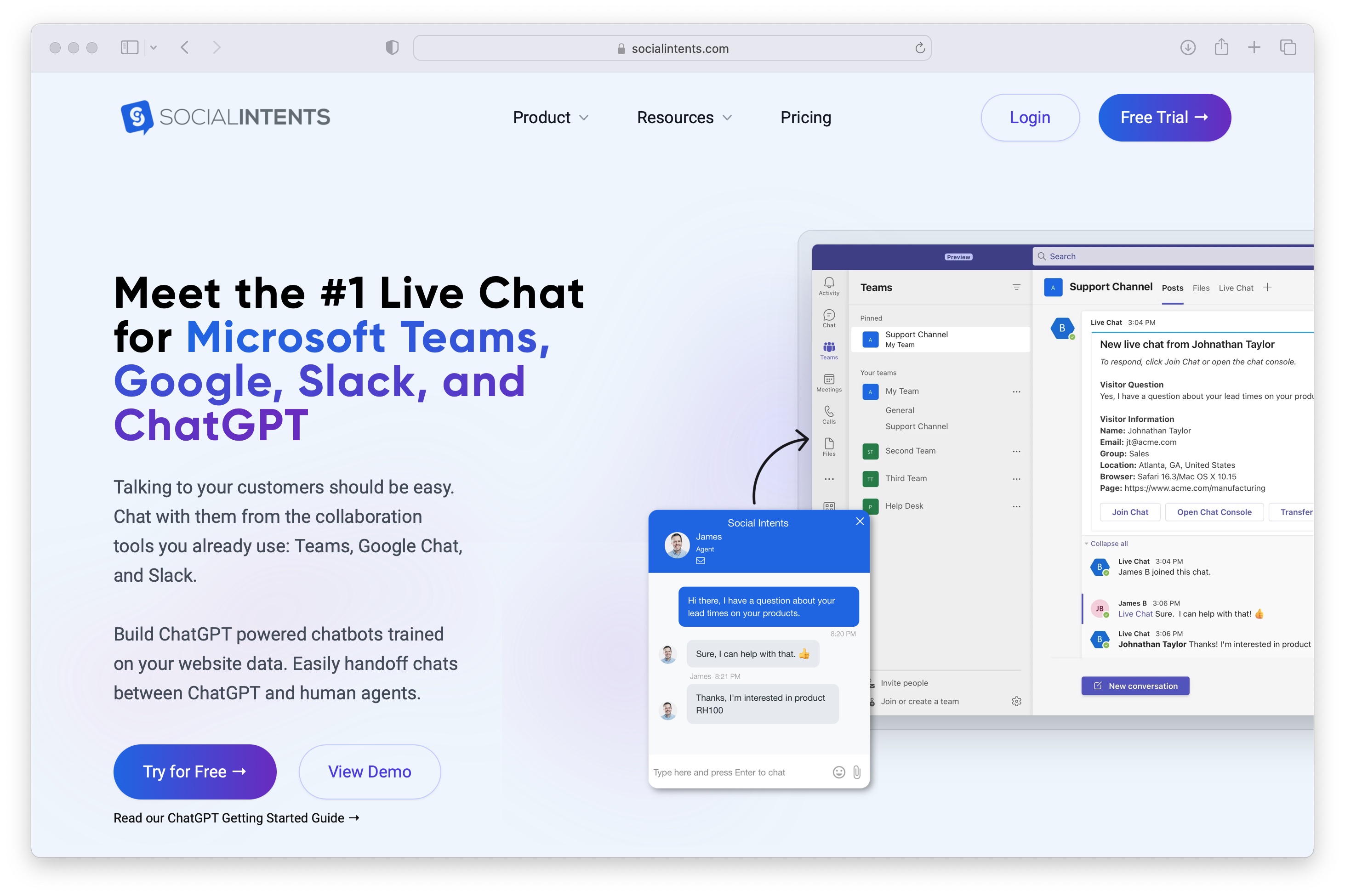
Social Intents is a live chat and AI chatbot platform that lets teams respond to customers from Microsoft Teams, Slack, Google Chat and other tools, while AI handles a large portion of inquiries automatically.

Premium Alternatives

escribelo-ai
Escríbelo is an AI-powered content writing tool designed to create SEO-optimized articles in multiple languages, helping users improve search rankings, save time, and scale their content marketing efforts efficiently.

Stringartgenerator
String Art Generator is a web-based tool that converts photos into precise, printable string-art patterns using an advanced algorithm, customizable settings, and high-resolution exports for hobbyists and professionals.

human-echo
HumanEcho provides knowledge‑grounded bilingual AI support assistants for websites, delivering answers from your own files in Arabic and English with controls for where the assistant can appear.

Whispertranscribe
WhisperTranscribe converts any audio into full transcripts, summaries, timestamps and blog-post-ready content with a one-click workflow, aimed at creators, podcasters, journalists and teams needing fast audio-to-text conversion.
Boostdating
BoostDating.com is an 11-character .com domain listed for sale by HugeDomains, positioned for dating- or boost-related businesses; available for immediate purchase or financing.

pitch-patterns
Pitch Patterns is an AI-powered conversation analytics platform that provides real-time insights, coaching, and automated analysis for call centres, sales teams and customer service operations to improve performance and compliance.

Contentbot
ContentBot.ai's Paraphrasing Tool is an AI-powered rewriter that lets marketers and content creators paraphrase and rewrite content up to 2,000 words quickly, offering variability scoring, multi-language support and an integrated plagiarism checker.