
Floik
Floik is a platform for creating interactive product demos, step-by-step guides, and explainer videos quickly — aimed at SaaS product, sales, and customer success teams to drive activation, education, and adoption.
Floik is video software teams evaluate for education & research. Use this page to review pricing, integration signals, and the best alternatives before you commit.
Used in These Packs
Quick Overview
Best for: Education & Research
What it does
Video software for decision-makers comparing workflow fit and alternatives.
Best fit
Education & Research
Pricing snapshot
Free from Free
Next step
Compare Floik with similar tools before you shortlist it.
Compare this tool before you shortlist it
Review alternatives, pricing posture, and workflow fit side by side.
Floik
Floik enables teams to create interactive demos, step-by-step guides, and explainer videos in minutes to educate users across the product journey — from awareness to retention. It targets product, marketing, sales, and customer success teams who need self-serve product education, personalized demos for prospects, and in-app guidance to accelerate adoption.
The platform emphasizes low friction: visitors can interact with live product demos without signing up, creators can record once and publish multiple output types (interactive demos, guides, videos), and teams can share or embed content across websites, emails, and help centers. Floik also provides multi-lingual AI voiceover, editing capabilities, and a Chrome extension to capture walkthroughs.
Floik is a platform for creating interactive product demos, step-by-step guides, and explainer videos quickly — aimed at SaaS product, sales, and customer success teams to drive activation, education, and adoption.
Own this listing?
Claim this page to add pricing, features, screenshots, and verified owner details.
Claim this listingKey Features
Interactive product demos
Create live, interactive demos that let buyers try product flows without signing up, reducing friction and showing value up front.
Step-by-step guides
Convert recordings into guided walkthroughs and interactive tutorials for onboarding and self-serve support.
Explainer videos
Produce explainer videos from screen recordings with trimming, smart crop and editing tools.
AI voiceover (multi-lingual)
Add multi-lingual AI voiceovers to videos and guides to support global audiences.
Screen recorder & Chrome extension
Capture product walkthroughs using a browser extension for quick recording of flows and screenshots.
Interactive branching (Choose-your-own-adventure)
Create multiple demo branches to personalize demos for different buyer personas or use cases.
Embed & share anywhere
Share via URL, embed demos on websites, or include as leave-behinds in email and sales outreach.
Custom branding & custom domain
Apply company branding and optionally serve content from a custom domain for consistent customer experience.
Insights & analytics
Get viewer insights to understand buyer requirements and top feature usage from interactive content.
Editing tools
Trim video, smart crop, add music, blur screens, rephrase text with AI, and download PDFs from recordings.
Rich text editor & gallery
Enhance guides and docs with rich text formatting and a gallery of content assets.
Pricing
Free plan available: record up to 5 Flos and use core editing, interactive elements, sharing/embedding and insights. Paid plan details are not listed on the provided content.
Free
Free- Record up to 5 Flos
- Customize with video editing
- Add interactive elements
- Share via URL & embed anywhere
Use Cases
Buyer education
Embed interactive demos on marketing pages to demonstrate product value during consideration and reduce signup friction.
Sales enablement
Create personalized, branched demos to address different stakeholders and accelerate conversion with tailored leave-behinds.
Customer activation
Use guided walkthroughs and in-app interactive videos to help new users reach their "aha" moment faster and improve trial-to-paid conversions.
Customer enablement & self-serve support
Build a visual help center with interactive guides and videos to reduce support requests and provide contextual, on-demand assistance.
Integrations
Chrome Extension
Capture screen recordings and product walkthroughs directly from the browser to create demos and guides.
Embed / Website
Embed interactive demos and videos anywhere on the web via URL or embed code to integrate with websites and landing pages.
Custom domain & branding
Configure custom domains and branding to integrate Floik content into your company's web properties.
Benefits
Limitations
Frequently Asked Questions
What does the free plan include?
Do I need to install anything to view demos as a prospect?
Can I add voiceover in other languages?
Can recordings be exported or converted to documents?
Is there an API to automate content creation?
Getting Started
- 1 Step 1: Sign up for a free Floik account (Try for free — no credit card required).
- 2 Step 2: Install the Chrome extension and capture a product walkthrough or screen recording.
- 3 Step 3: Customize the recording (edit, add interactive elements, AI voiceover, branding) and publish/embed or share the URL.
Support
Help center
Access product guides, how-to articles and troubleshooting via Floik's Help Center.
Changelog
See recent updates and feature releases in the Changelog.
Blog / Resources
Educational articles and best practices available in the Blog and Resources (Levelling Up, Gallery).
Contact Us
Submit inquiries or request demos via the Contact Us page.
Demo center
Explore example interactive demos and guided content in the Demo Center.
API
Compare Floik with similar tools
See how it stacks up against alternatives
Related Tools
View all 85 →

VideoRecall
VideoRecall is an open-source browser extension that enables undo (Ctrl+Z) and redo (Ctrl+Y) functionality for video playback, allowing users to easily rewind or forward videos on all supported sites.

Videoideas
VideoIdeas.ai is an AI-powered content platform built for YouTube creators that generates video ideas, full scripts, short-form content, ad scripts, channel analysis, and style cloning to help creators produce engaging videos faster and grow their channels.

Summarytube
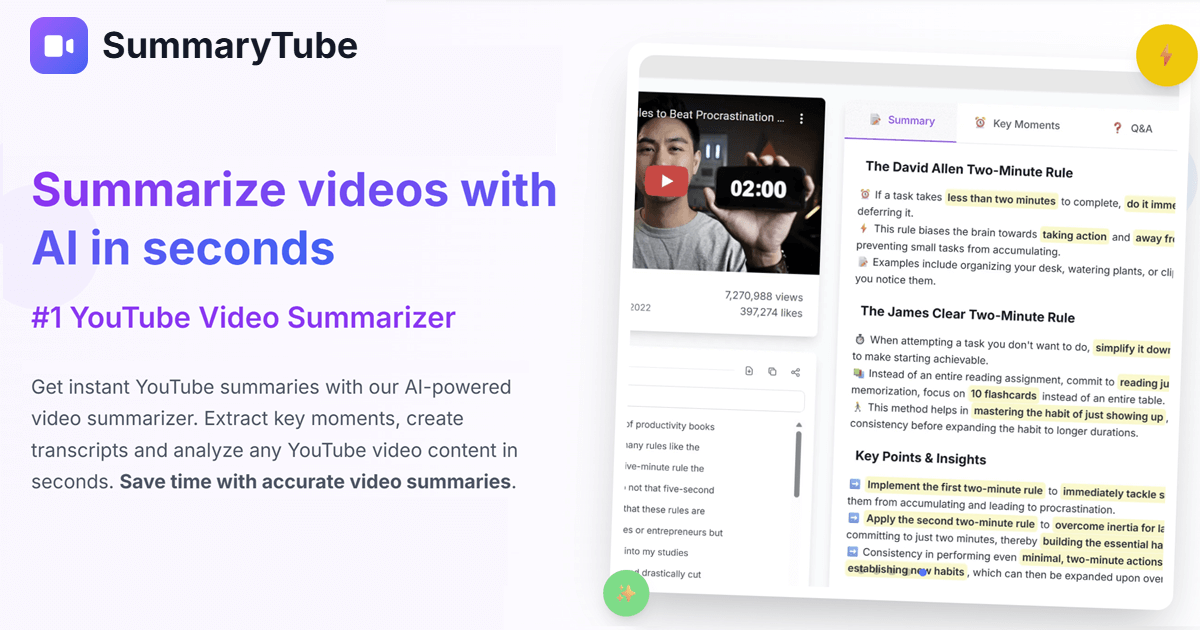
SummaryTube is a Chrome extension that converts YouTube videos into AI-generated summaries to extract key insights and save viewing time, offering both a free tier and an upgrade with additional AI power-ups.

Videofaceswap
VideoFaceSwap is a browser-based AI face-swapping platform that lets users create seamless face-swap videos, GIFs, and images for free with daily credits. It supports single- and multi-face swaps, various AI image/video effects, and downloadable outputs while emphasizing privacy and ease of use.

Cinemadrop
CinemaDrop is an all-in-one AI filmmaking studio that turns a single idea into a full script, storyboard, and finished video using generative image, video and audio models with built-in character & scene consistency.
Premium Alternatives


Animemypic
AnimeMyPic is an AI-powered web app that transforms user photos into anime-style artwork using 25+ hand-picked styles (Ghibli, Naruto, One Piece, Demon Slayer, etc.). It supports single and group portraits, trading-card generation, background scenes, and 4K upscales for print-ready results.

Hyperenhancer
HyperEnhancer is an AI-powered image enhancer that upscales and restores low-resolution photos into high-fidelity, detailed images using content-aware, region-based enhancement—ideal for photographers, eCommerce, archival restoration, and digital artists.
Tinyadz
TinyAdz is an independent ad network built for small-to-medium websites, newsletters, directories, social creators and niche apps—focused on verified human traffic, clear reporting, and publisher-friendly monetization rather than the growth-at-all-costs model of large ad platforms.

marketingblocks-ai
MarketingBlocks AI is an all-in-one AI marketing assistant platform that automates the creation of marketing content, including landing pages, social media posts, videos, and more, helping entrepreneurs, agencies, and marketers increase leads, sales, and visibility efficiently.

Scrapethemap
ScrapeTheMap ist ein AI-unterstütztes, plattformübergreifendes Tool zum Extrahieren von Geschäftsdaten und Bewertungen aus Google Maps, Bing Maps und Yandex Maps – optimiert für hyperzielgerichtete Lead-Generierung und Marktanalyse, angeboten als einmaliger Kauf mit lebenslangen Updates.

Subtranslateai
Subtranslateai is an AI-powered SRT subtitle translator that converts subtitle and media files (SRT, VTT, MP3, WAV, MP4, etc.) into multiple languages with context-aware, customizable translations and batch processing for creators and businesses.

Listingbott
ListingBott is a directory submission service that places your SaaS, product, newsletter, or blog on 100+ hand-picked directories from a 10k+ database to boost Domain Rating and drive relevant traffic, combining AI agents and human review to deliver safe, gradual listings and a full report.