
Flux2
Flux 2 is Black Forest Labs' free, browser-based AI image generation and editing suite that creates photorealistic images from text, edits photos via natural language, and supports multiple aspect ratios and model variants.
Flux2 is image & design software teams evaluate for content & marketing. Use this page to review pricing, integration signals, and the best alternatives before you commit.
Used in These Packs
Quick Overview
Best for: Content & Marketing
What it does
Image & Design software for decision-makers comparing workflow fit and alternatives.
Best fit
Content & Marketing
Pricing snapshot
Free from Free
Next step
Compare Flux2 with similar tools before you shortlist it.
Compare this tool before you shortlist it
Review alternatives, pricing posture, and workflow fit side by side.
Flux2
Flux 2 is Black Forest Labs' next-generation image generation and editing suite designed for creators, designers, and anyone who needs high-quality AI-generated imagery. It supports text-to-image generation, image-to-image editing using plain English instructions, and blending of multiple reference images. Flux 2 focuses on superior prompt following and photorealistic outputs, offering up to 4 megapixel resolution and a choice of model variants (Kontext Pro for balanced speed and Max for higher quality). The playground is available in-browser for free use with no watermark and no signup required for basic usage.
Flux 2 is Black Forest Labs' free, browser-based AI image generation and editing suite that creates photorealistic images from text, edits photos via natural language, and supports multiple aspect ratios and model variants.
Own this listing?
Claim this page to add pricing, features, screenshots, and verified owner details.
Claim this listingKey Features
Text-to-Image Generation
Create detailed images directly from text prompts. Flux 2 emphasizes superior prompt following to accurately render complex scenes described in natural language.
Image Editing with Natural Language
Upload an image and apply edits by typing plain English instructions. Flux 2 preserves context and quality while making targeted changes.
Multiple Aspect Ratios
Supports 21:9, 16:9, 4:3, 1:1, 3:4, and 9:16 to suit use cases from widescreen wallpapers to mobile stories.
Multi-Reference Blending
Blend 1–8 reference images when generating or editing to combine visual sources into a single output.
Pro & Max Model Variants
Choose Flux Kontext Pro for faster, balanced results or Flux Kontext Max for higher-quality, complex scenes.
High Resolution Output
Generate images up to approximately 4 megapixels with photorealistic lighting, textures, and physics-aware rendering.
Free Use & No Watermark
The Flux 2 playground allows generation and downloads for free without watermarks and basic usage does not require signup.
Fast Generation
Typical generation times are approximately 30–60 seconds per image, with the Pro model optimized for speed.
Pricing
Flux 2 playground is free to use; you can generate and edit AI images without payment and download images without watermarks. (No detailed paid plans listed on the page.)
Free Playground
Free- Generate and download images with no watermark
- Access to Kontext Pro and Kontext Max models via the playground
- No signup required for basic usage
Use Cases
Social Media & Marketing
Create tailored images and story-sized assets (9:16) or widescreen banners (21:9, 16:9) for campaigns and posts.
Photo Editing & Enhancement
Reimagine or modify existing photos using natural language instructions while preserving context and quality.
Concept Art & Visualization
Generate concept scenes, character studies, and detailed visuals for pre-production and ideation.
Desktop Wallpapers & Displays
Produce high-resolution, aspect-ratio-specific images suitable for wallpapers and desktop backgrounds.
Multi-Reference Composites
Blend elements from multiple reference images (1–8) to create composite imagery and variations.
Integrations
Claim this listing to add integrations.
Benefits
Limitations
Frequently Asked Questions
What is Flux 2?
Is Flux 2 free to use?
How do I use Flux 2 for image generation?
What's the difference between Flux Kontext Pro and Max?
Can I edit existing images with Flux 2?
What aspect ratios does Flux 2 support?
Getting Started
- 1 Step 1: Enter your prompt — describe the image you want, including style, subject, colors, and composition.
- 2 Step 2: Choose settings — select the aspect ratio (e.g., 16:9, 1:1, 9:16), model variant (Kontext Pro or Max), and output format.
- 3 Step 3: Generate & download — click Generate, wait ~30–60 seconds for the result, then download your image for free.
Support
Contact via email (the page indicates users can contact via email; no direct address provided on the page).
FAQ / Documentation
On-site FAQ provides answers to common questions about usage, models, and aspect ratios.
Playground
Interactive Flux 2 playground allows experimentation and self-service troubleshooting by testing prompts and settings directly in the browser.
API
Compare Flux2 with similar tools
See how it stacks up against alternatives
Related Tools
View all 399 →.png)
Assembo
Assembo.ai is an AI-driven ecommerce product photography tool that generates professional product photos and animated product videos from user images, offering background replacement, AI fashion models, platform-optimized presets, and quick exports for Amazon, Shopify and social channels.

Bananaframe
BananaFrame is an AI-powered image and video editing platform that uses Google's Gemini 2.5 Flash (marketed as "nano banana") to enable conversational, rapid, professional-grade image transformations and video generation for creators and teams.
Aifengshui
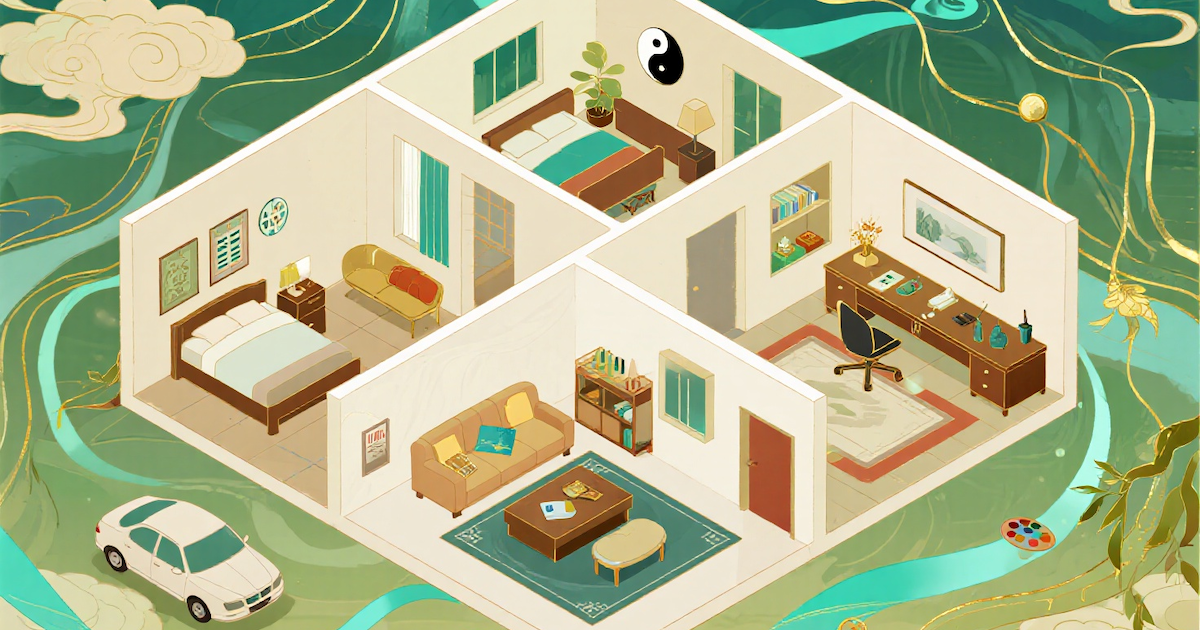
AI Feng Shui is a web tool that uses computer vision and feng shui principles to analyze bedroom and home layouts, giving practical placement, flow, and balance recommendations for modern living spaces.

VSCO Canvas
VSCO Canvas is an AI-powered moodboard tool designed to inspire and plan your next photoshoot by visually organizing ideas and concepts in a creative, collaborative space.

Deepmode
DeepMode is an AI character creation and art generator that lets users create private, photorealistic or stylized AI images and characters from text prompts or uploaded references. It includes tools to change facial expressions and apply art styles via a ‘Remix’ feature.
Instaheadshots
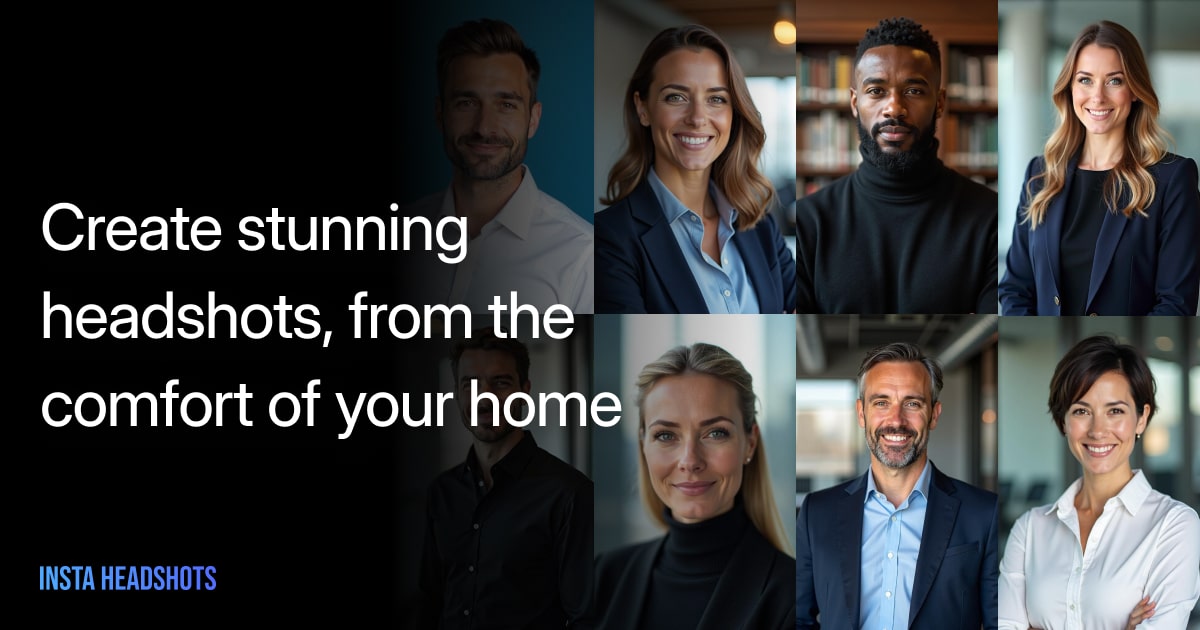
InstaHeadshots is an AI headshot generator that transforms your selfies into professional-quality headshots in minutes, for individuals and teams, with a pay-only-if-you-love-it model.

Premium Alternatives

Guard Your Connect
GuardYourConnect is a specialized fraud detection tool designed for Stripe Connect marketplaces to identify and block fraudulent sellers before they cause costly chargebacks, protecting marketplace owners from financial losses and liability.

Contentbot
ContentBot.ai's Paraphrasing Tool is an AI-powered rewriter that lets marketers and content creators paraphrase and rewrite content up to 2,000 words quickly, offering variability scoring, multi-language support and an integrated plagiarism checker.

Aigardenplanner
AI Garden Planner is an AI-powered landscape visualization platform for landscapers that converts photos into client-ready garden designs, videos, and 3D walkthroughs in about 60 seconds, with plant identification and proposal-ready plant lists.



Continualengine
PREP by Continual Engine is a cloud-based PDF and document remediation platform that uses AI-powered automation, OCR, and collaboration features to produce ADA/508/WCAG-compliant documents at scale for organizations, educational institutions, and government.

receiptor-ai
Receiptor AI is an automated tool that extracts and organizes receipts and invoices from your email, saving time and simplifying financial tracking for individuals and businesses.