GitPeeks
GitPeeks provides instant, shareable previews for every code change, working seamlessly with any web app in a container to accelerate development and collaboration.
GitPeeks is productivity software teams evaluate for developer tools. Use this page to review pricing, integration signals, and the best alternatives before you commit.
Used in These Packs
Quick Overview
Best for: Developer Tools
What it does
Productivity software for decision-makers comparing workflow fit and alternatives.
Best fit
Developer Tools
Pricing snapshot
Freemium from Pricing details available on request; requires manual setup with guidance from GitPeeks.
Next step
Compare GitPeeks with similar tools before you shortlist it.
Compare this tool before you shortlist it
Review alternatives, pricing posture, and workflow fit side by side.
GitPeeks
GitPeeks is a tool designed to give developers instant, shareable previews for every code change, enabling faster shipping and increased confidence in deployments. It works with any web application running inside a container, making it versatile for various programming languages and frameworks. The platform integrates directly with popular Git providers like GitHub, GitLab, and Bitbucket, automatically linking previews to pull requests or merge requests to fit naturally into existing workflows. GitPeeks handles the provisioning, deployment, and teardown of preview environments, removing the need for manual DevOps work and allowing teams to focus on coding. Each preview runs in a sandboxed container with HTTPS and subdomain isolation, ensuring safe and isolated testing environments. Stakeholders, designers, and QA can easily view previews and provide feedback without requiring local setup, enhancing collaboration across teams.
Automate your preview environments for faster collaboration by providing instant preview environments for every PR, branch, or tag, enabling developers, designers, and teams to share real-time feedback effortlessly.
Own this listing?
Claim this page to add pricing, features, screenshots, and verified owner details.
Claim this listingKey Features
Instant Shareable Previews
Automatically generate live previews for every code change, accessible via shareable links.
Git Provider Integrations
Seamlessly integrates with GitHub, GitLab, and Bitbucket to link previews directly to pull or merge requests.
Container-Based Deployments
Runs previews in isolated Docker containers, supporting any language or framework that can run in Docker.
Minimal Configuration
Simple setup with a .gitpeeks/config.yml file to define roles, services, and environment variables.
Safe and Isolated Environments
Each preview is deployed in its own sandboxed container with HTTPS and subdomain isolation for security.
No DevOps Hassle
Automates provisioning, deployment, and teardown of preview environments, reducing infrastructure overhead.
Collaboration and Feedback
Enables stakeholders, designers, and QA to view previews and comment directly, facilitating easy feedback.
Self-Hosted Option
Offers a self-hosted plan for teams wanting to run GitPeeks on their own servers.
Pricing
Information about a free tier is not explicitly provided on the website.
Self-Hosted Plan
Pricing details available on request; requires manual setup with guidance from GitPeeks.- Run GitPeeks on your own servers
- Full control over infrastructure
Use Cases
Code Review and Collaboration
Developers and reviewers can view live previews linked to pull requests, enabling faster and more effective code reviews.
Quality Assurance Testing
QA teams can test changes in isolated, realistic environments without needing local setup or affecting production.
Stakeholder Feedback
Designers and stakeholders can access previews to provide feedback early in the development cycle.
Continuous Integration Workflows
Integrates with CI pipelines to automatically deploy previews for every code change, improving deployment confidence.
Self-Hosted Deployments
Organizations with specific infrastructure requirements can deploy GitPeeks on their own servers.
Integrations
GitHub
Automatically create previews for GitHub repositories and pull requests.
GitLab
Automatically create previews for GitLab repositories and merge requests.
Bitbucket
Automatically create previews for Bitbucket repositories and pull requests.
Benefits
Limitations
Frequently Asked Questions
What Git providers do you support?
What languages and frameworks do you support?
Can we use our own server?
Can you help with configuration?
Do you offer production-level hosting?
What if I have more questions?
Getting Started
- 1 Step 1: Sign up or log in to the GitPeeks dashboard.
- 2 Step 2: Connect your Git repository from GitHub, GitLab, or Bitbucket.
- 3 Step 3: Define your stack and environment configuration using the .gitpeeks/config.yml file.
- 4 Step 4: Push code changes to trigger automatic preview deployments linked to your pull or merge requests.
- 5 Step 5: Share preview links with your team for feedback and collaboration.
Support
Support and configuration help available via email at [email protected].
documentation
Comprehensive documentation available at https://gitpeeks.com/docs/.
contact page
General inquiries can be made through https://gitpeeks.com/contact/.
API
No specific API documentation mentioned; documentation focuses on configuration and integrations.
Not available.
Compare GitPeeks with similar tools
See how it stacks up against alternatives
Related Tools
View all 132 →
C1 by Thesys
C1 by Thesys is an API middleware that transforms large language model (LLM) responses into live, adaptive user interfaces in real time, enabling developers to build dynamic AI-powered apps with interactive UI components like forms, charts, and tables.

Defapi
Defapi is an AI model API aggregation platform that provides unified, pay‑per‑use access to leading AI models (OpenAI, Anthropic, Google, and more), with intelligent routing for cost optimization, enterprise-grade security, monitoring, and developer SDKs.



gitstart-ai-ticket-studio
GitStart's Ticket Studio transforms vague tickets into detailed, actionable specs with clear context, enabling coding agents and developers to deliver high-quality, merge-ready pull requests efficiently.

optimizers
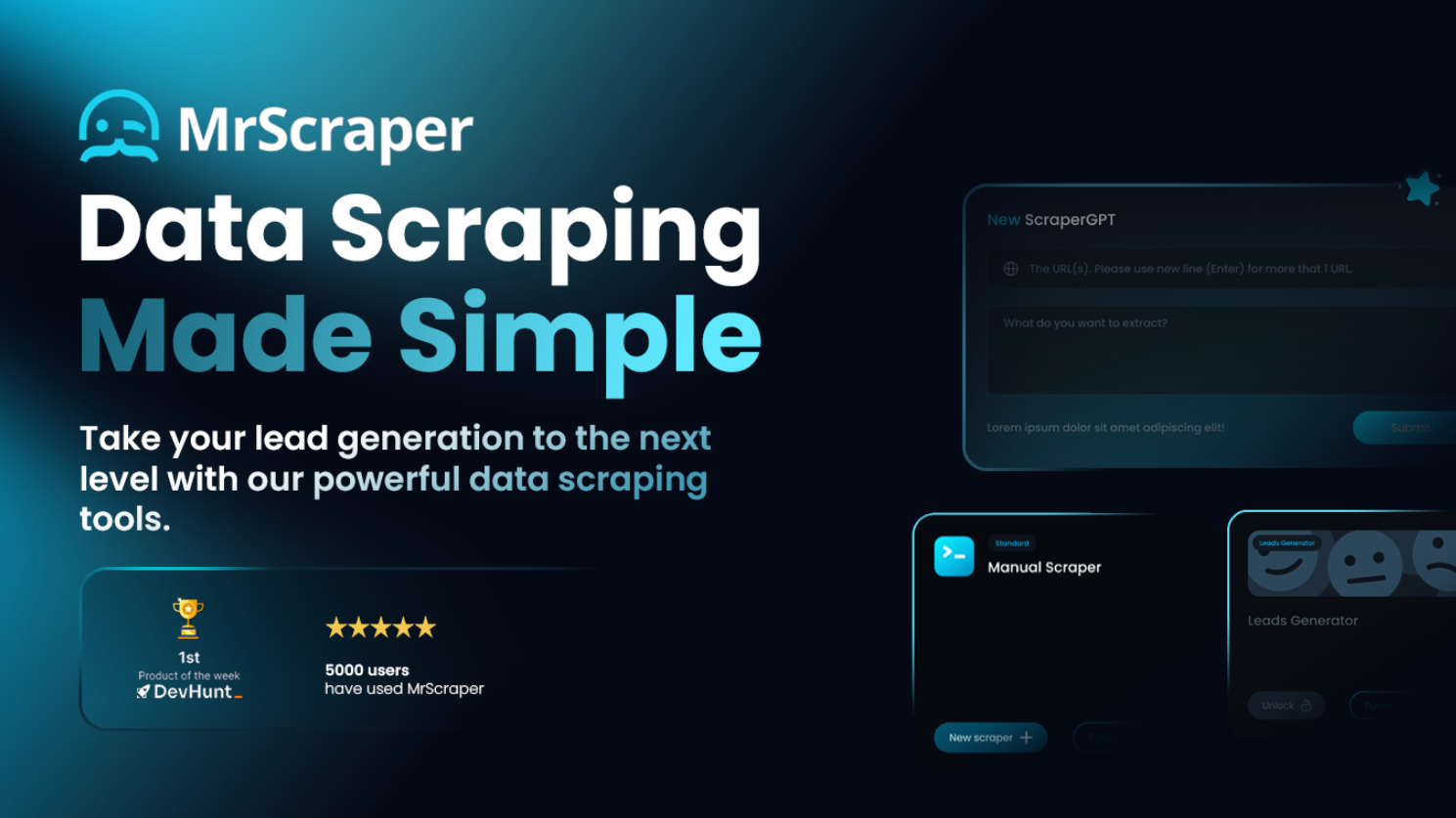
Information about 'optimizers' is not accessible due to access restrictions on the source website.
Premium Alternatives

Hairstyleai
HairstyleAI is a virtual AI-powered hairstyle try-on service for men and women that generates photorealistic images of you in different haircuts so you can preview styles before committing to a real haircut.





Chat
NanthAI Chat is a multi-model AI chat platform that lets users compare responses from models such as ChatGPT, Claude, and Gemini side-by-side and advertises significant cost savings (claimed up to 95% cheaper). It targets developers, researchers, and teams evaluating or deploying conversational AI.

showmemoney
ShowMeMoney is an AI-powered expense tracking app that helps users track payments across cards, accounts, and cash with smart automation and insightful visualizations for smarter spending and saving.