Gptpanda
GptPanda brings ChatGPT directly into Slack, enabling teams to use the latest ChatGPT model inside channels and DMs with unlimited requests, simple setup, and privacy controls targeted at startups and small businesses.
Gptpanda is chatbots & assistants software teams evaluate for chatbots & assistants. Use this page to review pricing, integration signals, and the best alternatives before you commit.
Quick Overview
Best for: Chatbots & Assistants
What it does
Chatbots & Assistants software for decision-makers comparing workflow fit and alternatives.
Best fit
Chatbots & Assistants
Pricing snapshot
Free from $0
Next step
Compare Gptpanda with similar tools before you shortlist it.
Compare this tool before you shortlist it
Review alternatives, pricing posture, and workflow fit side by side.
Gptpanda
GptPanda is a Slack app that embeds ChatGPT functionality directly into Slack channels and private messages so teams don’t need to switch apps to access AI assistance. It targets startups and small businesses by offering an unrestricted, subscription-free offering for corporate ChatGPT usage with emphasis on easy installation, privacy, and using the latest ChatGPT model. The product promises seamless productivity—no captchas, no app switching—and claims not to store user data or enable OpenAI training on customer inputs.
GptPanda brings ChatGPT directly into Slack, enabling teams to use the latest ChatGPT model inside channels and DMs with unlimited requests, simple setup, and privacy controls targeted at startups and small businesses.
Own this listing?
Claim this page to add pricing, features, screenshots, and verified owner details.
Claim this listingKey Features
ChatGPT inside Slack
Access ChatGPT directly in Slack channels and private messages without leaving the workspace.
Unlimited requests
No caps or restrictions on the number of requests—users can ask as much as they need.
Latest model access
Use the latest ChatGPT 4o model limitlessly for instant answers, brainstorming, and problem solving.
Privacy-first design
Claims that user data is not stored and is not used by OpenAI for training; data is encrypted.
Easy integration
Two-click installation into Slack and a quick setup flow to configure the app for team needs.
No captchas / seamless UX
Designed to remove friction—no captchas and no need to switch between applications.
Pricing
Install for free with unlimited requests and access to the latest ChatGPT 4o model.
Free
$0- Install for free
- Unlimited requests
- Access to latest ChatGPT 4o model
OpenAI ChatGPT (monthly) — comparison
$30 per user / month- Listed as a paid alternative for comparison
OpenAI ChatGPT (annual) — comparison
$300 per user / year- Listed as a paid alternative for comparison
Startup (example) — comparison
$3,000 per year (10 users)- Example pricing shown on the page for a 10-user annual plan
Use Cases
Team collaboration and workflows
Provide quick answers, draft messages, and assist with coordination inside Slack channels to reduce context switching.
Task management and reporting
Help organizers manage tasks and generate reports or summaries directly in Slack.
Creative brainstorming and problem solving
Use the ChatGPT model for idea generation, technical troubleshooting, and advanced problem-solving in real time.
Startups and small business AI enablement
Offer a cost-effective way for startups to access corporate-grade ChatGPT capabilities without per-user subscription fees.
Sales and marketing workflow automation
Support AI-driven workflow automation for sales and marketing teams (mentioned as part of product positioning).
Integrations
Slack
Native Slack app integration enabling ChatGPT in channels and private messages; installed with a simple authorization flow.
Benefits
Limitations
Frequently Asked Questions
What is ChatGPT in Slack?
How to install ChatGPT in Slack?
How safe is it to use ChatGPT in Slack?
How accurate are GptPanda's answers?
Who should use GptPanda?
Getting Started
- 1 Step 1: Click "Get Started" (or "Install") on the landing page header to begin installation.
- 2 Step 2: Authorize and install the GptPanda app into your Slack workspace (two-click setup).
- 3 Step 3: Configure the app according to your team's needs and start using ChatGPT in channels and DMs.
Support
Contact support via [email protected] for help and inquiries.
demo
Book a demo via the website to see the product in action (page includes a 'Book a demo' CTA).
newsletter
Join the GptPanda newsletter from the site to receive feature updates and releases.
docs
Installation instructions and basic FAQs are available on the landing page; no separate developer documentation link provided.
API
Related Tools
View all 270 →



my-askai
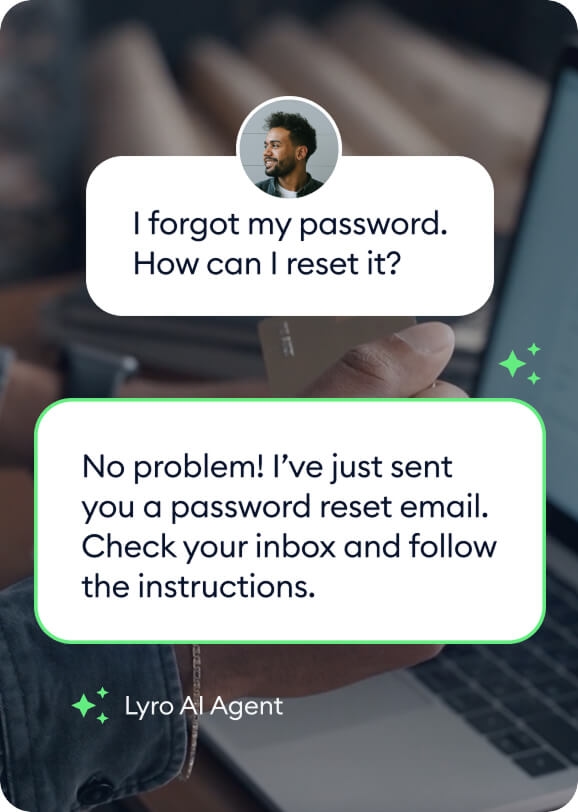
My AskAI is an affordable AI customer service agent that automates up to 75% of support tickets, integrates seamlessly with existing helpdesk tools, and requires no developers for setup. It offers a 30-day free trial with full access and supports multilingual customer service.


Premium Alternatives


seogeek
seoGEEK is an all-in-one SEO and digital marketing tool designed for web developers, SEO experts, and digital marketing agencies. It offers advanced AI-powered features for content creation, keyword analysis, project management, and advertising optimization to streamline workflows and grow businesses.



Scrapethemap
ScrapeTheMap ist ein AI-unterstütztes, plattformübergreifendes Tool zum Extrahieren von Geschäftsdaten und Bewertungen aus Google Maps, Bing Maps und Yandex Maps – optimiert für hyperzielgerichtete Lead-Generierung und Marktanalyse, angeboten als einmaliger Kauf mit lebenslangen Updates.

unless-com
UNLESS offers a regulatory-ready conversational AI platform tailored for Europe's regulated industries, especially financial services, providing 24/7 multilingual support, task automation, and privacy-compliant AI assistance to enhance customer success and operational efficiency.