

Great Prompt
Great Prompt is an AI prompt optimizer that refines your input into AI-ready prompts with one click, enhancing context retention and delivering better results. It supports popular AI tools like ChatGPT, Gemini, and Claude and is designed for individuals and teams.
Great Prompt is productivity software teams evaluate for productivity. Use this page to review pricing, integration signals, and the best alternatives before you commit.
Used in These Packs
Quick Overview
Best for: Productivity
What it does
Productivity software for decision-makers comparing workflow fit and alternatives.
Best fit
Productivity
Pricing snapshot
Freemium from $0 USD / month
Next step
Compare Great Prompt with similar tools before you shortlist it.
Compare this tool before you shortlist it
Review alternatives, pricing posture, and workflow fit side by side.
Great Prompt
Great Prompt is an AI prompt optimization tool that transforms user input into high-quality, context-aware prompts to improve AI-generated responses. It works seamlessly in your browser and supports integration with popular AI platforms such as ChatGPT, Gemini, and Claude. Designed for both individuals and teams, Great Prompt offers a comprehensive toolkit that includes prompt history, a prompt library, and a Chrome extension to optimize prompts anywhere. Its intelligent engine understands conversational context, enabling smarter and more relevant AI interactions.
Improve your prompt in one click
Own this listing?
Claim this page to add pricing, features, screenshots, and verified owner details.
Claim this listingKey Features
One-Click Improve
Transforms any input into optimized, high-quality prompts that deliver superior AI answers with a single click.
Prompt History
Access, review, and reuse your entire prompt history to keep track of your best ideas.
Built-in Chrome Extension
A lightweight Chrome extension that allows prompt optimization anywhere on the web.
Prompt Library
Bookmark and organize your most effective prompts for quick access whenever needed.
Team Workspace
Share prompts across teams and organizations with member control and permission management to boost productivity.
Context Awareness
The engine understands conversational flow and context, making prompts smarter and responses more relevant.
Pricing
The Free plan offers 3 improved prompts per day, prompt saving, conversational memory, access to the web app and Chrome extension, and compatibility with ChatGPT, Gemini, and Claude.
Free
$0 USD / month- 3 improved prompts per day
- Shorten/Expand prompts
- Save Prompts
- Conversational Memory
Pro
$8 USD / member / month (billed annually) or $10 billed monthly- Everything in Free
- Unlimited improved prompts
- Team collaboration with up to 5 members
- Conversational Memory
Enterprise
Custom pricing- Everything in Pro
- Dedicated support
- More team members
Use Cases
Individual Prompt Optimization
Individuals can improve their AI prompts to get clearer, more accurate, and contextually relevant AI-generated content.
Team Collaboration
Teams can share and manage prompt libraries to align workflows and enhance productivity across members.
Multi-AI Platform Support
Users can optimize prompts for various AI tools like ChatGPT, Gemini, and Claude, ensuring consistent quality across platforms.
Browser-Based Prompt Enhancement
With the Chrome extension, users can optimize prompts directly within their browser environment wherever they interact with AI.
Integrations
ChatGPT
Optimize prompts for use with ChatGPT to improve AI response quality.
Gemini
Supports prompt optimization for Gemini AI platform.
Claude
Enables prompt refinement for Claude AI to enhance output relevance.
Chrome Extension
Integrates as a lightweight browser extension to optimize prompts anywhere on the web.
Benefits
Limitations
Frequently Asked Questions
What is Great Prompt and how does it work?
How does Great Prompt improve my AI prompts?
Can I use Great Prompt with ChatGPT, Claude, Gemini, or other AI tools?
Can I share prompts with my team or organization?
Do I need technical knowledge to use it?
Is there a Chrome extension and how do I install it?
Getting Started
- 1 Step 1: Enter your initial prompt or question into the Great Prompt interface.
- 2 Step 2: Use the One-Click Improve feature to optimize your prompt for better AI responses.
- 3 Step 3: Access your prompt history or save optimized prompts to the prompt library for future use.
- 4 Step 4: (Optional) Install the Chrome extension to optimize prompts anywhere in your browser.
- 5 Step 5: For teams, invite members and share prompt libraries to collaborate effectively.
Support
Community support
Available for Free plan users via community channels.
Priority support
Provided for Pro and Enterprise plan users.
Contact page
Support inquiries can be made through the Product Hunt contact link: https://www.producthunt.com/r/KGCWM6ZH3EXDDF#
API
No API documentation or technical integration details are provided.
Not available.
Compare Great Prompt with similar tools
See how it stacks up against alternatives
Related Tools
View all 182 →
Autoslide AI PowerPoint Add In
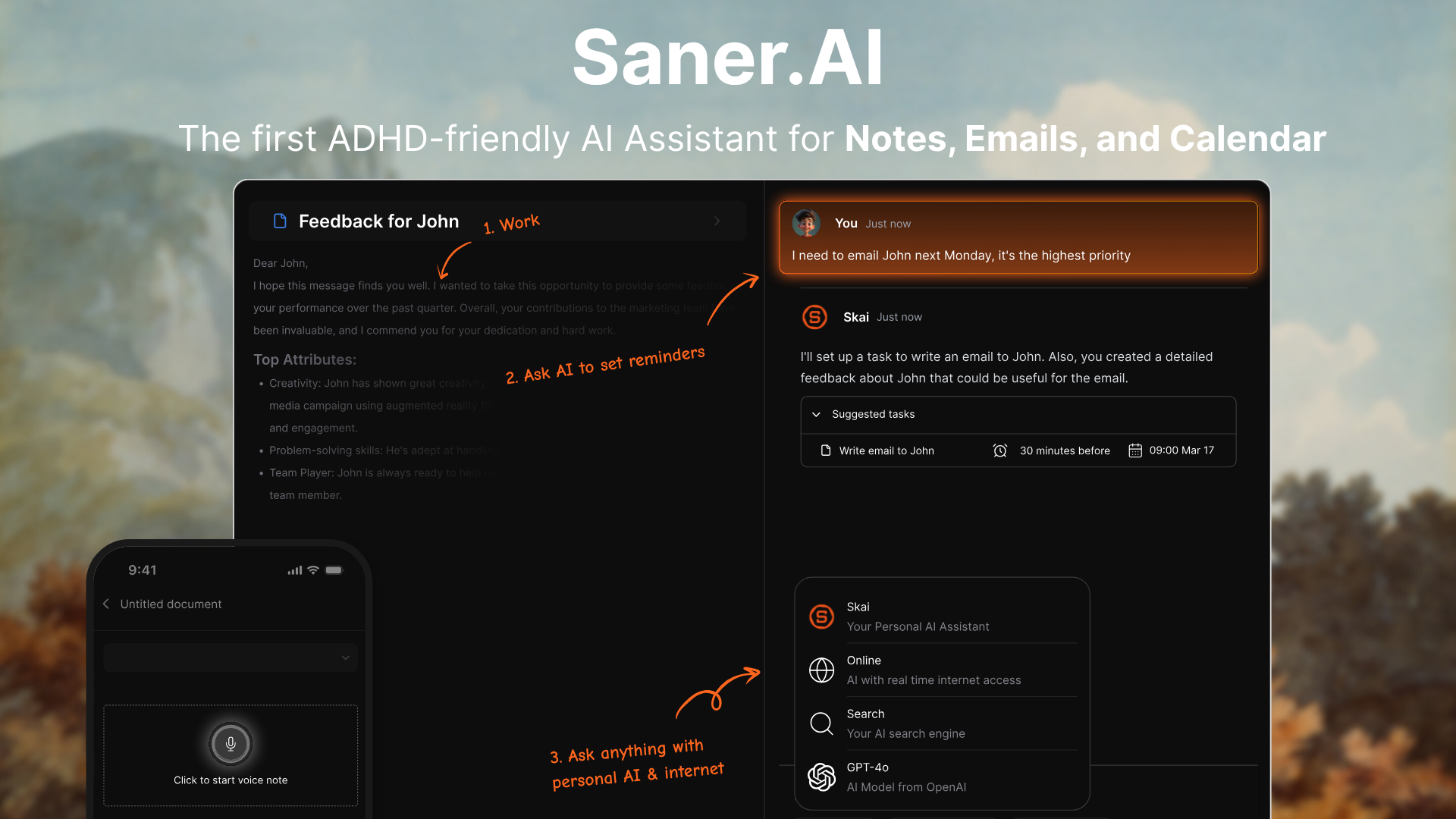
Autoslide AI PowerPoint Add-In is a productivity tool designed to help professionals create and format PowerPoint presentations faster using AI-driven slide formatting, content generation, and a rich resource library.




Norton Neo
Norton Neo is a free AI-native browser designed to offer seamless, intelligent navigation with features like AI command center, tabless browsing, AI previews, and ad blocking for a fast, clean browsing experience.

Premium Alternatives


actionize-ai
Actionize is a no-code platform that enables users to connect custom GPTs to thousands of apps via popular automation tools like Zapier and Make.com, simplifying the integration of external data and workflows into GPTs.

human-echo
HumanEcho provides knowledge‑grounded bilingual AI support assistants for websites, delivering answers from your own files in Arabic and English with controls for where the assistant can appear.


Business
Adobe for Business delivers enterprise-grade digital marketing and customer experience solutions—combining AI-driven orchestration, content and workflow management, creative production, analytics, campaigns, and document services to personalize experiences across channels at scale.
%22%2F%3E%20%3Ctext%20x%3D%2250%25%22%20y%3D%2250%25%22%20dominant-baseline%3D%22central%22%20text-anchor%3D%22middle%22%20font-family%3D%22system-ui%2C-apple-system%2Csans-serif%22%20font-weight%3D%22700%22%20font-size%3D%2250%22%20fill%3D%22white%22%3EA%3C%2Ftext%3E%20%3C%2Fsvg%3E)

ClawTeams
ClawTeams is an IM-native AI staff collaboration platform that turns one-sentence requests into finished work by orchestrating a multi-specialist AI team: a lead coordinates, specialists run tasks in parallel, outputs are quality-checked, auditable, and returned inside your chat channels.