Fellow
Fellow is a privacy-first AI meeting assistant that records, transcribes, and summarizes meetings, centralizes meeting recordings and notes, and automates follow-ups and CRM updates for teams and enterprises.
Fellow is productivity software teams evaluate for productivity. Use this page to review pricing, integration signals, and the best alternatives before you commit.
Used in These Packs
Quick Overview
Best for: Productivity
What it does
Productivity software for decision-makers comparing workflow fit and alternatives.
Best fit
Productivity
Pricing snapshot
Freemium from 14-day free trial; paid pricing details not listed on the page
Next step
Compare Fellow with similar tools before you shortlist it.
Compare this tool before you shortlist it
Review alternatives, pricing posture, and workflow fit side by side.
Fellow
Fellow is an AI meeting assistant and notetaker designed to record, transcribe, summarize, and make meeting content actionable while preserving privacy and security. It works across major conferencing platforms (Zoom, Google Meet, Microsoft Teams, Slack Huddles) and centralizes recordings, transcripts, notes, and action items in a single library with granular access controls. Fellow targets individuals, teams, and enterprise organizations that need accurate meeting capture, automated follow-ups, and integrations into existing workflows without exposing meeting data to model training or third-party use.
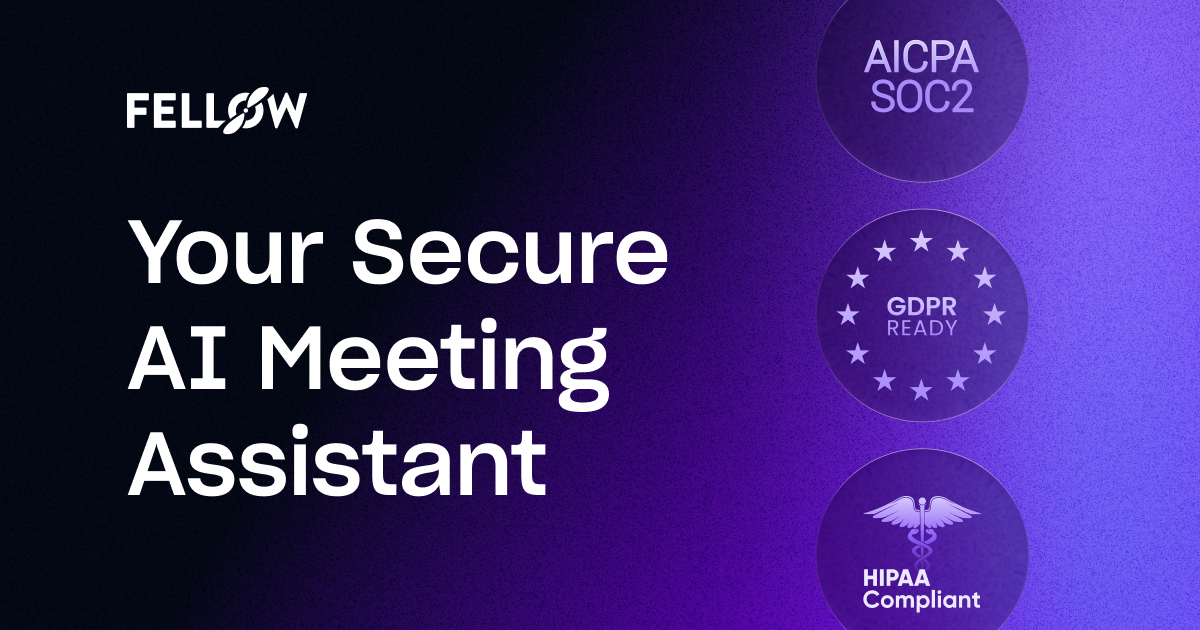
Fellow emphasizes privacy and security: its AI is not trained on customers' data, and the product follows security best practices including enterprise-grade encryption and compliance with SOC 2, HIPAA, and GDPR. It includes features for pre-meeting preparation, in-meeting transcription and notes, post-meeting summaries and action items, and org-wide analytics and governance for enterprise deployments.
Fellow is a privacy-first AI meeting assistant that records, transcribes, and summarizes meetings, centralizes meeting recordings and notes, and automates follow-ups and CRM updates for teams and enterprises.
Own this listing?
Claim this page to add pricing, features, screenshots, and verified owner details.
Claim this listingKey Features
Automatic meeting recording and transcription
Records meetings across Zoom, Google Meet, Microsoft Teams, and Slack Huddles and generates accurate transcriptions automatically.
AI meeting notes & summaries
Generates AI meeting notes, summaries, and clear next steps after each meeting so discussions become searchable and actionable.
AI Agent
Ask Fellow questions about any meeting you have access to, generate documents, automate email follow-ups, memos, and CRM updates instantly.
Centralized recording library
Keeps all recordings, transcripts, and recaps in one searchable place with privacy and sharing controls.
CRM automation
Syncs meeting insights to Salesforce and HubSpot and suggests CRM fields to update based on meeting discussions.
Pre-meeting briefs & collaborative agendas
Provides pre-meeting preparation tools like collaborative agendas and briefs so participants arrive prepared.
Privacy & granular control
Controls who can record, what can be recorded, and who can access recordings and transcripts; supports bot and bot-free recording options.
Enterprise analytics
Org-wide and team-level analytics to track meetings and meeting-related metrics across the organization.
Integrations
Connects meetings to workflows via 50+ integrations including Salesforce, HubSpot, Asana, Jira, Notion, Slack, Zapier and more.
Language support
Automatic language detection and transcription for a large set of languages (page cites transcription for 92 languages).
Security & compliance
Enterprise-grade encryption, SOC 2, HIPAA, and GDPR compliance, end-to-end encryption and continuous monitoring.
Botless recording option
Offers both bot-based recordings (Fellow joins as an attendee) and bot-free recording under the same security framework.
Pricing
Yes — Fellow offers a free plan (free forever). New users receive a 14-day free trial of the Pro plan which includes AI recording credits; after 14 days, accounts are downgraded to the free plan.
Pro (trial)
14-day free trial; paid pricing details not listed on the page- AI recording credits during trial
- Access to Pro features during trial
Free
Free (after trial)- Free forever plan with basic Fellow features (details not fully listed on page)
Enterprise
Pricing not listed on page; contact sales for details- Centralized meeting governance, privacy controls, org-wide analytics, and enterprise security/compliance
Use Cases
Customer Success
Capture actionable notes, follow-ups, and workflows from customer calls to improve handoffs and retention.
Sales
Automate meeting notes, follow-ups, and CRM updates to keep pipelines accurate and reduce manual data entry.
Engineering & Product
Accurately capture technical discussions and decisions so engineering and product teams can reference requirements and action items.
Marketing
Keep marketing teams aligned with meeting summaries and action items to move projects forward quickly.
Leadership & HR
Secure, private meeting notes for leadership and HR conversations with granular access controls.
IT & Security Governance
Org-wide bot governance and security controls to manage note-taking bots and recording policies across the organization.
Solo users & small teams
Solo plan support to organize meeting notes and recordings for individual users.
Integrations
Salesforce
Native CRM integration to sync meeting insights and suggest CRM field updates.
HubSpot
Native CRM integration to push meeting notes and recommended updates to records.
Asana
Sync action items to Asana tasks so follow-ups are captured in project workspaces.
Monday
Connect meeting outputs to Monday workflows and tasks.
ClickUp
Create tasks and sync action items from meetings into ClickUp.
Jira
Push meeting-derived action items and issues into Jira workflows.
Linear
Integrate meeting notes and action items with Linear issue tracking.
Notion
Centralize summaries and notes into Notion pages and databases.
Confluence
Archive meeting notes and summaries into Confluence for team documentation.
Slack
Share meeting summaries and action items into Slack channels or DMs.
Zapier
Automate custom workflows by connecting Fellow with thousands of apps via Zapier.
Glean
Search meeting content via Glean integration.
Benefits
Limitations
Frequently Asked Questions
Is Fellow secure for Enterprise use?
How can I get started?
Who can access my recordings and AI meeting notes?
How does Fellow take meeting notes?
Does Fellow train its AI models on my meeting data?
Does Fellow integrate with Zoom, Google Meet, and Microsoft Teams?
Can Fellow sync meeting notes to CRMs and project tools?
Does Fellow offer a bot-free recording option?
Getting Started
- 1 Sign up for Fellow and start a free account (includes a 14-day free trial of the Pro plan with AI recording credits).
- 2 Connect your calendar to automatically capture meetings and generate notes and next steps.
- 3 Invite Fellow to meetings (automatically or manually) or enable bot-free recording and configure privacy and sharing settings.
- 4 Install and configure integrations (CRM, PM tools, Slack, etc.) to sync action items and meeting insights into your workflows.
Support
Docs / Help Center
Access product documentation, help articles, AI & security guides, and FAQs via Fellow's Help Center on the website.
Contact Sales
Contact sales for enterprise inquiries via the Contact Sales page on Fellow's website.
Trust Centre
Security, compliance, and trust information available via Fellow's Trust Centre.
Resources
Additional resources including the Fellow Blog, webinars, case studies, and meeting templates are available on the site.
API
Compare Fellow with similar tools
See how it stacks up against alternatives
Related Tools
View all 182 →
Autoslide AI PowerPoint Add In
Autoslide AI PowerPoint Add-In is a productivity tool designed to help professionals create and format PowerPoint presentations faster using AI-driven slide formatting, content generation, and a rich resource library.

Checklist Genie
Checklist Genie is a voice-activated checklist app enhanced with AI, designed to help users create, organize, and share checklists effortlessly. It supports routine tracking, calendar sync, and real-time collaboration, making it ideal for students, professionals, and anyone seeking organized productivity.
Timetrackers
Time Tracker is a professional time-tracking tool based on the Lyubishev method that records start and end times of tasks with high precision, provides analytics and PDF export, and stores all data locally in the browser for user privacy.


QA Manager
QA Management System (QAManageSys) is a comprehensive tool designed to help teams organize test suites, track test execution, and manage software releases efficiently. It features automated ticket creation for failed tests and detailed analytics to monitor testing progress.
Outpost Launcher
Outpost is a macOS drag-and-launch companion that lets you instantly access your favorite contacts, apps, folders, and custom actions via a floating palette activated by a hotkey, streamlining file management and workflow.


Weeklymealsplanner
Kitchendary (Weeklymealsplanner) is a smart meal-planning web app focused on shared recipes and collaborative weekly planning, currently offered as an open beta.
Premium Alternatives


Bliro
Bliro is a GDPR-compliant conversation intelligence assistant for customer-facing teams that transcribes, analyzes, and automates meeting notes and follow-ups across mobile and desktop — designed to increase transparency, save time, and improve sales performance.

200-chatgpt-mega-prompts-for-business
200+ ChatGPT Mega-Prompts for Business is a comprehensive collection of powerful AI prompts designed to enhance marketing, sales, SEO, and productivity for business professionals and marketers.

Subtranslateai
Subtranslateai is an AI-powered SRT subtitle translator that converts subtitle and media files (SRT, VTT, MP3, WAV, MP4, etc.) into multiple languages with context-aware, customizable translations and batch processing for creators and businesses.

Spencer for Mac
Spencer for Mac is a tool that allows users to save and restore their perfect window layouts, enabling quick switching between customized workspace profiles on macOS 13 Ventura or later.


Guard Your Connect
GuardYourConnect is a specialized fraud detection tool designed for Stripe Connect marketplaces to identify and block fraudulent sellers before they cause costly chargebacks, protecting marketplace owners from financial losses and liability.