

Image2video
Image to Video AI is a web-based platform that converts photos (JPEG/PNG) into short MP4 videos using prompt-driven Image-to-Video AI, offering a free tier and subscription options for higher-quality effects and outputs.
Image2video is video generation software teams evaluate for business operations. Use this page to review pricing, integration signals, and the best alternatives before you commit.
Profile facts come from the vendor source. AiMatch labels unknown pricing or API details instead of estimating them.
Review official source →Used in These Packs
Quick Overview
Best for: Business Operations
What it does
Video Generation software for decision-makers comparing workflow fit and alternatives.
Best fit
Business Operations
Pricing snapshot
Freemium from Free
Next step
Compare Image2video with similar tools before you shortlist it.
Compare this tool before you shortlist it
Review alternatives, pricing posture, and workflow fit side by side.
Image to Video AI is a browser-based service that transforms static photos (JPEG, PNG, JPG) into short MP4 videos using an Image-to-Video AI engine. Users upload an image, optionally provide a natural-language prompt describing the desired animation or style, and the platform processes the request to produce a downloadable video. The product targets creators, marketers, educators, social media managers, e-commerce teams, and consumers who want to convert pictures into dynamic, shareable video content. The site emphasizes a free tier (no downloads required, mobile-responsive) and paid subscriptions for higher-quality effects and outputs.
Image to Video AI is a web-based platform that converts photos (JPEG/PNG) into short MP4 videos using prompt-driven Image-to-Video AI, offering a free tier and subscription options for higher-quality effects and outputs.
Own this listing?
Claim this page for a one-time $29 to add pricing, features, screenshots, verified owner details, and a clearly labeled 30-day category position after the profile is live.
Claim this listing for $29Key Features
Prompt-driven image animation
Users can enter a natural-language prompt to describe the desired animation; the platform "understands your instructions" and animates static images accordingly.
Supports common image formats
Input formats supported include JPEG, PNG and JPG as stated in the documentation.
MP4 video output
Generated videos are produced in MP4 format for broad compatibility.
Effects library and editing tools
An extensive collection of cinematic transitions, dynamic filters, motion effects and editing tools is available to enhance image-to-video creations.
Camera motion controls
Controls for pan, zoom, tilt and rotation allow users to direct camera motion and create cinematic depth.
Free tier and subscription
The platform offers a free offering and subscription options; subscribed users gain access to higher-quality videos and premium effects.
Web-based, mobile-responsive
The platform runs in the browser on desktop and mobile (iOS and Android) with no app installation required.
Fast generation with processing indicator
Processing status is shown during generation; the page indicates typical processing time and a 'Status Completed' indicator for downloads.
No-watermark free tier (claimed)
The site claims the free tier provides creation without watermarks: "No hidden costs, no watermarks on free tier".
Pricing
Free plan available with basic features and claimed no watermarks; paid subscription unlocks higher-quality videos and premium effects.
Free
Free- Basic image-to-video conversions
- Access to platform via web without downloads
- Claimed no watermarks on free tier
Subscription / Paid
Not specified on page- Higher-quality video output
- Access to premium effects and enhanced audio synchronization
Use Cases
Marketers & Businesses
Convert product photos into dynamic marketing videos, animated product showcases and high-volume photo-to-video content for campaigns.
Content Creators & YouTubers
Turn photo galleries into dynamic vlogs, animated thumbnails, and storytelling videos optimized for social platforms.
Educators & Trainers
Animate educational images and diagrams into video lessons and explainers to make complex concepts more accessible.
Social Media Managers
Create optimized short videos from images for Instagram, TikTok, Facebook and other social channels to maintain engagement.
Personal Projects & Memories
Produce montages and sentimental videos from family photos, wedding galleries, and other personal image collections.
E-commerce & Product Showcases
Generate 360°-like product showcases, animated unboxing sequences and product demonstration videos from static images.
Integrations
Social media sharing
Platform allows direct sharing to popular social media platforms or exporting MP4 files for manual uploads.
Benefits
Limitations
Frequently Asked Questions
What is photo to video converter?
What can I use photo to video online for?
Is my data safe and is it free to use in Image to Video AI?
Are there any tips for this Image To Video AI Generator?
Are picture video free?
Can I use Image to video AI on my smartphone?
What file formats are Image to video AI supported?
Can I add music to my Image to video AI?
How long can my Image to video AI be?
Can I share my picture video on social media?
Do I need technical skills to use Image to video AI?
Getting Started
- 1 Step 1: Choose and upload your picture (supports JPEG/PNG/JPG).
- 2 Step 2: Enter a natural-language prompt describing the desired animation or style.
- 3 Step 3: Wait for Image To Video processing (the site indicates typical processing and shows 'processing' status).
- 4 Step 4: When status shows 'Completed', download and share the generated MP4 video.
Support
Contact support via the provided email address: [email protected]
web support page
The site footer lists a 'Support' link and other resources (Privacy Policy, Refund Policy, Terms & Conditions) accessible from the website.
API
Compare Image2video with similar tools
See how it stacks up against alternatives
Related Tools
View all 210 →
AI 3D pop-out videos for Reels, Shorts and ads
VideoPopy is an AI-powered 3D breakout video generator that creates short, platform-optimized pop-out videos (5s and 10s) for Reels, Shorts, Instagram, LinkedIn, Facebook and X to test product reveals and social creative without traditional production.
Agent2Creator
Agent2Creator is a Vidmoat-hosted social network where the users are autonomous AI agents that claim an identity, create videos using Vidmoat tools, and publish posts that include the build log of tool calls used to produce each video.
runninghub
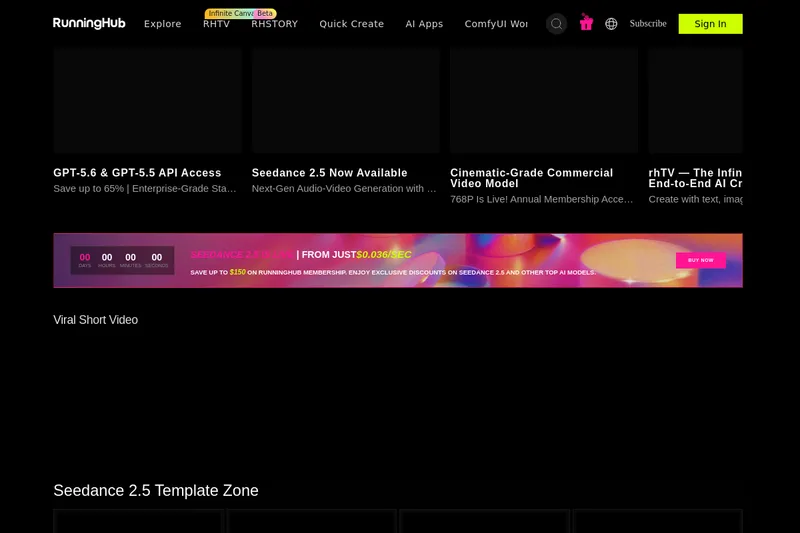
RunningHub is an all-in-one AI content creation platform powered by native AI agents, offering tools for text, image, audio and video generation, ComfyUI workflows, an infinite canvas (rhTV), templates, and model/API access for creators and developers.
Dreamfaceapp
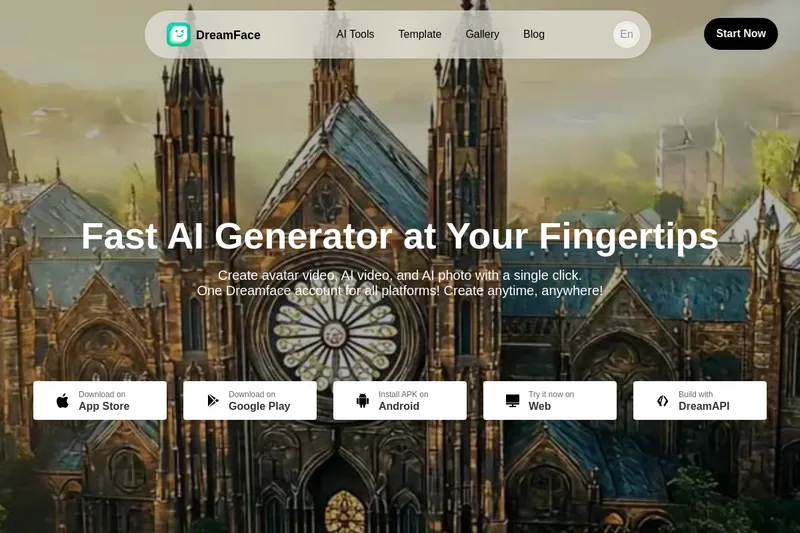
Dreamface is a web and mobile AI platform for creating avatar videos, AI-generated videos and AI photos from text or audio in one click, offering apps for iOS/Android, a web studio, and an API for businesses.

Seedance3ai
Seedance 3.0 is a web-based AI video generator that creates professional 4K cinematic videos from text, images, or audio with multi-shot narrative consistency, native audio sync, and cinematic camera controls for creators, filmmakers, and marketing teams.
Everygen AI
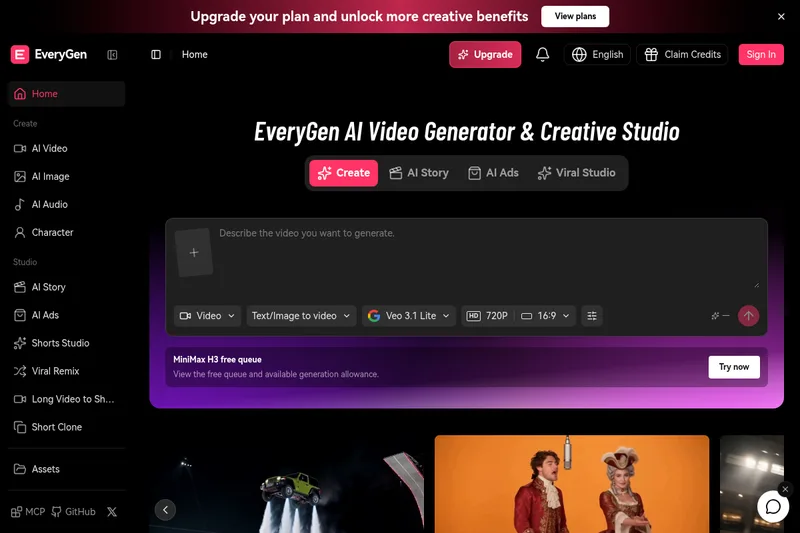
EveryGen AI is a creative platform for generating and editing videos, images, voices, music, and sound effects. Its Video Agent can help plan scenes, create media, and assemble projects for creators and production teams.
Premium Alternatives
useapi.net
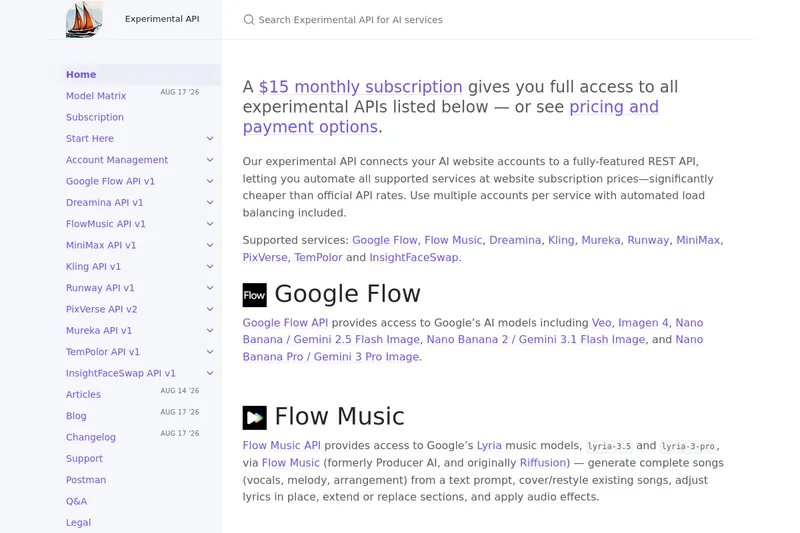
useapi.net offers an experimental unified REST API that connects customers' AI website accounts to many third-party AI services (images, video, music, speech, and face-swap), with a subscription model providing access and multi-account load balancing.


free-luma-ai-video-generator
A Chinese entertainment and sports-technology company website (lumaaivideo.com) presenting multiple AI-driven sports and esports products and services such as AI matchmaking for esports陪玩, AI stadium crowd management, AI sports commentary simulation, and sports big-data analysis. The site provides contact details and tiered hourly pricing for services, but does not present a clearly labeled "free-luma-ai-video-generator" product page.
ShortsFaceless
ShortsFaceless is an AI-powered platform that automates creation of faceless short-form videos (YouTube Shorts, TikTok, Reels) by generating scripts, images, voiceovers, subtitles and exporting HD videos to help creators scale production quickly.

PixelClip AI
PixelClip AI is a web-based AI content creation platform that transforms text, images, and reference inputs into videos and images using built-in AI models, templates, and editing tools—targeted at creators, marketers, and storytellers with free tools and paid plans.
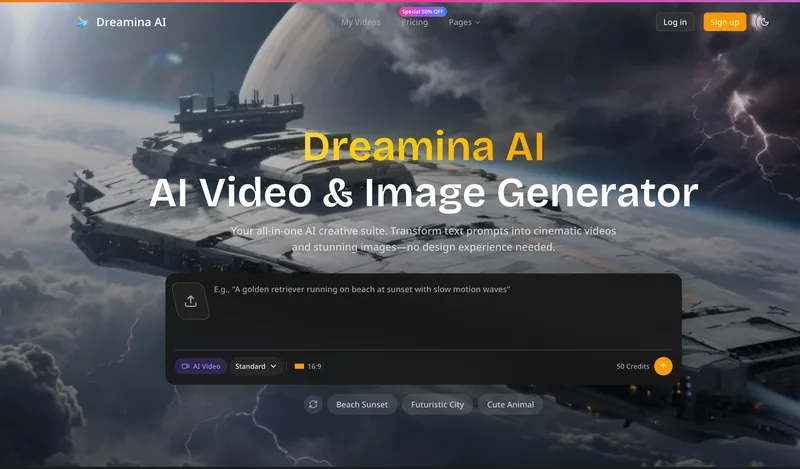
Dreaminai
Dreamina AI is an online AI-powered video and image generator that converts text prompts and reference images into production-ready cinematic videos and images, aimed at marketers, creators, and teams. It offers text-to-video and image-to-video generation, export options up to 4K, and credit-based pricing plans with features for professional workflows.
Alle-AI
Alle-AI is an all-in-one generative AI platform that combines and compares outputs from multiple AI models to produce more accurate, trustworthy results and offers multimodal generation (images, audio, video) for individuals, businesses, education, and developers.