UXsniff
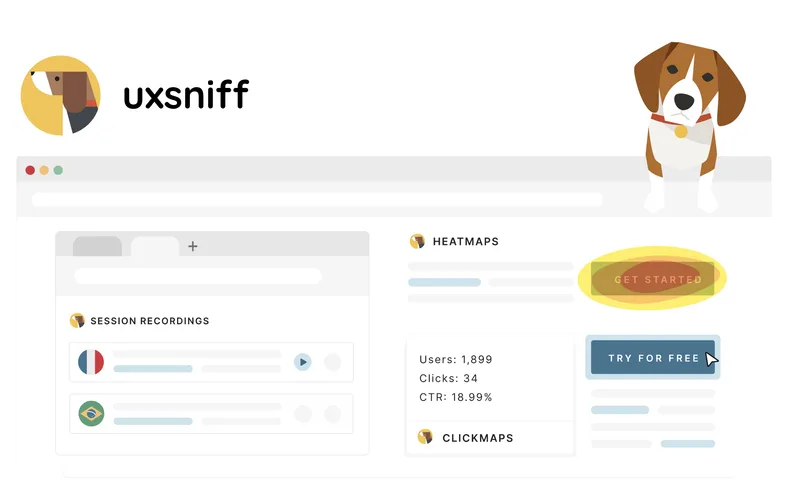
UXsniff is a behavior‑analysis tool that watches user sessions, heatmaps, and page changes to automatically surface UX regressions, flag important recordings, and explain what changed so teams can prioritize fixes faster.
UXsniff is other software teams evaluate for other. Use this page to review pricing, integration signals, and the best alternatives before you commit.
Profile facts come from the vendor source. AiMatch labels unknown pricing or API details instead of estimating them.
Review official source →Used in These Packs
Quick Overview
Best for: Other
What it does
Other software for decision-makers comparing workflow fit and alternatives.
Best fit
Other
Pricing snapshot
Free
Next step
Compare UXsniff with similar tools before you shortlist it.
Compare this tool before you shortlist it
Review alternatives, pricing posture, and workflow fit side by side.
UXsniff is a UX observability product that continuously monitors user behavior (session recordings, heatmaps, clicks, scrolls) and automatically surfaces the sessions and pages that need attention. It focuses on detecting user-visible changes (layout, copy, CTA, interaction differences) and correlates those changes with behavior shifts so teams can quickly identify what changed and what impacted metrics. The product is aimed at product and growth teams who need faster root‑cause insights after releases or unexpected metric movements, offering daily reports, Impact Reports, and a Change Radar to prioritize investigations rather than presenting another analytics dashboard.
AI-powered UX analytics tool for website optimization.
Own this listing?
Claim this page for a one-time $29 to add pricing, features, screenshots, verified owner details, and a clearly labeled 30-day category position after the profile is live.
Claim this listing for $29Key Features
Session recordings
Captures and surfaces recorded user sessions, with filters to open the exact recordings that show problematic behavior.
Website heatmaps
Heatmaps used as supporting evidence to show attention and interaction patterns alongside recordings.
Change Radar
Continuously detects user-visible UX changes (layout, copy, CTA, interaction differences) and flags changes that align with behavior shifts.
Time-Travel A/B (Retro A/B)
Compare behavior before vs after a change without needing a planned experiment or traffic split, using historical data snapshots.
Rage / dead-click detection (Rage Alerts)
Automatically detects repeated rapid clicks and dead clicks from recordings and surfaces the sessions causing friction.
Impact Reports
Summarizes detected changes and analyzes how user behavior shifted to help prioritize what to investigate and fix first.
Daily prioritized report
A short, prioritized list of issues (e.g., rage clicks, attention-without-action, idle drop-offs, change impacts) so teams know where to look first.
Lightweight install script
Simple onboarding that requires adding a small tracking script to start collecting data automatically.
Feedback widget / On-site survey / Site audit / Broken links checker
Additional site tooling listed in navigation for collecting feedback and auditing site issues (as advertised on the site).
Pricing
Start for free (the site advertises a free tier / 'Start for free' CTA)
Use Cases
Diagnose metric drops after a release
Detect what changed in the experience and compare behavior before and after the change so teams can rapidly identify regressions.
Retro A/B analysis when no experiment existed
Use historical session data to perform before/after comparisons when a planned A/B test was not set up.
Prioritize UX investigations
Automatically surface the highest-impact recordings and pages (rage clicks, attention without action, idle drop-offs) to reduce manual session review.
Continuous change monitoring
Continuously monitor for visible site changes and flag those that correlate with behavioral shifts to reduce surprises after deployments.
Integrations
No verified integration details are available.
Benefits
Limitations
Frequently Asked Questions
How do I install UXsniff?
Does UXsniff slow down my site?
Does UXsniff fix issues automatically?
How does Change Radar work?
What kinds of changes does Change Radar detect?
How is this different from A/B testing?
How do Impact Reports work?
How does UXsniff detect rage clicks and unusual behavior?
Is UXsniff constantly watching recordings?
Is Retro A/B the same as classic A/B testing?
Do I still need heatmaps and recordings?
Getting Started
- 1 Create an account via the 'Start for free' CTA on the site.
- 2 Install the lightweight tracking script on your site (the site says installation takes just a few minutes).
- 3 Allow UXsniff to collect data automatically and view the prioritized daily report, Change Radar alerts, and Impact Reports to start investigations.
Support
Contact page
Use the site's Contact page to reach support: https://uxsniff.com/contact
Docs / FAQ
Site-provided FAQ and product pages explain installation and feature behavior (FAQ available on the site).
Newsletter
Subscribe to the Hidden Gems newsletter for product discoveries and user behavior insights.
API
Compare UXsniff with similar tools
See how it stacks up against alternatives
Related Tools
View all 41 →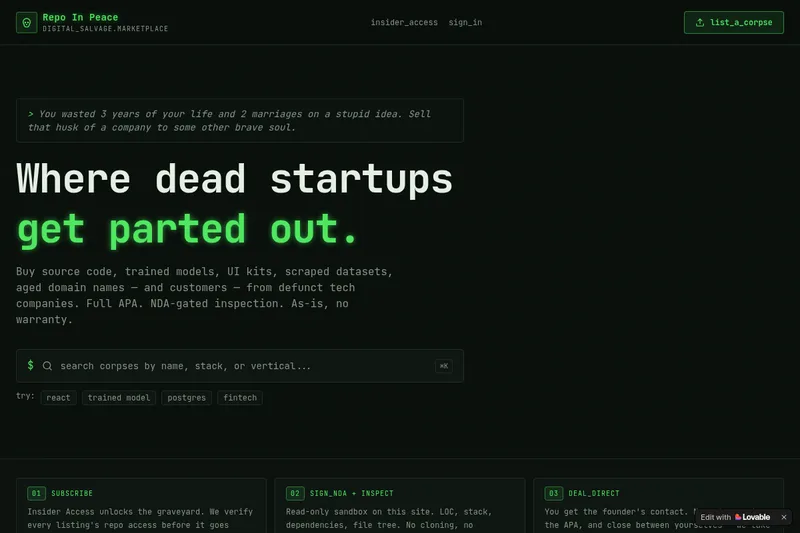
RepoInPeace
Repo In Peace is a digital salvage marketplace for buying and selling assets from defunct tech startups — source code, trained models, UI kits, scraped datasets, aged domains and customers — sold as-is under a full APA with NDA-gated inspection.

ValidatorAI
ValidatorAI is a free AI-powered platform for evaluating startup and business ideas. It scores ideas, offers next-step advice, and provides tools for exploring markets, customers, and startup concepts.
Fixmyexcelfile
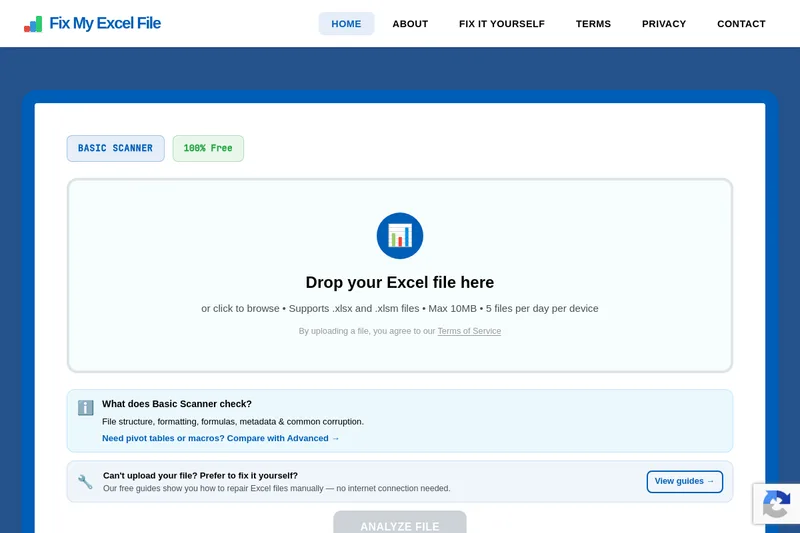
Fix My Excel File is a free online tool that analyzes and repairs corrupted .xlsx and .xlsm files using an AI-powered scanner. It offers a Basic free scanner for common corruption and a planned Advanced Scanner (waitlist) for deep repairs like pivot tables and macros.



Itextmaster
iTextMaster provides a browser-first suite of private PDF tools plus a Credits-based PDF API for automation—offering merge, compress, convert, OCR, encrypt, sign, and other PDF workflows that run locally in the browser or via server-side/API processing when required.

Truesourceai
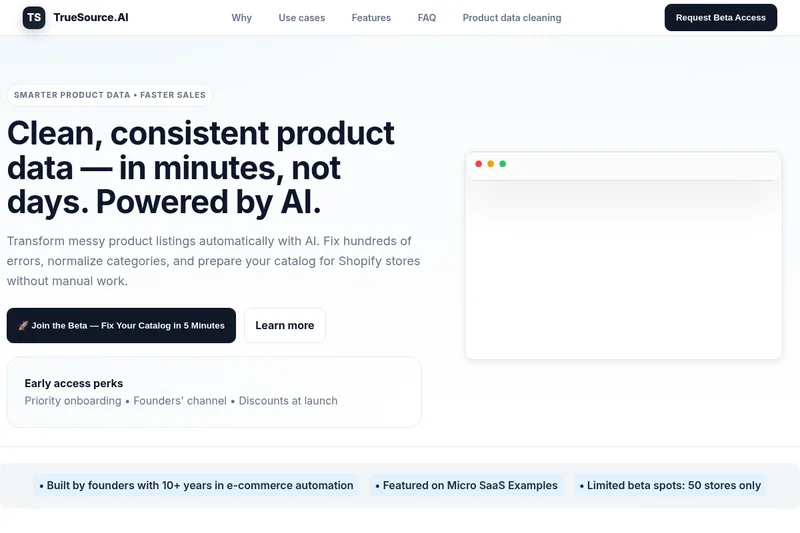
TrueSource.AI is an AI-powered product data cleaning and enrichment tool that automatically detects and fixes product catalog errors, standardizes attributes, and prepares catalogs for Shopify and marketplaces to speed up listings and reduce inconsistencies.