

Kombai
Kombai is an AI design engineer that generates production-ready frontends and visual assets, combining canvas-based design, code generation, and repository-aware editing to help designers and developers build and ship consistent UI at scale.
Kombai is ai coding assistants software teams evaluate for creative & design. Use this page to review pricing, integration signals, and the best alternatives before you commit.
Profile facts come from the vendor source. AiMatch labels unknown pricing or API details instead of estimating them.
Review official source →Used in These Packs
Quick Overview
Best for: Creative & Design
What it does
AI Coding Assistants software for decision-makers comparing workflow fit and alternatives.
Best fit
Creative & Design
Pricing snapshot
Free
Next step
Compare Kombai with similar tools before you shortlist it.
Compare this tool before you shortlist it
Review alternatives, pricing posture, and workflow fit side by side.
Kombai
Kombai is an AI-first design and coding agent that creates production-ready frontends by combining a visual canvas with code output and repository context. It builds a unique creative direction for each design from a curated library of references and can generate images, videos, and animations using modern generative models. The product is aimed at teams and developers working on frontend UIs, offering repository-aware editing, design-system import from Figma/code/webpages, and tight sync between canvas, code, and the browser for end-to-end design-to-code workflows.
Kombai is the first domain-specific AI agent designed for real-world frontend development tasks, enabling users to build entire app UIs, refactor code, and create components from Figma, text, images, or code with deep understanding of the codebase and IDE integration.
Own this listing?
Claim this page for a one-time $29 to add pricing, features, screenshots, verified owner details, and a clearly labeled 30-day category position after the profile is live.
Claim this listing for $29Key Features
Built-in creative taste
Creates a unique creative direction per design using a curated library of references to avoid generic AI defaults.
Generative media (images, video, animation)
Generates videos, images, and animations with models such as Veo, Seedance, and Nano Banana and supports high creativity settings for rich visuals.
Design system import & reuse
Import existing design systems from code, Figma files, or any webpage and keep designs consistent at scale.
Canvas-based visual editor
Edit text, styles, and layout directly on a rendered canvas; select any element to update text or CSS properties and use design tokens from your repo.
Code-aware Context Graphs
Builds Context Graphs to semantically understand your repo and reuse components, hooks, tokens, and types across the project.
Frontend-specialized agent capabilities
Includes specialized skills for frontend work, native Figma parsing, plan and debug modes, MCPs, parallel agent runs, web fetch, and terminal access.
Browser data and precise context
Can fetch browser console/network data and attach precise browser-context (snips, elements) for accurate edits.
Design = Code output
Creates canvas designs as HTML blocks so visual edits map directly to code, including support for rich animations.
Collaboration and Git workflow
Track and collaborate on designs like code: commit, branch, merge .canvas files, and add comments and notes inside them.
Pricing
Start for free (the site includes a 'Start for free' call-to-action and a FAQ item asking about a free plan).
Use Cases
Design-to-code for frontend teams
Convert visual designs into production-ready HTML/CSS and integrate them with an existing codebase and component library.
Agency and marketing asset production
Generate and showcase marketing pages, posters, social ads, and motion/display assets with a consistent creative direction.
Design system maintenance
Import, enforce, and update design systems at scale across projects by reusing tokens, components, and styles from repos or Figma.
Iterative redesigns and precise edits
Explore redesigns, variations, and targeted edits using presets or direct element selection on the canvas.
Integrations
Figma
Import designs from Figma and parse them natively into Kombai's canvas.
Repository / Git
Scan and sync with your code repository to reuse components, hooks, tokens, and commit .canvas files.
Storybook
Reuse components and Storybook entries as part of repository-aware component reuse.
npm / packages
Reference npm packages and other repo packages when reusing components and types.
Generative models (Veo, Seedance, Nano Banana)
Uses modern models to generate images, video, and animation for richer visuals.
Benefits
Limitations
No verified limitations are available.
Frequently Asked Questions
No verified FAQs are available.
Getting Started
- 1 Step 1: Sign up or click 'Start for free' on the Kombai website.
- 2 Step 2: Connect your code repository and/or import Figma files or an existing design system.
- 3 Step 3: Open the canvas, select elements to edit visually, run agents for code tasks, and commit changes to your repo.
Support
Docs
Documentation and guides are available via the site's Docs and Guides sections.
Changelog
Changelog available on the site for updates and release notes.
Support
Support link is listed in the site's navigation for help and inquiries.
API
Compare Kombai with similar tools
See how it stacks up against alternatives
Related Tools
View all 157 →
GeneratePPT
GeneratePPT is an AI-first presentation tool that converts topics, notes, URLs, PDFs, DOCX, and other inputs into clean, professional PowerPoint decks in under 60 seconds, with one-click styling, auto-sourced images, and an AI slide editor called AI Director.

Koboyo Icons
Koboyo Icons is a large library of 71,262 free hand-drawn SVG icons, organized into many thematic groups and categories and accessible via website browsing and an MCP/API integration for AI and editor workflows.


Stringartgenerator
String Art Generator is a web tool that transforms photos into printable string art patterns using an advanced algorithm, offering customizable complexity, high-resolution exports, and material calculations for hobbyists and professional artists.

presentations-ai
Presentations.AI is an AI-first presentation platform that converts ideas, documents, and URLs into professional, on‑brand PowerPoint slide decks, supports data-driven updates at scale, and offers API and white‑label options for teams and enterprises.
Premium Alternatives
ai-qr-codes
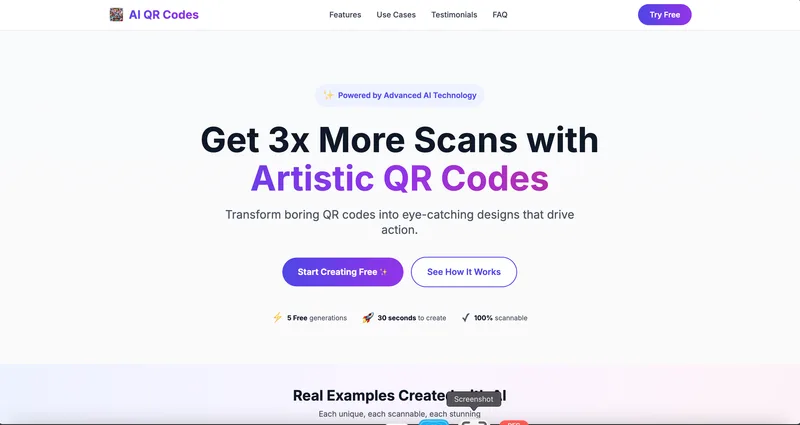
AI QR Codes is a web service that uses AI to generate artistic, brandable, and fully scannable QR codes for marketing, packaging, menus, business cards, events, education, and more.
Aifiguregenerator
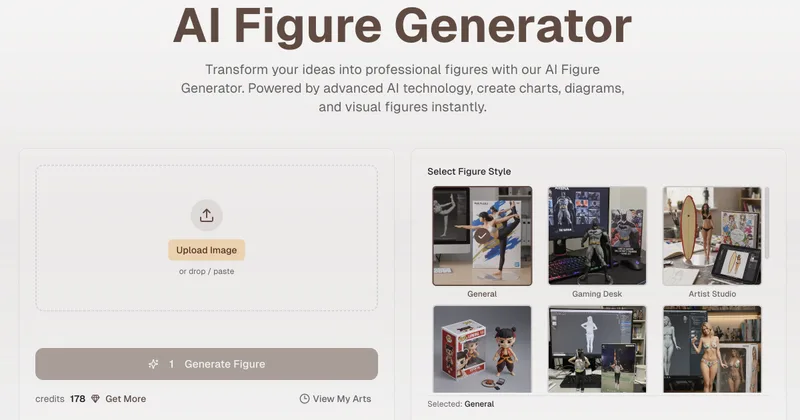
AI Figure Generator is a web tool that transforms photos into high-resolution figurine-style designs (anime, Funko Pop, action figures) using Nano Banana AI technology, aimed at creators, hobbyists, and studios.


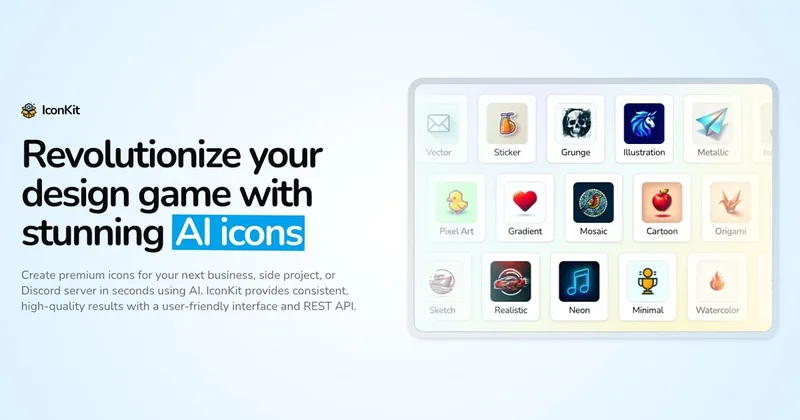
ai-app-icon-generator
AI App Icon Generator is an AI-powered web tool that creates high-quality app icons from text prompts, producing multiple variations per prompt and allowing downloads of generated images.
Handtextai
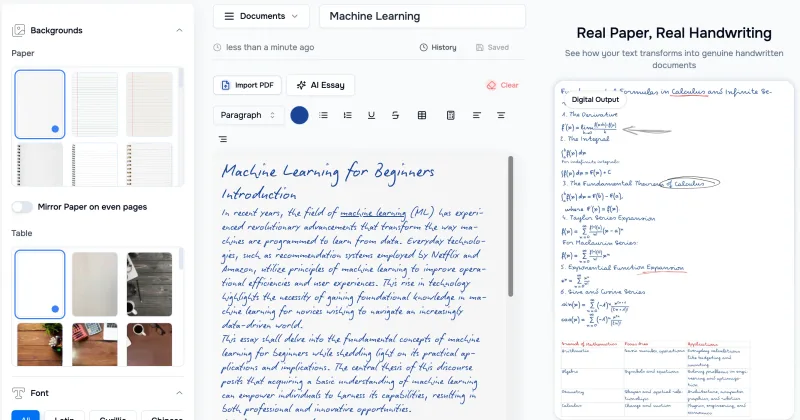
HandtextAI is a web-based handwriting generator that converts typed or imported text into realistic hand-written pages and photo-like notebook scenes, with a web editor and a separate API for print-oriented business workflows.


stickermagic-app
Sticker Magic is an AI-powered sticker generation platform that creates digital stickers from simple text descriptions, aimed at hobbyists, creators, and small businesses for personal, social, and commercial use. Free to get started with a 5-credit trial.