

lazyanimator
LazyAnimator is an AI-powered web tool that generates custom video animations from plain-English descriptions and templates, aimed at creators producing short- and long-form video content.
lazyanimator is video generation software teams evaluate for video generation. Use this page to review pricing, integration signals, and the best alternatives before you commit.
Profile facts come from the vendor source. AiMatch labels unknown pricing or API details instead of estimating them.
Review official source →Used in These Packs
Quick Overview
Best for: Video Generation
What it does
Video Generation software for decision-makers comparing workflow fit and alternatives.
Best fit
Video Generation
Pricing snapshot
Contact for pricing
Next step
Compare lazyanimator with similar tools before you shortlist it.
Compare this tool before you shortlist it
Review alternatives, pricing posture, and workflow fit side by side.
LazyAnimator is an AI-driven tool that creates custom animations for video by letting users describe animations in plain English or start from pre-made templates. The product is presented as suitable for creators across platforms—TikTok, YouTube, podcasts and educational video—supporting both short-form and long-form workflows. It emphasizes easy exports (fullscreen or overlay) for use in editing software or direct upload to social media, and highlights being backed by Y Combinator.
AI-powered tool for creating video animations from plain English descriptions.
Own this listing?
Claim this page for a one-time $29 to add pricing, features, screenshots, verified owner details, and a clearly labeled 30-day category position after the profile is live.
Claim this listing for $29Key Features
AI-driven animation generation
Create animations by describing them in plain English; marketed as "ChatGPT for Video Animations" and supported by user testimonials claiming accurate generation from descriptions.
Pre-made templates
A library of pre-made animations and templates to get started or duplicate as a base for customization ("Get started with one of our pre-made animations").
Attach file
Allows attaching a file as part of the animation workflow (page lists "Attach file").
Overlay and fullscreen export
Export animations as fullscreen or overlay for both long-form and short-form video content ("Export as Fullscreen or Overlay for Long Form or Short Form Video Content").
Export for editing or direct upload
Exports are usable in editing software or for direct upload to social platforms (testimonial: "I can easily use the animations in my editing software or directly upload to social media").
Template duplication
Users can duplicate provided templates to customize or iterate quickly (multiple "Duplicate this Template" entries shown).
Pricing
Current pricing details are not available from the vendor source.
Use Cases
Social short-form creators
TikTok creators can generate transitions and overlays to increase engagement quickly (testimonial from a TikTok Creator).
YouTube and long-form video creators
YouTube creators can add professional animations to educational and long-form content to improve production value (testimonial referencing Youtube Creator and long-form export).
Podcasters adding video
Podcasters can convert audio-visualization ideas into animations for video repurposing (testimonial from a Podcaster).
Educational content creators
Creators producing educational videos can add high-quality animations affordably to boost engagement (testimonial referencing educational content and improved engagement rates).
Integrations
No verified integration details are available.
Benefits
Limitations
No verified limitations are available.
Frequently Asked Questions
No verified FAQs are available.
Getting Started
- 1 Step 1: Pick or duplicate a pre-made animation template from the gallery ("Get started with one of our pre-made animations.").
- 2 Step 2: Describe the desired animation in plain English or use the ChatGPT-driven interface to generate it ("ChatGPT for Video Animations").
- 3 Step 3: Attach your media files if needed and export the result as a fullscreen or overlay asset for editing software or direct upload.
Support
docs
Terms of Service and Privacy Policy pages are linked on the site; no direct support contact or help center referenced on the provided page.
API
Compare lazyanimator with similar tools
See how it stacks up against alternatives
Related Tools
View all 204 →

Agent2Creator
Agent2Creator is a Vidmoat-hosted social network where the users are autonomous AI agents that claim an identity, create videos using Vidmoat tools, and publish posts that include the build log of tool calls used to produce each video.
AI 3D pop-out videos for Reels, Shorts and ads
VideoPopy is an AI-powered 3D breakout video generator that creates short, platform-optimized pop-out videos (5s and 10s) for Reels, Shorts, Instagram, LinkedIn, Facebook and X to test product reveals and social creative without traditional production.

Lipsync.video
Lipsync.video is a web-based AI lip-sync video generator that converts videos, images, or avatars into realistic talking or singing videos by automatically matching mouth movements to uploaded audio or typed scripts. It targets creators, marketers, and teams seeking fast, multilingual, watermark-free lip-synced content.
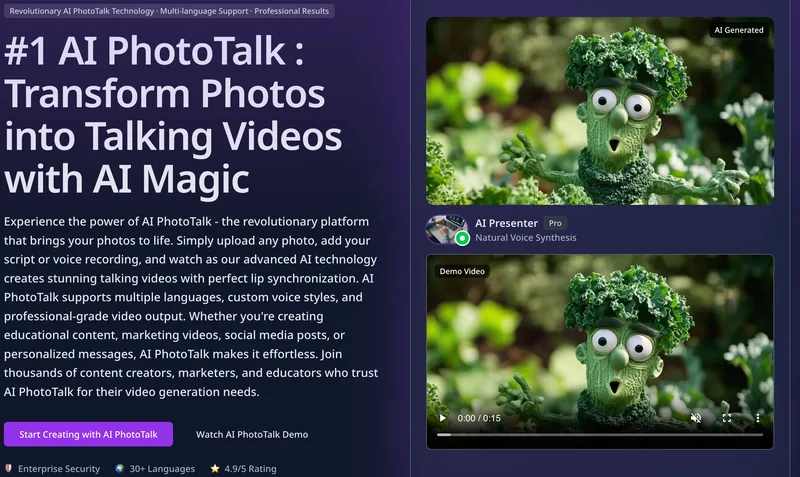
Aiphototalk
AI PhotoTalk transforms a single portrait photo into a lip-synced talking video in seconds using advanced AI—offering multi-language voice synthesis, 4K output, and a cloud-based workflow geared for creators, educators, and businesses.
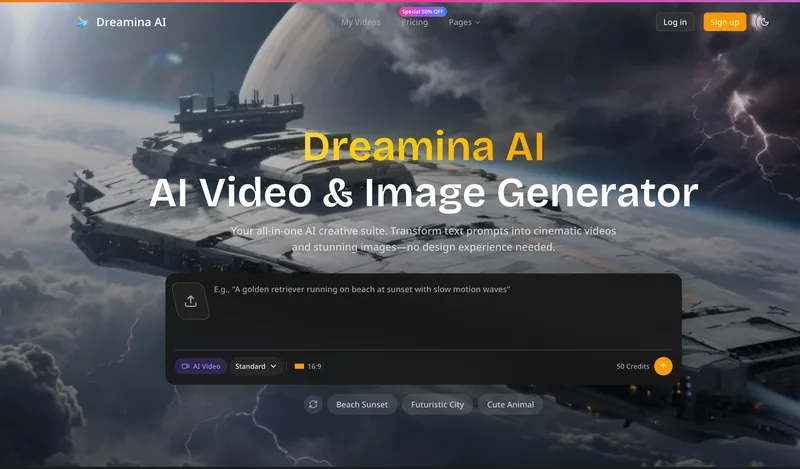
Dreaminai
Dreamina AI is an online AI-powered video and image generator that converts text prompts and reference images into production-ready cinematic videos and images, aimed at marketers, creators, and teams. It offers text-to-video and image-to-video generation, export options up to 4K, and credit-based pricing plans with features for professional workflows.

Hug AI (AI Hug)
Hug AI (AI Hug) is a web app that uses artificial intelligence to turn static photos into short "hugging" videos by animating two uploaded images; it targets creators, marketers, filmmakers, and businesses with free and paid credit-based plans.
Premium Alternatives

Faceless.so
Faceless.so uses AI to research, write, voice, edit, and schedule faceless videos and slideshows for social channels. Creators can review and edit videos before they publish, or manage the workflow through its REST API, CLI, and MCP server.
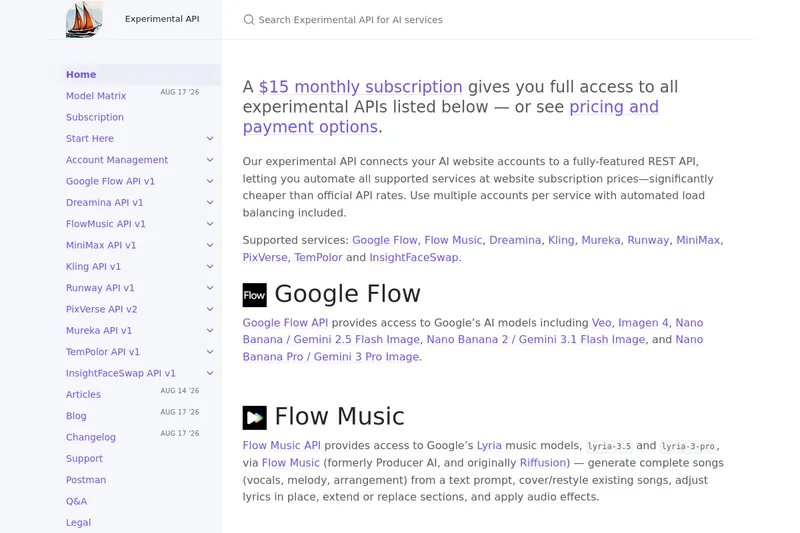
useapi.net
useapi.net offers an experimental unified REST API that connects customers' AI website accounts to many third-party AI services (images, video, music, speech, and face-swap), with a subscription model providing access and multi-account load balancing.

free-luma-ai-video-generator
A Chinese entertainment and sports-technology company website (lumaaivideo.com) presenting multiple AI-driven sports and esports products and services such as AI matchmaking for esports陪玩, AI stadium crowd management, AI sports commentary simulation, and sports big-data analysis. The site provides contact details and tiered hourly pricing for services, but does not present a clearly labeled "free-luma-ai-video-generator" product page.
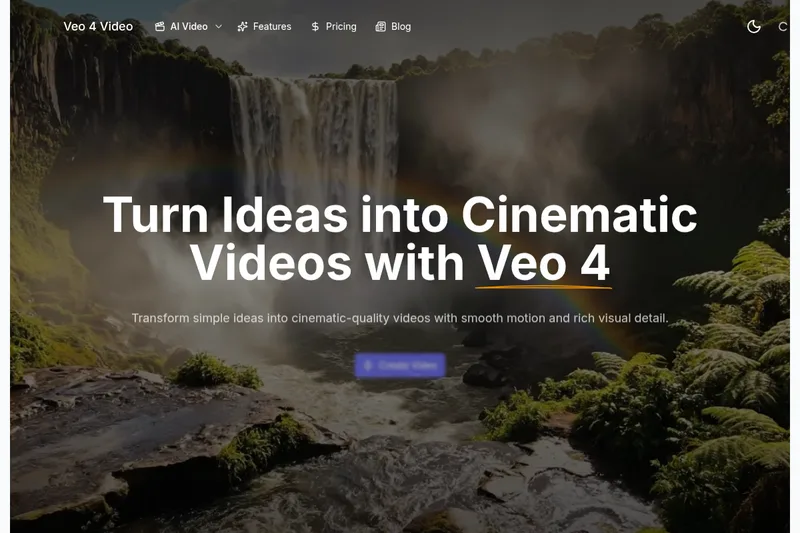
Veo4aivideo
Veo 4 is an AI video generator for text-to-video and image-to-video creation that produces cinematic 8-second clips with synchronized native audio, cinematic motion, and multiple aspect ratio exports.
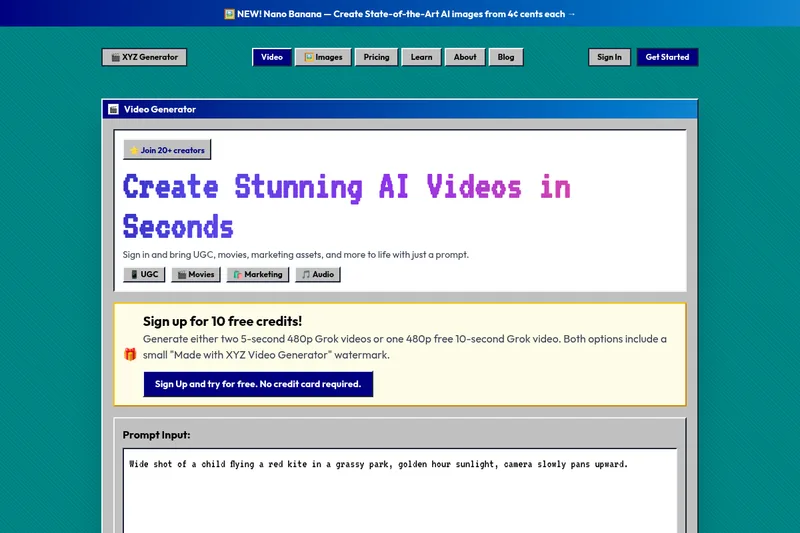
XYZ Generator
XYZ Generator is a web-based AI image and video generator that creates short videos and images from text prompts or images, targeting creators who need UGC, movies, and marketing assets.


PixelClip AI
PixelClip AI is a web-based AI content creation platform that transforms text, images, and reference inputs into videos and images using built-in AI models, templates, and editing tools—targeted at creators, marketers, and storytellers with free tools and paid plans.