

Liner
Liner is a free, no-code desktop tool for training and exporting machine learning models locally on Windows and macOS. It lets users import datasets, train models (image, text, audio, video, detection, segmentation, pose), and export models for integration or edge deployment without requiring ML expertise or a GPU.
Liner is nocode / lowcode software teams evaluate for software & gaming. Use this page to review pricing, integration signals, and the best alternatives before you commit.
Profile facts come from the vendor source. AiMatch labels unknown pricing or API details instead of estimating them.
Review official source →Used in These Packs
Quick Overview
Best for: Software & Gaming
What it does
NoCode / LowCode software for decision-makers comparing workflow fit and alternatives.
Best fit
Software & Gaming
Pricing snapshot
Free from Free
Next step
Compare Liner with similar tools before you shortlist it.
Compare this tool before you shortlist it
Review alternatives, pricing posture, and workflow fit side by side.
Liner is a desktop application that enables users to train machine learning models without writing code. It targets users with little or no ML experience by providing an intuitive interface and pre-built project templates for common ML tasks. Liner runs locally on Windows and macOS, trains models optimized for CPU, and enables exporting models to multiple platforms for integration and edge deployment. The product emphasizes data privacy by keeping training and data local to the user's computer.
Free tool for training and deploying ML models without code.
Own this listing?
Claim this page for a one-time $29 to add pricing, features, screenshots, verified owner details, and a clearly labeled 30-day category position after the profile is live.
Claim this listing for $29Key Features
No-code model training
Train machine learning models through an intuitive interface without any programming or ML expertise.
Multiple pre-built templates
Ready-to-use project templates for Image Classification, Text Classification, Audio Classification, Video Classification, Object Detection, Image Segmentation, and Pose Classification.
Local training and data privacy
Training happens locally on the user's computer and data never leaves the machine.
CPU-optimized models
Models are optimized to train quickly on standard CPUs, so a GPU is not required in most cases.
Exportable models / Edge optimized
Trained models can be exported to a variety of platforms and are optimized for mobile and edge devices.
Desktop availability
Available as downloadable applications for Windows and macOS (Intel and Apple Silicon).
Free to use
The site states Liner is completely free to use.
Pricing
Liner is completely free to use.
Free
Free- Desktop app for Windows and macOS
- Local training on your computer
- Access to pre-built templates and dataset library
Use Cases
Image classification apps
Train models to classify images into labels using the Image Classification template.
Text classification
Build models that classify text into categories using the Text Classification template.
Audio and sound classification
Train models to classify audio or sounds with the Audio Classification template.
Video classification
Train models to classify video clips into labels using the Video Classification template.
Object detection and segmentation
Detect objects in images and perform pixel-level segmentation with Object Detection and Image Segmentation templates.
Pose classification
Train models to classify human poses into labels.
Edge and mobile deployment
Export trained models for use on mobile and edge devices.
Integrations
Export to supported platforms
Allows exporting trained models to a variety of platforms for integration with applications and deployment on edge/mobile devices.
Benefits
Limitations
No verified limitations are available.
Frequently Asked Questions
Where does the training happen?
Where do I get the data to train my model?
Can I train my models without a GPU?
Do I need experience in machine learning?
Getting Started
- 1 Import your data: Import your dataset or use a pre-labeled dataset from the library and preview it in Liner.
- 2 Start training: Press a button to let Liner choose an appropriate model and automatically train it.
- 3 Deploy your model: Export the trained model to supported platforms and integrate it with your application.
Support
Documentation
Documentation page linked from the site provides guides and tutorials.
Community
Community support and feedback: the site invites users to request features and provide feedback.
Contact
A Contact option is listed on the site for direct inquiries.
API
Compare Liner with similar tools
See how it stacks up against alternatives
Related Tools
View all 78 →

Phonesites
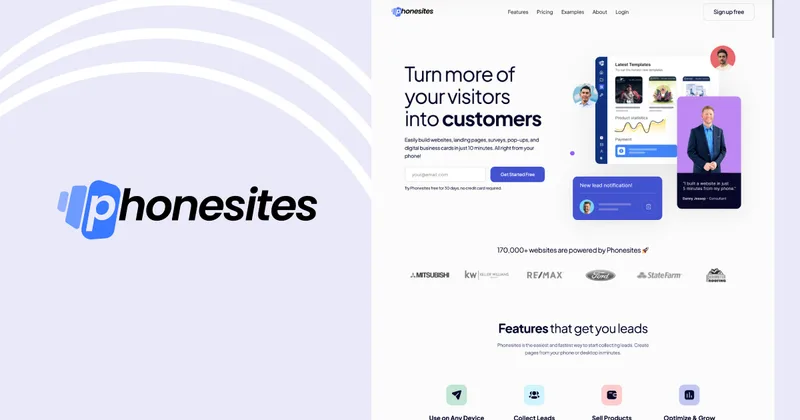
Phonesites is a no-code landing page and website builder that helps businesses create mobile-responsive pages, surveys, pop-ups, and digital business cards quickly—claiming you can build pages in minutes from your phone or desktop.




Webscrapeai
Webscrape AI is a no-code AI-powered web scraping tool that automates data collection from websites, offering customizable, fast, and cost-effective scraping plans for businesses.
Premium Alternatives
Appy Pie
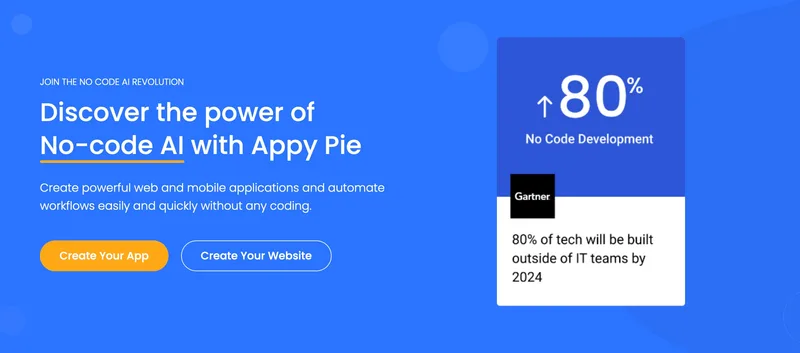
Appy Pie is an AI-powered no-code app builder that converts plain-English prompts into working native Android and iOS apps with backend, hosting, and store-publishing support. It targets founders and businesses who want to ship production mobile apps quickly without writing code.

softgen
Softgen is an AI-powered web app builder that turns plain-English app descriptions into deployed, production-ready Next.js apps with managed Supabase, GitHub export, one-click Vercel deploy, and selectable AI models—designed for founders, makers, and teams to build MVPs and SaaS fast.

Kivicube
Kivicube is a web-based, no-code AR creation and publishing platform that lets individuals and enterprises build, preview and publish interactive AR experiences (WebAR, WeChat Mini Program, Vision Pro, etc.) using visual editing and AI-powered tools such as 3D model and video generation.

SunSed
SunSed is an AI app builder for creating and running business applications from descriptions, using tested building blocks and a built-in programming language. Hosting, databases, logins, email, file storage, payments, and other app services are included in its paid plans.
-Bh91Hz9I.png)

