
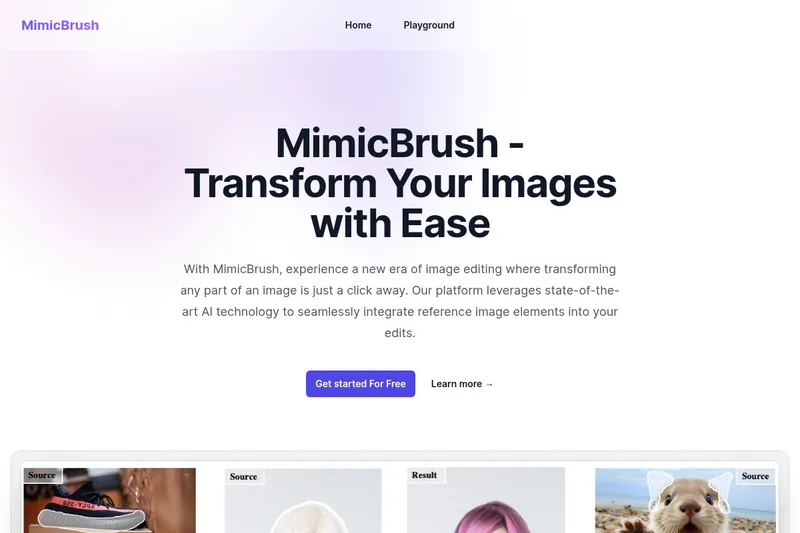
Mimicbrush
MimicBrush is an AI-powered online image editing platform that enables localized, reference-driven edits by transferring style and texture from a reference image to a selected area of a source image, aimed at both beginners and professionals.
Mimicbrush is image & design software teams evaluate for creative & design. Use this page to review pricing, integration signals, and the best alternatives before you commit.
Profile facts come from the vendor source. AiMatch labels unknown pricing or API details instead of estimating them.
Review official source →Used in These Packs
Quick Overview
Best for: Creative & Design
What it does
Image & Design software for decision-makers comparing workflow fit and alternatives.
Best fit
Creative & Design
Pricing snapshot
Free
Next step
Compare Mimicbrush with similar tools before you shortlist it.
Compare this tool before you shortlist it
Review alternatives, pricing posture, and workflow fit side by side.
MimicBrush is an online image-editing platform that uses imitative AI editing to modify specific parts of images by referencing elements from another image. It is designed for users who want precise, localized edits—such as changing clothing, backgrounds, or textures—without altering the whole image. The product emphasizes automated processing so non-experts can achieve realistic, high-quality results and is presented as suitable for both personal and commercial workflows, accessible across desktop and mobile devices.
MimicBrush is an AI-powered online image editing platform that enables localized, reference-driven edits by transferring style and texture from a reference image to a selected area of a source image, aimed at both beginners and professionals.
Own this listing?
Claim this page for a one-time $29 to add pricing, features, screenshots, verified owner details, and a clearly labeled 30-day category position after the profile is live.
Claim this listing for $29Key Features
Imitative Editing
Uses a unique imitative editing technique to integrate elements from a reference image into the source image for realistic modifications.
Simple Image Editing (Localized)
Select a specific part of an image using a white mask and modify only that area based on a reference image while preserving the original object shape.
Automated Processing
Automates style recognition and adaptation from the reference image so professional skills are not required for high-quality edits.
Texture Transfer
Transfers textures and patterns from a reference image to the selected area while preserving the original shape of the source objects.
Post-Processing Refinement
Can be used to refine and enhance images produced by other methods, improving consistency and quality.
Cross-Device Compatibility
Accessible on a range of devices from desktops to mobile phones for on-the-go editing.
Pricing
The site advertises "Get started For Free" / "Try It Now For Free", indicating a free access tier or trial is available.
Use Cases
Product and Fashion Design
Apply patterns, fabrics, or textures from reference images to clothing or product photos for rapid concept exploration and design iterations.
Photography Post-Processing
As a refinement tool for photographers to make localized corrections or enhancements without reworking entire images.
Graphic and Visual Design
Create composite visuals by blending reference styles into selected parts of images for marketing or creative projects.
Commercial Content Creation
Prepare imagery for commercial projects with professional-level localized edits and texture transfers supported by automated processing.
Integrations
No verified integration details are available.
Benefits
Limitations
No verified limitations are available.
Frequently Asked Questions
Can MimicBrush handle various image styles?
Is MimicBrush suitable for all types of image edits?
How realistic are the edits with MimicBrush?
Can I use MimicBrush for detailed modifications?
Is MimicBrush easy to use for beginners?
Can MimicBrush be used for commercial projects?
Does MimicBrush support texture transfer?
Can MimicBrush handle post-processing refinement?
Is MimicBrush compatible with various devices?
Getting Started
- 1 Step 1: Select the editing area on the source image by marking it with a white mask.
- 2 Step 2: Upload a reference image that contains the desired visual elements.
- 3 Step 3: Let MimicBrush automatically recognize and mimic corresponding parts to edit the source image.
- 4 Step 4: Experiment with different reference images and areas to refine results.
- 5 Step 5: Access the tool from desktop or mobile to continue editing across devices.
Support
Contact
Use the 'Contact Us' link in the site footer to reach MimicBrush support (https://mimicbrush.app/).
API
Compare Mimicbrush with similar tools
See how it stacks up against alternatives
Related Tools
View all 386 →

Fluximage
Fluximage is a web-based AI image generation platform that hosts multiple image models (including Ideogram 2.0 and several FLUX.1 variants) for creating logos, posters, web designs, and other generated imagery. The site offers a browser UI with prompt input, style controls, and a free try option.
EzMaker AI
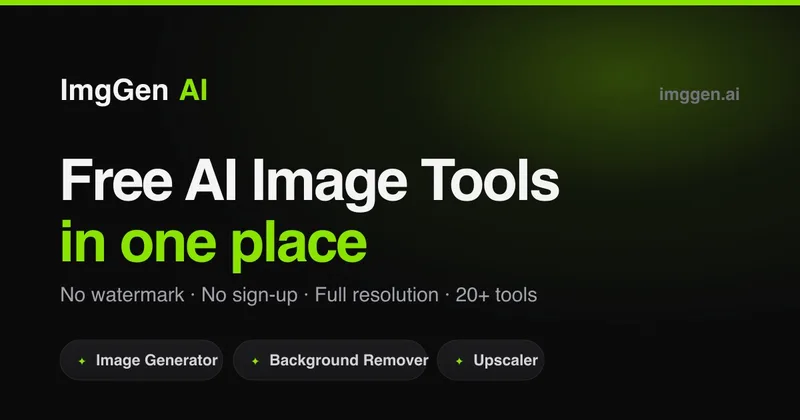
EzMaker AI is a free, browser-based AI photo editor and image generator for removing objects and backgrounds, enhancing and upscaling images, and making edits from text prompts. The page says it requires no sign-up and supports commercial use subject to obtaining any necessary authorization.

Premium Alternatives
Illusion Diffusion
Illusion Diffusion is a web-based AI photo-to-art generator that transforms designs, text, or photos into illusion-style artwork using ControlNet, OpenPose, and Stable Diffusion models. It offers credit-based image generation, downloadable results, and presets for text-to-image and brand/logo reimagining.


PreCheck
PreCheck is an AI-powered facial recognition and face-search platform that lets users upload a single photo to find where that face appears across the web, and also provides reverse phone and email lookups for identity, reputation management, and fraud prevention.

Themultiverse
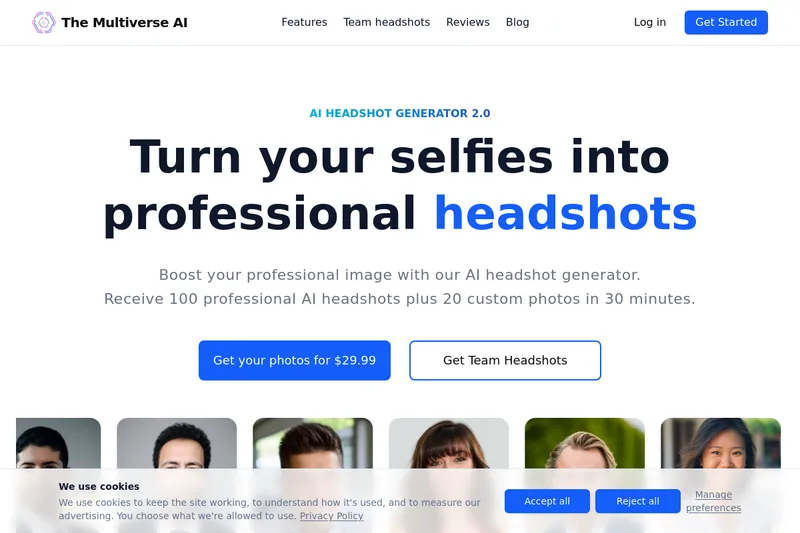
The Multiverse AI is a commercial AI headshot generator that turns user selfies into professional-quality headshots and team portraits, offering a 30-minute turnaround and an editable set of generated images for individual professionals and corporate teams.
Aithumbnail
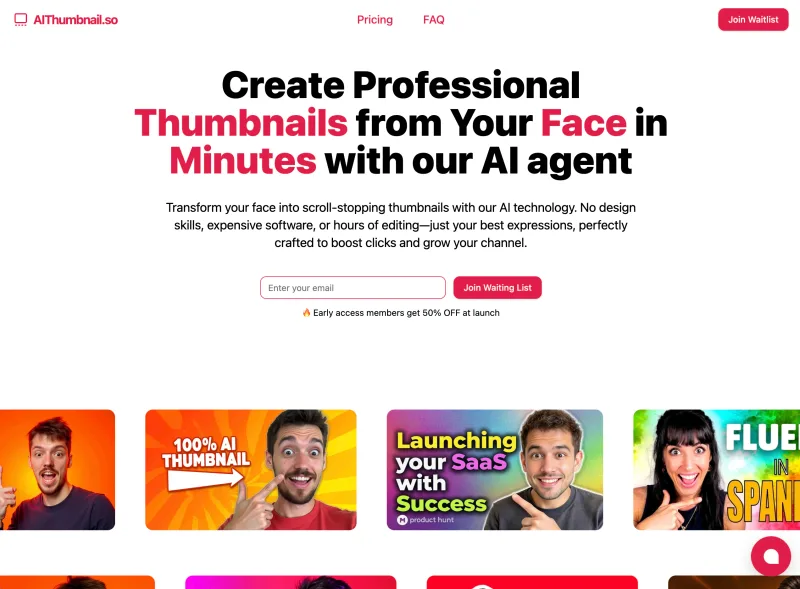
AIThumbnail.so is an AI-powered thumbnail maker for YouTube and creators that generates high-converting thumbnails in under a minute, offering features like Replica Mode, one-photo face integration, and AI smart suggestions to boost CTR and views.