3dify
3Dify is a professional, AI-powered image-to-3D model generator that converts 2D images into high-quality GLB and PLY 3D models, offering trial credits and premium subscriptions with commercial licensing.
3dify is image & design software teams evaluate for software & gaming. Use this page to review pricing, integration signals, and the best alternatives before you commit.
Profile facts come from the vendor source. AiMatch labels unknown pricing or API details instead of estimating them.
Review official source →Used in These Packs
Quick Overview
Best for: Software & Gaming
What it does
Image & Design software for decision-makers comparing workflow fit and alternatives.
Best fit
Software & Gaming
Pricing snapshot
Paid from Less than $7 per year (site states most affordable annual plan costs less than $7/year)
Next step
Compare 3dify with similar tools before you shortlist it.
Compare this tool before you shortlist it
Review alternatives, pricing posture, and workflow fit side by side.
3Dify is a web-based, AI-powered platform that converts 2D images (JPG, PNG up to 2MB) into high-quality 3D models. The service performs automatic preprocessing such as background removal and image optimization, and stores generated models in a personal "My Models" page and on an Explore page showcasing community creations. The product targets professional workflows and supports commercial use, offering trial credits and affordable premium plans (the site states an annual plan costs less than $7/year).
3Dify is a professional, AI-powered image-to-3D model generator that converts 2D images into high-quality GLB and PLY 3D models, offering trial credits and premium subscriptions with commercial licensing.
Own this listing?
Claim this page for a one-time $29 to add pricing, features, screenshots, verified owner details, and a clearly labeled 30-day category position after the profile is live.
Claim this listing for $29Key Features
AI-powered image to 3D conversion
Stable, advanced AI algorithms convert 2D images into 3D models with options for premium higher-resolution processing.
Automatic preprocessing
Performs background removal and image optimization automatically before conversion to improve results.
Image Enhancer & Background Remover tools
Built-in Image Enhancer to clean and strengthen source images and a Background Remover to prepare inputs for conversion.
File format exports (GLB & PLY)
Generates GLB files suitable for web/AR/VR and PLY files suitable for 3D printing, mesh editing, and point cloud processing.
Model management
All generated 3D models are permanently saved in the user's 'My Models' page and can be featured on the Explore page.
Commercial licensing
All 3D models created are licensed for commercial use, enabling professional applications such as game assets and product visualization.
Premium quality options
Paid/premium generation offers higher mesh density, improved texture mapping, better geometry optimization, and faster processing speeds.
Pricing
Trial credits available so users can test AI 2D-to-3D conversion quality before upgrading.
Annual Premium
Less than $7 per year (site states most affordable annual plan costs less than $7/year)- Unlimited access to premium generation parameters
- Higher resolution processing, improved mesh density and texture mapping
Use Cases
Game asset creation
Transform 2D concept art or images into immersive, game-ready 3D assets.
Product visualization and e-commerce
Generate 3D product prototypes and interactive assets for online stores and marketing.
AR/VR content
Produce GLB models optimized for web AR/VR experiences and 3D viewers.
3D printing and prototyping
Export PLY files for 3D printing, mesh editing, and point cloud workflows.
Animation, film, and educational content
Create assets for 3D animation, film production, and educational 3D content.
Integrations
No verified integration details are available.
Benefits
Limitations
Frequently Asked Questions
Can I use AI 3D models generated from image to 3D conversion for commercial purposes?
What file formats does the image to 3D model generator provide?
How does the image to 3D model AI trial and pricing work?
Getting Started
- 1 Step 1: Prepare an input image (JPG or PNG, max 2MB) following guidelines: transparent background, one complete centered object, sharp and well-lit without text or watermarks.
- 2 Step 2: (Optional) Run Image Enhancer and/or Background Remover to clean and optimize the source image.
- 3 Step 3: Upload the image, adjust advanced settings if needed, and click 'Generate 3D Model' (the page notes generation consumes credits).
Support
Contact page
Quick Links include a 'Contact Us' page for general inquiries (https://3dify.space/contact).
Email (feedback)
The site invites users to email feedback to report issues or suggestions and earn free credits (no direct address listed on the page).
API
Compare 3dify with similar tools
See how it stacks up against alternatives
Related Tools
View all 378 →


Imagedescriber
Image Describer is a web-based AI tool that analyzes uploaded images and generates detailed descriptions, captions, OCR-style text extraction, and prompts for image-generation tools. Users upload an image, provide an intention or template, and receive an AI-generated description or related outputs.

Nanobanana
Nano Banana is a web-based AI image editor that enables natural-language text-based image edits, consistent multi-character editing, and high-resolution scene-preserving transformations for creators and professionals.

Bylo AI
Bylo AI is a free online all-in-one AI image generator and photo editor that combines multiple image models (GPT-4o Image, Gemini Nano Banana, Flux) to generate, edit, and refine images with one-click effects, style transfers, object removal, multi-image fusion, and restoration tools.
Actionfiguregenerator
Action Figure Generator is a web-based AI tool that transforms user photos into collectible-style action figure images with custom packaging, accessories, and themes using generative AI.

Artiphoria AI
Artiphoria AI is a web-based AI image generation software that creates unique images in one click using neural networks and machine learning, aimed at artists, designers, creators and businesses.
Budget-Friendly Alternatives
Niji7
Niji V7 on Niji7.art is an online AI-powered anime and illustration generator offering the Niji V7 model (and multiple other models) for text-to-image, image-to-image and video generation, aimed at creators who need professional-grade anime-style artwork with improved coherency, eye detail and line work.
Image to Text Converter
Online Image to Text Converter (Imagetotext.io) is a freemium web tool that uses OCR (including Tesseract and Python libraries) to extract editable text from images, screenshots, handwritten notes, and scanned documents.
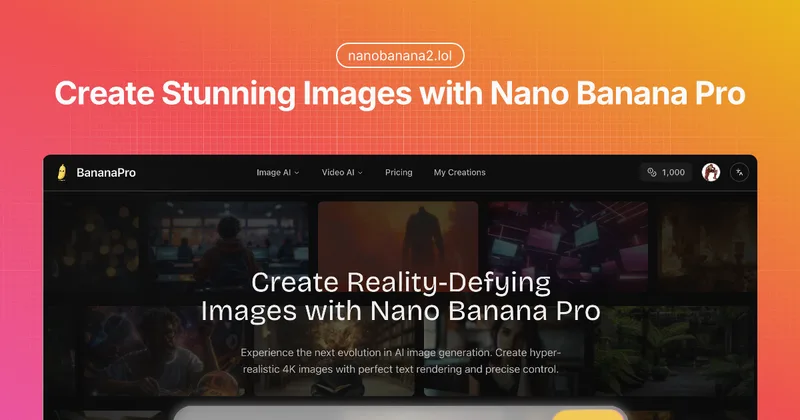
Nanobanana2
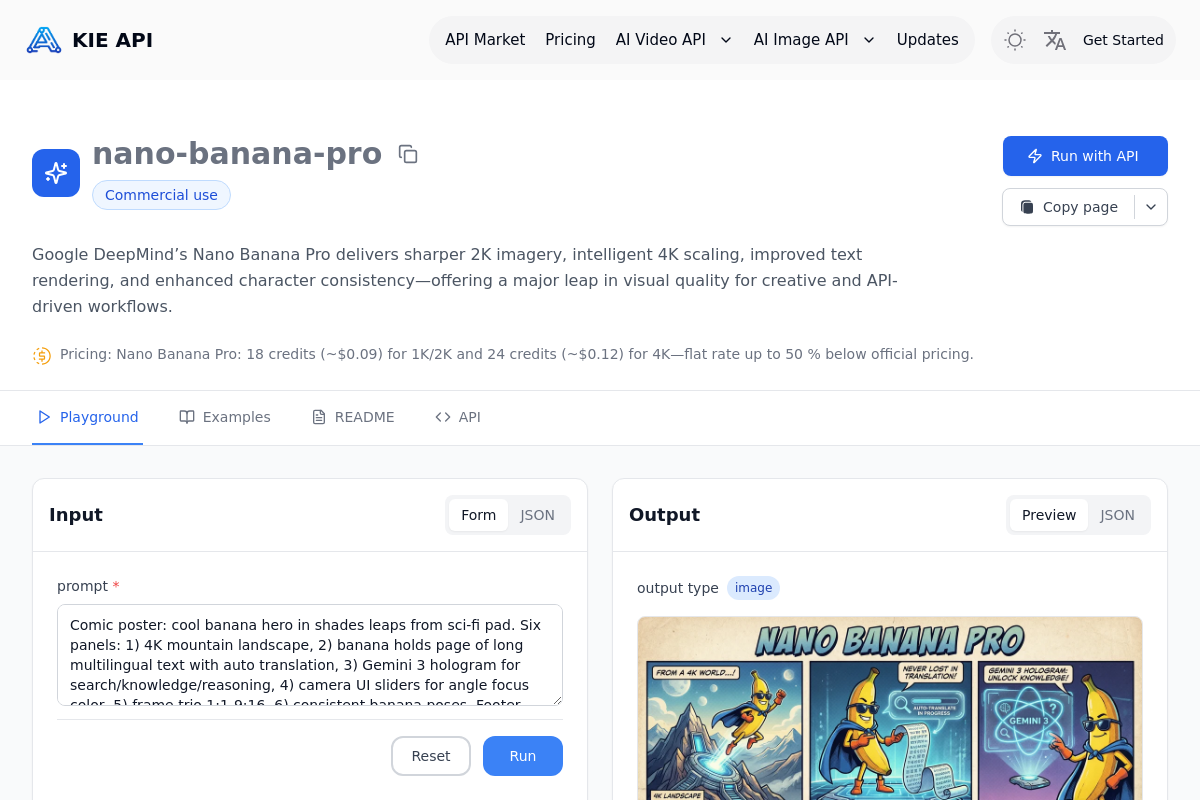
Nano Banana Pro (BananaPro) is a web-based AI image generator focused on hyper-realistic, native 4K image creation with precise text rendering, studio lighting controls, and professional output for designers and studios.

Image to 3D AI
Image to 3D AI is a browser-based platform that converts images or text prompts into editable 3D models (exportable as GLB), offering textured or geometry-only outputs and tools like auto-retopology and online preview for game, 3D printing, design, and educational workflows.