

Mojave Paint
Mojave Paint is a macOS image editor built for Apple Silicon with a retro aesthetic, familiar key bindings, and deterministic (non-AI) image operations. The app is a free download with most features enabled; Export is unlocked with a one-time $9.99 purchase.
Mojave Paint is ai tools software teams evaluate for creative & design. Use this page to review pricing, integration signals, and the best alternatives before you commit.
Used in These Packs
Quick Overview
Best for: Creative & Design
What it does
AI Tools software for decision-makers comparing workflow fit and alternatives.
Best fit
Creative & Design
Pricing snapshot
Freemium from Free
Next step
Compare Mojave Paint with similar tools before you shortlist it.
Compare this tool before you shortlist it
Review alternatives, pricing posture, and workflow fit side by side.
Mojave Paint
Mojave Paint is a new macOS image editor designed for Apple Silicon and requiring macOS 15 Sequoia. It emphasizes deterministic, mathematical image mutations rather than AI-generated content, and presents a somewhat retro aesthetic with familiar key bindings. The application is available as a free download that is fully featured except for Export, which is unlocked by a one-time $9.99 purchase. The project is actively developed with release notes, an interactive roadmap of missing features, and a Hidden Manual for more information.
Direct manipulation of static images on the Mac platform Discussion | Link
Own this listing?
Claim this page to add pricing, features, screenshots, and verified owner details.
Claim this listingKey Features
Layers
Support for layer-based editing, including adjustment layers, layer masks, quickmask, and layer styles (added in v1.3).
Blend modes
Multiple blend modes for compositing layers; recent updates added a 'Behind' blend mode for brush and pencil tools (v1.3.1).
Selections and Magic Wand
Selection tools including a magic wand and hue-based selections used with adjustments like Hue/Saturation.
Channels
Support for image channels for editing and compositing workflows.
Multiple documents & tabs
Open multiple documents in tabs with spring-loaded tab behavior.
Text tool
Type support, including layer styles applicable to type layers (demonstrated in video gallery).
Paintbrush & Pencil tools
Raster painting tools for pixel-level editing; supports blend modes and recent 'Behind' blend mode addition.
Gradient tool
Gradient creation and editing tools for fills and overlays.
Adjustment layers & adjustments
Non-destructive adjustment layers and image adjustments including Hue/Saturation demonstrated in examples.
Free transform / Move tool
Transform tools with recent behavior change: Move/Free Transform now defaults to aspect ratio constrained (v1.3.2).
Filters (including Pixelate -> Crystallize)
Image filters with additions such as the Crystallize filter added in v1.3.0.
Image/canvas resize & cropping
Canvas and image resizing plus crop tool functionality.
Guides and snapping
Guides and snapping support to aid alignment (snap-to-guides shipped in v1.2.2).
Exporting (paid)
Export functionality exists but is behind a paid one-time unlock ($9.99).
Connect to external services
Ability to connect to external services (no specific services enumerated on the page).
Hidden Manual
Additional feature details and documentation are provided in the Hidden Manual linked from the site.
Video gallery & demos
Short video previews and demos show workflows like layer styles, logo recreation, and hue selection examples.
Layer styles (v1.3)
Support for nine layer styles in v1.3: Color Overlay, Gradient Overlay, Satin, Inner Shadow, Inner Glow, Drop Shadow, Outer Glow, Stroke, Bevel & Emboss.
Pricing
Free download is fully-featured except for Export, which is unlocked with a one-time $9.99 purchase.
Free download
Free- All core features available except Export
- Includes layers, tools, filters, adjustments, and demo videos
Export unlock
$9.99 one-time purchase- Enables Exporting functionality
Use Cases
General image editing
Layer-based editing, adjustments, filters, cropping, and resizing for photo and image editing tasks.
Graphic and logo recreation
Recreate logos and graphics (example: WWDC26 logo recreation shown in video gallery) using layer styles, text, and transforms.
Color corrections and selective color changes
Use selection tools and Hue/Saturation adjustments for targeted color changes (example: changing a car's color demonstrated in a video).
Digital painting and pixel editing
Paintbrush, pencil, gradients, and filters support raster painting and pixel-level edits.
Integrations
External services
Mojave Paint can connect to external services (the site notes 'Connect to external services' but does not list specific third-party integrations).
Benefits
Limitations
Frequently Asked Questions
Claim this listing to publish FAQs.
Getting Started
- 1 Download the free Mojave Paint app from the website (requires Apple Silicon and macOS 15 Sequoia).
- 2 Open images or create a new document and use layers, selections, and painting tools; consult the Hidden Manual for detailed feature documentation.
- 3 If you need Export capability, purchase the one-time $9.99 unlock to enable exporting.
Support
Documentation
Hidden Manual on the website provides more information on features.
Blog
Blog with posts, demos, and release announcements on the site.
Report a Bug
Page/flow on the site labeled 'Report a Bug' to submit issues (listed on the site).
Contact
A 'Contact Us' link is listed on the site for inquiries and support.
API
Compare Mojave Paint with similar tools
See how it stacks up against alternatives
Related Tools
View all 400 →
Piclumen
PicLumen is a web-based AI creative platform that generates and edits images and videos using a wide selection of state-of-the-art generative models. It targets creators, designers, marketers, and hobbyists who want to turn text or images into polished visuals and short videos quickly.

Nudiva
Nudiva.fun is a web and mobile service that uses deep-learning AI to generate realistic 'undress' or nude images and short videos from clothed photos. It targets adult users who want to create custom adult content, offering pose and body-shape customization, multi-upload processing, mobile apps and a Telegram bot.


Quitarfondo
Quitar Fondo es una herramienta de inteligencia artificial que elimina automáticamente el fondo de imágenes en segundos, ofreciendo resultados de calidad profesional y soporte para formatos comunes como JPG, PNG y WEBP.
Ideatoimg
IdeaToImage is an online image-to-image AI editor and generator that lets users restyle, replace backgrounds, and make local edits to existing photos or drafts using Nano Banana models. It targets creators, marketers, e-commerce sellers, and non-designers who want fast, controllable visual refinements without rebuilding from scratch.
Makepix
Makepix is a web-based AI image generator offering a suite of free and paid tools to create, enhance, and transform images (anime, portraits, tattoos, cartoons, backgrounds, upscaling and more). It provides a gallery for inspiration and a trial credit model to explore premium features.
Aiimageupscale
Adima (AIImageUpscale) is a Windows desktop AI image upscaler (Adima Pro V1.2.0) that enlarges and enhances photos up to 16× and true 16K (and advertised up to 64K) resolutions using offline AI models, optimized for both CPU and GPU.

Tryitonai
Try it on AI is a studio-quality AI headshot generator that creates professional, on-brand portraits for individuals and remote teams within minutes. Built by MIT AI engineers, it serves professionals and enterprise clients with tools for quick headshots, custom creative portraits, and team photography workflows.
Premium Alternatives
Chattyhiring
ChattyHiring provides AI-driven virtual recruiting assistants that automate candidate screening and interviews via messaging channels like WhatsApp and Email, delivering scored evaluations, transcripts, and interview summaries to help talent teams hire faster.



Stablediffusionai
Stable Diffusion AI Generator Online (StableDiffusionAI) is a web-based text-to-image platform powered by Stable Diffusion and SDXL that lets users create high-resolution AI art from text prompts with tools for inpainting, outpainting, embeddings and model customizations.

22analytics
22analytics.com is an available .com domain listed for sale on HugeDomains, offered with purchase and financing options, a 30-day money-back guarantee, and domain delivery through the NameBright registrar.
Fantasygen
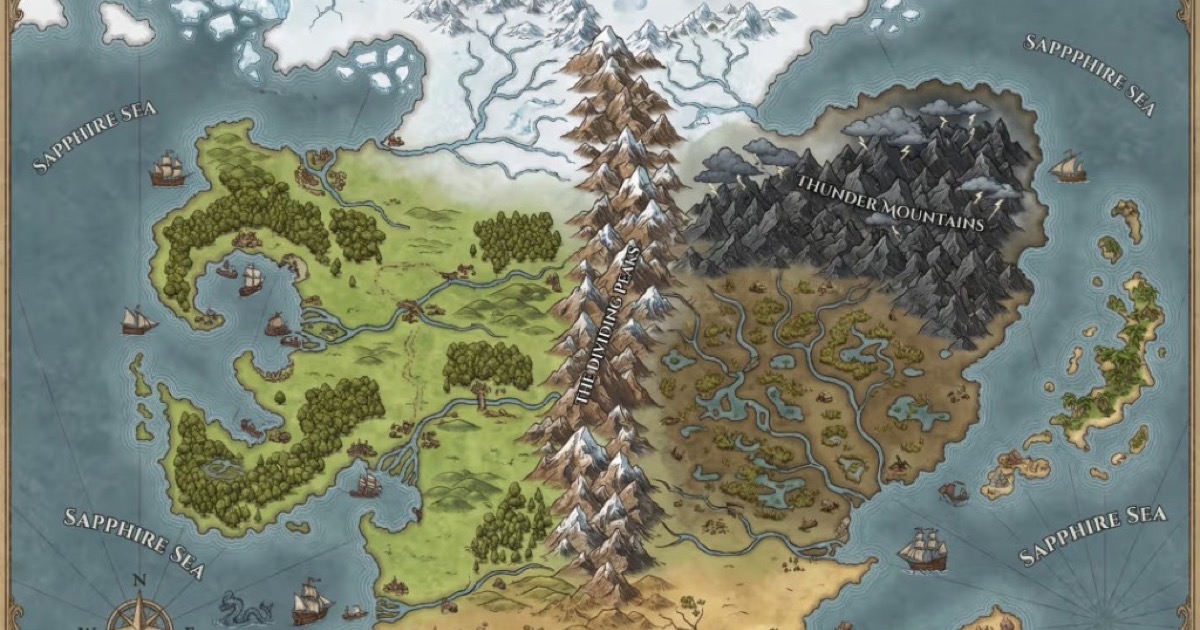
FantasyGen is an AI-powered fantasy map generator and map maker that creates D&D battlemaps, world maps, dungeon maps, city maps, and more instantly from text prompts. It's aimed at game masters, authors, worldbuilders, and game developers who need fast, high-quality maps without drawing skills.

AIclicks
AIclicks is an AI and LLM search visibility optimization tool designed to help brands track, analyze, and improve their presence in AI search engines like ChatGPT, Perplexity, and Gemini. It provides actionable analytics, competitor analysis, and AI-generated content to boost AI search rankings.