
Aiimageupscale
Adima (AIImageUpscale) is a Windows desktop AI-powered image upscaler (Adima AI Image Upscaler Pro, v1.2.0) that enlarges and enhances photos up to 16× and up to 16K/64K resolutions, offering offline processing, batch upscaling, denoising, and multiple export formats aimed at photographers, designers, and creators.
Aiimageupscale is image & design software teams evaluate for image & design. Use this page to review pricing, integration signals, and the best alternatives before you commit.
Profile facts come from the vendor source. AiMatch labels unknown pricing or API details instead of estimating them.
Review official source →Used in These Packs
Quick Overview
Best for: Image & Design
What it does
Image & Design software for decision-makers comparing workflow fit and alternatives.
Best fit
Image & Design
Pricing snapshot
Freemium from Free (includes 20 starter credits)
Next step
Compare Aiimageupscale with similar tools before you shortlist it.
Compare this tool before you shortlist it
Review alternatives, pricing posture, and workflow fit side by side.
Adima AI Image Upscaler Pro (Adima V1.2.0) is a Windows desktop application that uses AI models to upscale and enhance images up to 16× their original size and to high resolutions (advertised up to 16K or 64K). It is positioned for photographers, designers, and creators who need extreme clarity and professional-grade upscaling, offering offline processing to protect privacy. The product advertises batch upscaling, CPU and GPU-optimized builds, denoising, compression, multiple output formats, and tools such as side-by-side comparison and artistic filters to deliver high-quality, production-ready results.
Adima (AIImageUpscale) is a Windows desktop AI-powered image upscaler (Adima AI Image Upscaler Pro, v1.2.0) that enlarges and enhances photos up to 16× and up to 16K/64K resolutions, offering offline processing, batch upscaling, denoising, and multiple export formats aimed at photographers, designers, and creators.
Own this listing?
Claim this page for a one-time $29 to add pricing, features, screenshots, verified owner details, and a clearly labeled 30-day category position after the profile is live.
Claim this listing for $29Key Features
16× AI Upscaling to 16K/64K
Upscale images up to 16 times their original size and to high resolutions (advertised up to 16K or 64K) using AI models for improved sharpness and detail.
Effortless Batch Upscaling
Process multiple images at once — Adima supports batch mode to enhance folders or large sets of photos in a single operation.
Compression and File Size Optimization
Built-in compression to reduce file size of upscaled images while aiming to preserve clarity and detail for easier storage and sharing.
Crystal Clear Denoising
Advanced denoising algorithms reduce noise and artifacts in upscaled images to improve clarity and produce cleaner results.
Multiple Output Formats
Export upscaled images in six formats: JPG, PNG, TIFF, WEBP, HDR, and BMP for compatibility with different workflows.
Side-by-Side Comparison
Compare original and upscaled images within the interface to see and fine-tune the impact of enhancements.
Artistic AI Filters
Access six high-quality filters to apply artistic effects to upscaled images for creative finishing touches.
CPU & GPU Optimized Builds
Provided versions optimized for both CPU and GPU hardware to take advantage of available system resources and accelerate processing.
Offline Privacy Protection
Offline functionality allows image editing and upscaling without an internet connection to protect user privacy and local assets.
High-Speed Upscaling and Hardware-Safe Tiling
Optimized algorithms for fast processing and a tiling method that divides large images into smaller tiles to maintain stability and reduce hardware strain during intensive tasks.
Free Starter Credits
Free version provides starter credits (20 credits) to begin enhancing images; the product uses a credit system (1 credit per image processed).
Pricing
Free version available with 20 starter credits.
Free / Starter
Free (includes 20 starter credits)- 20 starter credits
- Basic access to upscaling features
- Offline desktop use
Adima Packs / Pro (paid)
Not specified on page (holiday sale and discounts mentioned)- Higher or unlimited credits, full-power Adima AI model on Windows (implied)
Use Cases
Professional Photography Enlargement
Upscale low-resolution photos for large-format printing or archival use while preserving fine details and textures.
Design & Creative Workflows
Improve image resolution and clarity for graphic design, marketing materials, and multimedia projects with flexible export formats.
Batch Processing for Events or Collections
Quickly enhance large photo sets (event albums, shoots) using batch upscaling to save time and ensure consistent quality.
Privacy-Sensitive Image Enhancement
Perform upscaling offline for images that require local processing and enhanced privacy controls.
Restoration and Detail Recovery
Use denoising and high-factor upscaling to recover and sharpen details in small or noisy source images.
Integrations
No verified integration details are available.
Benefits
Limitations
Frequently Asked Questions
What is Adima AI Image Upscaler Pro?
How many credits does the Upscaler consume?
What image formats does the tool accept?
Can I upscale multiple images at once? How many?
Getting Started
- 1 Download and install Adima AI Image Upscaler Pro for Windows from the website.
- 2 Open the app and use the free starter credits (20 credits) to begin testing — the app consumes 1 credit per processed image.
- 3 Select images or a folder, choose upscale factor/output format and optional filters/denoising, then run batch processing and export results.
Support
docs/tutorial
On-site tutorial and 'Results' pages are referenced on the site (Tutorial: "Master adima ai image upscaler pro") for learning how to use the product (source page).
download
Download link for the Windows application is available on the site (page includes 'Download' and prompts to try the free version).
API
Compare Aiimageupscale with similar tools
See how it stacks up against alternatives
Related Tools
View all 375 →
Photobooth AI
Photobooth AI is a web and mobile photobooth app that uses AI-driven styles and custom prompts to transform user portraits for events, parties, and personal use, offering an event mode for guest participation and sharing.

jpgtotext.com
jpgtotext.com is a web-based Image to Text (OCR) converter that extracts editable text from JPG, PNG and other image formats, offering free and premium plans for batch processing, higher file size limits, and ad/reCAPTCHA-free conversions.
RemoveBackgroundAI
RemoveBackgroundAI is a web-based AI tool that automatically removes backgrounds from images and videos in seconds, offering free no-signup use, HD output, and an API for automation.
Visage Technologies
Visage Technologies provides proprietary face-related computer vision SDKs and custom edge AI solutions for face tracking, analysis, recognition, and virtual try-on, serving enterprise and industrial clients with emphasis on low-latency, embedded deployments and AI/functional safety.
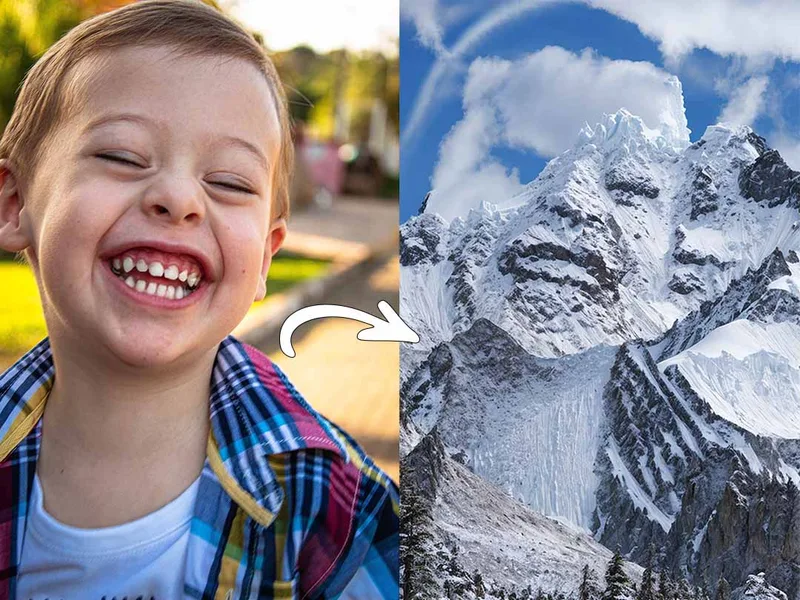
Illusion Diffusion
Illusion Diffusion is a web-based AI photo-to-art generator that transforms designs, text, or photos into illusion-style artwork using ControlNet, OpenPose, and Stable Diffusion models. It offers credit-based image generation, downloadable results, and presets for text-to-image and brand/logo reimagining.
Premium Alternatives

Prompt Hunt
Prompt Hunt is a web platform for creating, browsing, and sharing AI-generated art using curated prompt templates and its in-house Chroma model, aimed at creatives, teams, and prompt engineers.


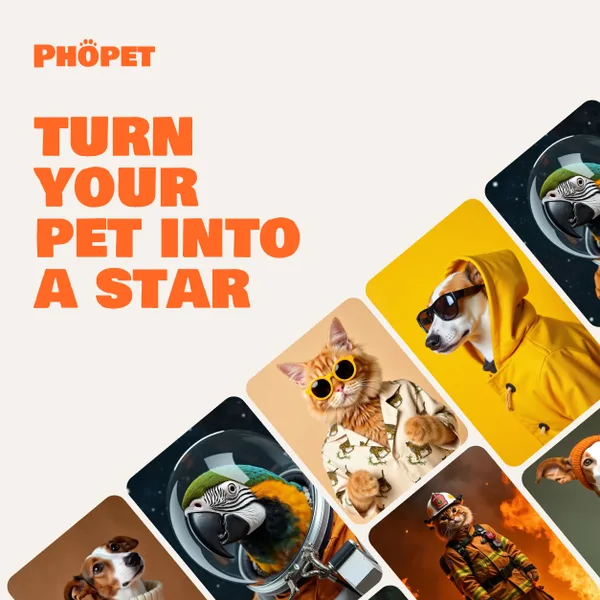
phopet
Phopet is a pet-focused image-generation service that trains a custom AI model from user-uploaded pet photos to produce themed, studio-quality images, upscaled prints, and merchandise-ready assets. It targets pet owners who want personalized photo packs and creative stories featuring their pets.

Image-AI.pro
Image-AI.pro is a professional AI image generation platform powered by the proprietary img-v2 Pro engine, offering studio-quality, multi-style image generation with instant, no-registration access and an optional VIP membership for faster, higher-resolution outputs.