
Stablediffusionai
StableDiffusionAI is an online Stable Diffusion/SDXL-powered text-to-image platform that enables users to generate high-resolution AI art from text prompts, offering tools for beginners and professionals as well as guidance for local installation and model customization.
Stablediffusionai is image & design software teams evaluate for creative & design. Use this page to review pricing, integration signals, and the best alternatives before you commit.
Profile facts come from the vendor source. AiMatch labels unknown pricing or API details instead of estimating them.
Review official source →Used in These Packs
Quick Overview
Best for: Creative & Design
What it does
Image & Design software for decision-makers comparing workflow fit and alternatives.
Best fit
Creative & Design
Pricing snapshot
Contact for pricing
Next step
Compare Stablediffusionai with similar tools before you shortlist it.
Compare this tool before you shortlist it
Review alternatives, pricing posture, and workflow fit side by side.
StableDiffusionAI (Stable Diffusion Online) is an online platform that provides a text-to-image AI art generator powered by Stable Diffusion and Stable Diffusion XL (SDXL). The site positions itself as accessible to both beginners and experienced users, offering a simple interface to enter text prompts, choose styles, and produce images. It highlights SDXL for high-resolution, professional-grade outputs and also documents options to run Stable Diffusion locally, download source code, and customize models.
StableDiffusionAI is an online Stable Diffusion/SDXL-powered text-to-image platform that enables users to generate high-resolution AI art from text prompts, offering tools for beginners and professionals as well as guidance for local installation and model customization.
Own this listing?
Claim this page for a one-time $29 to add pricing, features, screenshots, verified owner details, and a clearly labeled 30-day category position after the profile is live.
Claim this listing for $29Key Features
Text-to-Image Generation
Generate images from text prompts using Stable Diffusion models via a web interface (enter prompt, pick style, click 'Dream').
Stable Diffusion XL (SDXL) Support
SDXL 1.0 dual-model system enabling higher-quality, 1024x1024 resolution images with improved realism and simplified prompting.
High-Resolution Outputs
Platform emphasizes ultra-high-resolution and detailed imagery suitable for large-scale and professional projects.
Image Editing: Inpainting & Outpainting
Supports editing existing images via inpainting and outpainting to modify or expand images guided by text.
Embeddings & Style Control
Supports embeddings to reproduce specific visual styles by placing trained embedding files in the embeddings folder and referencing them in prompts.
LoRA (Learned Regional Augmentation)
Supports LoRA modules to specialize models on details like faces, hands, or clothing without full retraining.
ControlNet & Style/Structure Control
Mentions use of ControlNet to change style and color while preserving geometric structure.
Local Installation & Offline Use
Guidance provided for downloading the source code from GitHub and running Stable Diffusion locally for offline, GPU-based generation.
Training & Fine-Tuning Guidance
Provides an outline of steps and requirements for training or fine-tuning Stable Diffusion models with custom datasets and hyperparameter configuration.
Negative Prompts
Supports negative prompts to specify unwanted elements and reduce common artifacts in generated images.
Pricing
Current pricing details are not available from the vendor source.
Use Cases
Digital Art & Illustration
Create detailed landscapes, concept art, portraits, and intricate designs using text prompts and SDXL for high fidelity.
Commercial & Marketing Assets
Produce high-resolution visuals for digital marketing, advertising, and commercial projects as noted by the site’s emphasis on professional-grade outputs.
Creative Experimentation & Personal Projects
Accessible interface allows hobbyists and creatives to quickly turn ideas into visual artworks without deep technical knowledge.
Model Customization & Research
Train or fine-tune models, use embeddings and LoRAs, and experiment with ControlNet for research or bespoke model behavior.
Local, Private Generation
Run Stable Diffusion locally for privacy-sensitive workflows and offline usage scenarios.
Integrations
Dream Studio
Official Stable Diffusion access and API via Dream Studio referenced as an official API access point.
Hugging Face
Third-party provider for Stable Diffusion models and API access.
Civitai
Third-party site mentioned as a source for various Stable Diffusion models.
GitHub (CompVis/stable-diffusion)
Source code repository referenced for downloading and running Stable Diffusion locally.
Benefits
Limitations
Frequently Asked Questions
What are 'Stable difusion' and 'Stable difussion'?
How does Stability Diffusion XL relate to Stable Diffusion?
Does Stable Diffusion AI need internet?
Getting Started
- 1 Step 1: Visit https://www.stablediffusionai.ai/ and sign in or navigate to the Text-To-Image interface.
- 2 Step 2: Enter a text prompt, choose style and image settings (size, sampler), and click 'Dream' to generate images.
- 3 Step 3: Select, download, or share generated images; for local use follow the 'How to download' instructions to get code from GitHub and install dependencies.
Support
Support via [email protected] (address listed on the site).
docs
Site includes explanatory pages and blog content (e.g., 'How to use', 'How to download', 'How to train') and links such as Sitemap, Privacy Policy, and Terms & Conditions.
API
API access is available via Dream Studio and through third-party providers such as Hugging Face and Civitai (no direct API docs linked on this page).
Compare Stablediffusionai with similar tools
See how it stacks up against alternatives
Related Tools
View all 386 →

ImageStyle
ImageStyle is a web platform for exploring AI image prompts, visual styles, and prompt libraries — offering instant inspiration and tools to turn directions into generated images or videos using selectable AI models.
Virtualstaging
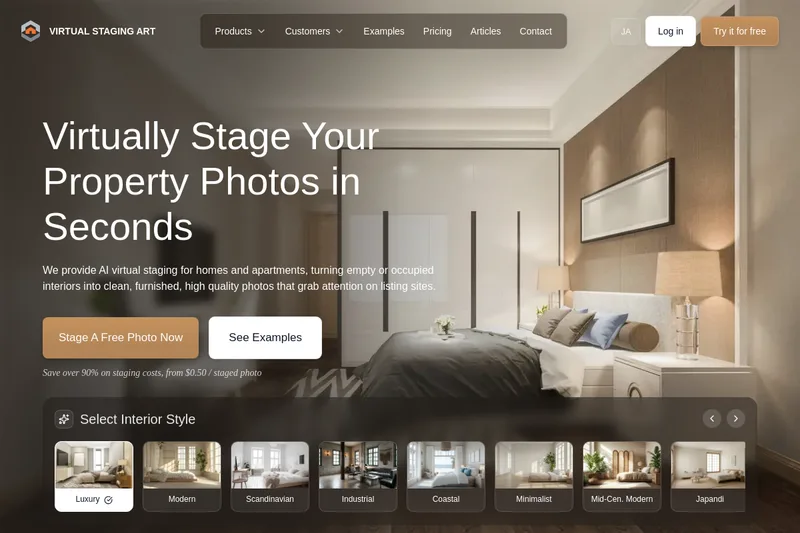
VirtualStaging.art provides AI-powered virtual staging and photo editing for real estate listings, converting empty or occupied interiors into furnished, listing-ready images in seconds — from $0.50 per staged photo.

Vectorizer
Vectorizer.AI is a browser-based, AI-powered raster-to-vector conversion service that turns PNG/JPG/GIF/BMP/WebP images into editable vector formats (SVG, EPS, DXF, PDF) for logos, illustrations, print, web, CAD, CNC, and other design workflows.
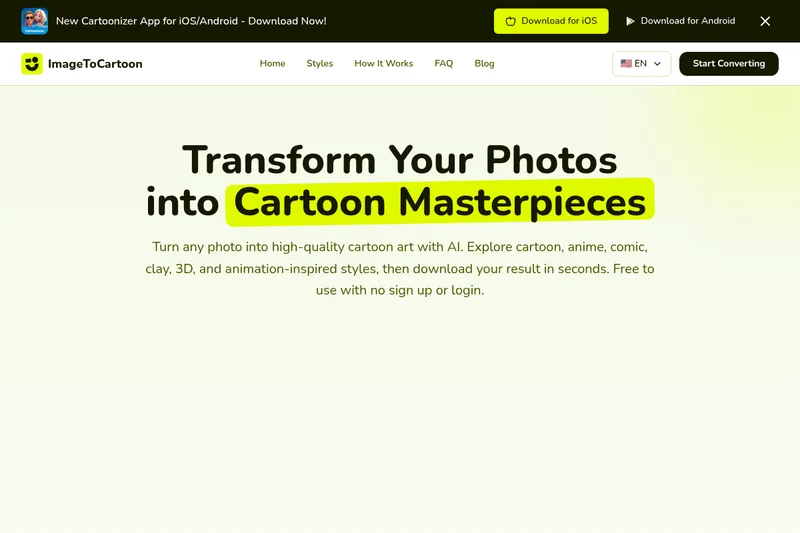
ImageToCartoon
ImageToCartoon is a free, web-based AI photo-to-cartoon converter that transforms photos into a wide range of cartoon and animation-inspired styles (anime, comic, 3D, clay, etc.) with no signup required.
Spacely
Spacely AI is a web-based and SketchUp-integrated interior design tool that uses AI to generate photorealistic room renders, enable rapid edits (lighting, materials, furniture), and produce client-ready visuals in under a minute for designers, architects, realtors, and space owners.
Premium Alternatives

Picture to Text
Picture to Text is an online OCR image-to-text converter that extracts editable text from images, screenshots, PDFs and handwritten notes using advanced OCR technology. It offers free and paid tiers with batch processing, multi-format support, and multi-language extraction.

imaginebuddy
Imagine Buddy is a web-based library of professionally crafted AI product photoshoot prompts that helps creators and brands generate campaign-ready product imagery using AI image generators like Gemini, ChatGPT/DALL·E, Midjourney, and Stable Diffusion.
RoomAI
RoomAI is a web-based AI room-design tool that restyles real room photos while preserving the room geometry (walls, windows, openings, ceiling height and camera angle). It offers 300+ styles, 20+ room presets, virtual staging and decluttering with fast, full-resolution results for property listings, designers, photographers and homeowners.
Prophotos
ProPhotos is a commercial AI-powered headshot generator that creates photorealistic, industry-specific professional headshots from user-uploaded photos, aimed at individuals and enterprises wanting quick, production-ready portraits for LinkedIn, resumes, and corporate use.

GPT Image 2.5
GPT Image 2.5 is a prompt-based image generation and editing workspace offering two model modes—Flare for fast creative exploration and Sunburst for detail-focused edits—designed for product visuals, portraits, campaigns, and other content creation workflows.
Themultiverse
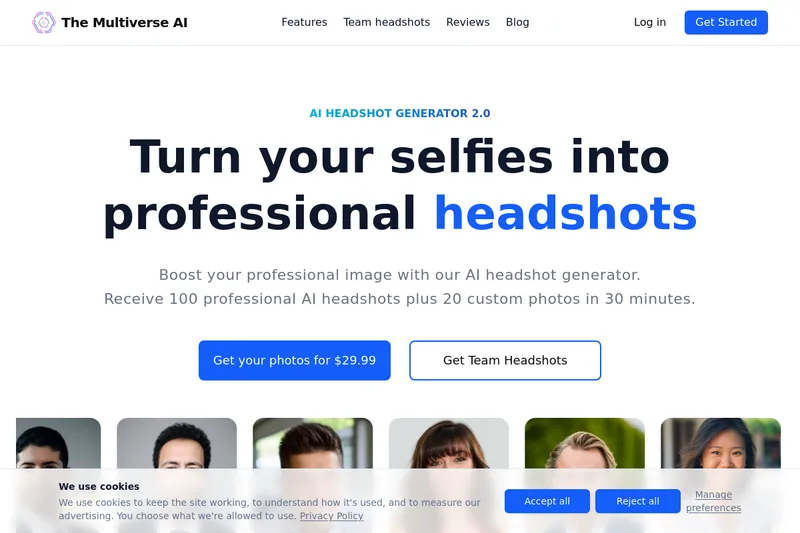
The Multiverse AI is a commercial AI headshot generator that turns user selfies into professional-quality headshots and team portraits, offering a 30-minute turnaround and an editable set of generated images for individual professionals and corporate teams.
