

On1
ON1 is an all-in-one photo editing suite for photographers that combines RAW processing, organizing, layer-based editing, and AI-powered tools (Resize AI, NoNoise AI, Portrait AI, Effects) available as standalone apps, plugins, and a subscription bundle.
On1 is image & design software teams evaluate for image & design. Use this page to review pricing, integration signals, and the best alternatives before you commit.
Used in These Packs
Quick Overview
Best for: Image & Design
What it does
Image & Design software for decision-makers comparing workflow fit and alternatives.
Best fit
Image & Design
Pricing snapshot
Freemium from Varies by product; individual AI apps and ON1 Photo RAW available as perpetual licenses. Exact prices listed on the website.
Next step
Compare On1 with similar tools before you shortlist it.
Compare this tool before you shortlist it
Review alternatives, pricing posture, and workflow fit side by side.
On1
ON1 provides a comprehensive photo editing ecosystem built for photographers who want a powerful alternative to Lightroom and Photoshop. The flagship product, ON1 Photo RAW (2026.2), combines importing, organizing, RAW processing, layers/masks, AI masking, retouching, effects, noise reduction, and export tools into a single application that works standalone or as plugins for other editors. ON1 also offers specialized AI-powered standalone apps (Resize AI, NoNoise AI, Portrait AI, Effects) and mobile versions for editing on iOS and Android. The company emphasizes ease of use, a photographer-first approach, and flexible purchasing (one-time purchases or subscription).
ON1 is an all-in-one photo editing suite for photographers that combines RAW processing, organizing, layer-based editing, and AI-powered tools (Resize AI, NoNoise AI, Portrait AI, Effects) available as standalone apps, plugins, and a subscription bundle.
Own this listing?
Claim this page to add pricing, features, screenshots, and verified owner details.
Claim this listingKey Features
All-in-one editor (Photo RAW)
Import, organize, edit, apply effects, retouch, and export photos with RAW processing, layers, masks, and brushes in a single application.
AI Masking & Enhancements
AI-assisted masking tools for precise subject and sky selections, plus AI enhancements to speed up common editing tasks.
Resize AI
Next-generation image upscaling optimized for enlargements and print while preserving detail.
NoNoise AI
High-ISO noise reduction that retains important detail and sharpness using AI-driven processing.
Portrait AI
Automated portrait retouching that understands facial features and streamlines common retouch workflows.
Effects & Creative Styling
A toolkit of creative effects and presets, enhanced with AI to speed styling and creative adjustments.
Standalone apps & Plugins
Individual AI-powered apps can be used as standalone applications or as plugins for Lightroom, Photoshop, Capture One, and more.
Mobile & Cross-Platform Support
Photo RAW for Mobile (iOS and Android) enables on-the-go editing and sync with desktop workflows.
Training & Support Resources
Extensive learning resources including video library, courses, webinars, knowledge base, and user guides are provided with products.
Pricing
30-day free trial for ON1 Photo RAW and individual apps; free resources such as presets, LUTs, Photoshop brushes, and textures available for download.
One-time Purchase (Individual Apps)
Varies by product; individual AI apps and ON1 Photo RAW available as perpetual licenses. Exact prices listed on the website.- Perpetual license (one-time purchase)
- Use as standalone or plugin
ON1 Plus / Everything Plus (Subscription)
Subscription pricing varies; includes access to all ON1 products and resources. See website for current subscription rates and promotions.- All products included (Photo RAW, Effects, NoNoise AI, Resize AI, Portrait AI, etc.)
- Additional training and updates during subscription
Use Cases
Professional print workflows
Use Resize AI for high-quality enlargements and ON1 Photo RAW's export tools to prepare images for gallery-quality prints.
High-ISO photography
Apply NoNoise AI to reduce noise while retaining detail for images captured at high ISO settings.
Portrait retouching
Speed up portrait edits with Portrait AI for skin smoothing, feature-aware adjustments, and one-click retouching.
All-in-one photo management
Organize, browse, and edit large photo libraries without needing a separate DAM or subscription-based tools.
Creative editing and effects
Apply cinematic looks, stylized effects, and layered composites using the Effects module and presets.
Plugin-based integration
Enhance existing Lightroom, Photoshop, or Capture One workflows by calling ON1 tools as plugins.
Integrations
Adobe Lightroom Classic
Use ON1 tools as plugins within Lightroom Classic for specialized edits and effects.
Adobe Photoshop
Call ON1 standalone apps and tools as plugins from Photoshop to add AI-based enhancements and effects.
Capture One
Plugin support to integrate ON1 tools into Capture One-based workflows.
Mobile (iOS & Android)
Photo RAW for Mobile integrates with desktop workflows to edit on the go and sync changes.
Benefits
Limitations
Frequently Asked Questions
Is there a free trial?
Can I use ON1 as a plugin for Lightroom or Photoshop?
What platforms are supported?
Do I own my photos after editing?
What is the refund policy?
Getting Started
- 1 Download the 30-day free trial for ON1 Photo RAW or the specific ON1 apps you need (Mac or Windows).
- 2 Install the application, sign in/create an ON1 account if prompted, and import your photo library.
- 3 Use included training videos, knowledge base articles, and webinars to learn workflows; apply AI tools (masking, NoNoise AI, Resize AI) to begin editing.
Support
Support page
Contact Support via the ON1 support page for help with purchases, technical issues, and refunds.
Knowledge base / User guides
Extensive documentation, user guides, and how-to articles available on the website.
Video training & webinars
Video library, courses, and live webinars to learn workflows and product features.
Community & social
Official channels on Facebook, Instagram, YouTube, Twitter/XP, Pinterest, and LinkedIn for updates and community interaction.
API
Compare On1 with similar tools
See how it stacks up against alternatives
Related Tools
View all 400 →
Bestfaceswap
Browser-based AI face swapping for photos and videos that creates realistic, high-quality swaps (1080p) with a simple 3-step workflow aimed at creators, filmmakers, and casual users.
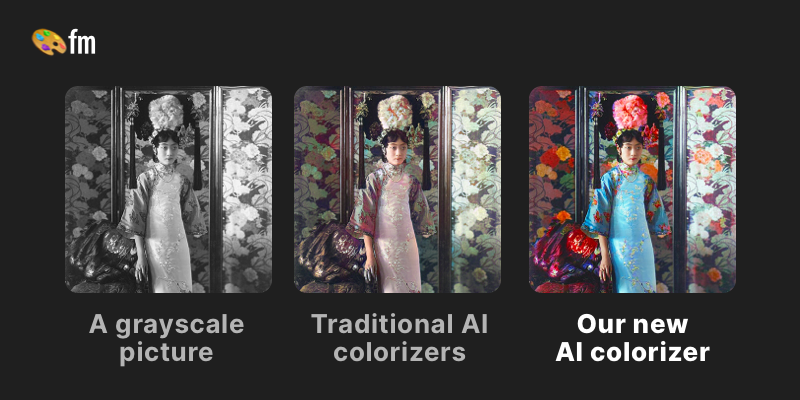

Image-to-prompt
Image to Prompt converts any reference image into optimized, model-specific text prompts to recreate similar visuals with AI image generators. It’s aimed at creators, designers, photographers and teams who want fast, accurate prompts and one-click generation across multiple models.
Swapoutfit
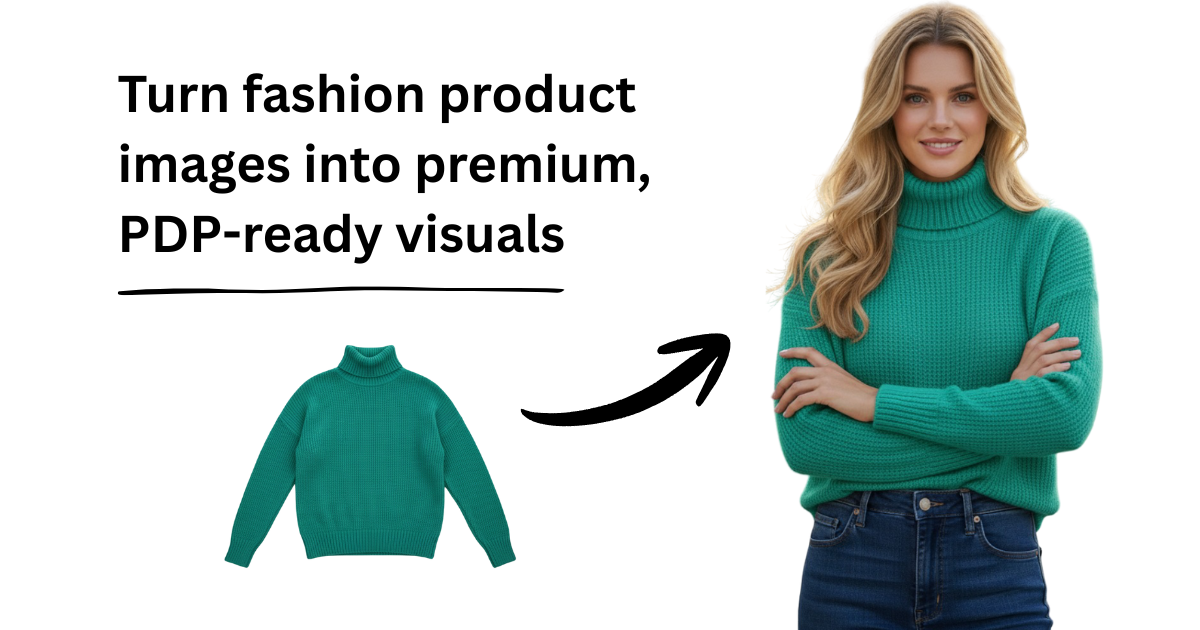
swapOutfit is presented as an "AI Fashion Studio for e-commerce and brands," a platform intended to help online retailers and fashion brands generate and manage AI-driven fashion imagery and visual assets for commercial use.


Premium Alternatives

metagpt-mgx
MetaGPT X (MGX) is a no-code AI builder platform that enables users to create powerful AI applications and websites without any coding knowledge. It empowers business owners, entrepreneurs, and creative professionals to build sophisticated AI solutions quickly and efficiently.

Vellum
Vellum is a platform for building, running, and managing AI agents that automate operational workflows by connecting to your apps and data (e.g., Notion, Slack, Salesforce, Google Drive). It targets product, marketing, finance, sales, legal, and customer support teams looking to automate repetitive processes.

Idreem
Dreem (branded on site as Dreem / Idreem) is an expert-led, AI-powered immigration platform that helps high-skilled tech professionals, founders, and businesses prepare and submit U.S. and UK talent visa petitions (O-1A, EB-1A, EB-2 NIW, L-1, E-2, UK Global Talent) through a combination of automated tools and licensed attorneys.

Aikissinggenerator
AI Kissing Generator creates realistic, customizable AI-generated kissing videos from user photos with features like emotion-aware animation, clothes removal, jiggle/twerk effects, multi-person kisses, and HD output for social or personal use.
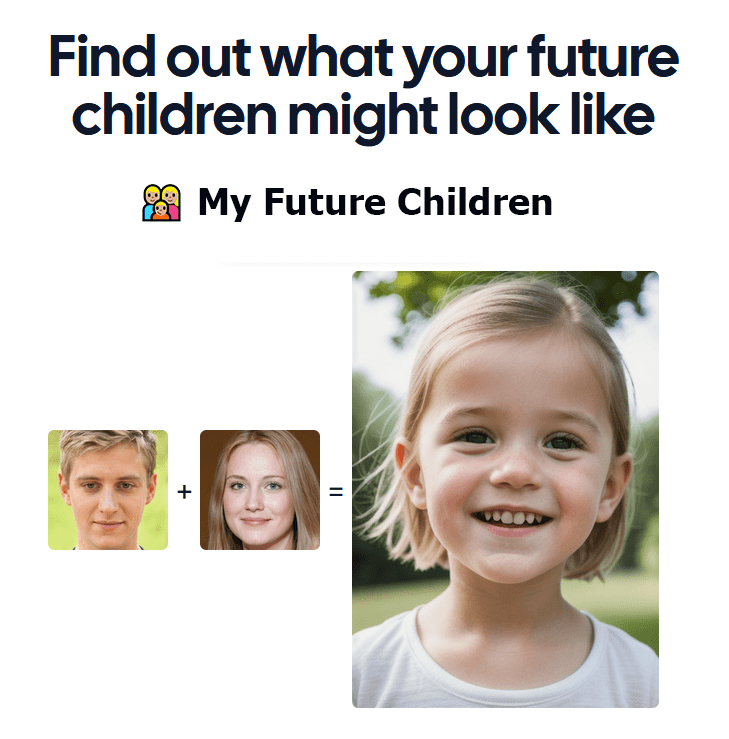
Myfuturechildren
My Future Children is a web app that generates an AI-predicted image of a child by combining two parent photos. Users upload two parent images, choose a gender, and receive a generated child image in about 30 seconds.


webtap-ai-web-scraper
Webtap.ai is an AI-powered web scraping tool that allows users to extract data from any website using natural language queries, offering automated crawling, captcha solving, and data transformation with no coding required.
