

Pixian
Pixian.AI is a web and API service that removes image backgrounds using a custom AI model, offering a free tier for small images and paid processing for high-resolution images. It targets both casual users and developers with drag-and-drop web tools, an API, and features like face stickers and multiple output options.
Pixian is image & design software teams evaluate for image & design. Use this page to review pricing, integration signals, and the best alternatives before you commit.
Profile facts come from the vendor source. AiMatch labels unknown pricing or API details instead of estimating them.
Review official source →Used in These Packs
Quick Overview
Best for: Image & Design
What it does
Image & Design software for decision-makers comparing workflow fit and alternatives.
Best fit
Image & Design
Pricing snapshot
Freemium from Free with limits
Next step
Compare Pixian with similar tools before you shortlist it.
Compare this tool before you shortlist it
Review alternatives, pricing posture, and workflow fit side by side.
Pixian.AI provides an online background-removal service and an API that uses a custom AI model trained on a proprietary dataset to remove backgrounds from images. The product is offered via a drag-and-drop web interface for quick processing and preview/download, and via an API targeted at developers and teams wanting to migrate from other services. Pixian emphasizes low cost, efficiency, and production-ready operations (describing itself as an outsourced MLOps extension), and also offers additional features such as face stickers and a quality comparison tool.
Pixian.AI is a web and API service that removes image backgrounds using a custom AI model, offering a free tier for small images and paid processing for high-resolution images. It targets both casual users and developers with drag-and-drop web tools, an API, and features like face stickers and multiple output options.
Own this listing?
Claim this page for a one-time $29 to add pricing, features, screenshots, verified owner details, and a clearly labeled 30-day category position after the profile is live.
Claim this listing for $29Key Features
Automated Background Removal
AI-powered removal of image backgrounds using a custom model trained on a proprietary dataset.
Web UI with Drag-and-Drop
Drag-and-drop interface to pick images, process them on Pixian's servers, preview results, and download outputs.
API Access
Programmatic API for image processing with migration guidance for users of remove.bg.
Output Options & Formats
Supports input formats JPEG, PNG, BMP, GIF, WebP and produces PNG for transparent results or JPEG/PNG for opaque results.
Face Stickers
Fun, festive face sticker generation available from the site.
Quality Comparison Tool
A tool to compare Pixian's outputs against competitors and to test your own images.
Hair & Fur Handling
Models trained to preserve hair and fur in processed outputs.
Pricing
Free tier available with a maximum image pixel size of 250,000 pixels (0.25 megapixels) and limited use.
Free tier
Free with limits- Max image size: 0.25 megapixels (250,000 pixels)
- Limited use
Paid tier
Paid (no currency shown on page); supports higher resolution- Max image size: 25 megapixels
- Unlimited use for paid size limit
Use Cases
Ecommerce & Product Photos
Background removal for objects and studio shots to produce clean product images.
Portraits & People
Processing of people photos including studio shots and varied backgrounds; trained to handle hair and fur.
Artworks, Scans & Logos
High-quality results for artworks, scans and logos where clean edges and detail preservation matter.
Developer / Production Integration
API for teams to integrate background removal into automated image pipelines and migrate from other services.
Integrations
API (programmatic)
Allows developers to integrate Pixian's background removal into workflows; migration guide provided for remove.bg users.
Recompressor.com, VectorMagic, Vectorizer.AI, ClippingMagic.com, PixSpy.com
Action links on the site reference these third-party tools/services for recompression, vector tracing, editing, and inspection workflows.
Benefits
Limitations
Frequently Asked Questions
File Formats?
Resolution?
Pricing?
Do you have an API?
Is it easy to migrate from remove.bg?
Do you support hair?
Does it work on AI-generated images?
Where does the AI model come from?
What are your data retention policies?
Getting Started
- 1 Step 1: Pick an image by dragging and dropping it onto the Pixian web interface (or paste/upload).
- 2 Step 2: Pixian's servers process the image using its AI model; inspect the preview and adjust output settings (format, background color, crop, quality).
- 3 Step 3: Download the result or integrate via the API (see API docs and migration guide for programmatic usage).
Support
Docs
API documentation and a migration guide available via the Pixian site.
Support
Support link referenced in the site footer (access via the Pixian website).
API
API docs and a migration guide are available on the Pixian website (see the site's API docs).
Compare Pixian with similar tools
See how it stacks up against alternatives
Related Tools
View all 375 →

Impressone
ImpressOne is a web-based AI headshot generator that creates professional, studio-quality headshots from user selfies (no signup required), aimed at LinkedIn, resumes, corporate directories, and social media.

Background Removal
Background Removal is an api4ai computer vision API that automatically removes or replaces image backgrounds via a cloud-native, RESTful endpoint, intended for integration into image-processing applications and business workflows.


Face Finder
Face Finder is a paid reverse face-search service that compares an uploaded face photo against images on public web pages and returns visual matches ordered by confidence with direct source links for evidence-style people-search research.


Premium Alternatives
Hairstyleai
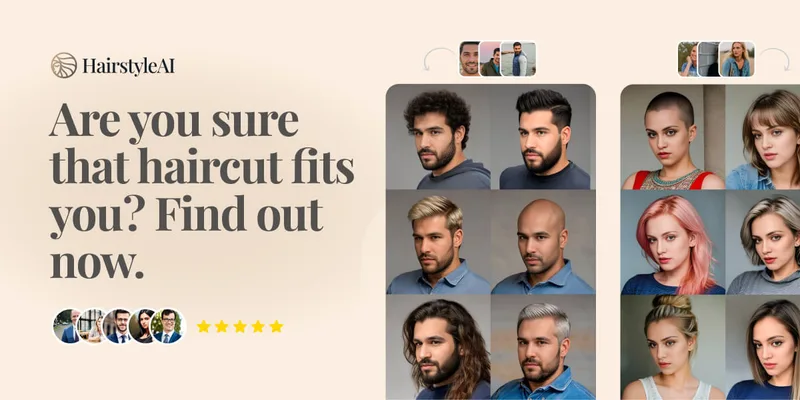
HairstyleAI is a virtual AI hairstyle try-on service (powered by HeadshotPro.com) that lets users preview new haircuts on their photos before committing to a real cut, offering dozens of generated looks and downloadable HD images.

Artiphoria AI
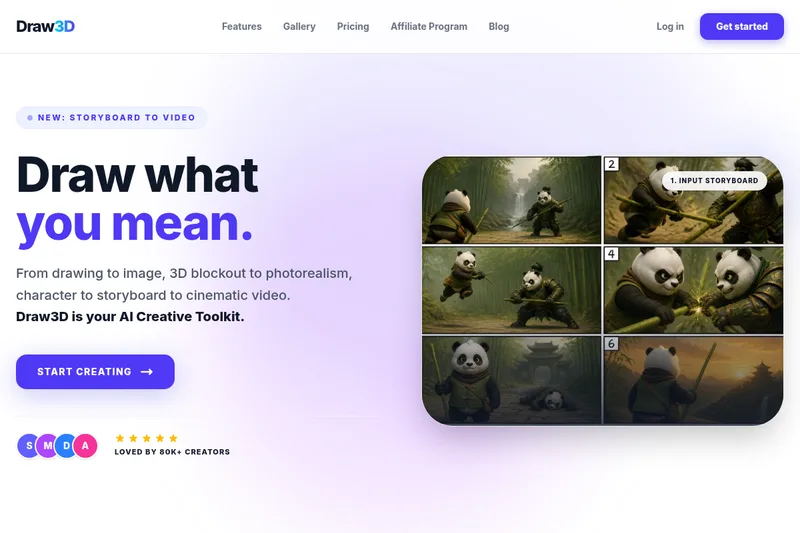
Artiphoria AI is a web-based AI image generation software that creates unique images in one click using neural networks and machine learning, aimed at artists, designers, creators and businesses.
Aiportraitgen
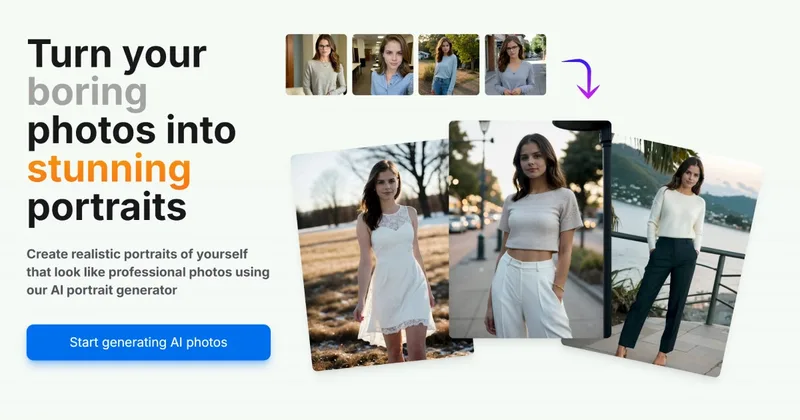
AI Portrait Gen is an online AI portrait generator that creates realistic, high-quality portrait photos from a few user-supplied photos. It offers customizable locations, outfits and styles, pay-as-you-go credits (no subscription), and privacy protections for uploaded images.

imaginebuddy
Imagine Buddy is a web-based library of professionally crafted AI product photoshoot prompts that helps creators and brands generate campaign-ready product imagery using AI image generators like Gemini, ChatGPT/DALL·E, Midjourney, and Stable Diffusion.
