
Penseum
Penseum is an AI-powered study tool that converts your notes into guides, quizzes, and flashcards and provides a live 1:1 AI tutor that sees your work, explains concepts with real-time voice, draws solutions, and corrects mistakes.
Penseum is education software teams evaluate for business operations. Use this page to review pricing, integration signals, and the best alternatives before you commit.
Used in These Packs
Quick Overview
Best for: Business Operations
What it does
Education software for decision-makers comparing workflow fit and alternatives.
Best fit
Business Operations
Pricing snapshot
Freemium from $29.99 (premium subscription; billing period/details not specified on page)
Next step
Compare Penseum with similar tools before you shortlist it.
Compare this tool before you shortlist it
Review alternatives, pricing posture, and workflow fit side by side.
Penseum
Penseum is an AI-driven study platform designed for students across subjects (biology/medicine, chemistry, maths, economics, social sciences, and more). Users upload notes, problem sets, or write directly on a canvas; the AI tutor then explains material out loud in real-time, draws diagrams and annotations on the canvas, generates study guides, flashcards and quizzes, and provides targeted correction on users' written work. The product is aimed at learners who want an interactive, active-learning assistant that watches their work, diagnoses mistakes, and helps them practice until they master concepts. The site indicates adoption by 1,000,000+ learners and offers both a free tier and a paid premium subscription.
Penseum is an AI-powered study tool that converts your notes into guides, quizzes, and flashcards and provides a live 1:1 AI tutor that sees your work, explains concepts with real-time voice, draws solutions, and corrects mistakes.
Own this listing?
Claim this page to add pricing, features, screenshots, and verified owner details.
Claim this listingKey Features
Real-time voice explanations
The AI tutor explains concepts out loud, step by step, enabling hands-free walkthroughs instead of only text responses.
Screen/canvas-aware tutoring
Penseum sees uploaded problems, your screen or canvas work, and responds to the actual work you're doing rather than only typed input.
Draws diagrams and annotations
The tutor can draw solutions, annotate the canvas, and work through equations and diagrams live as it explains.
Error detection and correction
When you write answers on screen, the AI identifies mistakes, marks exactly where you went wrong, and explains how to fix them.
Personalized practice and mastery tracking
Penseum tracks what you've mastered and what still needs work, focusing sessions on each user's weak spots.
Automatic study materials (guides, quizzes, flashcards)
Uploads are converted into study guides, custom practice questions, and AI-generated flashcards to accelerate review and memorization.
Pricing
Penseum is free to use (basic features available at no cost).
Premium
$29.99 (premium subscription; billing period/details not specified on page)- Premium subscription available (page does not list exact premium features)
Use Cases
Homework and problem walkthroughs
Upload problem sets or show your screen so the AI tutor can explain steps aloud, draw solutions, and guide you through solving problems.
Exam preparation and practice
Generate quizzes and flashcards from your notes and use targeted practice sessions to reinforce weak areas before exams.
Converting notes into study materials
Turn lecture notes or course materials into concise study guides, summaries, and flashcards in seconds.
Real-time correction and skill building
Write answers on the canvas and receive immediate feedback pinpointing mistakes so you can iterate until you understand.
Multi-subject support
Use Penseum across subjects such as biology, chemistry, maths, economics, and social sciences for tailored explanations and practice.
Integrations
Discord (community)
Penseum runs a Discord community where learners can ask questions, share feedback, and connect with other users.
Benefits
Limitations
Frequently Asked Questions
Is Penseum free to use?
What types of study materials can I upload?
Does Penseum support multiple languages?
How does Penseum ensure the accuracy of generated study materials?
What subjects does Penseum support?
How can I provide feedback or report an issue?
Is my data secure on Penseum?
Can I access Penseum on my mobile device?
Getting Started
- 1 Step 1: Sign up — create your account and personal Penseum workspace (few clicks, no complex setup).
- 2 Step 2: Upload notes or problems, or type/write directly on the canvas so the tutor can see what you're working on.
- 3 Step 3: Ask a question or show a problem — the AI tutor will explain it in real-time voice and draw solutions on the canvas.
- 4 Step 4: Practice by working through problems on your own; write your answers on screen for the tutor to evaluate.
- 5 Step 5: Iterate — the tutor marks mistakes, explains fixes, and continues coaching until you’ve mastered the concept.
Support
Contact support or general inquiries at [email protected].
community
Join the Penseum Discord community (link available on site) to ask questions, get help, and connect with other learners.
docs/blog/resources
The site includes Resources and a Blog for additional information; specific documentation pages are not detailed on the provided content.
API
Compare Penseum with similar tools
See how it stacks up against alternatives
Related Tools
View all 159 →
AIuse.blog
AIuse.blog is a website dedicated to showcasing practical examples of how artificial intelligence can simplify everyday life, education, business, and travel. It offers insights, tutorials, and AI tool recommendations to help users integrate AI into their daily routines.

Questgen
Questgen is an AI-powered quiz generator that creates various types of assessments such as MCQs, True/False, Fill-in-the-blanks, and more from text, PDFs, videos, and other formats instantly. It is designed for educators, students, HR teams, and edtech companies to save time and enhance learning and assessment processes.
Speakhelper
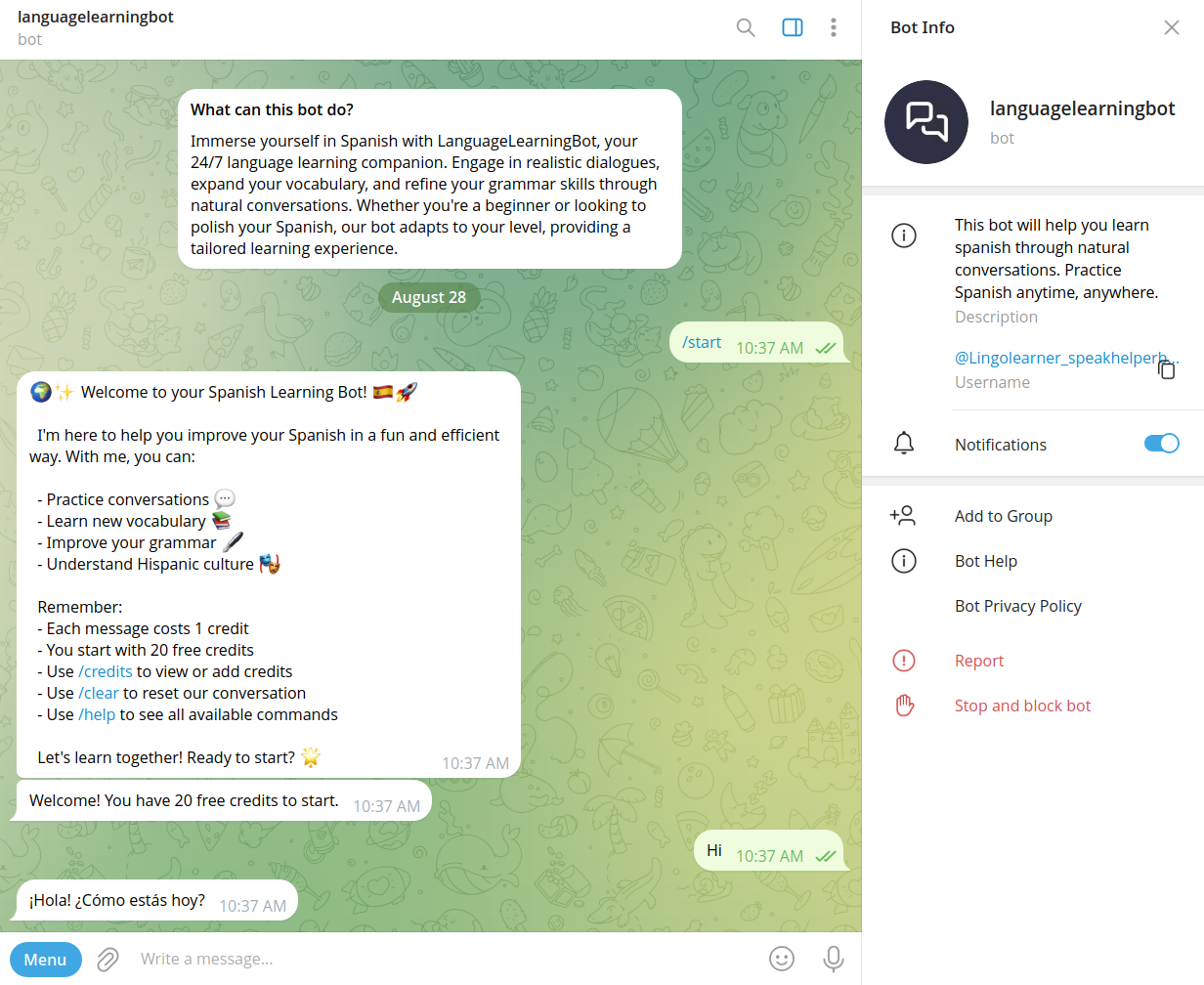
Speakhelper is a personal Spanish tutor chatbot that helps users improve their Spanish through natural conversations, vocabulary expansion, and grammar corrections, all integrated into daily life without the need for textbooks or memorization.

Aiki: AI Flashcard Generator
Information about Aiki: AI Flashcard Generator is not available due to access restrictions on the source page.


brightroom-ai
BrightRoom AI is an AI-powered writing platform designed for English teachers and writing instructors to help students write more and improve their skills through personalized feedback and engaging daily prompts without extra grading workload.

Premium Alternatives


Subtranslateai
Subtranslateai is an AI-powered SRT subtitle translator that converts subtitle and media files (SRT, VTT, MP3, WAV, MP4, etc.) into multiple languages with context-aware, customizable translations and batch processing for creators and businesses.

200-chatgpt-mega-prompts-for-solopreneurs
200+ ChatGPT Mega-Prompts for Solopreneurs is a comprehensive prompt library designed to help marketers and solopreneurs enhance their productivity, marketing campaigns, and content creation using AI-powered prompts.

Bestaiprompts
BestAIPrompts is a curated, one-time-purchase bundle of advanced image-generation prompts for Midjourney and other generative AIs, offering 2,203+ prompts across multiple creative categories for professionals and amateurs.
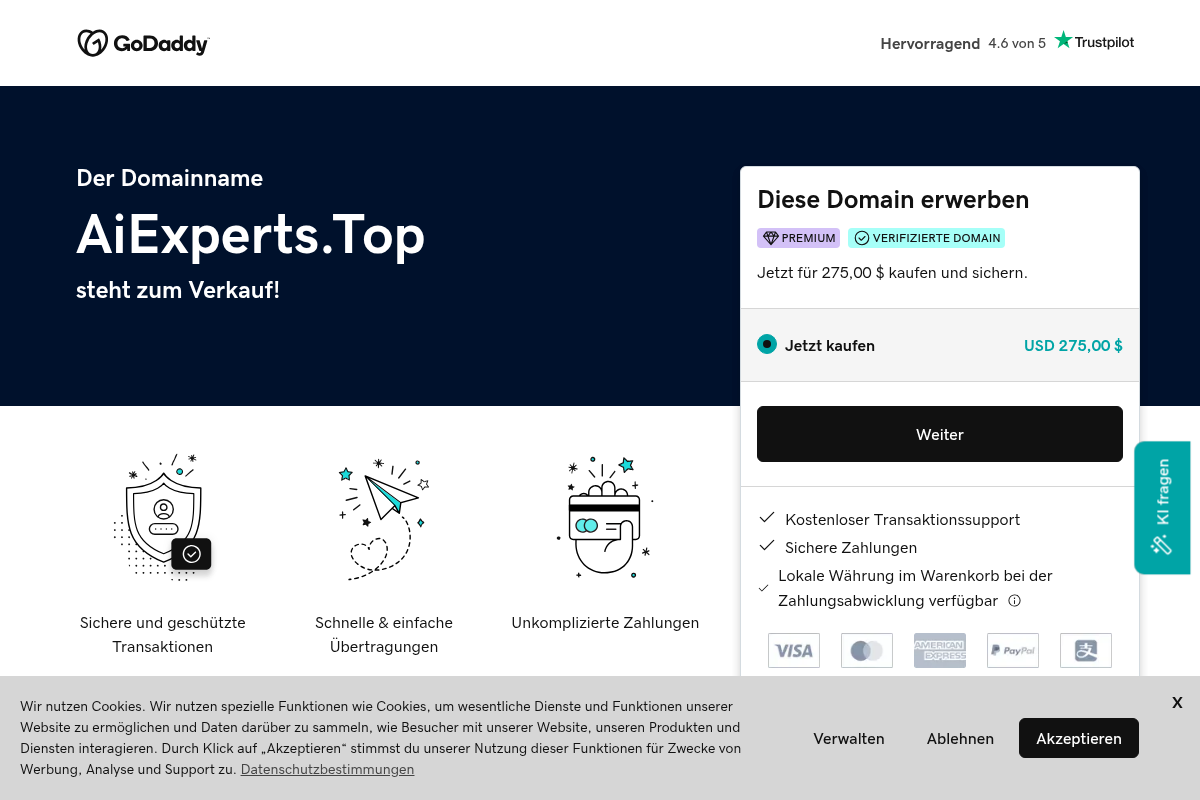
ai-experts-top
aiexperts.top is a premium domain name currently for sale, offering a simple and secure way to purchase or lease domain names through GoDaddy's platform.


imitate-ai
Imitate AI is a creative design tool that allows users to generate copyright-free images resembling their original reference pictures using AI technology, simplifying the process of sourcing unique visuals.

Yourstruly
YoursTruly lets you create, customize, and mail real, handwritten greeting cards and postcards to U.S. addresses quickly — using artist-designed templates or your own photos, with optional AI help to write the message.