
Dezgo
Dezgo is an online AI image and short-video generator offering controlled text-to-image, image-to-image, text-to-video and image-to-video capabilities with multiple models and image-editing tools.
Dezgo is image & design software teams evaluate for creative & design. Use this page to review pricing, integration signals, and the best alternatives before you commit.
Profile facts come from the vendor source. AiMatch labels unknown pricing or API details instead of estimating them.
Review official source →Used in These Packs
Quick Overview
Best for: Creative & Design
What it does
Image & Design software for decision-makers comparing workflow fit and alternatives.
Best fit
Creative & Design
Pricing snapshot
Free
Next step
Compare Dezgo with similar tools before you shortlist it.
Compare this tool before you shortlist it
Review alternatives, pricing posture, and workflow fit side by side.
Dezgo is a web-based AI generation platform that provides controlled text-to-image, image-to-image, text-to-video and image-to-video capabilities. The site exposes model selection, ControlNet-style guidance, LoRA support, upscaling and editing tools, and supports multiple models including RealDream and others listed on the page. It targets users who want to generate or edit images and short video clips from text prompts or guided by example images via an online interface.
Dezgo also highlights a new video model (Happy Horse) for generating 3–15 second clips with cinematic motion, synchronized audio and multilingual lip-sync, and offers options for resolution, sampling, guidance and output formatting.
Dezgo is an online AI image and short-video generator offering controlled text-to-image, image-to-image, text-to-video and image-to-video capabilities with multiple models and image-editing tools.
Own this listing?
Claim this page for a one-time $29 to add pricing, features, screenshots, verified owner details, and a clearly labeled 30-day category position after the profile is live.
Claim this listing for $29Key Features
Controlled Text-to-Image
Generate images from text while matching the structure of a given control image (ControlNet style guidance).
Text-to-Image and Image-to-Image
Standard text-to-image generation and image-to-image workflows with model selection, prompts, negative prompts, guidance and sampling options.
Text-to-Video / Image-to-Video (Happy Horse)
Generate 3–15 second clips at 720p or 1080p with cinematic motion, native synchronized audio and multilingual lip-sync (Happy Horse model).
Image Tools
Tools for removing backgrounds, upscaling (Real-ESRGAN), inpainting from text and editing images from text.
Advanced Controls
Options for LoRA extensions, control scale, control pre-processing, guidance strength, sampling steps, sampler selection, seed and upscaling factor.
Model Selection
Multiple models and versions available (examples listed include RealDream, Flux variants, Nano Banana, WAN, Kling, Veo, Sora, Seedance).
Pricing
Page title indicates 'Online Free AI Image Generator' — free access is available (no paid tiers shown on the provided page).
Use Cases
Creative image generation
Create original images from text prompts for art, concept work or social content using configurable models and guidance settings.
Guided image editing
Use an init/control image plus ControlNet-style controls to preserve structure while changing appearance, or perform inpainting and edits from text.
Short video generation
Produce short 3–15 second video clips with motion and synchronized audio from text prompts or still images using the Happy Horse model.
Image enhancement
Upscale images by factor of 2 using Real-ESRGAN and remove backgrounds for cleaner assets.
Integrations
Stable Diffusion / ControlNet
Used as underlying technology for controlled text-to-image and image-to-image generation (page references Stable Diffusion / ControlNet AI).
Real-ESRGAN
Real-ESRGAN is used for upscaling images by a factor of 2 as an available option.
LoRA
Support for LoRA extension models to modify or extend model behavior.
API
The site navigation includes an API link indicating programmatic access is available (no docs shown on the page).
Benefits
Limitations
Frequently Asked Questions
No verified FAQs are available.
Getting Started
- 1 Open the Dezgo Controlled Text-to-Image app page (https://dezgo.com/app/controlnet).
- 2 Enter a prompt describing the desired image and optionally a negative prompt.
- 3 Choose a control model and upload an init/control image (max 512x512px), or skip control to generate from text alone.
- 4 Select model, resolution, count, LoRA extensions (optional), control scale and preprocess options.
- 5 Adjust guidance, sampling steps, sampler and seed as needed, set upscaling and output format, then generate the image or video.
Support
docs
FAQ / Support and Blog links appear in the site navigation (access via site navigation).
API
API link available in navigation for programmatic access (documentation not shown on the provided page).
community
Twitter and Discord mentioned in navigation for community and updates.
status
System Status link appears in navigation for uptime and incident information.
API
Compare Dezgo with similar tools
See how it stacks up against alternatives
Related Tools
View all 386 →

Stable Diffusion Online (stablediffusionweb.com)
Stable Diffusion Online (stablediffusionweb.com) is a web interface for generating images, videos, photo effects and AI edits using Stable Diffusion XL and related text-to-image/video models. It offers an easy, GPU-accelerated online generator, a large Prompt Database, and claims anonymous usage and free access.

Imagedescribe
ImageDescribe.net is an AI image analysis workspace that converts images into descriptions, OCR text, captions, prompts, and interactive image-based Q&A for accessibility, SEO, e-commerce, creative briefs, and research workflows.

cre8tiveai
cre8tiveAI is an online AI platform for image and video editing that provides multiple AI-powered tools for upscaling, face enhancement, illustration generation, photo-to-video conversion, style transfer, background generation, PNG optimization, and colorization.
Crystalupscaler
Crystal Upscaler is an AI image upscaler focused on preserving facial identity and texture for portraits, product photos, and compare-ready ecommerce workflows, offering up to 4x upscales, batch automation, presets, and API/DAM integrations.
DreamPic.AI
DreamPic.AI is a web service that uses AI (Stable Diffusion + DreamBooth) to train a personalized model from user photos and generate high-resolution, stylized images and avatars of people in hundreds of styles.
Premium Alternatives
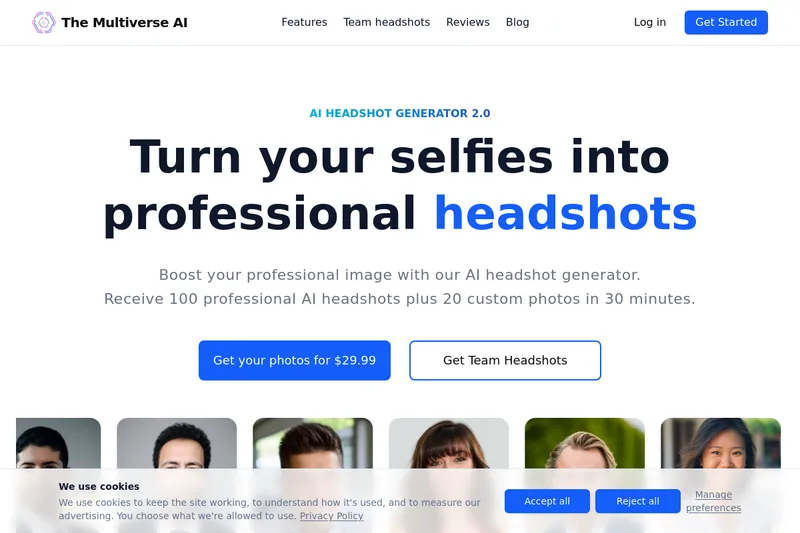
Themultiverse
The Multiverse AI is a commercial AI headshot generator that turns user selfies into professional-quality headshots and team portraits, offering a 30-minute turnaround and an editable set of generated images for individual professionals and corporate teams.

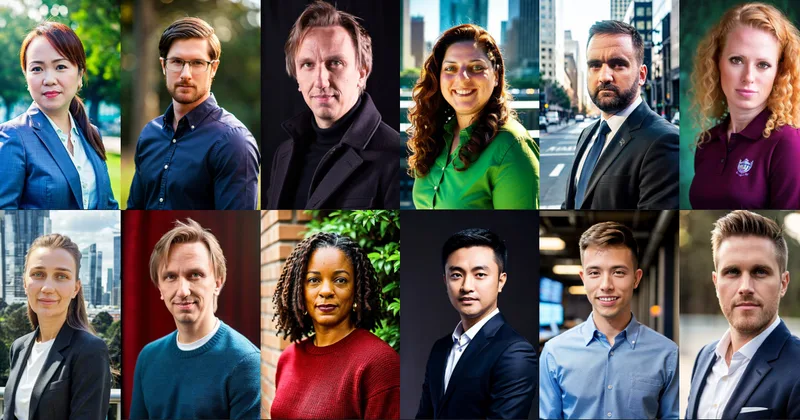

Image-AI.pro
Image-AI.pro is a professional AI image generation platform powered by the proprietary img-v2 Pro engine, offering studio-quality, multi-style image generation with instant, no-registration access and an optional VIP membership for faster, higher-resolution outputs.

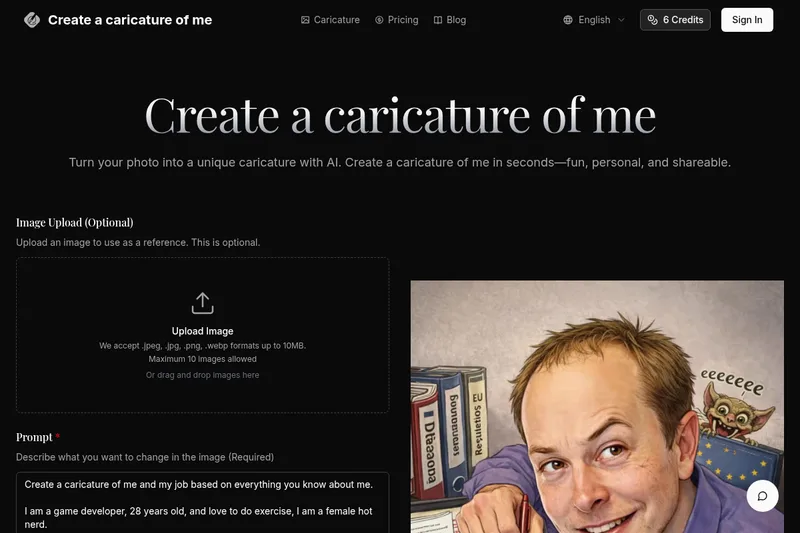
Createacaricatureofme
Create a Caricature of Me is a web-based AI image tool that turns user photos into personalized caricatures in seconds. Users can upload images, provide a prompt, choose AI models and output formats, then generate and download stylized caricatures for social, personal, or light professional use.
imakeit.ai
imakeit.ai is a browser-based AI image generator and editor powered by GPT Image 2. It creates and edits visuals from text prompts and reference images, with adjustable quality, 1K–4K output, and upfront credit costs.