Pristina.ai
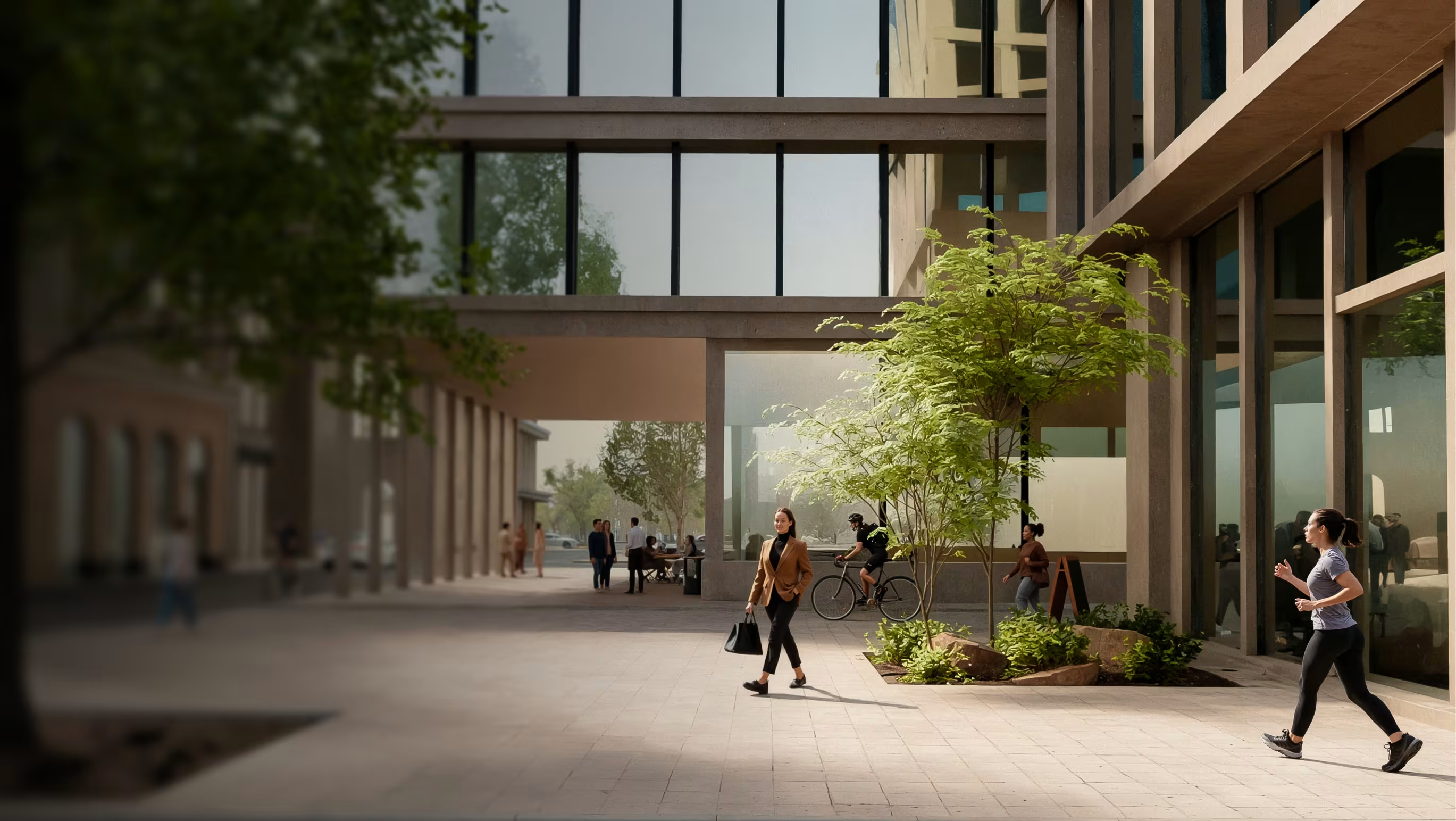
Pristina.ai is an AI-driven plugin and web tool that automates photo-realistic enhancements for 3D renders, integrating directly into Blender and 3ds Max to speed up texturing and polishing workflows for 3D artists, agencies, and visualization teams.
Pristina.ai is image & design software teams evaluate for image & design. Use this page to review pricing, integration signals, and the best alternatives before you commit.
Profile facts come from the vendor source. AiMatch labels unknown pricing or API details instead of estimating them.
Review official source →Used in These Packs
Quick Overview
Best for: Image & Design
What it does
Image & Design software for decision-makers comparing workflow fit and alternatives.
Best fit
Image & Design
Pricing snapshot
Free
Next step
Compare Pristina.ai with similar tools before you shortlist it.
Compare this tool before you shortlist it
Review alternatives, pricing posture, and workflow fit side by side.
Pristina.ai is an AI-powered rendering product that integrates as a plugin for Blender and 3ds Max and also offers web tooling. It automates object-level enhancements to convert low-grade models into professional-grade, photorealistic elements directly inside the user's scene. Targeted at 3D artists, agencies, and visualization professionals, Pristina aims to reduce manual masking, exporting, and re-importing by enabling in-DCC AI-driven improvements with prompts and per-object resolution control.
The product emphasizes a streamlined workflow—mask objects, provide a prompt, and apply focused AI enhancements—while preserving scene integrity and aligning changes to camera and geometry. Pristina is presented as suitable for product visualization, architectural renders, and creative projects and is available to try in alpha with free credits.
Pristina.ai enhances 3D renders with AI, streamlining workflows in Blender and 3ds Max.
Own this listing?
Claim this page for a one-time $29 to add pricing, features, screenshots, verified owner details, and a clearly labeled 30-day category position after the profile is live.
Claim this listing for $29Key Features
Blender and 3ds Max Plugins
Plugins built directly into Blender and 3ds Max so artists can run AI enhancements without leaving their DCC.
Per-object AI Enhancements
Apply dedicated resolution and prompts to individual objects rather than a single prompt for the whole render, focusing AI power exactly where needed.
Geometry-aware masking
Masks that align to camera and models so AI edits respect object geometry and keep the rest of the scene intact.
One-click in-scene workflow
Mask objects, configure a prompt, and start—results are added directly into the scene without exporting and re-importing.
Supports any models and libraries
Designed to work with existing models and asset libraries to boost realism of key elements like people, surfaces, and vegetation.
Credits-based trial
Offers a free trial allocation ('Try Free - Get 500 Credits') to start using the product.
Pricing
Free trial available: 'Try Free - Get 500 Credits' (no paid tiers detailed on the provided page).
Use Cases
Product Visualization
Quickly convert product models into showcase-ready, photorealistic renders for marketing and presentations.
Architectural Rendering
Enhance materials, surfaces, vegetation and scene elements to produce client-ready architectural visualizations faster.
Agency and Client Workflows
Agency-grade image production that speeds delivery and reduces manual texturing and polishing time.
Creative Projects
Improve artistic scenes and creative renders by focusing AI enhancements on major scene elements while preserving the overall composition.
Integrations
Blender
Plugin integrates directly into Blender to run AI enhancements without leaving the application.
3ds Max
Plugin integrates directly into 3ds Max to apply in-scene AI-driven improvements.
Web tooling
Pristina references web-based tooling in addition to DCC plugins (site lists 'Web, Blender & 3ds Max Plugin').
Benefits
Limitations
Frequently Asked Questions
No verified FAQs are available.
Getting Started
- 1 Download and install the Pristina plugin for Blender or 3ds Max (or access the web tooling).
- 2 Mask the objects in your scene that you want to enhance.
- 3 Configure Pristina with your prompt and start the enhancement.
- 4 Receive a high-fidelity image or enhanced elements directly added back into your scene.
Support
docs
Support & Documentation section available on the site for guides and help.
Page indicates users can 'Contact us via email' for additional questions (specific address not provided in supplied content).
API
Compare Pristina.ai with similar tools
See how it stacks up against alternatives
Related Tools
View all 386 →

Niji7
Niji V7 on Niji7.art is an online AI-powered anime and illustration generator offering the Niji V7 model (and multiple other models) for text-to-image, image-to-image and video generation, aimed at creators who need professional-grade anime-style artwork with improved coherency, eye detail and line work.

Ghibli Style
Ghibli Style is a web-based AI photo-to-art generator that transforms photos into Studio Ghibli–inspired illustrations, offering one-click conversions for portraits, landscapes, pets, and more.

jpgtotext.com
jpgtotext.com is a web-based Image to Text (OCR) converter that extracts editable text from JPG, PNG and other image formats, offering free and premium plans for batch processing, higher file size limits, and ad/reCAPTCHA-free conversions.

Imagedescriber
Image Describer is a web-based AI tool that analyzes uploaded images and generates detailed descriptions, captions, OCR-style text extraction, and prompts for image-generation tools. Users upload an image, provide an intention or template, and receive an AI-generated description or related outputs.
imakeit.ai
imakeit.ai is a browser-based AI image generator and editor powered by GPT Image 2. It creates and edits visuals from text prompts and reference images, with adjustable quality, 1K–4K output, and upfront credit costs.
Mockey
Mockey.ai is an online AI-powered mockup generator offering 27,000+ templates across 60+ categories (apparel, accessories, tech, packaging, home & living, etc.), with tools for 3D and video mockups, AI background removal, and a free plan that allows watermark-free downloads.
Premium Alternatives

PreCheck
PreCheck is an AI-powered facial recognition and face-search platform that lets users upload a single photo to find where that face appears across the web, and also provides reverse phone and email lookups for identity, reputation management, and fraud prevention.

Aiportraitgen
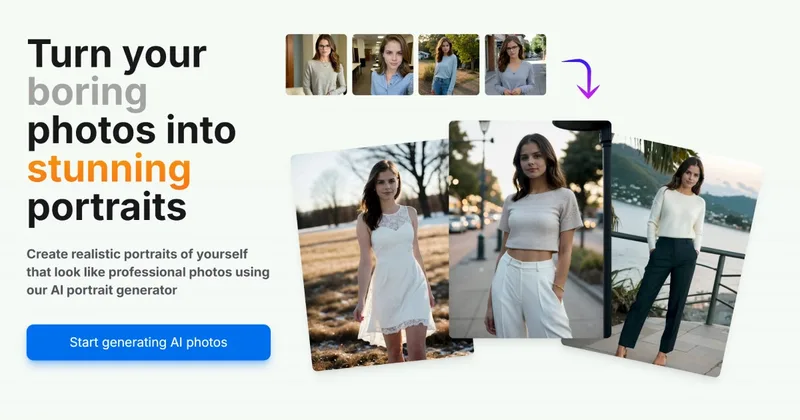
AI Portrait Gen is an online AI portrait generator that creates realistic, high-quality portrait photos from a few user-supplied photos. It offers customizable locations, outfits and styles, pay-as-you-go credits (no subscription), and privacy protections for uploaded images.
Aithumbnail
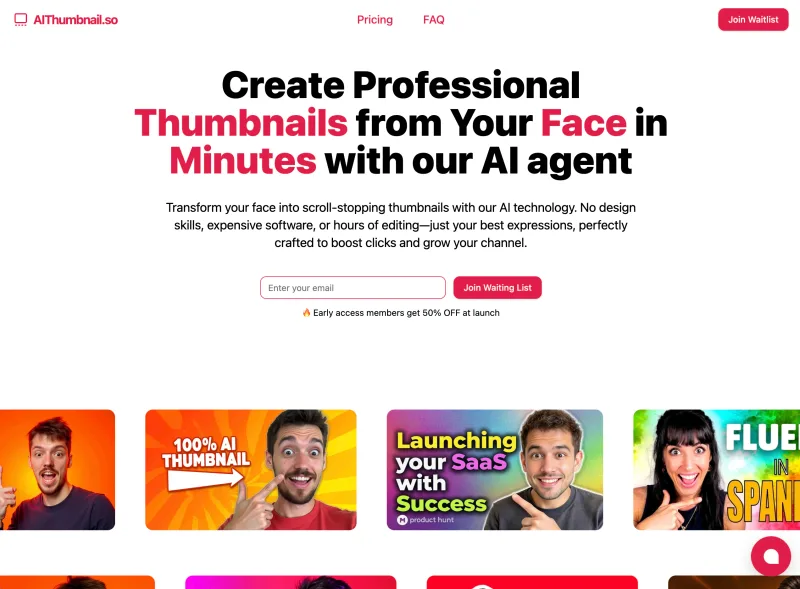
AIThumbnail.so is an AI-powered thumbnail maker for YouTube and creators that generates high-converting thumbnails in under a minute, offering features like Replica Mode, one-photo face integration, and AI smart suggestions to boost CTR and views.

Picture to Text
Picture to Text is an online OCR image-to-text converter that extracts editable text from images, screenshots, PDFs and handwritten notes using advanced OCR technology. It offers free and paid tiers with batch processing, multi-format support, and multi-language extraction.