ProfileSpider
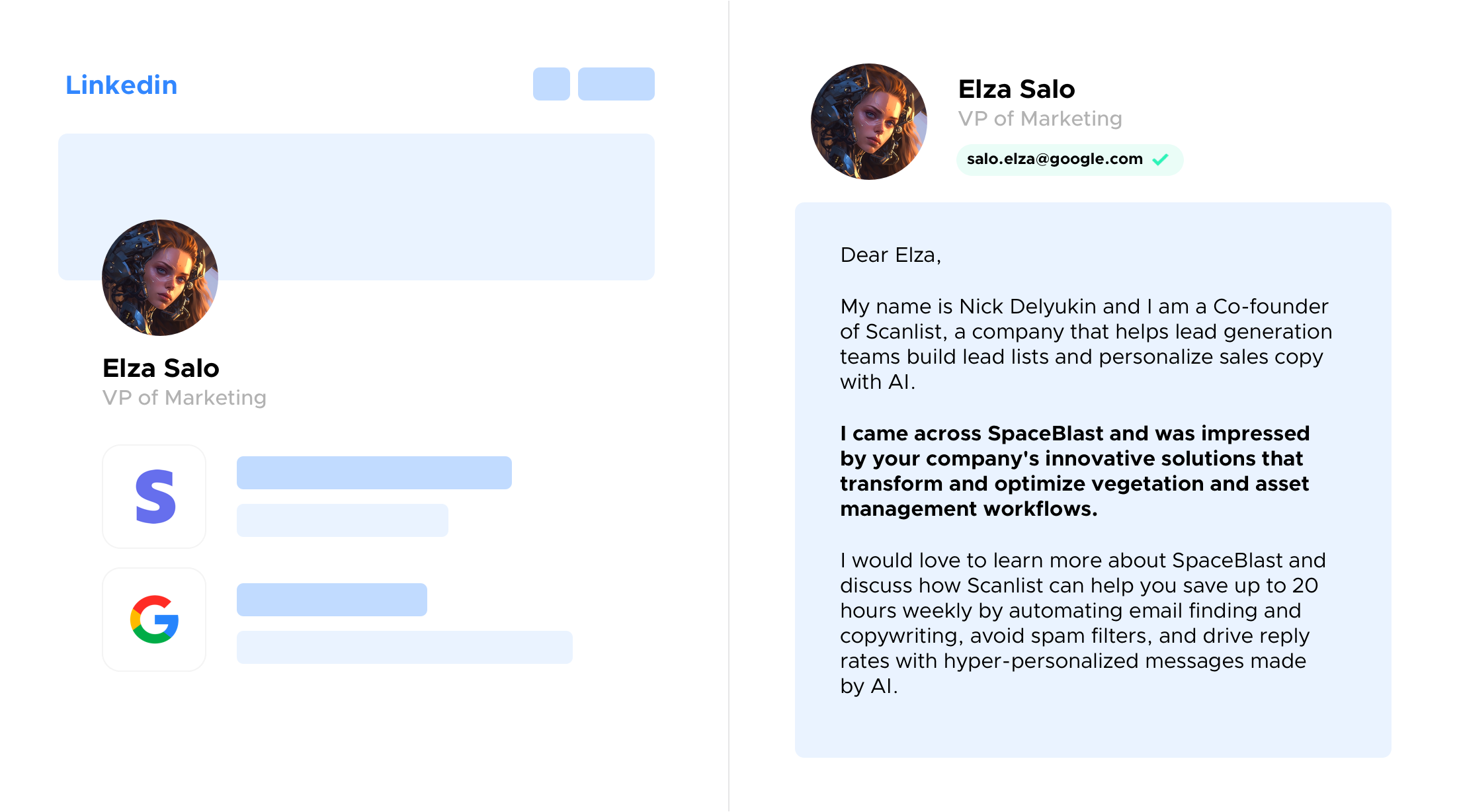
ProfileSpider is a Chrome extension that uses AI to scrape people and company profiles from any website, organize them into CRM-ready lead lists, enrich records, find verified work emails, and export data to CSV/Excel/JSON while keeping extracted data stored locally in your browser.
ProfileSpider is ai software teams evaluate for content & marketing. Use this page to review pricing, integration signals, and the best alternatives before you commit.
Profile facts come from the vendor source. AiMatch labels unknown pricing or API details instead of estimating them.
Review official source →Used in These Packs
Quick Overview
Best for: Content & Marketing
What it does
AI software for decision-makers comparing workflow fit and alternatives.
Best fit
Content & Marketing
Pricing snapshot
Freemium from Free
Next step
Compare ProfileSpider with similar tools before you shortlist it.
Compare this tool before you shortlist it
Review alternatives, pricing posture, and workflow fit side by side.
ProfileSpider is a Chrome/Chromium extension that converts profile pages on any website into structured lead lists using AI-powered extraction. It captures people and company profiles from LinkedIn, Twitter, GitHub, company sites, directories and more with one-click extraction, then stores data locally in your browser. The extension includes enrichment (reopening saved profile URLs to pull deeper fields), a Find Emails feature that returns verified work emails (charged by credit only for valid hits), list management with tags and notes, and export to CSV, Excel or JSON for CRM or analysis workflows. The product is positioned for professionals in sales, recruiting, marketing, research and agencies who need fast, no-code profile-to-lead workflows.
AI-powered Chrome extension that extracts professional profiles from any website in one click, building contact lists and exporting to CRM or ATS to save hours of manual data entry.
Own this listing?
Claim this page for a one-time $29 to add pricing, features, screenshots, verified owner details, and a clearly labeled 30-day category position after the profile is live.
Claim this listing for $29Key Features
One-Click Single & Bulk Extraction
Grab one profile or up to 100 profiles at once from search results, team pages, directories, GitHub, LinkedIn and other sites with no selectors or setup.
AI-Powered Extraction
Advanced AI contextually identifies profile information, maps fields like titles and companies, and extracts structured person and company records automatically.
Local Data Storage
Extracted profiles are stored locally in the browser using secure IndexedDB; data never leaves your device unless you export it.
Enrich Saved Profiles
Use the Enrich column's "Pull details" to reopen saved profile URLs in the background and pull deeper fields (job title, company, location, social links) back onto records.
Find Verified Emails
Discover verified work emails for individuals or team emails for companies in one click; credits are only charged for valid results and lookups are cached.
List Management & Export
Organize captures into searchable lists with custom tags and notes, then export selected columns to CSV, Excel, or JSON for import into CRMs or analysis tools.
No Technical Setup
Works instantly after installing the Chrome extension—no coding, CSS selectors, or XPath configuration required.
Privacy-Focused
Zero tracking and local-only storage: the vendor states they cannot access extracted profiles unless explicitly exported.
Pricing
Yes. Install the extension and use the profile-to-email workflow for free with no credit card required.
Free plan
Free- Install extension and try profile extraction
- Includes access to profile scraping and basic workflows
- No credit card required
Credits-based email lookups (applies on all plans)
Price not listed on page (credits consumed per lookup)- 2 credits per valid person email
- Flat 2 credits per company search that returns valid emails (up to 20)
- Searches that don't return a verified email are free; results cached for 30 days
Use Cases
Lead Generation
Build prospect lists from any website, tag and enrich contacts, find verified emails, and export directly to CRMs or outreach tools.
Recruiting & Sourcing
Extract candidate profiles from LinkedIn, GitHub, job boards, and save to role-based lists, enrich records, find emails, and export to ATS systems.
Account-Based Sales
Collect decision-makers and team email addresses from company pages and LinkedIn to populate account lists, qualify contacts, and export to Salesforce or HubSpot.
Influencer & Partnership Outreach
Scrape creator profiles from social platforms and directories, tag by niche or campaign, enrich data and obtain verified business emails for outreach.
Academic & Market Research
Collect structured profile data from faculty directories and public databases, annotate and export as JSON/CSV for programmatic analysis.
Integrations
HubSpot
Export CSV/Excel/JSON to import contact and account lists into HubSpot.
Salesforce
Export and import extracted lists into Salesforce for CRM workflows.
Pipedrive
Export lists to Pipedrive via CSV/Excel for sales outreach.
Greenhouse / ATS
Export candidate lists for import into Greenhouse or other applicant tracking systems.
Mailchimp / Outreach tools (e.g., Lemlist)
Export contact lists for marketing or outreach campaigns.
Benefits
Limitations
Frequently Asked Questions
How is ProfileSpider different from other tools?
How does ProfileSpider's AI extraction work?
Is my data private and secure?
What platforms does ProfileSpider support?
What browsers does ProfileSpider support?
Is there a free plan?
What is the new 'Find Emails' feature?
How much does Find Emails cost in credits?
Getting Started
- 1 Install the ProfileSpider extension from the Chrome Web Store and pin it to your toolbar.
- 2 Open any page that contains profiles (LinkedIn search, team pages, directories, GitHub) and click the ProfileSpider icon.
- 3 Use "Scrape Profiles" to capture profiles, save selected profiles to a list, tag and add notes.
- 4 Optionally use Enrich to pull deeper fields and run Find Emails to locate verified work addresses.
- 5 Export your lists as CSV, Excel, or JSON and import into your CRM or analysis tools.
Support
Docs / Help Center
Help center and guides available on the site (How-to guides for scraping, enriching, exporting).
Blog
Product tips, guides and workflows are published in the site's blog.
Contact Us
The site includes a Contact Us link for direct inquiries (contact page accessible from the site navigation).
Chrome Web Store
Extension listing and user reviews available on the Chrome Web Store (install link referenced on the site).
API
Compare ProfileSpider with similar tools
See how it stacks up against alternatives
Related Tools
View all 58 →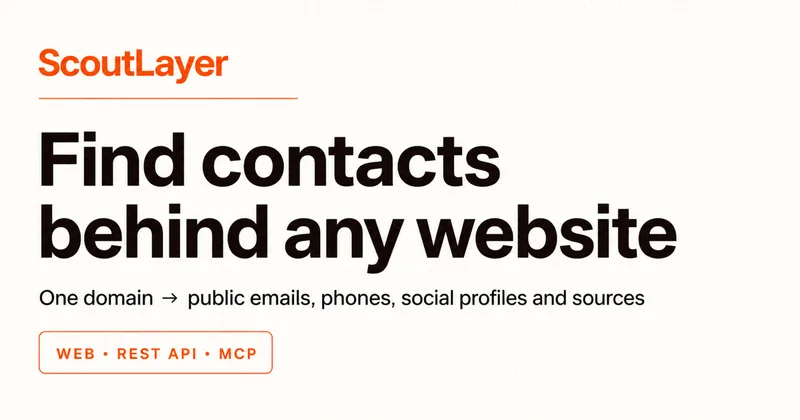
ScoutLayer
ScoutLayer extracts public emails, phones, social profiles and company identity from any website via a Web Playground, REST API, or MCP connector, returning source-linked JSON and LLM-assisted clustered contact records for product and team use.

Biglysales
Bigly Sales is a fully managed AI outbound calling platform that combines AI voice agents, phone number provisioning and carrier whitelisting, and automated TCPA/state compliance to increase conversions and reduce regulatory risk for call centers and B2B sales teams.
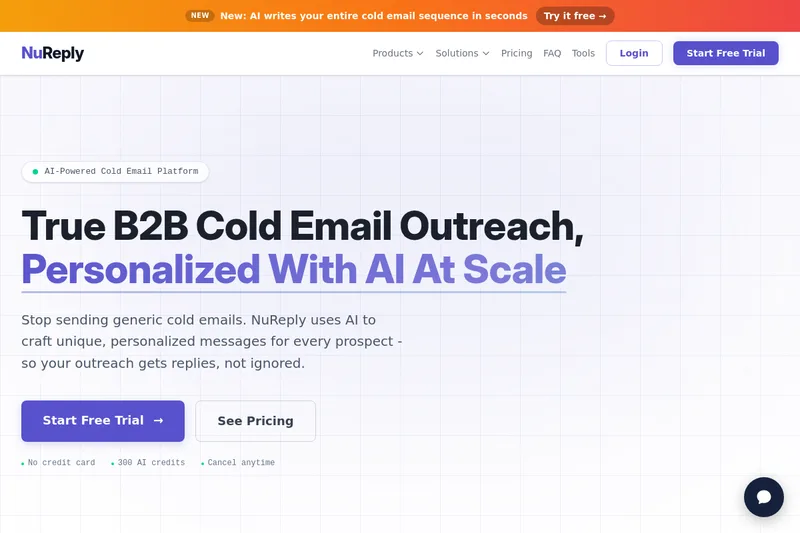


Finalscout
FinalScout is a ChatGPT-powered email finding and outreach platform that helps users discover professional email addresses, generate AI-personalized outreach, and scale email campaigns with a large business database and built-in verification.
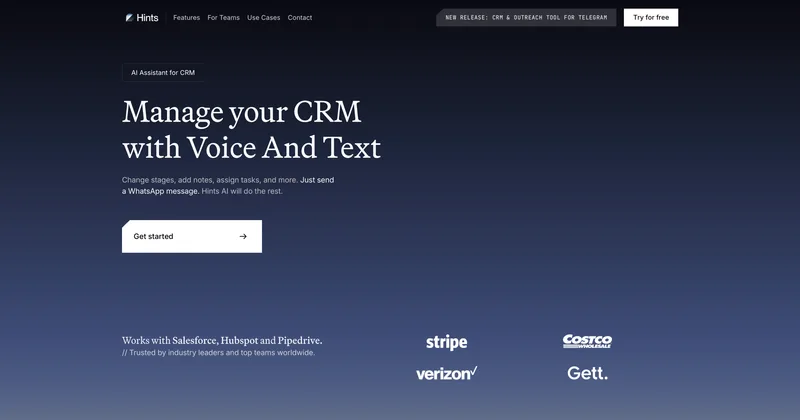
Freshworks
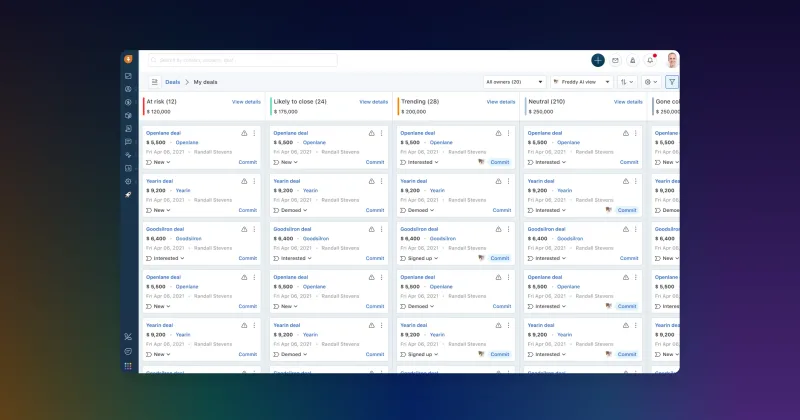
Freshsales (by Freshworks) is an AI-powered sales CRM designed to help businesses generate and qualify leads, manage pipelines, and automate repetitive sales tasks with embedded Freddy AI assistance and insights.
Premium Alternatives