

Psxid
FigJam is Figma’s online collaborative whiteboard for teams to brainstorm, diagram, run workshops, and turn ideas into action with real-time collaboration, templates, and integrations.
Psxid is design generators software teams evaluate for design generators. Use this page to review pricing, integration signals, and the best alternatives before you commit.
Used in These Packs
Quick Overview
Best for: Design Generators
What it does
Design Generators software for decision-makers comparing workflow fit and alternatives.
Best fit
Design Generators
Pricing snapshot
Freemium from Not specified on this page; 'Try FigJam for free' is offered.
Next step
Compare Psxid with similar tools before you shortlist it.
Compare this tool before you shortlist it
Review alternatives, pricing posture, and workflow fit side by side.
Psxid
FigJam is an online collaborative whiteboard included with Figma seats that helps teams define ideas, align on decisions, and move work forward. It supports live collaboration, facilitation tools, and a large library of templates to kickstart workshops, brainstorming sessions, diagramming, and agile rituals. FigJam emphasizes inclusive participation with features for reactions, audio and chat, comments, guest contributors, and a dedicated iPad app for sketching and ideation.
FigJam also includes AI-assisted features (for generating templates and visuals, sorting stickies into themes, and summarizing outputs), integrations with common workflow tools, and widgets/plugins to create custom workflows and connect work to execution systems.
FigJam is Figma’s online collaborative whiteboard for teams to brainstorm, diagram, run workshops, and turn ideas into action with real-time collaboration, templates, and integrations.
Own this listing?
Claim this page to add pricing, features, screenshots, and verified owner details.
Claim this listingKey Features
Real-time collaboration
Multiple participants can edit, react, and communicate simultaneously using live cursors, audio, live chat, and comments.
300+ templates
A large library of ready-made templates for project kickoffs, retrospectives, flow charts, roadmaps, standups, and more to speed up sessions.
AI-assisted tools
AI features to generate custom templates and visuals from prompts, automatically sort stickies into themes, and summarize outputs into action items.
Facilitation tools
Spotlight mode to focus participants, stamps/emotes for quick reactions, and structured widgets for guiding workshops and meetings.
Integrations & plugins
Built-in integrations and a widget/plugin ecosystem to connect FigJam with project and development tools and extend functionality.
Guest access & permissions
Invite people from other teams or companies to contribute to files free for 24 hours without requiring a login.
iPad app and mobile support
A FigJam app for iPad to sketch and explore ideas on the go, with options to collaborate with teammates afterward.
Visual collaboration features
Shapes, connectors, sticky notes, and diagramming tools that snap to the grid to create clear flows and system diagrams.
Pricing
Try FigJam for free; the page invites users to 'Get started for free' but does not specify limits or feature caps.
Free / Trial
Not specified on this page; 'Try FigJam for free' is offered.- Access to FigJam for trial or free seats (details not provided on this page)
Paid plans (Professional / Organization / Enterprise)
Pricing details not listed on this page; contact sales for enterprise options.- FigJam is included with all seats on every Figma plan (specific plan features and limits not provided here)
Use Cases
Brainstorming
Riff and build on ideas in real time to discover approaches to problems using sticky notes, templates, and AI-assisted generation.
Diagramming & flow charts
Map user flows, processes, and systems with shapes and connectors that make diagrams easy to create and iterate.
Meetings & workshops
Facilitate cross-functional conversations, workshops, and large-group sessions with facilitation tools like Spotlight mode and templates.
Agile rituals
Run stand-ups, retrospectives, and planning sessions with dedicated templates and interactive tools to keep sprints moving.
Strategy & planning
Align teams on roadmaps, timelines, and strategic planning work, then convert outcomes into actions with integrations.
Integrations
Asana
Connect FigJam boards to Asana to keep projects moving after brainstorms (mentioned as an integration).
Jira
Integrate with Jira to link workshops and diagrams to development tasks and workflows.
GitHub
Connect with GitHub to surface work and keep engineering in sync after ideation sessions.
Bitmoji
Add personalized Bitmoji avatars to FigJam files for a personal touch.
ChatGPT / AI tools
Use ChatGPT to transform conversations, photos, and documents into editable FigJam diagrams; FigJam also offers AI template and visual generation.
Benefits
Limitations
Frequently Asked Questions
Is FigJam free to try?
Can people outside my organization contribute?
What AI features are available in FigJam?
Does FigJam integrate with project tools?
Getting Started
- 1 Step 1: Visit Figma’s site and choose 'Try FigJam for free' or sign in with your existing Figma account.
- 2 Step 2: Open or create a FigJam file and pick a template (over 300 available) or start from a blank board.
- 3 Step 3: Invite teammates or guests (guests can contribute free for 24 hours), install widgets/plugins as needed, and integrate with project tools to turn outcomes into action.
Support
Help center / Docs
Figma Support and Help Center are available for product documentation, how-tos, and troubleshooting.
Contact sales
A 'Contact sales' option is presented on the site for enterprise or purchasing inquiries.
Release notes / Status
Release notes and a status page are available for updates and service health information.
API
Compare Psxid with similar tools
See how it stacks up against alternatives
Related Tools
View all 181 →
Colorpageai
Color Page AI is a browser-based tool that converts text prompts or uploaded photos into printable, professional-quality coloring pages using a custom-trained AI line-art generator.

bevelify
Bevelify is an AI-powered 3D model generator that transforms text prompts and images into high-quality, detailed 3D models quickly and easily, requiring no design skills. It is ideal for creators, designers, and developers seeking fast and realistic 3D content creation.


Homestyler
Homestyler is a web-based 3D home design and floor plan creator that enables users to draw, furnish and visualize residential and commercial spaces using a large model library and fast cloud rendering.
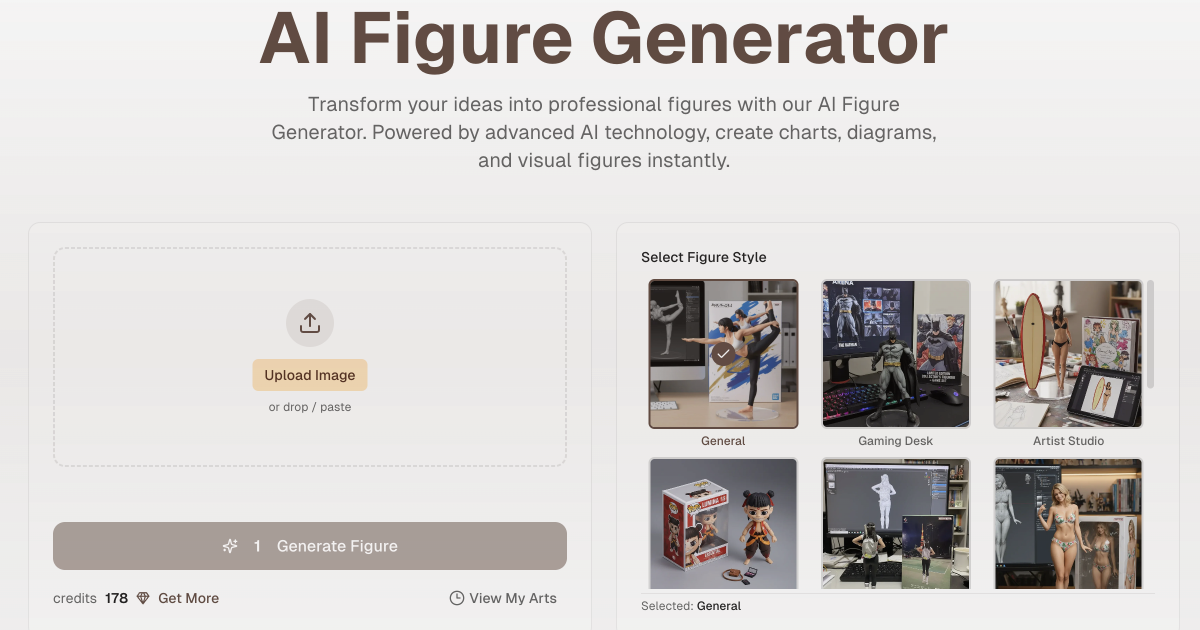
Aifiguregenerator
AI Figure Generator transforms user photos into high-resolution figurine designs (anime, 3D-style, Funko Pop, action figures) using AI, producing packaged collectible-style images for creators, gifts, marketing, or 3D-print reference.


dimensionlabs
DimensionLabs is an AI-powered tool that enables users to create stunning 3D models, such as designing a chair in the shape of an avocado, currently in beta.

Premium Alternatives



Scrapethemap
ScrapeTheMap ist ein AI-unterstütztes, plattformübergreifendes Tool zum Extrahieren von Geschäftsdaten und Bewertungen aus Google Maps, Bing Maps und Yandex Maps – optimiert für hyperzielgerichtete Lead-Generierung und Marktanalyse, angeboten als einmaliger Kauf mit lebenslangen Updates.

unless-com
UNLESS offers a regulatory-ready conversational AI platform tailored for Europe's regulated industries, especially financial services, providing 24/7 multilingual support, task automation, and privacy-compliant AI assistance to enhance customer success and operational efficiency.




Aiportraitgen
AI Portrait Gen is a web-based generator that creates realistic, high-quality AI portrait photos from a few user-supplied images. Users pick outfits, locations and styles, pay per-use with credits, and receive professional-looking portraits for profiles, social, or personal use.