

SketchPro
SketchPro is an AI-powered Copilot for architects and engineers that automates construction documentation inside Autodesk Revit, helping teams dimension, tag, generate sheets, schedules, and enforce firm standards to speed up documentation workflows.
SketchPro is automation software teams evaluate for business operations. Use this page to review pricing, integration signals, and the best alternatives before you commit.
Profile facts come from the vendor source. AiMatch labels unknown pricing or API details instead of estimating them.
Review official source →Used in These Packs
Quick Overview
Best for: Business Operations
What it does
Automation software for decision-makers comparing workflow fit and alternatives.
Best fit
Business Operations
Pricing snapshot
Contact for pricing
Next step
Compare SketchPro with similar tools before you shortlist it.
Compare this tool before you shortlist it
Review alternatives, pricing posture, and workflow fit side by side.
SketchPro is an AI assistant (Copilot) embedded inside Autodesk Revit that automates repetitive construction documentation tasks for architecture and engineering teams. It executes instructions directly on the BIM model and produces editable outputs — dimensioning, tagging, sheets, schedules, and QA/QC — while applying firm-specific standards via a configurable Knowledge Base. The product is aimed at professional design teams seeking to reduce documentation bottlenecks, increase capacity, and enforce consistent quality across projects.
AI design assistant for architecture and design, generating sketches from images and text.
Own this listing?
Claim this page for a one-time $29 to add pricing, features, screenshots, verified owner details, and a clearly labeled 30-day category position after the profile is live.
Claim this listing for $29Key Features
AI Documentation Engine
An AI-powered engine that interprets simple instructions and assists with documentation tasks inside Revit.
Automated Dimensioning
Dimension entire floor plans quickly — exterior, interior, and elevation dimensions with configurable types and styles.
Tagging
Automated tagging of elements in the model as part of documentation workflows.
Views & Sheets
Create and manage views and sheets directly from the Revit context, with commands executing in real time.
Schedules
Generate and update schedules based on model data as part of documentation tasks.
QA/QC
Built-in QA/QC assistance to help enforce consistency and reduce revisions.
Firm Customization / Knowledge Base
A configurable AI Knowledge Base where firms write guidelines, naming conventions, and templates in plain English so the assistant applies firm standards automatically.
Native Revit Add-in & Real-time Execution
Installs as a Revit plugin, understands full model context and the current view, and executes commands immediately on the model.
Pricing
Current pricing details are not available from the vendor source.
Use Cases
Construction documentation automation
Automate repetitive documentation tasks (dimensioning, tagging, sheets, schedules) to save designers' time and speed up delivery.
Enforce firm standards
Apply firm naming conventions, dimension styles, and documentation templates consistently across projects through the Knowledge Base.
QA/QC and consistency
Reduce RFIs and rework by standardizing outputs and performing AI-assisted QA/QC during documentation.
Pilot and measure ROI
Run a short pilot on real projects to measure time savings, consistency improvements, and team feedback before wider rollout.
Integrations
Autodesk Revit (native add-in)
Installs directly inside Revit as an add-in, reads full BIM model context, and executes commands within the Revit environment.
Benefits
Limitations
Frequently Asked Questions
No verified FAQs are available.
Getting Started
- 1 Step 1: Book an initial meeting with the SketchPro team to start a pilot.
- 2 Step 2 (Day 1): Download and install the SketchPro add-in for Revit, set up accounts for the pilot team (installation and account setup under 30 minutes).
- 3 Step 3 (Week 1): Configure firm standards in the Knowledge Base (templates, naming conventions, dimension styles).
- 4 Step 4 (Week 2): Run pilot workflows on real project tasks, measure time savings and consistency, and review ROI with the SketchPro team.
Support
Request a Demo / Sales
Book a demo or pilot readout with the SketchPro team (site shows 'Request a Demo' and 'Book a Demo').
Documentation / Knowledge Base
In-product AI Knowledge Base for firm guidelines and a public 'Academy' and 'FAQ' referenced on the site.
Contact
Contact entry referenced in the site footer for general inquiries and support.
API
Compare SketchPro with similar tools
See how it stacks up against alternatives
Related Tools
View all 136 →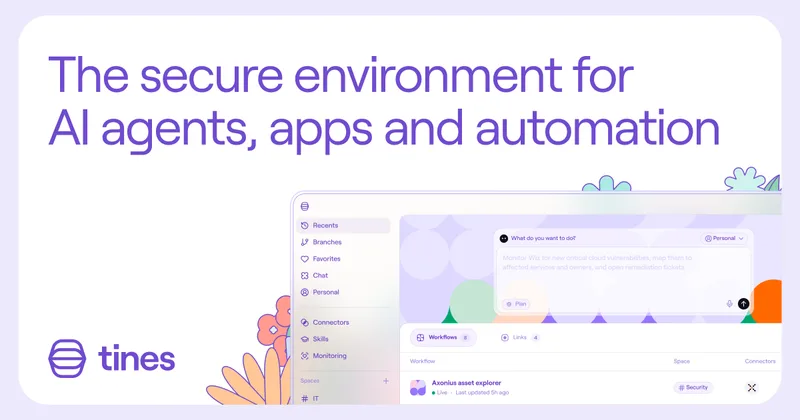

TamedTable, AI ETL in Natural Language
TamedTable is a source-available AI-first ETL tool that lets you load tabular data, issue natural-language commands to clean, enrich, classify, validate, and reshape data, and then replay or export those transformation recipes (browser and CLI).

Browser Tools SDK
Browser Tools SDK is an open-source npm package from Libretto that gives AI agents a small set of Playwright-backed browser tools so agents can open real browsers, read page snapshots, and run Playwright actions programmatically.
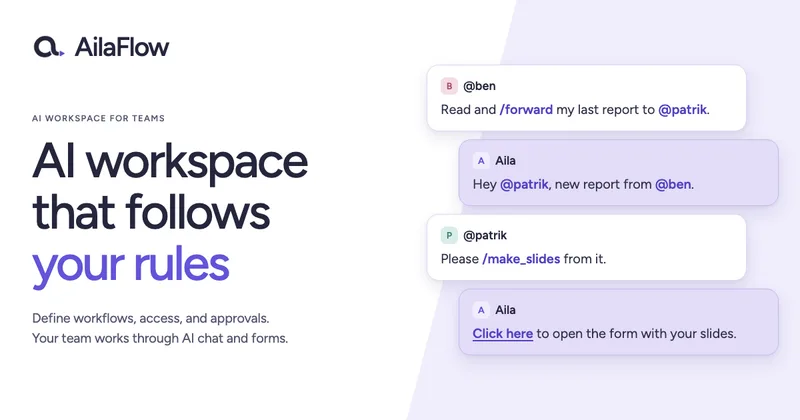

Document Automation
DocuQueue automates end-to-end document workflows using AI to detect and fill PDF form fields, generate business-ready documents, enforce templates/branding, and integrate with existing systems via API and webhooks. It's targeted at teams across legal, HR, sales, finance, and regulated industries.


Premium Alternatives

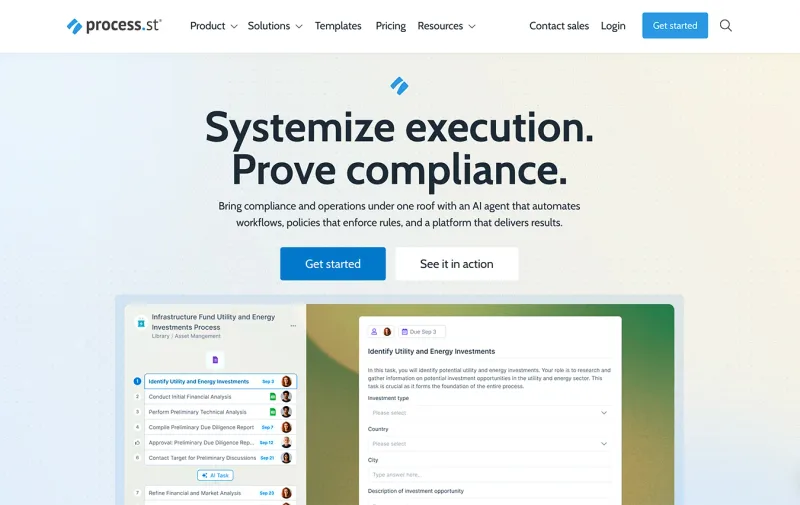

bewai-idp-documents-in-decision-out
Bewai Intelligent Document Processing (IDP) est une plateforme SaaS française d'automatisation du traitement documentaire pour frontoffice, backoffice et BPO : catégorisation, extraction, contrôles, workflows et intégration via API pour secteurs banque, assurance, immobilier, abonnement, etc.

AI Content Labs
AI Content Labs is a multimodal AI content creation platform that lets teams design visual workflows, connect multiple AI providers (text, image, voice), and automate production of textual and visual content at scale.

ModularMind
ModularMind is a workflow automation product that lets users "automate your work by describing it," offered with a Maia Plus plan that unlocks advanced AI-powered features and higher usage limits.

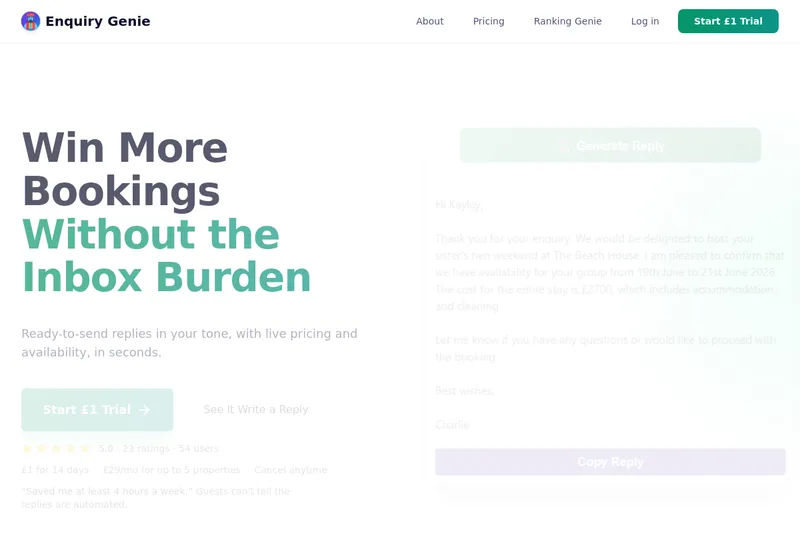
Enquirygenie
Enquiry Genie is an AI-powered email automation tool for property managers and hosts that drafts replies in your tone with live pricing and availability, integrating with Gmail/Outlook via a Chrome extension to speed up responses and increase bookings.

ikapture
iKapture is an AI-fueled accounts payable automation platform that uses AI/ML/NLP and human intelligence in a no-code environment to extract document data, automate invoice processing and integrate with ERPs to improve cash flow monitoring and AP efficiency.