

Sorawatermarkadder
Sora Watermark Adder is a free, browser-based tool that adds the official Sora AI watermark to videos locally using WebAssembly. It preserves HD quality, supports major video formats, and processes files entirely on your device for maximum privacy and speed.
Sorawatermarkadder is video software teams evaluate for content & marketing. Use this page to review pricing, integration signals, and the best alternatives before you commit.
Used in These Packs
Quick Overview
Best for: Content & Marketing
What it does
Video software for decision-makers comparing workflow fit and alternatives.
Best fit
Content & Marketing
Pricing snapshot
Free from Free
Next step
Compare Sorawatermarkadder with similar tools before you shortlist it.
Compare this tool before you shortlist it
Review alternatives, pricing posture, and workflow fit side by side.
Sorawatermarkadder
Sora Watermark Adder is a free online utility that applies the distinctive Sora watermark (the overlay used by OpenAI's Sora AI video generator) to any video. The tool runs entirely in the user’s browser using WebAssembly, so video files never leave the device, ensuring privacy and fast processing. It is aimed at creators who want to add an authentic AI-generated aesthetic to social media clips, presentations, or other video projects without uploading content to servers.
The application preserves HD output quality, supports all popular video formats, and automatically applies an authentic Sora-style watermark with correct positioning and timing. No sign-up or subscriptions are required — users can process unlimited videos at no cost.
Sora Watermark Adder is a free, browser-based tool that adds the official Sora AI watermark to videos locally using WebAssembly. It preserves HD quality, supports major video formats, and processes files entirely on your device for maximum privacy and speed.
Own this listing?
Claim this page to add pricing, features, screenshots, and verified owner details.
Claim this listingKey Features
Local browser processing
All watermarking is performed client-side in your browser using WebAssembly, so no files are uploaded to external servers.
100% Free
The tool is free to use with no subscriptions, no hidden fees, and no additional watermarks added to the final output.
HD quality output
Preserves the original video resolution and quality while applying the watermark overlay.
Supports all major formats
Compatible with MP4, MOV, AVI, WebM and other popular video formats and codecs without requiring manual conversion.
Authentic Sora style
Applies the standard Sora watermark design, positioning, and timing to mimic the appearance of Sora AI-generated videos.
Fast processing
Local processing eliminates upload/download delays and typically completes in seconds to a minute depending on video length and device performance.
Automatic application
Watermark is applied automatically once a video is selected, with preview and download available when processing finishes.
Pricing
Completely free to use with no limitations: unlimited videos, no sign-up, and no hidden fees.
Free
Free- Unlimited watermarking
- No subscriptions or hidden fees
- Local processing in browser
- No tool-added watermarks on output
Use Cases
Social media content
Add an AI-generated look to short clips and posts to increase engagement with a distinctive Sora-branded overlay.
Presentations and demos
Apply the Sora watermark to demo videos or presentations to indicate AI-style generation or to achieve a professional branded appearance.
Creative projects and fun
Apply Sora-style watermarks to personal videos or collaborative projects for novelty, stylistic effect, or themed content.
Testing and prototyping
Quickly add Sora watermarks to sample videos locally to prototype how AI-branded output will look without uploading assets.
Integrations
Claim this listing to add integrations.
Benefits
Limitations
Frequently Asked Questions
What is a Sora watermark and why would I add it?
Is the Sora Watermark Adder really free?
How does local processing work?
What video formats are supported?
Is my video data secure when using the Sora Watermark Adder?
How long does it take to add a Sora watermark?
Can I customize the Sora watermark appearance?
Will the watermark affect my video quality?
Getting Started
- 1 Upload Your Video: Click to select or drag-and-drop a video file (MP4, MOV, AVI, WebM supported). Processing runs in your browser so no upload is required.
- 2 Automatic Watermark Application: Once selected, the tool automatically applies the professional Sora watermark with authentic positioning and timing.
- 3 Download Your Video: Preview the result and download the watermarked video in HD quality when processing completes.
Support
Website FAQs
Access the built-in FAQ section on the site for answers to common questions.
Contact page
Use the site's contact link (https://sorawatermarkadder.org/contact) for inquiries or partner links referenced on the site.
Privacy Policy
Privacy information and policies are available on the site for details about data handling and partner links.
API
Compare Sorawatermarkadder with similar tools
See how it stacks up against alternatives
Related Tools
View all 84 →
twelvelabs
TwelveLabs offers advanced AI-powered video understanding technology that enables users to search, analyze, and derive deep insights from video content using multimodal AI that comprehends spatial and temporal context.


anyclip-the-genius-platform
AnyClip is an AI-powered video intelligence platform that transforms traditional video content into intelligent, searchable, measurable, personalized, and interactive assets, enabling businesses to automate workflows, enhance engagement, and monetize video content effectively.

Memories.ai
Memories.ai builds advanced AI visual memory technology that enables video understanding, search, and analysis, transforming video data into actionable insights for enterprises across security, sports, marketing, and more.


Premium Alternatives
Aifiguregenerator
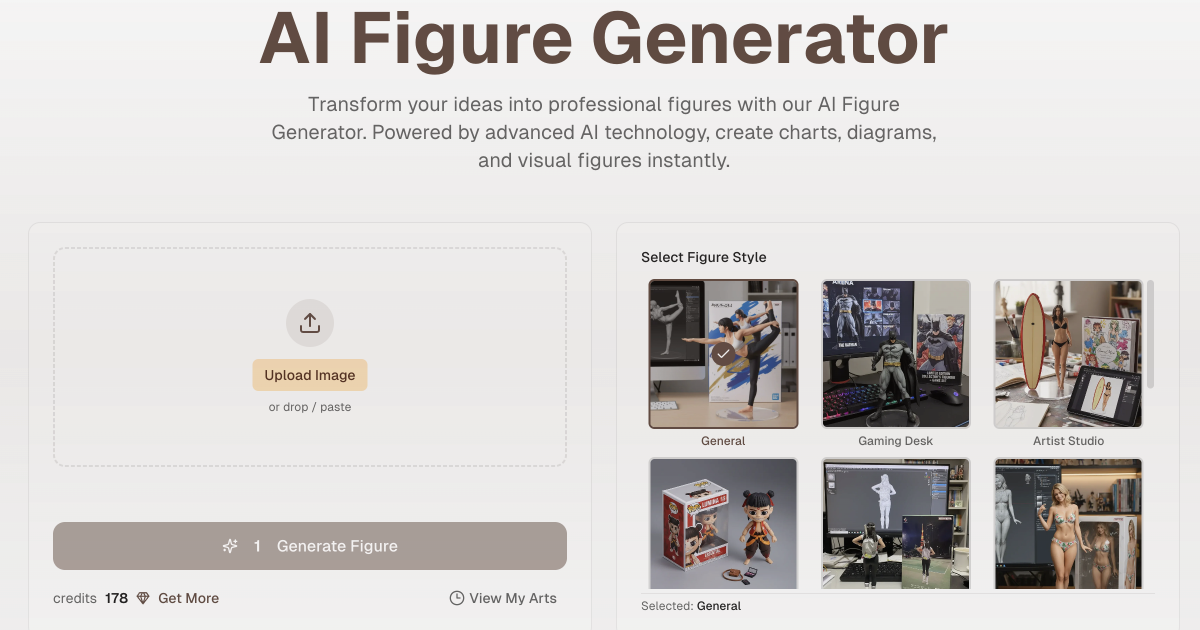
AI Figure Generator transforms user photos into high-resolution figurine designs (anime, 3D-style, Funko Pop, action figures) using AI, producing packaged collectible-style images for creators, gifts, marketing, or 3D-print reference.
Hairstyleai
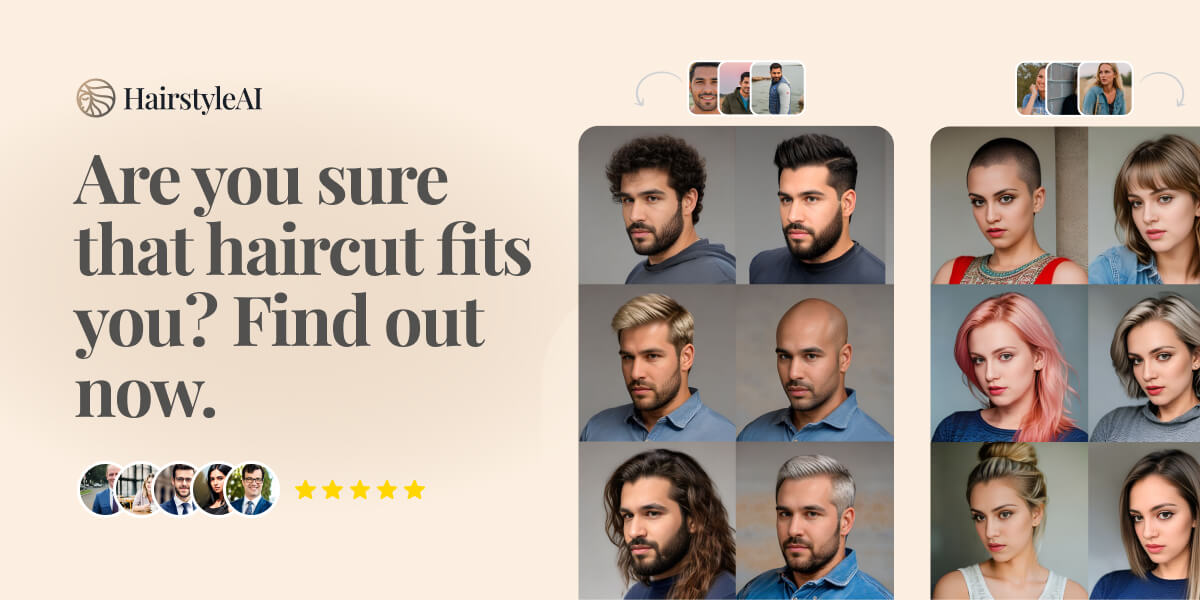
HairstyleAI is a virtual AI-powered hairstyle try-on service for men and women that generates photorealistic images of you in different haircuts so you can preview styles before committing to a real haircut.

Obsidian to Notes
Obsidian to Notes is a macOS app that imports your Obsidian vault into Apple Notes, preserving formatting, folder structure, attachments, and links, all running 100% offline on your Mac.

botgauge
BotGauge is an AI-driven autonomous QA solution that delivers over 80% test coverage within two weeks, enabling faster, more reliable end-to-end testing with human-verified accuracy. It is designed for engineering teams seeking to automate testing without the need for scripting or large QA teams.

