Obsidian to Notes
Obsidian to Notes is a macOS utility that imports an Obsidian vault (Markdown files) into Apple Notes while preserving formatting, folder structure, attachments, links and tables. It runs locally on macOS 11+ and is sold as a one-time $14 purchase.
Obsidian to Notes is productivity software teams evaluate for software & gaming. Use this page to review pricing, integration signals, and the best alternatives before you commit.
Used in These Packs
Quick Overview
Best for: Software & Gaming
What it does
Productivity software for decision-makers comparing workflow fit and alternatives.
Best fit
Software & Gaming
Pricing snapshot
Paid from $14 (one-time)
Next step
Compare Obsidian to Notes with similar tools before you shortlist it.
Compare this tool before you shortlist it
Review alternatives, pricing posture, and workflow fit side by side.
Obsidian to Notes
Obsidian to Notes is a macOS application that converts an Obsidian vault (Markdown files) into Apple Notes quickly and offline. The app preserves folder structure, text formatting, lists, internal and external links, tables, attachments (images and PDFs), code snippets and headings to match what Apple Notes supports. It is designed for users who want a simple, one-click migration from Obsidian to Apple Notes with no external uploads or cloud transfers — everything runs locally on the Mac. The app requires macOS 11 (Big Sur) or higher and is distributed as a one-time purchase ($14) with a single-device perpetual license.
An app that imports your Obsidian Vault to Apple Notes while preserving formatting, folder structure, tables, attachments, and links. The process is 100% offline and local to your machine.
Own this listing?
Claim this page to add pricing, features, screenshots, and verified owner details.
Claim this listingKey Features
Preserve folder structure
Notes are placed in matching folders in Apple Notes to reflect the original Obsidian vault structure.
Text formatting preservation
Converts bold, italic, strikethrough, highlight, comment and other supported formatting into Apple Notes equivalents.
Lists and tables
Preserves bullet and numbered lists; tables are preserved using Apple Notes native tables.
Internal and external links
Internal links become tappable links in Apple Notes (optional Full Disk Access required to generate functional links). External links are preserved and clickable.
Attachments handling
Images and PDFs are imported as attachments: images are added as attachments at the end of each note and PDFs are inserted as inline files.
Code snippets and headings
Code blocks are formatted in monospace blocks; Markdown headings are converted to bold section titles.
Offline processing
All conversion runs locally on the Mac; the app does not upload notes or data off the device.
Fast, one-click import
Select Obsidian notes and click Import to Apple Notes — no extra setup or manual export steps.
macOS compatibility
Compatible with macOS 11 (Big Sur) and higher.
Pricing
One-time purchase
$14 (one-time)- Universal macOS app (.dmg) download
- Perpetual license valid for a single device
Use Cases
Migrate from Obsidian to Apple Notes
Move a personal or work vault from Obsidian into Apple Notes while retaining structure, formatting, links and attachments.
Consolidate notes into Apple ecosystem
Bring notes into Apple Notes to use with other Apple apps and device sync while preserving readable formatting and embedded files.
Bulk import large vaults
Import an entire vault of any size (no stated note limit) in a single operation — suitable for both small and large collections of notes.
Integrations
Apple Notes
Primary target for imports — the app converts Obsidian notes into Apple Notes format and places them in matching folders.
Obsidian vault (.md files)
Source format: reads the folder containing Markdown files from an Obsidian vault to perform the import.
Benefits
Limitations
Frequently Asked Questions
Do I need to have Obsidian installed?
What macOS version do I need to use the app?
Will my formatting and attachments be preserved?
Why is Full Disk Access needed for internal links?
Is my data ever uploaded or shared?
Can I reuse the license if I update or reinstall the app?
How many notes can I import?
What happens after I purchase?
Getting Started
- 1 Purchase the app (one-time $14) and complete checkout.
- 2 Download the universal macOS app (.dmg) from the private download page and activate with your license key.
- 3 Select the folder containing your .md notes (your Obsidian vault) in the app and click Import to Apple Notes.
- 4 Optionally grant Full Disk Access if you want internal links to become tappable links in Apple Notes.
Support
Contact support at [email protected]
docs
Migration guide, changelog, Terms of Service and Privacy Policy are available on the site (links in footer).
download
Private download page available immediately after purchase for the .dmg and license key.
API
Compare Obsidian to Notes with similar tools
See how it stacks up against alternatives
Related Tools
View all 167 →
Autoslide AI PowerPoint Add In
Autoslide is a Windows-only PowerPoint add-in that integrates advanced AI models to generate slide content, design layouts, and visuals directly inside PowerPoint to help professionals create presentation slides faster.

Dewstack
Dewstack is an AI-powered documentation and knowledge base platform that imports dispersed content, publishes branded docs, and provides SmartDocs AI to answer user questions and generate SOPs automatically. It's built for product teams, support, operations, and enterprises needing searchable, maintainable documentation.




US Global Mail
US Global Mail offers virtual mailbox and mail management services that allow individuals and businesses to manage their physical mail online from anywhere in the world, featuring AI-powered mail scanning, automated routing, and secure check deposits.


Budget-Friendly Alternatives
MachineTranslation.com
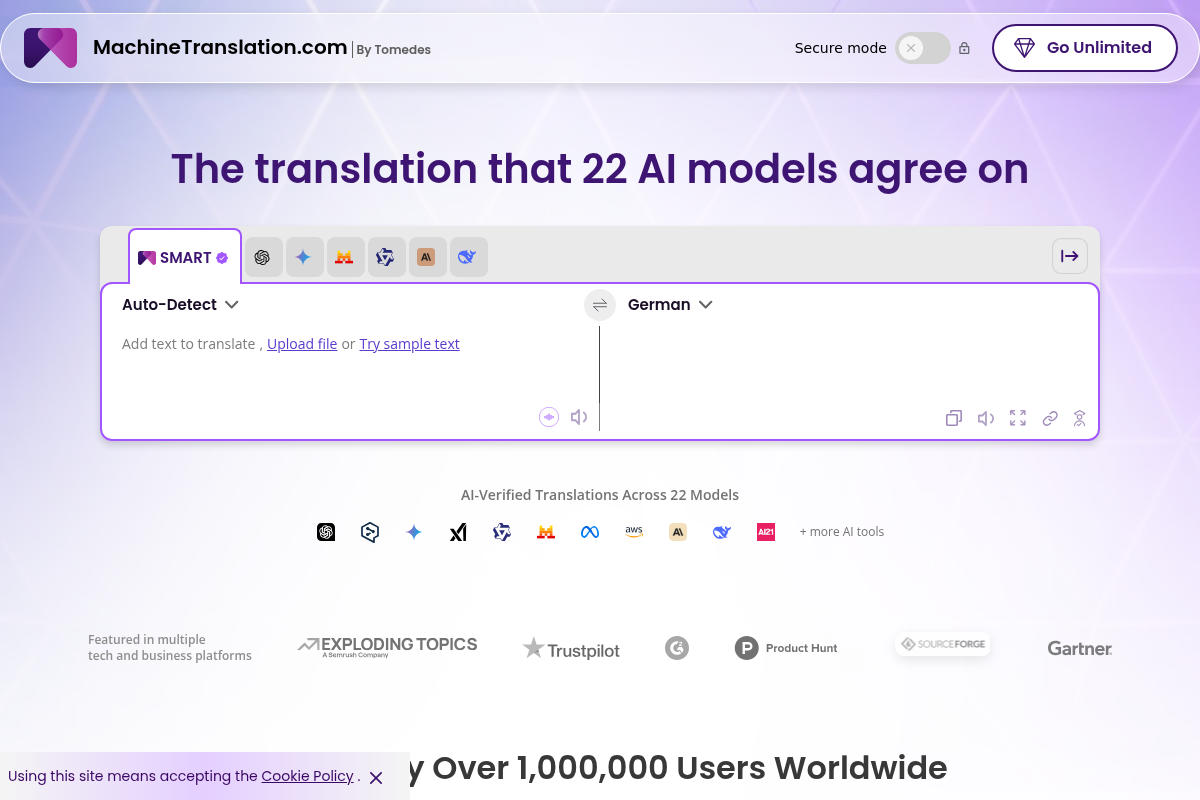
MachineTranslation.com is a leading AI translation platform offering highly accurate translations in over 330+ languages, supporting large file uploads and preserving original formatting. It serves businesses, professionals, and individuals with AI-powered and human-reviewed translations.

Questgen
Questgen is an AI-powered quiz and question generator that creates multiple question types (MCQs, True/False, Fill-in-the-blanks, Higher-Order Questions, matching, etc.) from text, documents, images, video and web pages, and lets users edit and export quizzes in multiple formats.


ClipNow.ai
ClipNow.ai is an AI-powered tool that transforms long-form videos into engaging short clips optimized for platforms like TikTok, Instagram Reels, YouTube Shorts, and more with just one click.

BypassEngine
Bypass Engine is an AI humanizer and detection engine that rewrites AI-generated text into natural, human-like writing designed to evade leading AI detectors and improve readability. It targets students, marketers, researchers, and content creators who need undetectable, plagiarism-free output in multiple languages.
Autoslide AI PowerPoint Add In
Autoslide is a Windows-only PowerPoint add-in that integrates advanced AI models to generate slide content, design layouts, and visuals directly inside PowerPoint to help professionals create presentation slides faster.