

suppixel-ai
SupPixel AI is an advanced image enhancement and upscaling tool that elevates the resolution, clarity, and detail of images for flawless prints and digital use, suitable for both personal and professional needs.
suppixel-ai is image editing software teams evaluate for content & marketing. Use this page to review pricing, integration signals, and the best alternatives before you commit.
Used in These Packs
Quick Overview
Best for: Content & Marketing
What it does
Image Editing software for decision-makers comparing workflow fit and alternatives.
Best fit
Content & Marketing
Pricing snapshot
Freemium from $5 for 100 credits
Next step
Compare suppixel-ai with similar tools before you shortlist it.
Compare this tool before you shortlist it
Review alternatives, pricing posture, and workflow fit side by side.
suppixel-ai
SupPixel AI is designed to enhance and upscale images effortlessly with just one click, improving print quality and digital visuals by increasing resolution and clarity. It is ideal for photographers, designers, social media influencers, website owners, and businesses looking to improve the visual impact of their content. The tool uses advanced AI models to process images, ensuring detailed and clear results even when enlarging photos significantly.
AI-powered image enhancement and upscaling for superior visual quality.
Own this listing?
Claim this page to add pricing, features, screenshots, and verified owner details.
Claim this listingKey Features
One-Click Image Upscaling
Easily enlarge images while maintaining or improving clarity and detail with a single click.
Advanced AI Processing
Utilizes state-of-the-art AI models to enhance image resolution and quality.
Print Quality Enhancement
Optimizes images specifically for high-quality printing.
Background Processing
Allows users to close the browser after submitting a task; processing continues in the background.
Credit-Based Usage
Service usage is measured in credits based on image size and upscale factor, ensuring fair and transparent pricing.
Pricing
No free trial available due to high computational costs.
Starter
$5 for 100 credits- Access to top-tier image processing models
- 100 credits for image processing
Basic
$39 per month for 2000 credits- Increased credits for higher usage
- Monthly subscription
Pro
Custom pricing for professional users- High credit allowance
- Designed for professional and heavy users
Use Cases
Social Media Content Enhancement
Improve the visual quality of images for platforms like Instagram, Facebook, Twitter, and Pinterest to increase engagement.
Professional Photography
Enhance and upscale photos for prints, portfolios, and client presentations.
Website and Advertisement Design
Create sharper and more detailed images for websites, advertisements, and marketing materials.
Educational and Coaching Materials
Enhance visuals used in presentations and learning materials for clearer communication.
Integrations
Claim this listing to add integrations.
Benefits
Limitations
Frequently Asked Questions
How fast is the image processing?
Do I need to keep the browser open after I start processing?
Can I use SupPixel AI for my business?
Is SupPixel AI free?
What does credit mean in SupPixel AI?
Can I cancel, upgrade, or downgrade my subscription?
Getting Started
- 1 Step 1: Sign up and log in to your SupPixel AI account.
- 2 Step 2: Upload the image you want to enhance or upscale.
- 3 Step 3: Select the desired upscale factor and submit the task.
- 4 Step 4: Optionally close the browser; processing will continue in the background.
- 5 Step 5: View and download the enhanced image from the history page once processing is complete.
Support
docs
Support and FAQ available on the website.
Contact support via the website contact page.
API
No API documentation available.
Not applicable.
Compare suppixel-ai with similar tools
See how it stacks up against alternatives
Related Tools
View all 24 →
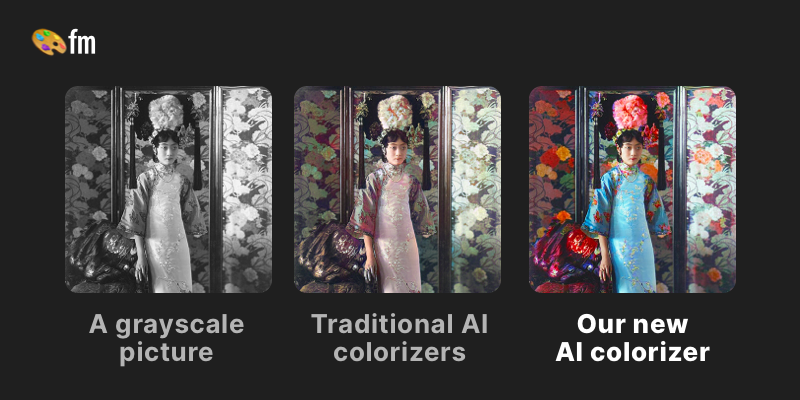

Riverflow AI
Riverflow AI is a powerful AI-driven image editor that allows users to transform photos instantly by simply describing the desired changes in text, offering professional results without the need for expert photo editing skills.

facestyler-ai
AI Face Ager is a free online tool that uses AI to transform your portrait photos to show age progression or regression with high-definition, realistic, and natural effects.

Flux-kontext
FLUX Kontext is an instruction-based AI image editor that performs targeted, surgical edits specified by natural-language instructions while preserving the rest of the image. It’s designed for creators, designers, and marketers who need precise, iterative image modifications with character consistency and commercial usage rights.

swapfaces-ai
SwapFace is a free AI-powered face swap tool that allows users to seamlessly replace and blend faces in photos, videos, and GIFs with industry-leading speed and high realism, without requiring login.

Premium Alternatives

Usesaaskit
useSAASkit is a Next.js and React Native AI-focused SaaS boilerplate that provides authentication, multi-organization support, admin tools, billing, marketing pages, analytics, and built-in AI integrations to help makers launch AI apps quickly.

Guard Your Connect
GuardYourConnect is a specialized fraud detection tool designed for Stripe Connect marketplaces to identify and block fraudulent sellers before they cause costly chargebacks, protecting marketplace owners from financial losses and liability.

botfast
BotFast is a Python boilerplate for building, customizing, deploying and monetizing AI-powered Telegram bots, offering containerized deployment, payment integrations, MongoDB support, image generation via DALL·E 3 and support for multiple models including GPT-4o Multimodal.
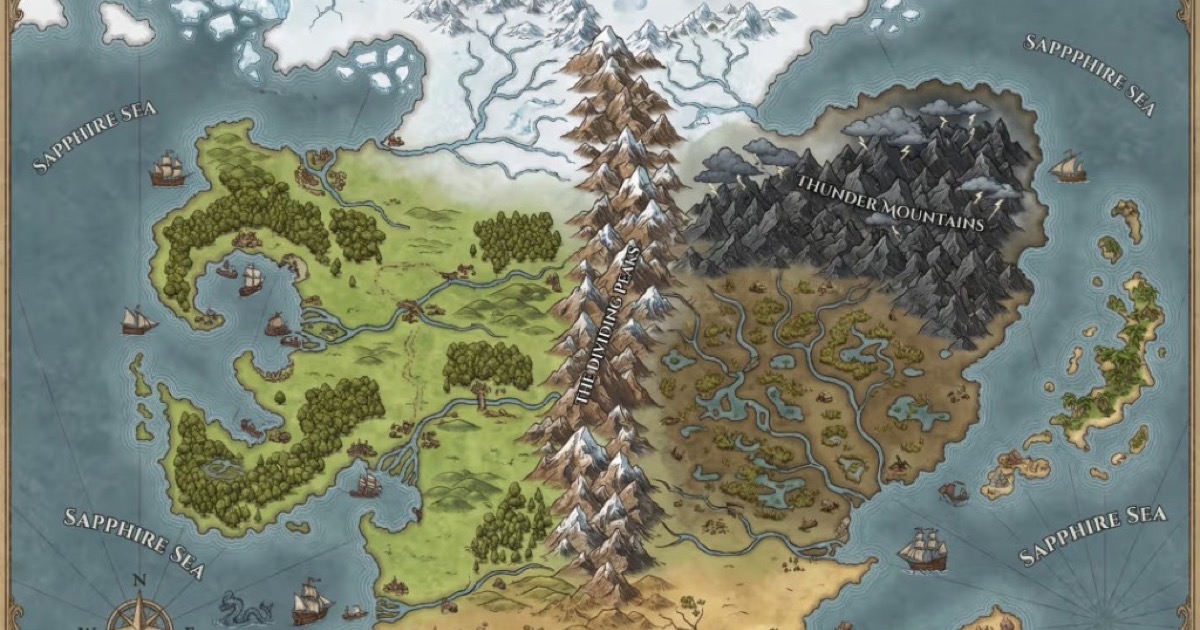
Fantasygen
FantasyGen is an AI-powered fantasy map generator and map maker that creates D&D battlemaps, world maps, dungeon maps, city maps, and more instantly from text prompts. It's aimed at game masters, authors, worldbuilders, and game developers who need fast, high-quality maps without drawing skills.

Scrapethemap
ScrapeTheMap ist ein AI-unterstütztes, plattformübergreifendes Tool zum Extrahieren von Geschäftsdaten und Bewertungen aus Google Maps, Bing Maps und Yandex Maps – optimiert für hyperzielgerichtete Lead-Generierung und Marktanalyse, angeboten als einmaliger Kauf mit lebenslangen Updates.

sonic-link
SonicLink.com is a premium domain name currently available for purchase through Atom.com, a trusted marketplace offering secure and flexible domain transactions.

Documentpro
DocumentPro is an AI-powered document processing and workflow automation platform that extracts structured data from any document format and exports it to downstream systems, delivered via API or a web app for rapid embed and deployment.