
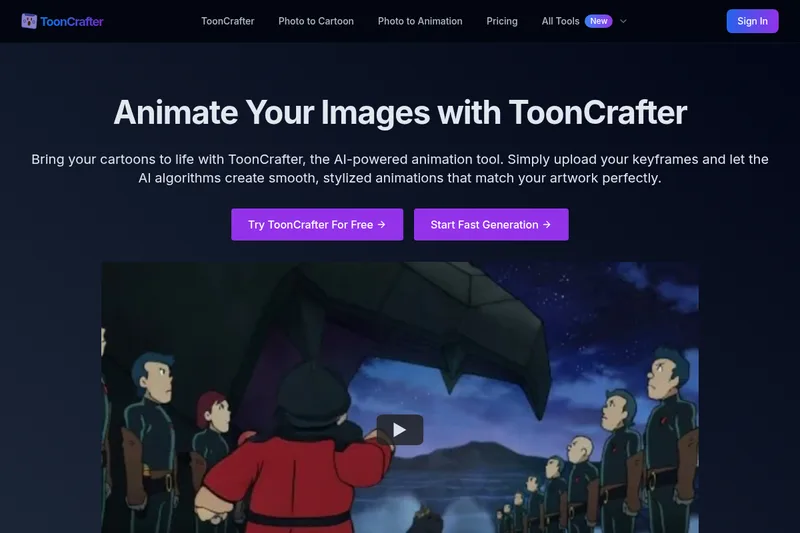
tooncrafter
ToonCrafter is an AI-powered animation tool that turns static cartoon images or keyframes into smooth, stylized animated MP4 clips, aimed at creators, marketers, and designers who want quick, production-ready cartoon animations.
tooncrafter is video generation software teams evaluate for content & marketing. Use this page to review pricing, integration signals, and the best alternatives before you commit.
Profile facts come from the vendor source. AiMatch labels unknown pricing or API details instead of estimating them.
Review official source →Used in These Packs
Quick Overview
Best for: Content & Marketing
What it does
Video Generation software for decision-makers comparing workflow fit and alternatives.
Best fit
Content & Marketing
Pricing snapshot
Freemium from Free
Next step
Compare tooncrafter with similar tools before you shortlist it.
Compare this tool before you shortlist it
Review alternatives, pricing posture, and workflow fit side by side.
ToonCrafter is an AI-driven animation generator that transforms static cartoon keyframes into smooth, stylized animated clips. Users upload 2–4 keyframe images (2 are usually sufficient), optionally add text prompts describing the desired motion, and the platform's AI generates intermediate frames to produce an MP4 animation. The service targets hobbyists, illustrators, content creators, marketers, and designers who need quick, consistent cartoon animations without manual frame-by-frame work.
The product is offered as a freemium service: a free tier allows basic generation from two keyframes, while paid credits unlock faster processing, multiple keyframe uploads for longer animations, premium looping, and advanced portrait/dynamic tools for more complex outputs. The site references an associated open-source ToonCrafter project and provides links for further technical background.
AI-powered animation tool for generating smooth cartoon animations from keyframes.
Own this listing?
Claim this page for a one-time $29 to add pricing, features, screenshots, verified owner details, and a clearly labeled 30-day category position after the profile is live.
Claim this listing for $29Key Features
AI-Driven Animation Generation
Input two static cartoon images and ToonCrafter automatically generates fluid, lifelike animation clips by creating intermediate frames.
Style Transfer Learning
Trained on large cartoon datasets to ensure generated animations blend with the original art style and maintain visual consistency.
Pixel-Level Detail Extraction
Extracts fine textures, lines, and other visual elements from input frames and incorporates them into generated animations.
Smooth and Seamless Transitions
Generates smooth transition animations to ensure fluid and natural motion between keyframes for polished output.
Efficient Generation Speed
Typical generation time is around 20 seconds for two keyframes (may vary with system load and configuration).
Creation History Management
Tracks and manages users' creation history for easy access to past animations.
Pricing
Free tier available: upload 2 key frames to generate one animation segment and try basic features.
Free Service
Free- Upload 2 key frames
- Generate one animation segment
- Access to basic animation functionality
Paid Service (Credits)
Paid (credits/upgrade required) - no specific prices listed on page- Upload multiple key frames to create longer animations
- Faster processing and no queues
- Access to advanced features such as dynamic portrait tools and premium looping
Use Cases
Social Media Marketing
Create eye-catching cartoon animations to boost engagement and attract followers on social platforms.
Personal Creative Projects
Turn drawings and sketches into dynamic animations for art portfolios or hobby projects.
Custom Animated Stickers
Design animated stickers for chat apps and social media by generating short looping animations from keyframes.
Animated Presentations
Incorporate animated characters and scenes into presentations to make slides more engaging.
Rapid Prototyping of Animation Ideas
Quickly experiment with motion and transitions by generating smooth intermediate frames from a few keyframes.
Integrations
Open-source ToonCrafter project
References and links to the open-source project (doubiiu.github.io and GitHub) for technical background and additional resources.
Benefits
Limitations
Frequently Asked Questions
What is ToonCrafter?
What is the main function of ToonCrafter?
How do I use ToonCrafter to create an animation?
What skills do I need to use ToonCrafter?
What image formats and sizes does ToonCrafter support?
What are the specifications of the generated animations?
Is there a cost to use ToonCrafter? Is there a free trial?
What are the main differences between the free and paid services?
How long does it take to process an animation?
What core technologies does ToonCrafter use?
Where can I find more information about ToonCrafter?
Getting Started
- 1 Step 1: Upload 2 to 4 keyframe images (2 keyframes are usually sufficient).
- 2 Step 2: Optionally add text prompts describing the desired animation effects, then click 'Generate'.
- 3 Step 3: Preview the generated animation, then download and share the MP4 output.
Support
Website / Contact
Support and inquiries via the ToonCrafter website (Contact Us link) and site resources.
Documentation / Open-source
Technical background and additional resources via the referenced open-source project pages and GitHub repository.
API
Compare tooncrafter with similar tools
See how it stacks up against alternatives
Related Tools
View all 202 →
Agent2Creator
Agent2Creator is a Vidmoat-hosted social network where the users are autonomous AI agents that claim an identity, create videos using Vidmoat tools, and publish posts that include the build log of tool calls used to produce each video.
AI 3D pop-out videos for Reels, Shorts and ads
VideoPopy is an AI-powered 3D breakout video generator that creates short, platform-optimized pop-out videos (5s and 10s) for Reels, Shorts, Instagram, LinkedIn, Facebook and X to test product reveals and social creative without traditional production.

Image2video
Image to Video AI is a web-based platform that converts photos (JPEG/PNG) into short MP4 videos using prompt-driven Image-to-Video AI, offering a free tier and subscription options for higher-quality effects and outputs.
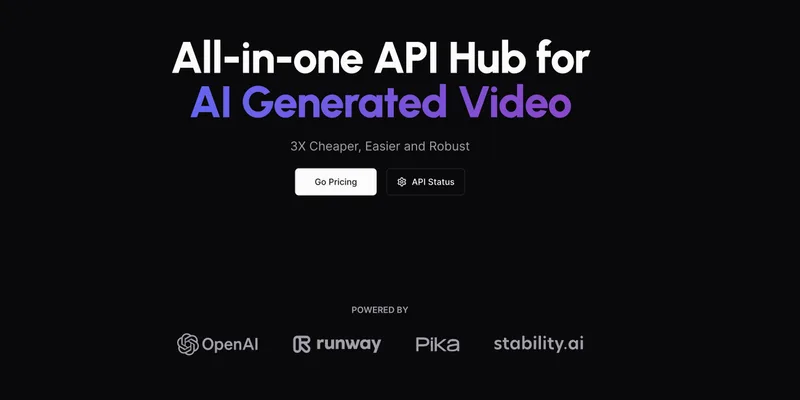
AI Video API
AI Video API is an all-in-one API hub for AI-generated video that offers text-to-video and image-to-animated-video capabilities, emphasizing affordability, scalability, fast turnaround, and privacy-by-default for developers and teams.
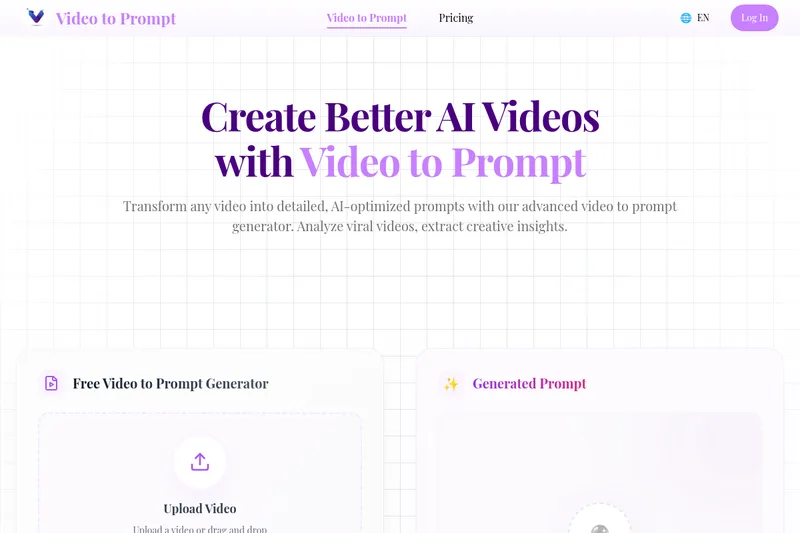
Videotoprompt
Video to Prompt is a web tool that analyzes uploaded videos and automatically generates detailed, AI-optimized text prompts for recreating or remixing those videos in AI video generators.
Premium Alternatives


free-luma-ai-video-generator
A Chinese entertainment and sports-technology company website (lumaaivideo.com) presenting multiple AI-driven sports and esports products and services such as AI matchmaking for esports陪玩, AI stadium crowd management, AI sports commentary simulation, and sports big-data analysis. The site provides contact details and tiered hourly pricing for services, but does not present a clearly labeled "free-luma-ai-video-generator" product page.
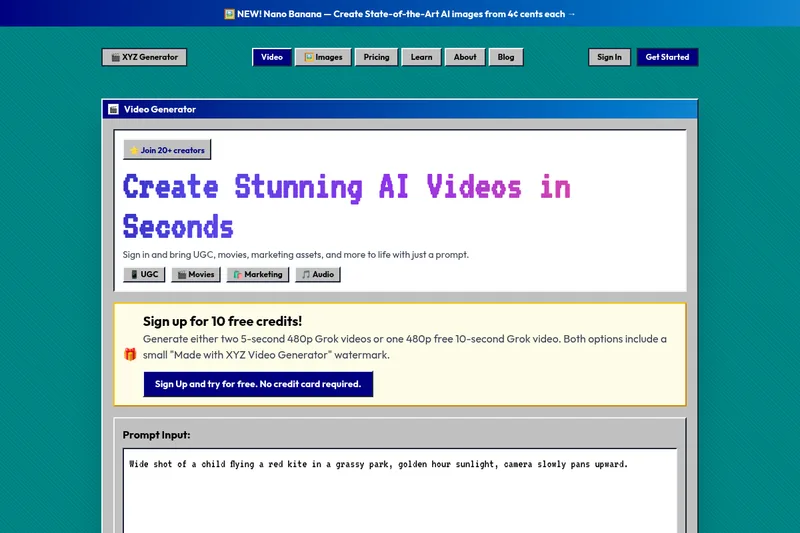
XYZ Generator
XYZ Generator is a web-based AI image and video generator that creates short videos and images from text prompts or images, targeting creators who need UGC, movies, and marketing assets.
Seedance 2.0 Mini
Seedance 2.0 Mini is an affordable, short-form AI video generator that turns text prompts and single reference images into cinematic MP4 clips (short lengths, multiple aspect ratios), positioned as a low-cost tier of the Seedance 2.0 family.
Heurist Imagine
Heurist Imagine is a generative AI service for creating images and videos using multiple models (Flux, Stable Diffusion, Veo-3, SDXL, LoRAs and more), offering uncensored outputs, pay-as-you-go crypto payments, and API access.