
Transept
Transept AI is an AI-powered translation workspace that remembers translator decisions—terminology, tone, and review choices—across documents, languages, and teams, with built-in glossaries, styleguides, and a review workflow.
Transept is translation software teams evaluate for translation. Use this page to review pricing, integration signals, and the best alternatives before you commit.
Profile facts come from the vendor source. AiMatch labels unknown pricing or API details instead of estimating them.
Review official source →Used in These Packs
Quick Overview
Best for: Translation
What it does
Translation software for decision-makers comparing workflow fit and alternatives.
Best fit
Translation
Pricing snapshot
Freemium from €0 / month
Next step
Compare Transept with similar tools before you shortlist it.
Compare this tool before you shortlist it
Review alternatives, pricing posture, and workflow fit side by side.
Transept AI is a translation workspace designed to preserve translator decisions across documents, languages, and team members. Its core capability is decision-context memory: approved translations, the alternatives considered, and the comments explaining choices are remembered and fed back into subsequent translations. The product combines a side-by-side editor, glossaries and styleguides that travel with projects, sentence-level steering, an agentic AI editor called Literess that can draft and proofread, and built-in review and collaboration features aimed at translators, content creators, and localization teams.
AI translation that remembers your decisions — every terminology and tone choice carries across documents, languages, and your team. Glossaries, styleguides, and review built in.
Own this listing?
Claim this page for a one-time $29 to add pricing, features, screenshots, verified owner details, and a clearly labeled 30-day category position after the profile is live.
Claim this listing for $29Key Features
Decision-context memory
Every translation you approve is remembered — wording, rejected alternatives, and comments — and that judgment is provided to the model across documents and team members.
Literess — agentic AI editor
A literary editor that remembers project preferences, flags tone or meaning drift, and can act (draft, run workflows, move jobs) on user instruction.
Glossary and styleguide in context
Build glossaries and styleguides once and toggle them per project so terminology and tone remain consistent across pages and languages.
Sentence-level steering
Apply custom directions to individual sentences (e.g., 'more formal' or 'keep the metaphor') and have glossary and styleguide rules applied automatically.
Side-by-side editor and file import/export
Bring DOCX, PDF, MD, TXT or paste text and work in a side-by-side editor; export back to DOCX, Notion, Google Docs, or Markdown.
Review and collaboration
Block-level comments, reply and resolve threads, a clean reading view for final pass, and sharing links for reviewers or clients without DOCX-by-email.
Pricing
Yes — Free plan with 1,500 words per month, no credit card required, all features unlocked (approximately 5 pages/month).
Free
€0 / month- 1,500 words per month (~5 pages)
- Unlimited users
- Standard mode (1 word per source word)
- Translation memory, workflows, glossary, styleguide, QA, import/export
Starter
€29 / month- 100,000 words / month
- Unlimited users
- Includes Pro mode (3 words per source word)
- Batch translation across whole projects
Pro
€79 / month- 300,000 words / month
- Unlimited users
- Priority support
- Predictable billing and higher headroom for batch work and catalogs
Use Cases
Professional translation and localization
Batch translation, QA built in, and a styleguide per client so large jobs read like one translator wrote them; shared glossaries and comment threads support team workflows.
Content creators and publishers
Define tone once, batch backlog, and ship in any language before publishing windows close while preserving voice and nuance.
Localization teams and agencies
Scale team workflows across many languages from a single source of truth with shared glossaries, styleguides, and review features; team seats and pooled word allowances support agency use.
Integrations
Notion
Import and export documents directly to/from Notion.
Google Drive / Google Docs
Import from Google Drive and export to Google Docs to fit existing workflows.
TMX / XLIFF
Import and export translation memory formats (TMX, XLIFF) to bring your own memory.
DOCX, Markdown, TXT, PDF
Direct upload and export support for common document formats.
Benefits
Limitations
Frequently Asked Questions
What's the difference between Standard and Pro mode?
What file formats can I bring in?
Is the free plan really free?
Can I keep my terminology and tone consistent across documents?
Does Literess remember between documents?
Can I share documents with my team or a reviewer?
Getting Started
- 1 Create an account (Free to begin; 1,500 words/month included; no card required).
- 2 Upload or import your document (DOCX, PDF, Markdown, TXT) or paste raw text; connect Notion or Google Drive if needed.
- 3 Set up or toggle a glossary and styleguide for the project and choose translation mode (Standard or Pro).
- 4 Run translation (batch or per-block), use Literess for drafting/proofreading if desired, review with block comments, then export or share the final document.
Support
Contact support at [email protected] (address shown in site footer).
docs
Help and product information available via site Help and FAQ pages linked in the footer.
API
Compare Transept with similar tools
See how it stacks up against alternatives
Related Tools
View all 29 →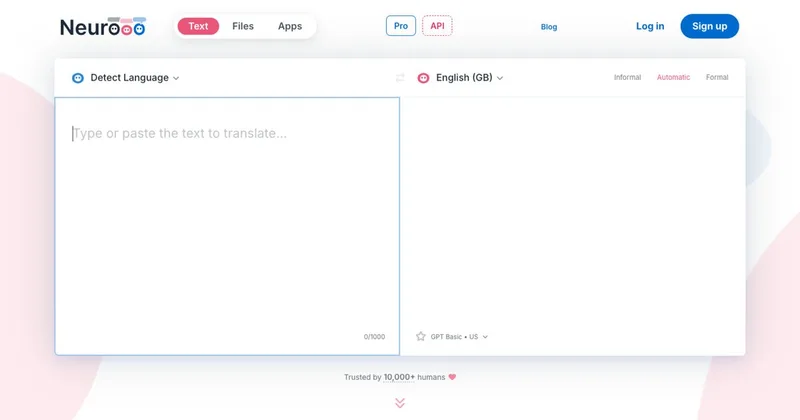
neurooo
Neurooo is a machine-translation service and apps that provide high-quality, context-aware translations in 100+ languages using generalist AI models (default engine: GPT-4o mini). It targets multilingual professionals, translators and teams with web, desktop apps, an API and tiered plans including Pro and Enterprise.
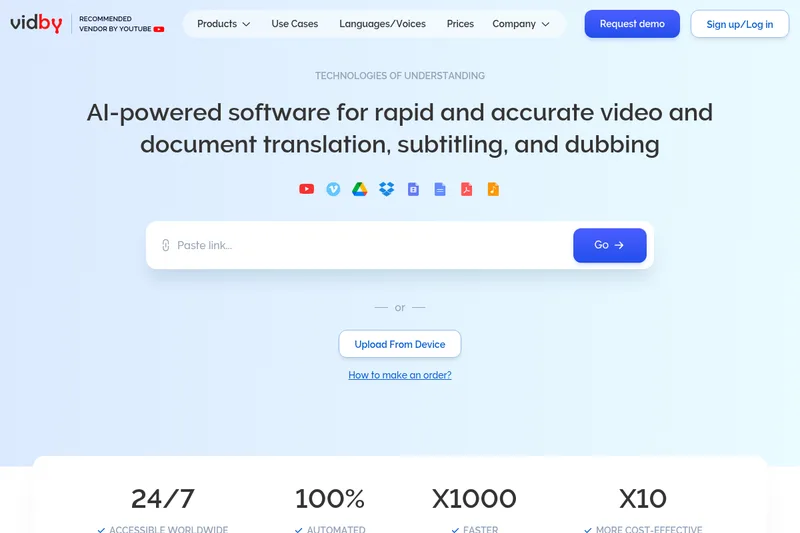

Torii Image Translator
Torii is an AI-powered translator for manga, manhwa, webtoons, visual novels, text, and documents. It offers browser extensions and a web app with batch translation, an editor, and manga colorization.
Immersive Translate
Immersive Translate is an AI-powered translation tool for websites, documents, images, videos, and online meetings. It offers bilingual reading and translation features across browser extensions and mobile apps, supports more than 100 language pairs, and connects to over 20 translation engines.

AI Phone
AI Phone is a mobile translation app for real-time, two-way translation of phone, voice, and video calls, plus spoken conversations and text in photos. It supports more than 150 languages and accents and is aimed at travelers, people living abroad, and users communicating across languages at work.

Custom.MT
Custom.MT is an AI translation and localization platform that manages and connects custom and stock machine translation (MT) and GenAI models, provides model training and evaluation, on-premise deployment, and plugins for major CAT and content systems to accelerate localization workflows.

Mangatranslator
Manga Translator is a free, AI-powered web service for translating manga, manhua, and webtoons into 20+ languages while preserving artwork and layout, offering one-click translations and advanced OCR.
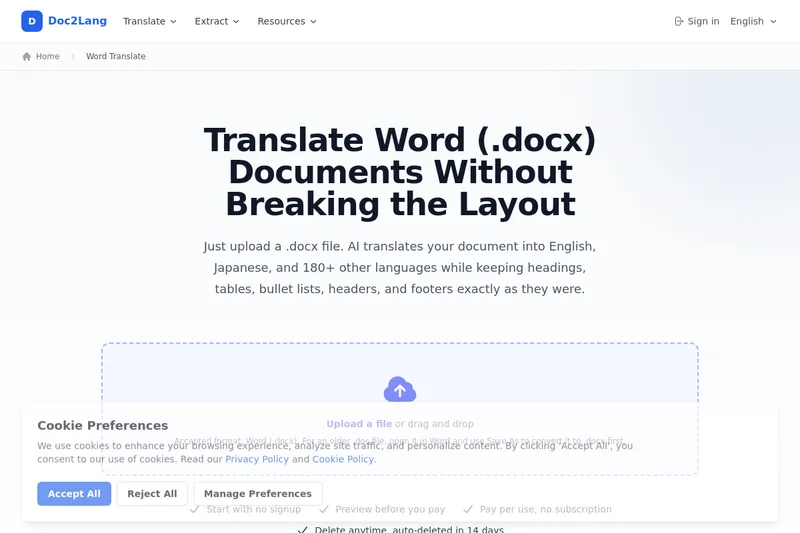
Doc2Lang's Word Translator
Doc2Lang's Word Translator is a browser-based AI service that translates .docx files into 180+ languages while preserving document layout (headings, tables, lists, headers/footers). It provides Pro and Lite models, preview before pay, and pay-per-use billing without signup.
Premium Alternatives

Subtranslateai
Subtranslateai is an AI-powered online subtitle translator that translates SRT and other subtitle/media files into 100+ languages while preserving timing, formatting, and dialogue context for creators, filmmakers, educators, and localization teams.