ImageMover
ImageMover is a web-based AI Image-to-Video generator that converts static photos (PNG, JPG, WEBP) into MP4 videos using multiple AI models and customizable settings, aimed at creators, marketers, and businesses.
ImageMover is video generation software teams evaluate for content & marketing. Use this page to review pricing, integration signals, and the best alternatives before you commit.
Profile facts come from the vendor source. AiMatch labels unknown pricing or API details instead of estimating them.
Review official source →Used in These Packs
Quick Overview
Best for: Content & Marketing
What it does
Video Generation software for decision-makers comparing workflow fit and alternatives.
Best fit
Content & Marketing
Pricing snapshot
Freemium from Free
Next step
Compare ImageMover with similar tools before you shortlist it.
Compare this tool before you shortlist it
Review alternatives, pricing posture, and workflow fit side by side.
ImageMover provides a browser-based AI Image to Video Generator that turns static images into dynamic MP4 videos. Users upload PNG/JPG/WEBP images (up to 16MB), select from multiple AI models, adjust duration, resolution, start/end frames and audio, then preview and download the final video. The product is positioned for creators, marketers, businesses and social media users who need fast, production-ready short-form video content with features like consistent character/scene control and automatic AI-generated sound effects.
Free AI-powered online generator to transform images into videos.
Own this listing?
Claim this page for a one-time $29 to add pricing, features, screenshots, verified owner details, and a clearly labeled 30-day category position after the profile is live.
Claim this listing for $29Key Features
Multiple AI Video Models
Choose between advanced AI models (Fast 2.1, Pro 2.6, Sora 2, Veo 3.1) to balance speed, realism and creative control.
Upload Support
Accepts PNG, JPG and WEBP image formats up to 16MB; high-resolution images recommended for smoother motion and sharper video results.
Custom Start & End Frame Control
Define both the start and end frames to guide scene transitions and maintain character/scene consistency across the generated video.
Preview, Edit & Regenerate
Preview generated videos, make edits, extend duration, or regenerate new variations before downloading.
Automatic AI Sound Effects
Automatically generates ambient and realistic sound effects to enhance immersion without separate audio post-production.
High-quality MP4 Export without Watermarks
Generated videos are exported in MP4 format and the site states exports are high-quality and produced without watermarks.
Consistent Character & Scene Control
Preserves visual identity and scene details for smoother, more realistic results across frames.
Pricing
Free AI image-to-video generation allowing uploads (PNG/JPG/WEBP up to 16MB), MP4 exports without watermarks, and basic editing/preview functionality.
Free
Free- Access to the AI Image to Video Generator
- Upload support for PNG/JPG/WEBP up to 16MB
- MP4 exports without watermarks
Paid / Upgrades
Paid upgrades available (details on the site's Pricing page)- Additional features and credits beyond the free offering (not itemized on the provided page)
Use Cases
Social Media Content
Create short-form videos for platforms like TikTok and YouTube Shorts using static photos turned into engaging motion clips.
Product & E-commerce Videos
Turn product images into cinematic marketing videos and ads for e-commerce listings and promotional campaigns.
Marketing Campaigns & Brand Promotions
Generate assets for campaigns and promotions quickly to support launches and social outreach.
Animated Portraits & Talking Avatars
Produce animated portraits and talking avatar videos from single images for creators and storytellers.
Creative & Genre-specific Videos
Make themed videos such as birthday, action/adventure, sci-fi/futuristic or pet videos using style and model choices.
Integrations
No verified integration details are available.
Benefits
Limitations
Frequently Asked Questions
What is an AI Image to Video Generator?
Is the tool available in other languages?
What image formats does ImageMover support?
What video format will I receive?
Is ImageMover free to use?
Do I need to write a prompt myself?
How do I use the Custom Start & End Frame feature?
Can I edit or extend my video after generation?
Does ImageMover add watermarks to videos?
Is my data secure?
Getting Started
- 1 Step 1: Upload a PNG, JPG, or WEBP image (up to 16MB).
- 2 Step 2: Choose an AI model (Fast 2.1, Pro 2.6, Sora 2, Veo 3.1) and adjust duration, resolution, start/end frames and sound settings.
- 3 Step 3: Preview the generated video, make edits or regenerate variants, then download the MP4 when satisfied.
Support
Contact support or sales at the listed email address: [email protected]
docs
Site includes resources such as Privacy Policy, Terms of Service, Pricing, Blog and Use Case pages accessible from the site navigation.
API
Compare ImageMover with similar tools
See how it stacks up against alternatives
Related Tools
View all 202 →
AI 3D pop-out videos for Reels, Shorts and ads
VideoPopy is an AI-powered 3D breakout video generator that creates short, platform-optimized pop-out videos (5s and 10s) for Reels, Shorts, Instagram, LinkedIn, Facebook and X to test product reveals and social creative without traditional production.
Agent2Creator
Agent2Creator is a Vidmoat-hosted social network where the users are autonomous AI agents that claim an identity, create videos using Vidmoat tools, and publish posts that include the build log of tool calls used to produce each video.


Premium Alternatives

Faceless.so
Faceless.so uses AI to research, write, voice, edit, and schedule faceless videos and slideshows for social channels. Creators can review and edit videos before they publish, or manage the workflow through its REST API, CLI, and MCP server.
Dreaminai
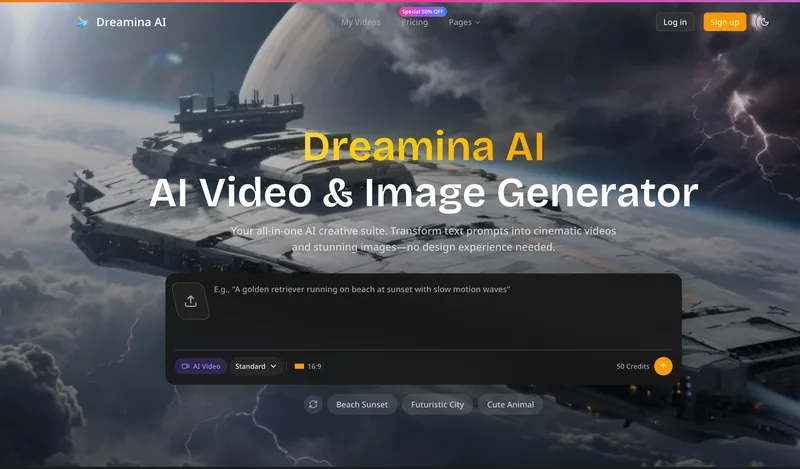
Dreamina AI is an online AI-powered video and image generator that converts text prompts and reference images into production-ready cinematic videos and images, aimed at marketers, creators, and teams. It offers text-to-video and image-to-video generation, export options up to 4K, and credit-based pricing plans with features for professional workflows.

Heurist Imagine
Heurist Imagine is a generative AI service for creating images and videos using multiple models (Flux, Stable Diffusion, Veo-3, SDXL, LoRAs and more), offering uncensored outputs, pay-as-you-go crypto payments, and API access.
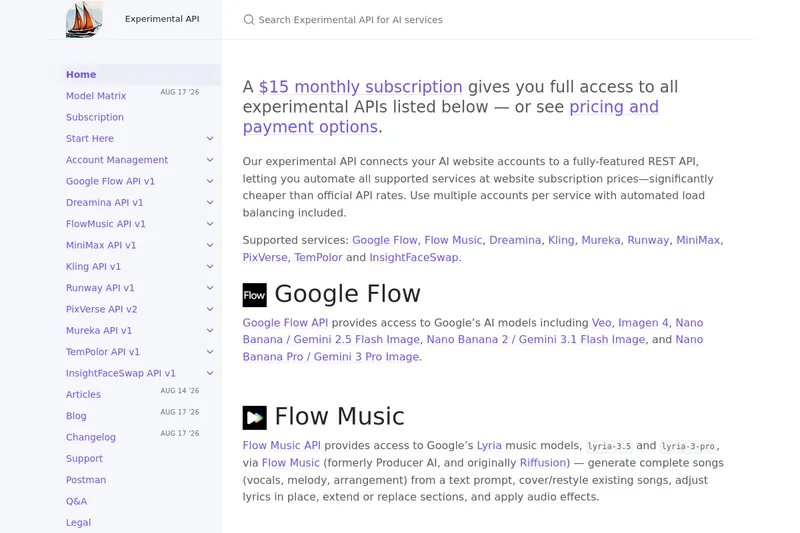
useapi.net
useapi.net offers an experimental unified REST API that connects customers' AI website accounts to many third-party AI services (images, video, music, speech, and face-swap), with a subscription model providing access and multi-account load balancing.
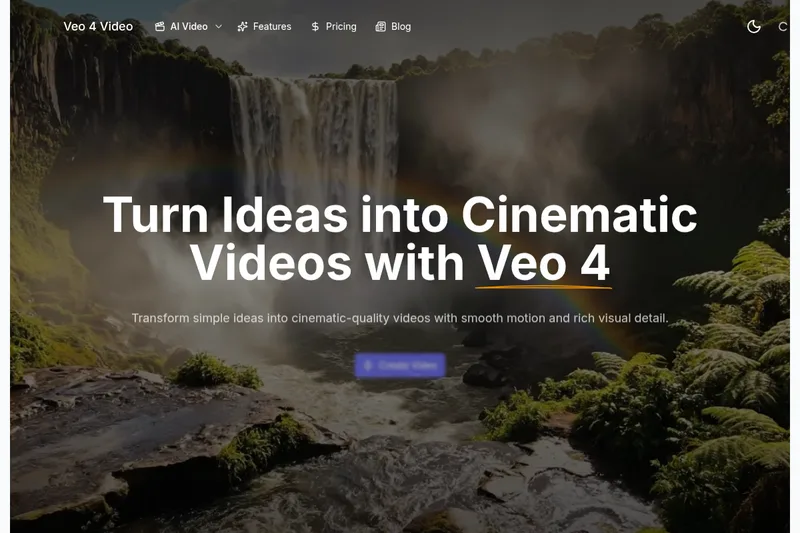
Veo4aivideo
Veo 4 is an AI video generator for text-to-video and image-to-video creation that produces cinematic 8-second clips with synchronized native audio, cinematic motion, and multiple aspect ratio exports.
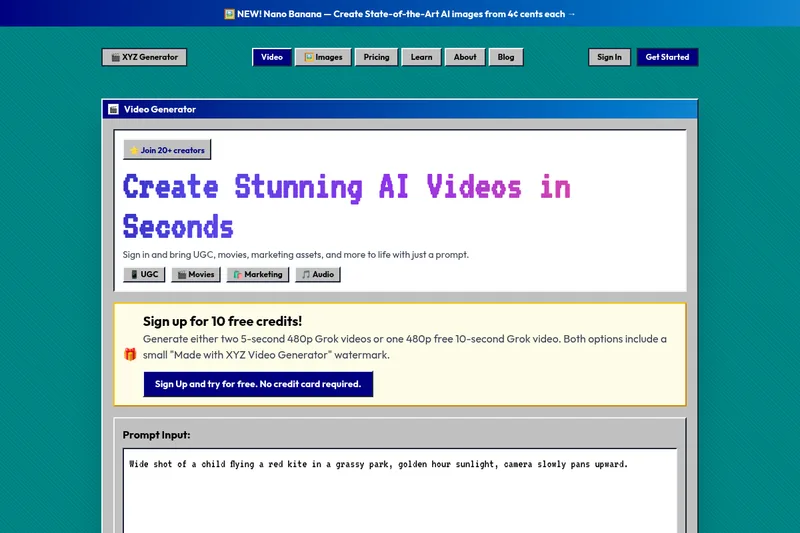
XYZ Generator
XYZ Generator is a web-based AI image and video generator that creates short videos and images from text prompts or images, targeting creators who need UGC, movies, and marketing assets.