

WapiSender
Wapi Sender is a WhatsApp automation platform that provides an API, SDKs, no‑code flow builder, and AI Agent nodes to build chatbots, automations, campaigns, and real‑time messaging for businesses.
WapiSender is ai tools software teams evaluate for business operations. Use this page to review pricing, integration signals, and the best alternatives before you commit.
Profile facts come from the vendor source. AiMatch labels unknown pricing or API details instead of estimating them.
Review official source →Used in These Packs
Quick Overview
Best for: Business Operations
What it does
AI Tools software for decision-makers comparing workflow fit and alternatives.
Best fit
Business Operations
Pricing snapshot
Paid from $6.00/mo · Billed monthly · $6.00 Per Instance
Next step
Compare WapiSender with similar tools before you shortlist it.
Compare this tool before you shortlist it
Review alternatives, pricing posture, and workflow fit side by side.
Wapi Sender is a platform for automating WhatsApp messaging that combines an HTTP API, SDKs, a drag‑and‑drop Flow Builder, templates, webhook automation, and integrated AI Agents. It targets businesses and teams that need to send and receive WhatsApp messages programmatically, automate support and sales workflows, deliver real‑time alerts, and deploy AI‑powered assistants. The product supports multiple connected WhatsApp instances (phone numbers), real‑time webhooks, media messages (images, video, documents, voice, contacts, location), and both code and no‑code tooling to design automated conversations.
Powerful WhatsApp automations with AI, visual flows and MCP Discussion | Link
Own this listing?
Claim this page for a one-time $29 to add pricing, features, screenshots, verified owner details, and a clearly labeled 30-day category position after the profile is live.
Claim this listing for $29Key Features
WhatsApp API
HTTP API endpoints and examples (cURL, Node, Python, PHP, etc.) to send text and media messages programmatically.
AI Agent node
An AI Agent node in the Flow Builder that can generate replies, route conversations, and extract structured values using user‑provided OpenAI, Claude, Gemini, xAI, OpenRouter, or Ollama credentials.
Flow Builder (no‑code)
Drag‑and‑drop visual chat flow builder with triggers (keyword/message), branching conditions, delays, webhooks, and end nodes to design automated conversations without code.
Chatbot & Templates
Template creation and prebuilt templates (Appointment Booking, Support Triage, Lead Qualification, Order Status) to accelerate bot and messaging setup.
Real‑time webhooks & automations
Webhook support for real‑time messaging events and the ability to call external APIs mid‑flow to integrate with other systems.
SDKs & developer tools
Official SDKs and libraries for Node.js (TypeScript), Python, Laravel, and an MCP server integration for Claude Code to manage messaging and instances from the terminal.
Multi‑instance & sender types
Support for multiple connected WhatsApp instances (users, groups, channels) with per‑plan instance limits and dashboard management via QR code linking.
Media & message types
Support for text, images, video, documents, voice, contact, and location messages, plus interactive buttons and list menus in flows.
Pricing
7‑day free trial for developers (payment method required; no charge today, cancel anytime).
Basic
$6.00/mo · Billed monthly · $6.00 Per Instance- 1 Connected WhatsApp Number
- Unlimited Contacts
- No Daily Message Cap
- MCP Server Integration
Pro
$15.00/mo · Billed monthly · $5.00 Per Instance- 3 Connected WhatsApp Numbers
- Unlimited Contacts
- No Daily Message Cap
- MCP Server Integration
Plus
$30.00/mo · Billed monthly- 6 Connected WhatsApp Numbers
- Unlimited Contacts
- No Daily Message Cap
- MCP Server Integration
Business
$45.00/mo · Billed monthly · $4.50 per Instance- 10 Connected WhatsApp Numbers
- Unlimited Contacts
- No Daily Message Cap
- MCP Server Integration
Use Cases
Customer Support Automation
Automate FAQs, triage incoming issues, and update tickets using WhatsApp‑first support flows to reduce agent load.
Real‑time Business Alerts
Deliver critical notifications, reminders, and updates instantly via WhatsApp to customers or internal teams.
AI‑Powered Assistants
Deploy AI agents in chat flows to qualify leads, answer questions 24/7, extract structured data, and route conversations to human agents when needed.
Dynamic Lead Nurturing
Personalize follow‑ups and automated nurturing sequences over WhatsApp to convert prospects with tailored messaging.
E‑commerce Engagement
Send order status updates, delivery notifications, receipts, and post‑purchase messages automatically from e‑commerce platforms.
Sales & Success Workflows
Integrate with CRM workflows to send renewals, account updates, and coordinate multi‑department messaging across sales and success teams.
Agency & Multi‑client Management
Manage multiple client WhatsApp instances from a single account for agencies and operations teams, scaling by plan.
Integrations
OpenAI, Claude, Gemini, xAI, OpenRouter, Ollama
Bring your own AI provider credentials to the AI Agent node to generate replies, classify intent, and extract data inside flows.
SDKs (Node.js, Python, Laravel)
Official SDKs and libraries to accelerate integration and use typed helpers for messaging, webhooks, and media.
MCP Server for Claude Code
Official MCP server integration that allows Claude Code to send WhatsApp messages, manage flows, contacts, and test AI credentials from the terminal.
Shopify / WooCommerce / CRM
Platform integrations and templates to automate e‑commerce workflows and CRM routing (Templates Library, Shopify Automation, WooCommerce Automation, CRM Integration mentioned).
Benefits
Limitations
Frequently Asked Questions
Can I add AI to my WhatsApp flows?
How do I create and connect my first WhatsApp instance?
Will my customers know I am using an API or Wapi Sender?
Can I connect multiple WhatsApp accounts to a single Wapi Sender account?
What happens if I log out of WhatsApp or my phone loses connection?
Is it safe to connect my business WhatsApp account to your platform?
Do you offer a free trial for developers to test the API?
How do you handle high‑volume messaging and rate limits?
Getting Started
- 1 Step 1: Sign up for a Wapi Sender account and start a 7‑day free trial (payment method required).
- 2 Step 2: Create a new instance in the dashboard and scan the generated QR code with WhatsApp's Linked Devices to link your phone.
- 3 Step 3: Use the dashboard or the API/SDKs to compose and send messages, build flows using the Flow Builder, and configure webhooks and AI credentials.
Support
docs
Documentation and API docs accessible from the site (View API Docs / Documentation / Help Center referenced on the website).
help center
Help Center / HelpDocs and blog articles for guides and launch posts referenced on the site.
sales
Talk to sales option listed on the site for commercial enquiries.
status
Status page referenced in the footer for operational updates.
API
View API Docs on the Wapi Sender website (link available from https://wapisender.com/).
No explicit rate limit values published on the page; guidance recommends following WhatsApp best practices and built‑in tools to manage delivery rates.
Compare WapiSender with similar tools
See how it stacks up against alternatives
Related Tools
View all 161 →

Summaverse
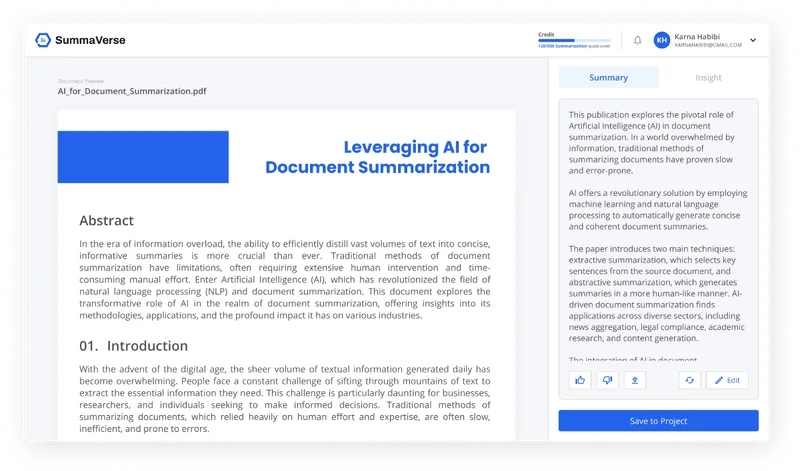
SummaVerse is an AI-powered web app that transforms documents into concise summaries and conversational chatbots, enabling users to extract key insights, share findings, and build customizable document-chat interfaces.

ChatterMate
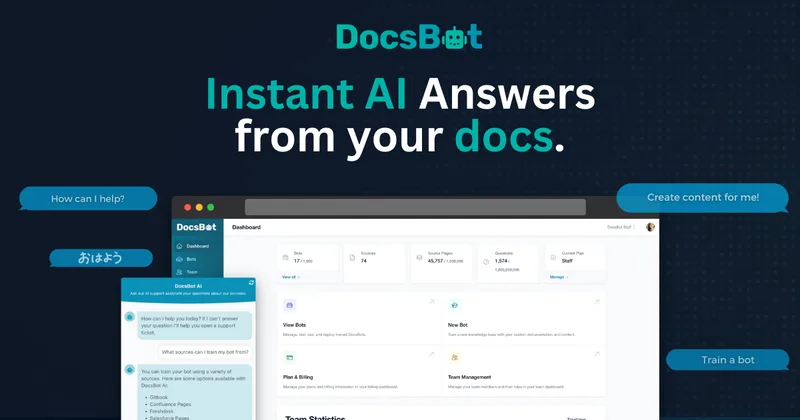
ChatterMate is an open-source, self-hostable AI customer support platform that indexes your documentation to provide grounded, cited answers across multiple channels, with human handover, lead capture, and developer tooling for customization and self-hosting.

raggenie
RAGgenie is a low-code platform for building retrieval-augmented generation (RAG) conversational AI 'copilots' from your existing data, enabling teams and individuals to create, run locally, and integrate custom GenAI assistants without advanced technical skills.

remail
Remail is an AI-powered browser assistant with tools for drafting and replying to emails, chatting with AI models, summarizing web content, writing, translating, and more. It is available as a Chrome extension and is designed for professionals who want AI assistance across their browser workflows.
fyran
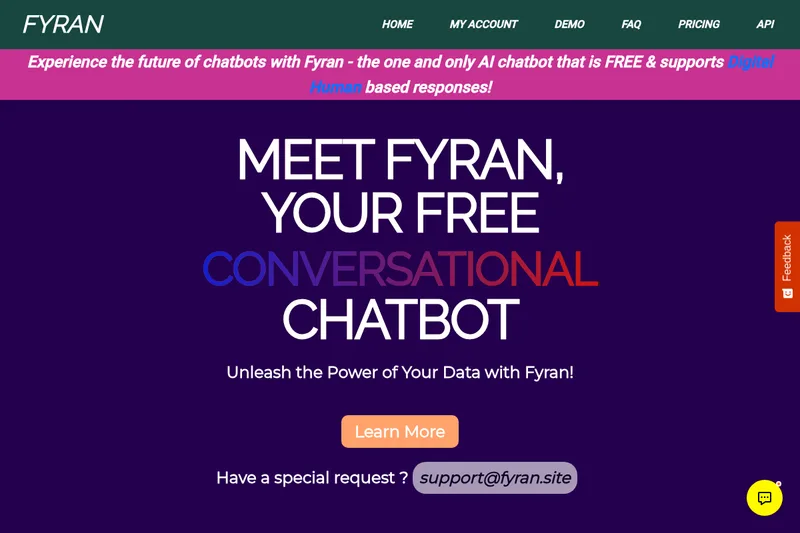
Fyran is an AI chatbot builder that lets users create custom chatbots from uploaded files (PDF, TXT, DOCx, MP3, with MP4 coming soon) and offers a unique Digital Human avatar feature (Freya). It provides a free tier, paid plans, a live demo, and integration via website, API, JS, or HTML.
Budget-Friendly Alternatives
Buildchatbot
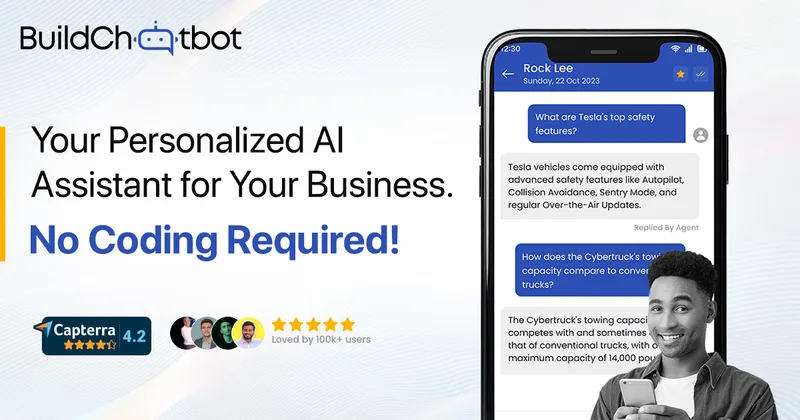
Build Chatbot is a no-code, first-party AI chatbot platform for websites that auto-trains on uploaded content (including audio and video) and provides embeddable chat widgets, mobile apps, and integrations to support customer support, lead capture, and internal assistants.




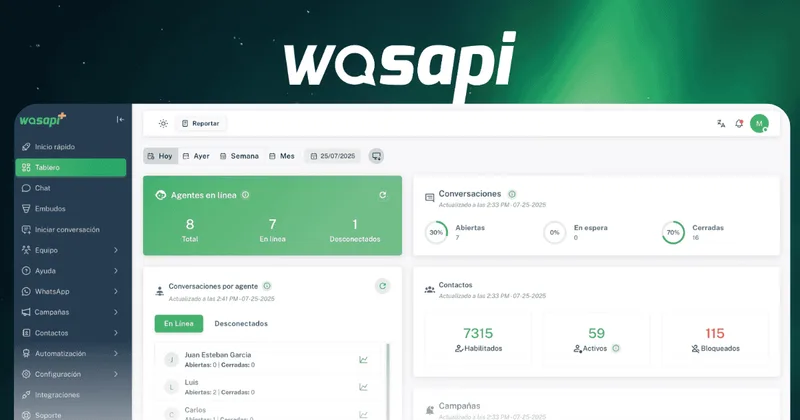
Wasapi
Wasapi is a SaaS platform that centralizes and manages WhatsApp-based customer service for teams, combining multi-agent inboxes, chatbots and trainable AI assistants, campaign/messaging tools, sales pipelines and API integrations to scale support and sales on WhatsApp.