

Wplace
Wplace is a collaborative, real-time pixel art canvas overlaid on an interactive world map where users worldwide paint, collaborate, and create large-scale pixel murals. The platform combines a pixel editor, community governance, and an in-game economy based on Droplets.
Wplace is generative art software teams evaluate for generative art. Use this page to review pricing, integration signals, and the best alternatives before you commit.
Quick Overview
Best for: Generative Art
What it does
Generative Art software for decision-makers comparing workflow fit and alternatives.
Best fit
Generative Art
Pricing snapshot
Freemium from Varies (purchase Droplets directly in the in-game shop; exact real-money prices not listed on the provided content)
Next step
Compare Wplace with similar tools before you shortlist it.
Compare this tool before you shortlist it
Review alternatives, pricing posture, and workflow fit side by side.
Wplace
Wplace is a collaborative, real-time pixel art platform that overlays a pixel canvas on an interactive world map. Inspired by Reddit's r/place experiment, it enables artists to choose any location on the globe, paint with a robust pixel editor, and see other users' pixels appear instantly. The site targets creators, hobbyist pixel artists, and communities that want to collaborate on large, location-based pixel artworks. Wplace combines social features (leaderboards, community governance, Discord/Reddit presence), toolkits (image-to-pixel converter, palette tools, browser extension), and an in-game economy (Droplets) to encourage participation and offer premium customization options.
Wplace is a collaborative, real-time pixel art canvas overlaid on an interactive world map where users worldwide paint, collaborate, and create large-scale pixel murals. The platform combines a pixel editor, community governance, and an in-game economy based on Droplets.
Own this listing?
Claim this page to add pricing, features, screenshots, and verified owner details.
Claim this listingKey Features
Global Canvas
A massive pixel canvas overlaid on a world map where users can choose any location to create or collaborate on pixel art.
Real-time Collaboration
See other users' pixels appear instantly as they paint, allowing synchronous collaboration across different regions and time zones.
Pixel Editor
A simple but powerful pixel brush and eraser tool supporting millions of colors, profile avatars, and precise pixel placement.
Image to Pixel Converter & Palette Tools
Tools to upload images and convert them to pixel art, import palettes, and create color palettes tailored to Wplace artwork.
Wplace Professor (Browser Extension)
A browser extension mentioned as an enhanced experience tool (Wplace Professor) to improve the platform experience in supported browsers.
Economy (Droplets)
An in-game currency (Droplets) earned by painting and leveling, used to buy paint charges, colors, profile pictures, country flags, and other premium items.
Leaderboard and Rankings
Leaderboards rank players, alliances, countries, and regions by pixels drawn across different time ranges (daily, weekly, monthly, all-time).
Zoom & Map Integration
Uses OpenStreetMap zoom levels (1–19) and requires zoom level 10+ to see pixels; a 'Zoom in to see the pixels' control jumps to level 10.
Community Governance & Moderation
A decentralized moderation and community-guided system where users participate in platform decisions and follow community rules.
Pricing
Most platform features are free to use; some special colors and cosmetic items require Droplets purchased or earned in-game.
In‑game purchases (Droplets)
Varies (purchase Droplets directly in the in-game shop; exact real-money prices not listed on the provided content)- Buy Droplets to unlock premium colors and items
- Purchase painting charges, profile pictures, country flags, and permanent color unlocks
Use Cases
Collaborative Murals
Communities and groups coordinate to paint large-scale murals across map regions, combining efforts in real-time.
Location-based Art
Artists choose specific geographic locations to create context-sensitive pixel pieces that are displayed on the world map.
Pixel Art Conversion & Palette Preparation
Convert existing images into pixel art and build color palettes for use in larger projects or individual artworks.
Profile & Community Customization
Personalize profiles with 16x16 pixel avatars, display country flags, and unlock special colors to stand out on the canvas.
Competitions and Leaderboard Challenges
Use leaderboards to organize friendly contests between players, alliances, regions, or countries based on pixel contributions.
Integrations
Wplace Professor (Browser Extension)
A browser extension to enhance the Wplace experience (details provided on the site).
Discord
Community chat and updates; a place to get tips, report bugs, and coordinate projects.
Community discussion, showcases, and feedback for Wplace users.
Instagram, YouTube, Twitch
Social platforms used for sharing artwork, live streams, tutorials, and community events.
OpenStreetMap
Map engine and zoom-level system used for the world map overlay and pixel visibility (uses OSM zoom levels 1–19).
Benefits
Limitations
Frequently Asked Questions
What is Wplace.live?
How do I participate?
Is it free to use Wplace.live?
How to paint faster on Wplace.live?
Can I undo or erase what I've drawn on Wplace?
What is the Wplace.live leaderboard?
What does the 'Zoom in to see the pixels' button do?
Why do I see server error messages on Wplace?
How can I report a bug or suggest a feature?
Is Wplace.live safe to use?
Getting Started
- 1 Step 1: Visit wplace.live and choose a location on the world map (no account required to start).
- 2 Step 2: Use the pixel brush tool to place pixels or upload an image and convert it to pixel art with the Image to Pixel Converter.
- 3 Step 3: Collaborate with other painters in real-time, use the eraser or hold SPACE to paint/erase faster, and share your work on social channels or the community.
Support
Community forum / Feedback
Use the 'Feedback and bugs' section on the site to report issues or suggest features.
Discord
Join the Wplace Discord for live support, coordination, and updates.
Community discussions, bug reports, and showcases are hosted on Wplace's Reddit.
Social media (Instagram, YouTube, Twitch)
Follow official channels for announcements, tutorials, and community content.
Documentation / Tips
The site provides tips (e.g., painting faster, graphics acceleration) and a FAQ covering common issues and usage.
API
Compare Wplace with similar tools
See how it stacks up against alternatives
Related Tools
View all 63 →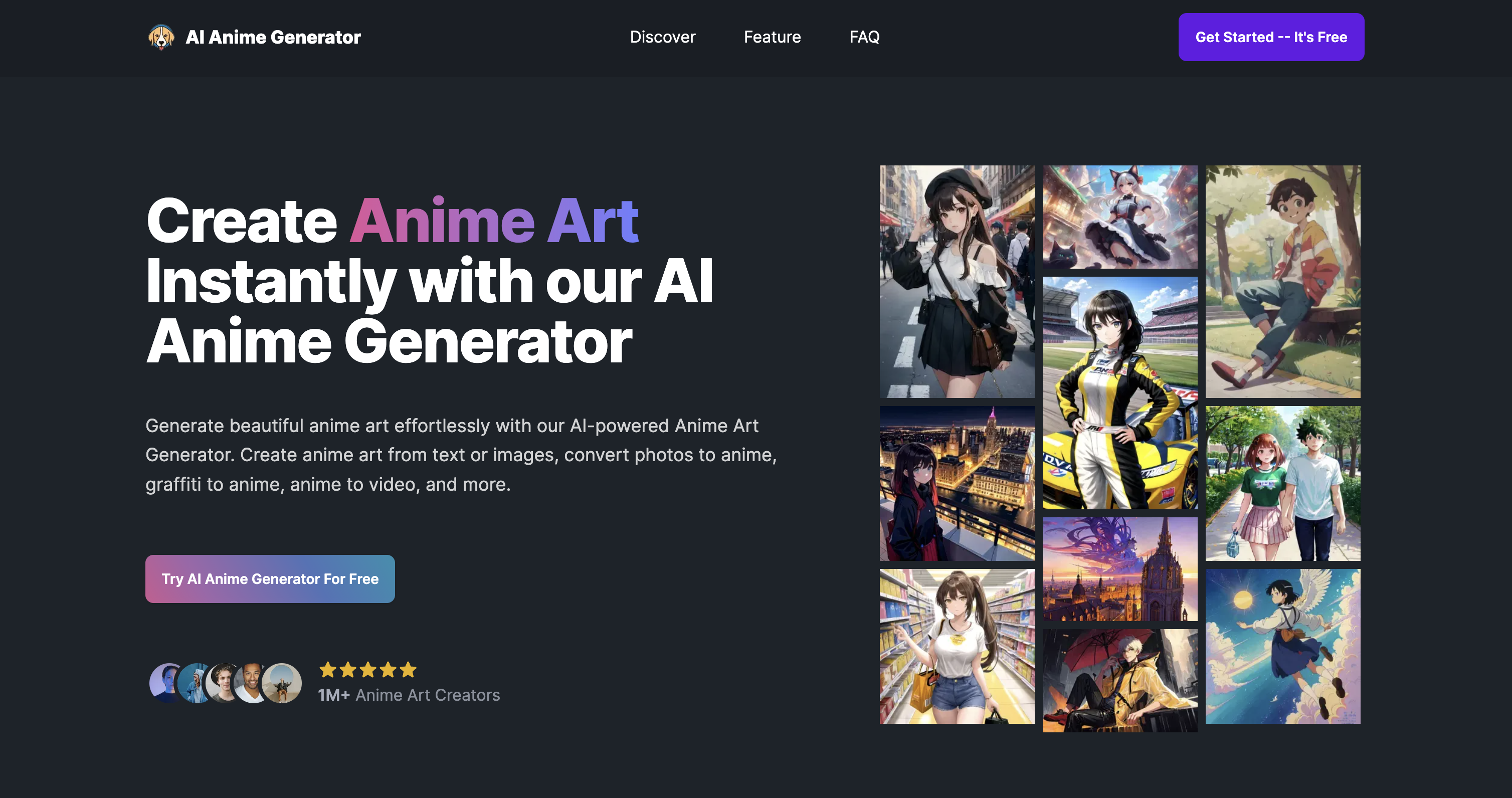
Aianimegen
AI Anime Generator is a web tool that creates high-quality anime-style images and animations from text prompts, photos, sketches, or existing anime art. It targets artists, anime fans, and creators who want fast, automated anime art generation and simple animation features.
drawings-alive
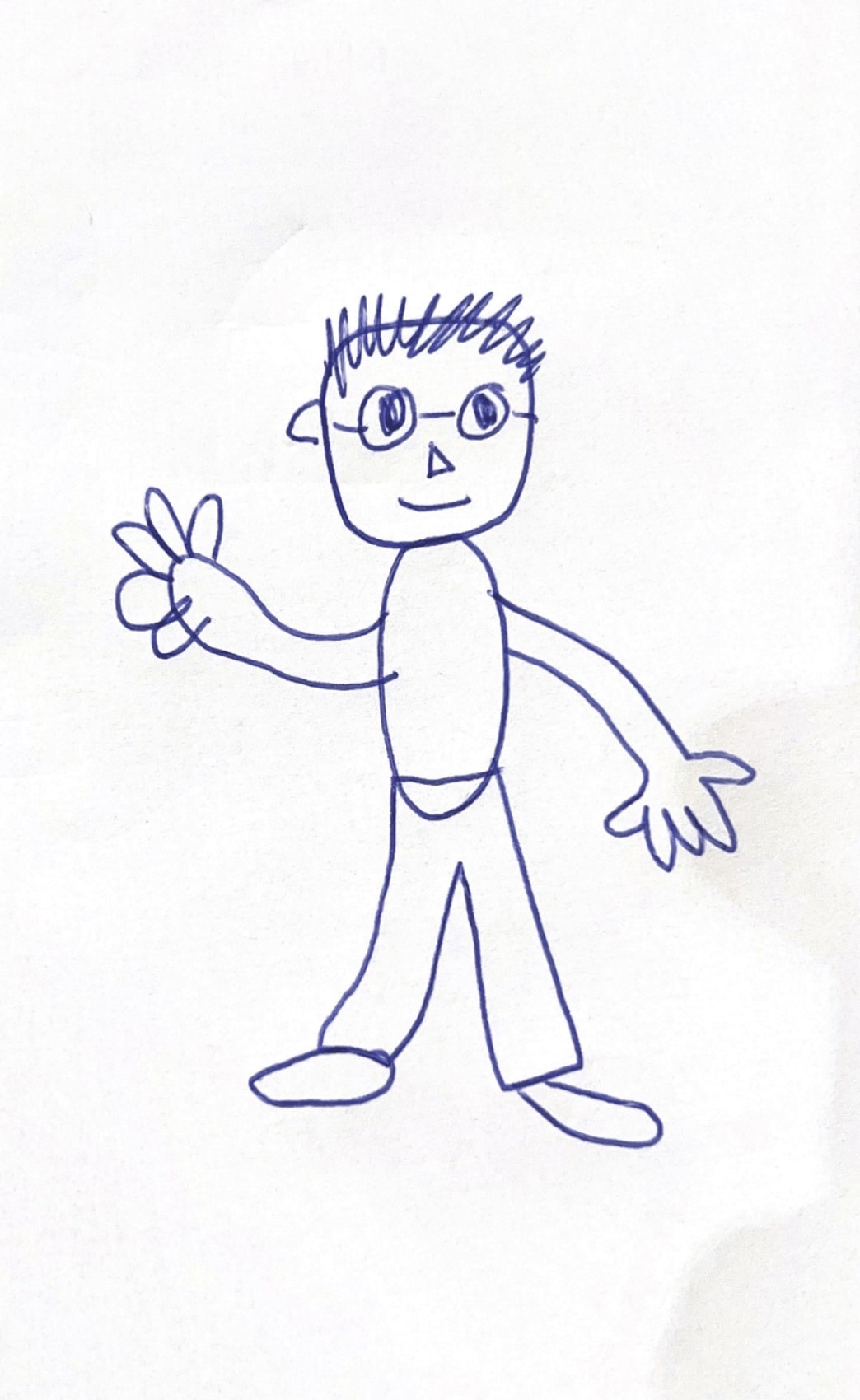
Drawings Alive is an AI-powered platform that transforms children's drawings into vibrant artworks, animated videos, and 3D models, bringing their creativity to life in magical and interactive ways.


Aiartgenerator
AIArtGenerator is an online text-to-image service powered by Stable Diffusion that converts simple text prompts into original AI-generated images for creative projects, available via free accounts and an optional premium subscription for higher-resolution outputs.


portal-by-20vision
Portal by 20Vision is an AI-powered platform focused on AI image generation, social sharing, and a prompt marketplace, designed to amplify human potential through advanced communication and AI alignment.

Stablediffusionai
Stable Diffusion AI Generator Online (StableDiffusionAI) is a web-based text-to-image platform powered by Stable Diffusion and SDXL that lets users create high-resolution AI art from text prompts with tools for inpainting, outpainting, embeddings and model customizations.

Snapfusion
SnapFusion.AI is a subscription-based service that provides access to AI-generated art, marketed as an easy way to experience the creative power of AI.
Premium Alternatives

Guard Your Connect
GuardYourConnect is a specialized fraud detection tool designed for Stripe Connect marketplaces to identify and block fraudulent sellers before they cause costly chargebacks, protecting marketplace owners from financial losses and liability.

Vellum
Vellum is a platform for building, running, and managing AI agents that automate operational workflows by connecting to your apps and data (e.g., Notion, Slack, Salesforce, Google Drive). It targets product, marketing, finance, sales, legal, and customer support teams looking to automate repetitive processes.


Hairstyleai
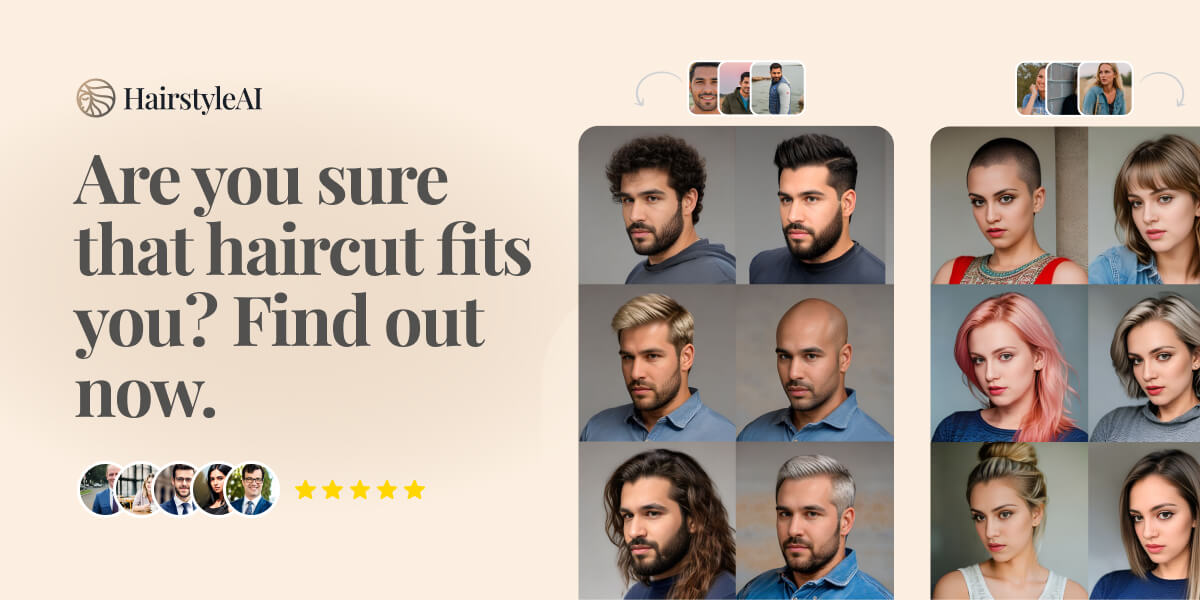
HairstyleAI is a virtual AI-powered hairstyle try-on service for men and women that generates photorealistic images of you in different haircuts so you can preview styles before committing to a real haircut.

solidus-ai-tech
Solidus AI Tech operates Europe's first eco-friendly HPC data center powered by the deflationary AITECH token, offering scalable AI infrastructure and innovative AI solutions for developers and enterprises.

Interiorai
Interior AI is a web app that instantly redesigns, stages and renders interior and outdoor spaces using generative AI — upload a photo, choose a style or mode (including Virtual Staging, Sketch2Image and SketchUp), and get photorealistic renders, walkthrough videos and VR-ready scenes in seconds.

receiptor-ai
Receiptor AI is an automated tool that extracts and organizes receipts and invoices from your email, saving time and simplifying financial tracking for individuals and businesses.