

Interiorai
Interior AI is a web app that instantly redesigns, stages and renders interior and outdoor spaces using generative AI — upload a photo, choose a style or mode (including Virtual Staging, Sketch2Image and SketchUp), and get photorealistic renders, walkthrough videos and VR-ready scenes in seconds.
Interiorai is image & design software teams evaluate for creative & design. Use this page to review pricing, integration signals, and the best alternatives before you commit.
Used in These Packs
Quick Overview
Best for: Creative & Design
What it does
Image & Design software for decision-makers comparing workflow fit and alternatives.
Best fit
Creative & Design
Pricing snapshot
Paid from $49 / month
Next step
Compare Interiorai with similar tools before you shortlist it.
Compare this tool before you shortlist it
Review alternatives, pricing posture, and workflow fit side by side.
Interiorai
Interior AI is a consumer and professional-facing AI interior design and virtual staging app that transforms photos, sketches or SketchUp screenshots into photorealistic interior and exterior renders within seconds. It targets homeowners, interior designers, real estate agents and content creators who want fast design ideation, virtual staging for listings, photorealistic presentations and 3D walkthroughs without hiring a human designer. The app offers dozens of preset styles, multiple room types and modes (including Virtual Staging, Sketch2Image and SketchUp conversion), plus features for turning renders into flythrough videos and immersive walk-throughs.
Interior AI emphasizes speed and accessibility: typical renders are produced in ~25–30 seconds, many styles are included in membership, and higher-tier plans add faster priority rendering, more monthly renders and advanced features like editing, upscaling, people, lighting changes and VR walkthroughs. The company states uploaded photos and generated designs remain private and are not used to train their models.
Interior AI is a web app that instantly redesigns, stages and renders interior and outdoor spaces using generative AI — upload a photo, choose a style or mode (including Virtual Staging, Sketch2Image and SketchUp), and get photorealistic renders, walkthrough videos and VR-ready scenes in seconds.
Own this listing?
Claim this page to add pricing, features, screenshots, and verified owner details.
Claim this listingKey Features
Photo-based Redesign
Upload a photo of an interior or exterior and automatically generate photorealistic redesigns in different styles while optionally preserving room construction (3D Vision mode).
Virtual Staging AI
Automatically furnishes empty rooms with realistic furniture and decor for real estate listings, designed to preserve construction and produce buyable furniture arrangements.
Sketch2Image & SketchUp Support
Convert hand-drawn sketches or SketchUp screenshots/wireframes into high-resolution photorealistic renders in ~30 seconds.
3D Flythroughs & VR Walkthroughs
Turn renders into 3D flythrough videos and immersive VR-style walkthroughs for presentations and client experiences (powered via partner world/video models).
Wide Style Library
50+ preset interior styles (Modern, Minimalist, Scandinavian, Luxury, Boho, Futuristic, etc.) included with membership for one-click styling without writing prompts.
Batch & Parallel Rendering
Generate multiple designs in parallel (up to 16 concurrent renders on higher tiers) and choose between 1/4/8/16 designs per job depending on plan.
Design Editing & Upscaling
Edit and brush away artefacts, upscale interiors, change lighting, paint walls, add people and furniture (features vary by plan).
Privacy & Storage Controls
Uploaded photos and generated designs are stored privately for the user only; Interior AI states it does not train on customer photos.
Integrated Payment & Billing
Stripe-backed billing and subscriptions with invoicing and a Stripe Customer Portal for plan management and receipts.
People & Experimental Options
Optional features to add people, orientation control and prompt-based experimental options (marked experimental and may produce imperfect results).
Pricing
Monthly — Pro
$49 / month- Create up to 1,000 interior designs per month
- Flux™ model (lower quality renders, realistic interiors)
- Generate up to 4 rooms in parallel
- Upload your own room, remix styles, commercial use license
Monthly — Premium
$99 / month- Create up to 5,000 interior designs per month
- Hyper Realism™ (medium quality, high realism and lighting)
- Generate up to 8 rooms in parallel
- Edit designs, Virtual staging, Upscale interiors, Paint walls, Change lighting, Add people, Google Lens, Generate walkthrough videos, Add furniture, VR walkthrough
Monthly — Ultra
$199 / month- Create up to 25,000 interior designs per month
- Hyper Realism™ / Ultra quality renders (photorealistic)
- Generate up to 16 rooms in parallel
- Unlimited render storage and priority rendering speed, dedicated rendering server
Yearly — Pro (billed yearly)
Approx. $29 / month when billed yearly (example shown $349/year)- Create up to 1,000 interior designs per month
- Flux™ model, generate up to 4 rooms in parallel, commercial use license
Yearly — Premium (billed yearly)
Approx. $49 / month when billed yearly (example shown $599/year)- Create up to 5,000 interior designs per month
- All Premium features (edit, virtual staging, walkthroughs, Google Lens, etc.)
Yearly — Ultra (billed yearly)
Approx. $99 / month when billed yearly (example shown $1199/year)- Create up to 25,000 interior designs per month
- All Ultra features (priority rendering, dedicated server, unlimited storage)
Use Cases
Home design ideation
Homeowners and designers can quickly explore multiple styles and furniture layouts from a single photo to iterate on looks without expensive in-person design work.
Real estate virtual staging
Agents can virtually stage empty listings to improve buyer perception — Interior AI highlights that virtually staged homes sell faster and for higher prices.
Architect and designer presentations
Convert sketches and SketchUp renders into photorealistic images and walkthroughs to present realistic visualizations to clients.
Marketing and content creation
Create photorealistic interior shots, walkthrough videos and VR scenes for listings, social media, portfolios and product showcases.
Integrations
Stripe
Payment processing, invoicing and Stripe Customer Portal for billing, receipts and subscription management.
Google (Sign-in)
Option to continue / sign in with Google for account access.
Google Lens (feature)
Feature listed under Premium that integrates Google Lens functionality for analyzing images.
SketchUp
Supports importing SketchUp screenshots/wireframes and converting them into photorealistic renders.
World Labs (AI world model)
Partnered for 3D immersive world model allowing VR/walkthrough experiences.
Stable Video Diffusion
Partner technology used to convert images into 3D flythrough videos.
Benefits
Limitations
Frequently Asked Questions
How does Interior AI's interior designer work?
What are the different design modes?
Can I virtually stage with Interior AI?
What file formats are accepted?
How long does generation take?
Will you train on my photos?
Can I get a refund?
How do I cancel or manage my subscription?
Getting Started
- 1 Step 1: Open interiorai.com and sign up or continue with Google (you receive a login link after signup).
- 2 Step 2: Take or upload a photo (JPG, PNG, WebP, AVIF) or upload a sketch/SketchUp screenshot, choose room type and a style or mode (e.g., Interior design with 3D Vision, Virtual Staging, Sketch2Image).
- 3 Step 3: Select number of designs to generate (1/4/8/16), tap Create design and review the photorealistic outputs; use editor tools to brush/repair artefacts or export renders and generate walkthrough videos.
Support
Docs & FAQ
In-app FAQ and documentation content on interiorai.com/FAQ and the site pages.
Billing (Stripe customer portal)
Manage subscriptions, download invoices, switch plans or cancel via the Billing link in the app which uses Stripe's Customer Portal.
Website contact
General contact and account/login links available on the site (no direct support email listed on the provided content).
API
Compare Interiorai with similar tools
See how it stacks up against alternatives
Related Tools
View all 388 →
Imagetoimage
Image to Image is an AI-powered creative platform that transforms user-provided photos, sketches, or artwork into high-fidelity images using text-guided image-to-image generation and a suite of related image and video AI tools.



Snapheadshots
AI headshot generator for business professionals that creates realistic, high-resolution profile photos from a single selfie in 400+ curated styles — marketed as a fast, no-photoshoot alternative for LinkedIn, CVs, team photos, and other professional uses.

Actionfiguregenerator
Action Figure Generator is an AI-powered web tool that transforms photos into collectible-quality action figure images with realistic blister-pack packaging, customizable accessories, and high-resolution outputs powered by GPT-4o.

Acdsystems
ACDSee Photo Studio for Mac 26 is a macOS photo management and non‑destructive editing application that combines AI-powered tools (AI Keywords, AI Denoise, AI Presets, facial recognition) with digital asset management to speed photographers' workflows.

Budget-Friendly Alternatives

Autoslide AI PowerPoint Add In
Autoslide AI PowerPoint Add-In is a productivity tool designed to help professionals create and format PowerPoint presentations faster using AI-driven slide formatting, content generation, and a rich resource library.
BypassEngine
Bypass Engine is an AI humanizer and detection engine that rewrites AI-generated text into natural, human-like writing designed to evade leading AI detectors and improve readability. It targets students, marketers, researchers, and content creators who need undetectable, plagiarism-free output in multiple languages.
AIuse.blog
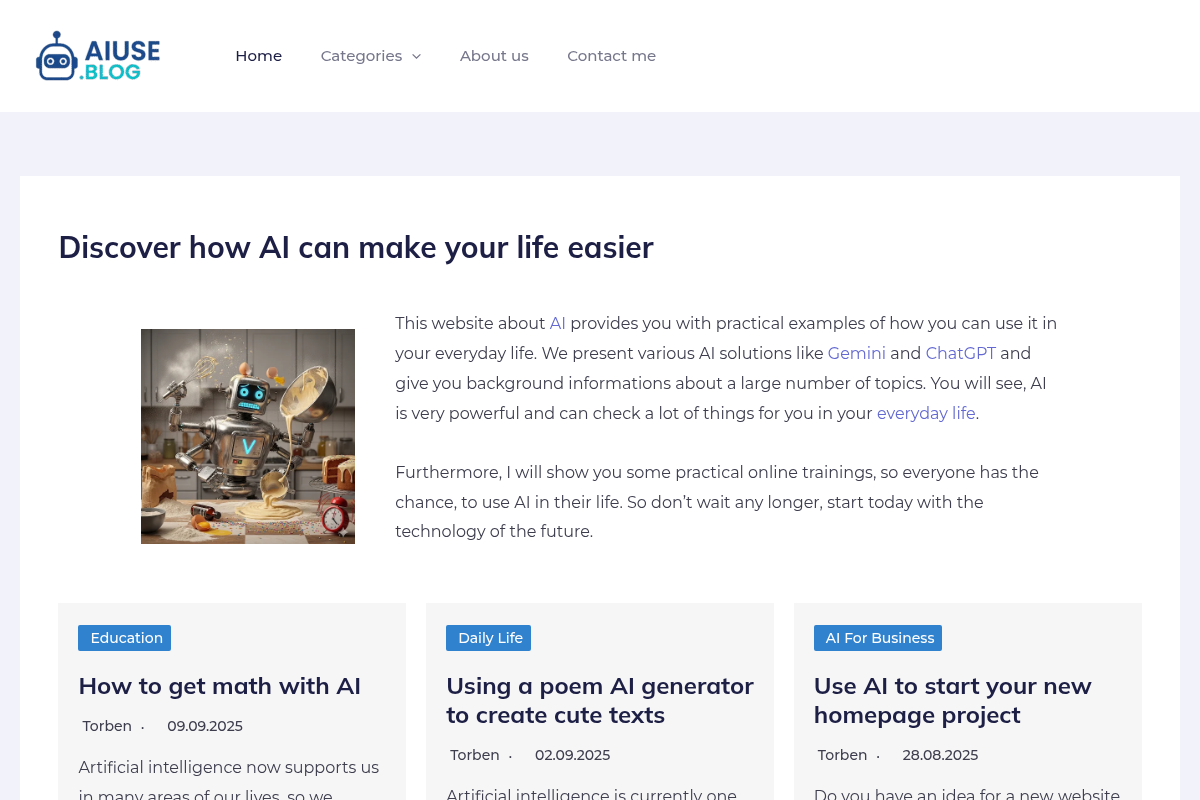
AIuse.blog is a website dedicated to showcasing practical examples of how artificial intelligence can simplify everyday life, education, business, and travel. It offers insights, tutorials, and AI tool recommendations to help users integrate AI into their daily routines.

RecordsKeeper.AI
RecordsKeeper.AI is an AI-powered records management automation platform that transforms chaotic data into actionable strategic intelligence, offering secure, compliant, and intelligent document handling for enterprises and SMBs.

MachineTranslation.com
MachineTranslation.com is a leading AI translation platform offering highly accurate translations in over 330+ languages, supporting large file uploads and preserving original formatting. It serves businesses, professionals, and individuals with AI-powered and human-reviewed translations.

ClipNow.ai
ClipNow.ai is an AI-powered tool that transforms long-form videos into engaging short clips optimized for platforms like TikTok, Instagram Reels, YouTube Shorts, and more with just one click.


SellerPic
SellerPic is an AI-powered platform that transforms ordinary product photos into stunning, high-converting visuals and videos, boosting e-commerce sales by up to 20%. It offers tools for creating model-on-image shots, multi-angle views, and promotional content without traditional photoshoots.