
AI Anime Generator
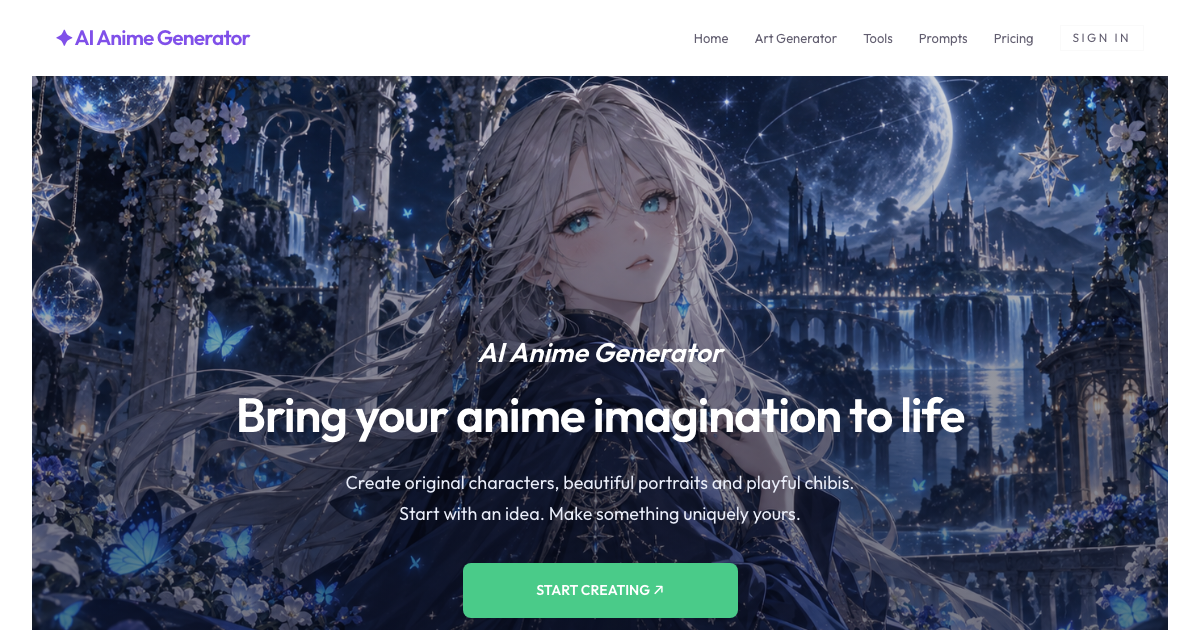
AI Anime Generator turns text prompts and uploaded photos into anime-style images. Artists and creators can choose a style and model, then review and save generated results using account credits.
One of 386 tools in Image & Design
Who it's for
- Illustrators and character creators who want to generate anime portraits, characters, or scenes from written descriptions.
- Creators who have a reference photo and want an anime interpretation with a selected style and optional change description.
- Anime art hobbyists looking for prompt inspiration and style choices such as Chibi, Retro, Fantasy, Pixel, or Cyberpunk.
Not the right fit if…
- People who need an exact likeness from a reference photo: the site says facial details and composition can change and exact likeness is not guaranteed.
- Teams requiring guaranteed commercial rights or exclusive ownership: the site explicitly says it does not guarantee these rights and directs users to check model terms.
How it fits your workflow
Start with a written description, an editable gallery prompt, or a photo when photo editing is available. For photo transformations, choose a clear image with an unobstructed subject and optionally describe the changes you want.
Select a style and aspect ratio, review the selected model's credit cost, and sign in with Google to generate. The page says the result is generated, screened, and loaded; keep the page open until it finishes.
Open the approved result to save it, or adjust the prompt and generate another version. Model credit costs and available aspect ratios can vary.
Pricing
Free: New accounts receive 30 bonus credits once, valid for 7 days. The page says image generation uses credits and that one-time purchased credits do not expire; it does not state credit-pack prices. No subscription is required.
New account bonus
Free: 30 credits, valid for 7 days
- · The number of images depends on the selected model's credit cost.
- · Sign in with Google to receive the bonus credits.
Prices checked on Oct 21, 2026 from the vendor's site. They can change; confirm before you buy.
Key features
- Text-to-anime generation
- Describe a subject, setting, and mood to create an original anime character or scene. Gallery prompts can be used as starting points and edited before generation.
- Photo-to-anime transformation
- Upload a JPEG, PNG, or WebP photo and choose an anime style. Users can describe desired changes or leave the prompt blank; exact likeness is not guaranteed.
- Multiple anime styles
- Choose from styles such as Chibi, Waifu, Retro, Pixel, Realistic, Fantasy, Cyberpunk, and School, each presented for different visual treatments.
- Model and aspect-ratio choices
- The model creates the image and the style guides its look. Available aspect ratios and credit costs can differ by model, with the selected model's cost shown before generation.
- Prompt inspiration
- Browse example prompts for styles and subjects, then use or edit a prompt to shape an image idea.
- Anime star eye filter
- Create a selfie edit with one bold anime eye and three original anime stickers. The page specifies a front-facing photo with both eyes visible and a cost of 20 credits per image.
Limitations to know
- Exact likeness is not guaranteed when transforming a photo; facial details, clothing, and background may change.
- The site does not guarantee exclusive ownership or commercial rights; users are directed to check the selected model's terms and rights to their input and reference photo.
- Credit costs and available aspect ratios vary by model, so users need to check the selected options before generation.
- The page says the star eye filter costs 20 credits per image and requires a front-facing photo with both eyes visible.
Alternatives to consider
-
Aianimegen
Choose it if you need sketch input or anime-image-to-video conversion, which its description lists in addition to text and photo generation.
-
AnimeGen
Choose it if you specifically want the high-resolution output and curated models described for AnimeGen.
Getting started
- Write an image idea, select a gallery prompt, or upload a photo for a photo transformation.
- Choose a style and aspect ratio, then check the displayed credit cost for the selected model.
- Sign in with Google to generate; new accounts receive 30 bonus credits valid for 7 days.
- Keep the page open until the result finishes loading, then open the approved image to save it.
Frequently asked questions
How do I start?
Write an idea or choose a gallery prompt, select a style and ratio, then generate. You can browse and edit prompts before signing in with Google to create an image.
Does generation use credits?
Yes. New accounts receive 30 bonus credits valid for 7 days. The credit cost per image depends on the model and is shown before generation. One-time purchased credits never expire, and no subscription is required.
Can I turn my photo into anime?
Yes. Add a photo, choose an anime style, and generate. You can describe changes or leave the prompt blank. Exact likeness is not guaranteed, and uploads and generated images are screened before delivery.
Will a photo keep the same face and details?
Not necessarily. An anime transformation can change facial details, clothing, and background. The page recommends using a clear reference and describing features to keep; exact likeness is not guaranteed.
Can I use images commercially?
Check the selected model's terms and the rights to your input and any reference photo. The site does not guarantee exclusive ownership or commercial rights.
What if my request is blocked or fails?
Prompts and images are screened before delivery. Input checks happen before credits are reserved. If generation or output checks fail, the site attempts to return reserved credits and reports whether the return was confirmed. Keep the page open until the result finishes loading.