
Actionbook
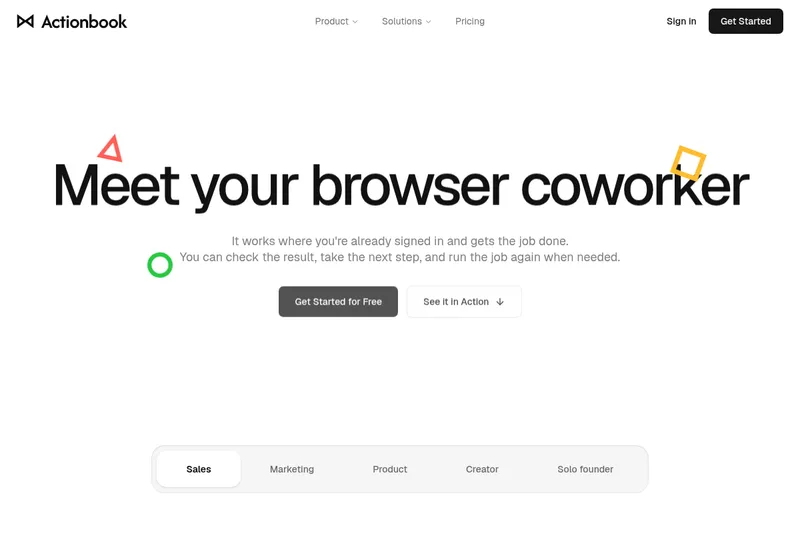
Actionbook uses AI to complete browser tasks across sites where users are already signed in, then returns results with source links. Sales, marketing, product, and creator teams can save completed workflows as reusable Plays.
One of 671 tools in AI Agents
Who it's for
- Sales teams preparing outreach or pre-call briefs from information spread across CRM, product, and issue pages.
- Marketing and creator teams compiling performance or analytics reports across sites and platforms.
- Product teams or solo founders who want to run repeatable research and monitoring tasks in their browser.
How it fits your workflow
Install the browser extension, open its side panel beside a page, and describe the task. Actionbook uses the page context and can click and type across sites where the user is already signed in.
It returns a completed result with links back to source pages. Users can check those sources, approve important actions, stop a run, or save a successful run as a Play for reuse.
Pricing
Free: The site advertises “Get Started for Free,” but does not provide free-plan limits or detailed pricing in the supplied content.
The vendor doesn't publish prices. Check with Actionbook directly.
Prices checked on Oct 21, 2026 from the vendor's site. They can change; confirm before you buy.
Key features
- Browser-side task execution
- Actionbook works in a side panel alongside the current page, uses page context, and can click, type, and complete steps for a task.
- Work across signed-in sites
- The site says Actionbook uses sites where the user is already signed in and can work across them to combine dashboards, reports, leads, and threads into a result.
- Source-linked results
- Facts in Actionbook results link back to their source pages, which users can open to check context.
- Reusable Plays
- Users can save a finished run as a Play. The site says a Play keeps the steps that worked and drops detours, so it can be run again.
- User approval and run controls
- The site says users approve important actions and can stop a run at any time.
Works with
- Google Sheets
- HubSpot
- Linear
- Gmail
Alternatives to consider
-
Browse Anything
Choose it if you want browser-task automation through a cloud dashboard, Telegram bot, or an API, rather than Actionbook's browser-side workflow.
-
Starizon AI
Choose it if you need an AI browser assistant that also monitors web data and connects outputs through Toolkits & Skills.
Getting started
A Chrome or Edge browser with the Actionbook extension installed; use the sites with sessions you are already signed into.
- Install the Actionbook extension from the Chrome Web Store; an Edge Extension is also listed.
- Open Actionbook from the browser toolbar on a page you are already using.
- Give it a task and review the resulting work and source links.