

Raphael AI
Raphael AI is a free, web-based image generation and photo editing platform powered by Nano Banana image models that lets users create, refine, and download high-quality images with unlimited generations and no watermark.
Raphael AI is image & design software teams evaluate for content & marketing. Use this page to review pricing, integration signals, and the best alternatives before you commit.
Profile facts come from the vendor source. AiMatch labels unknown pricing or API details instead of estimating them.
Review official source →Used in These Packs
Quick Overview
Best for: Content & Marketing
What it does
Image & Design software for decision-makers comparing workflow fit and alternatives.
Best fit
Content & Marketing
Pricing snapshot
Free from Free
Next step
Compare Raphael AI with similar tools before you shortlist it.
Compare this tool before you shortlist it
Review alternatives, pricing posture, and workflow fit side by side.
Raphael AI is a web-based AI image generator and photo editor that uses Nano Banana image models to turn text prompts into high-quality images and to edit uploaded photos. The platform emphasizes fast iteration, practical workflows for creators and teams, and offers unlimited, watermark-free downloads without requiring a credit card. Raphael AI is aimed at creators, marketers, ecommerce teams, and anyone who needs to produce polished visuals quickly for social, ads, product photos, concept art, and more.
Unlimited free AI image generator creating images from text in seconds.
Own this listing?
Claim this page for a one-time $29 to add pricing, features, screenshots, verified owner details, and a clearly labeled 30-day category position after the profile is live.
Claim this listing for $29Key Features
Text-to-Image with Style Control
Generate high quality AI images from text prompts with Nano Banana level prompt understanding and flexible style control.
Multi-Image References
Upload up to 4 reference images to guide composition, character consistency, style, and overall visual direction.
Fast Preview and High Quality Rendering
Test ideas quickly with rapid previews, then refine favorite outputs into sharper, higher-quality final images.
Object Removal and Replacement
Remove unwanted objects, replace products, or change backgrounds while preserving realistic lighting and scene consistency.
AI Upscaling and Enhancement
Improve blurry or low resolution images with AI sharpening, detail enhancement, and higher resolution output.
All-in-One Workspace
Generate, edit, enhance, and export AI images in one place with no software to install.
Pricing
Unlimited, 100% free image generation and editing with no credit card required; a free account is required for AI photo editing and certain download features.
Free
Free- Unlimited image generations
- No credit card required
- No watermarks on downloads
- High-quality exports
Use Cases
Social Media Content
Create viral-ready graphics for Instagram, TikTok, and X that stop the scroll.
Marketing & Ad Creatives
A/B test advertising concepts and design high-converting banner ads quickly.
E-commerce Product Photos
Remove backgrounds and place products in AI-generated lifestyle settings for listings and ads.
Blog & YouTube Covers
Design eye-catching thumbnails and article headers to drive clicks.
Posters & Flyers
Conceptualize striking poster designs and fine-tune layouts for print or web.
Concept Art & Storyboarding
Visualize cinematic scenes, character designs, and mood boards for projects.
Image Localization
Swap text, signs, or regional elements to localize marketing campaigns.
AI Style Transfer
Transform photos into anime, oil paintings, or 3D renders with one click.
Integrations
Nano Banana image models
Proprietary image models that power both generation and editing for consistent prompt understanding and edit interpretation.
Benefits
Limitations
No verified limitations are available.
Frequently Asked Questions
What is Raphael AI?
Is Raphael AI free to use?
Do I need an account?
What makes Nano Banana image models different?
Does Raphael AI use Nano Banana for both generation and editing?
How does Nano Banana improve AI photo editing?
Can Nano Banana handle multiple reference images?
Is Nano Banana good for consistent character and product generation?
Can I edit my own photos?
Can I use Raphael AI images commercially?
Do downloaded images have a watermark?
Getting Started
- 1 Step 1: Enter a prompt or upload an image to begin.
- 2 Step 2: Generate or transform with AI using Nano Banana models.
- 3 Step 3: Refine the result by adjusting details, replacing objects, or changing backgrounds.
- 4 Step 4: Download your image in high quality with no watermark.
Support
docs/faq
View the site FAQ and help content on the Raphael AI website.
contact
Contact link available on the Raphael AI website footer (https://raphaelai.org/).
API
Compare Raphael AI with similar tools
See how it stacks up against alternatives
Related Tools
View all 386 →

Aiheadshotmasters
AI Headshot Masters provides AI-generated, studio-quality professional headshots for individuals and teams, producing dozens of polished portraits from user-supplied selfies in minutes without a traditional photoshoot.
flux-1-pro
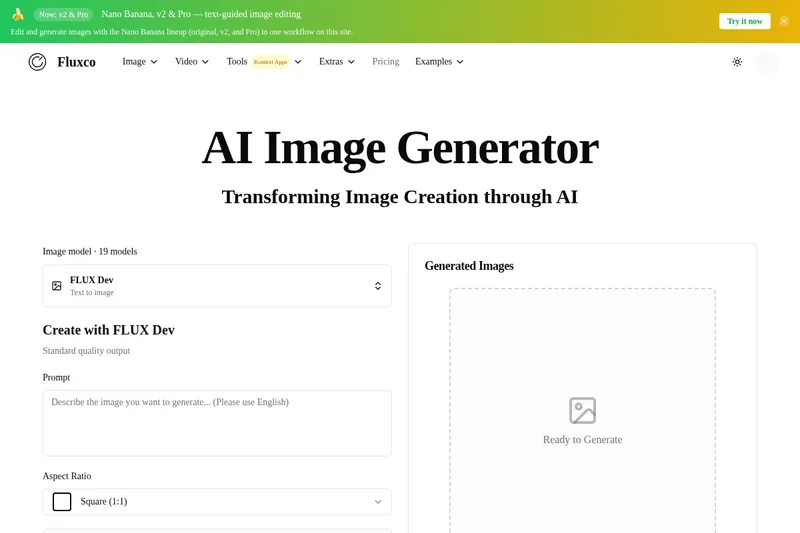
flux-1-pro is an independent web-based AI image workspace on flux-1.net that connects to multiple third-party text-to-image models (including FLUX-family and Nano Banana variants) to generate and edit images with safety screening, credit-based billing, and in-browser tools.


Sketchtoimage
SketchToImage is a web app that transforms hand-drawn or uploaded sketches into styled images using AI, with options to upscale outputs and convert images into short videos.
Roomdeco
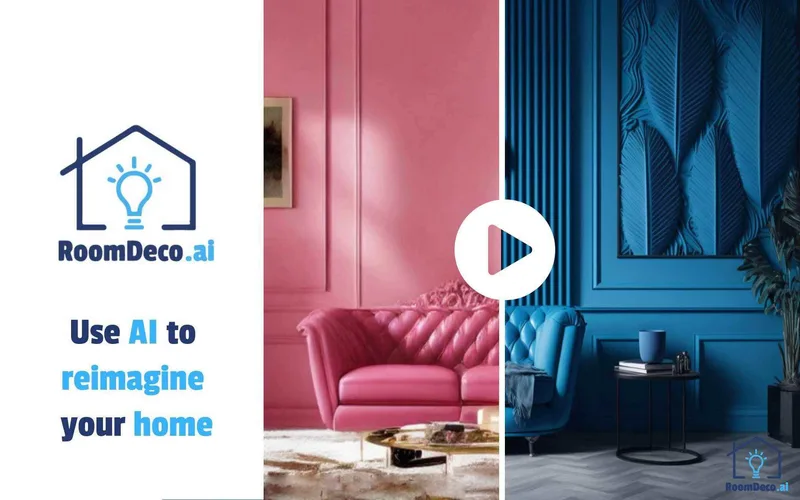
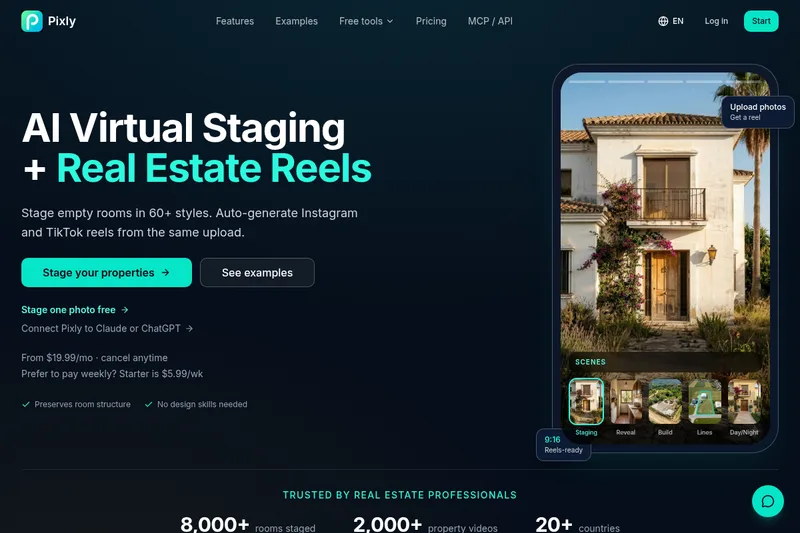
RoomDeco AI is an AI-powered interior design and virtual staging web app that transforms room photos, sketches, or SketchUp screenshots into photorealistic, styled interiors in seconds. It targets homeowners, real estate agents, designers, contractors and teams for client-ready visuals, virtual staging, and style exploration.
Premium Alternatives

GPT Image 2.5
GPT Image 2.5 is a prompt-based image generation and editing workspace offering two model modes—Flare for fast creative exploration and Sunburst for detail-focused edits—designed for product visuals, portraits, campaigns, and other content creation workflows.
imakeit.ai
imakeit.ai is a browser-based AI image generator and editor powered by GPT Image 2. It creates and edits visuals from text prompts and reference images, with adjustable quality, 1K–4K output, and upfront credit costs.
Hairstyleai
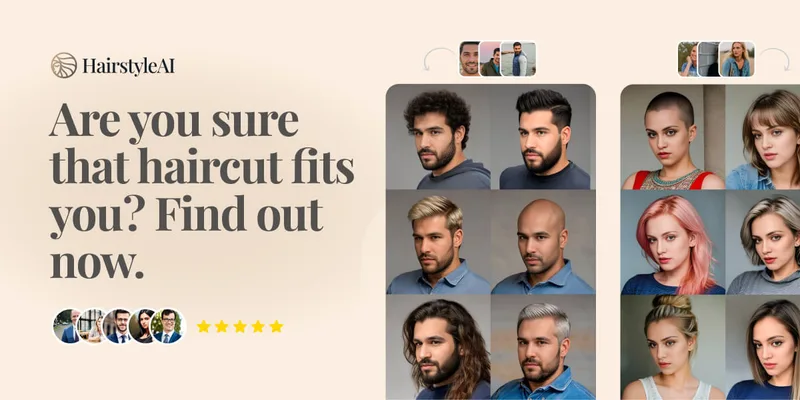
HairstyleAI is a virtual AI hairstyle try-on service (powered by HeadshotPro.com) that lets users preview new haircuts on their photos before committing to a real cut, offering dozens of generated looks and downloadable HD images.
Themultiverse
The Multiverse AI is a commercial AI headshot generator that turns user selfies into professional-quality headshots and team portraits, offering a 30-minute turnaround and an editable set of generated images for individual professionals and corporate teams.
Aiportraitgen
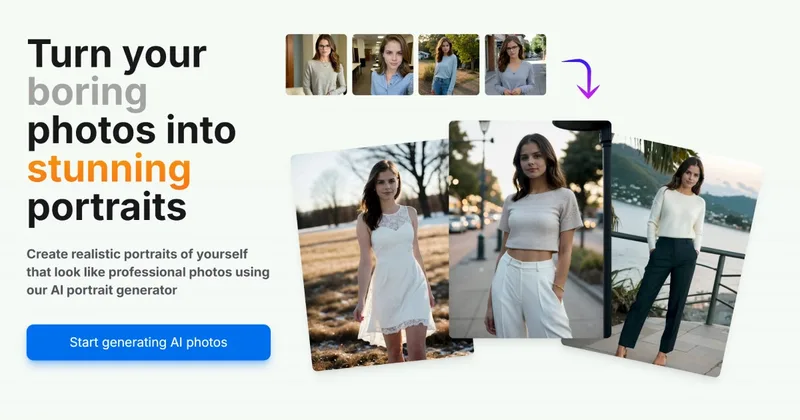
AI Portrait Gen is an online AI portrait generator that creates realistic, high-quality portrait photos from a few user-supplied photos. It offers customizable locations, outfits and styles, pay-as-you-go credits (no subscription), and privacy protections for uploaded images.

Prompt Hunt
Prompt Hunt is a web platform for creating, browsing, and sharing AI-generated art using curated prompt templates and its in-house Chroma model, aimed at creatives, teams, and prompt engineers.