AirmailAI
AirmailAI is an open-source, browser-based chat app that lets users bring their own API keys to chat with multiple large language model providers (OpenAI, Anthropic, Google, OpenRouter) while keeping conversations private and direct between the browser and providers.
AirmailAI is chat software teams evaluate for chat. Use this page to review pricing, integration signals, and the best alternatives before you commit.
Profile facts come from the vendor source. AiMatch labels unknown pricing or API details instead of estimating them.
Review official source →Used in These Packs
Quick Overview
Best for: Chat
What it does
Chat software for decision-makers comparing workflow fit and alternatives.
Best fit
Chat
Pricing snapshot
Pricing available from You only pay providers for the tokens you actually use; AirmailAI adds zero markup.
Next step
Compare AirmailAI with similar tools before you shortlist it.
Compare this tool before you shortlist it
Review alternatives, pricing posture, and workflow fit side by side.
AirmailAI is an open-source, browser-hosted chat application that connects your browser directly to AI providers using your own API keys (BYOK). It aggregates multiple provider APIs — OpenAI, Anthropic, Google, and OpenRouter — into a single chat UI and emphasizes privacy by ensuring chats and keys travel directly from the browser to the provider without touching AirmailAI servers. The app runs in a desktop Chromium-based browser and offers an in-browser demo and immediate usage without server-side storage or markup on provider usage.
Bring your own API keys and chat with frontier AI like ChatGPT, Claude, Gemini, and more.
Own this listing?
Claim this page for a one-time $29 to add pricing, features, screenshots, verified owner details, and a clearly labeled 30-day category position after the profile is live.
Claim this listing for $29Key Features
Bring Your Own API Keys (BYOK)
Users supply their own provider API keys so requests go directly from the browser to the chosen provider.
Multi-provider support
Supports multiple LLM provider APIs in one chat UI, including OpenAI, Anthropic, Google, and OpenRouter.
Privacy by design
Chats and API keys travel directly from the browser to the provider; conversations never touch AirmailAI servers.
Upload files and web search
The UI supports uploading files and searching the web within chats.
Open source
The project is open source (page indicates open source availability).
Browser-based demo
Provides an in-browser demo and immediate access by opening the app in a Chromium-based desktop browser.
Pay-as-you-go cost model
Users only pay the providers for tokens used; AirmailAI applies no markup.
Pricing
In-browser demo available to try the app; no AirmailAI-hosted subscription or pricing tiers listed on the page.
Pay as you go
You only pay providers for the tokens you actually use; AirmailAI adds zero markup.- Direct billing/usage with provider
- No additional markup from AirmailAI
Use Cases
Direct chat with multiple LLM providers
Use your own API keys to chat with models from OpenAI, Anthropic, Google, or OpenRouter via a single interface.
Secure/private model usage
Run conversations that do not transit AirmailAI servers, preserving privacy and control of API keys.
File-backed or web-augmented chats
Upload files and perform web searches within the chat for richer, context-aware interactions.
Integrations
OpenAI
Connect to OpenAI APIs to chat with models like ChatGPT using your API key.
Anthropic
Connect to Anthropic's APIs (e.g., Claude) via your API key.
Connect to Google (Gemini) APIs using your own credentials.
OpenRouter
Connect to OpenRouter provider APIs through the unified chat UI.
Benefits
Limitations
Frequently Asked Questions
No verified FAQs are available.
Getting Started
- 1 Open AirmailAI in a desktop Chromium-based browser (Chrome, Edge, or Brave).
- 2 Provide your provider API keys (bring your own API keys) for the LLM services you want to use.
- 3 Start a chat or try the in-browser demo to send your first message.
Support
docs
FAQ and documentation links available on the site (page references 'Read the FAQ').
social
Follow @airmailai for updates (social handle listed on the site).
legal
Terms of Service and Privacy Policy linked from the site.
API
Compare AirmailAI with similar tools
See how it stacks up against alternatives
Related Tools
View all 81 →




Chat 4O AI
Chat 4O AI is a browser-based platform for chatting with multiple AI models and generating images and videos. It brings text, image, and video tools together in one interface for creative work and problem-solving.

recursechat
RecurseChat is a Mac AI chat app for using local language models, Claude, and ChatGPT in one place. It supports offline local-model chats, file-based retrieval, and a floating chat window, with a one-time purchase and no subscription.
Premium Alternatives
screensnapai
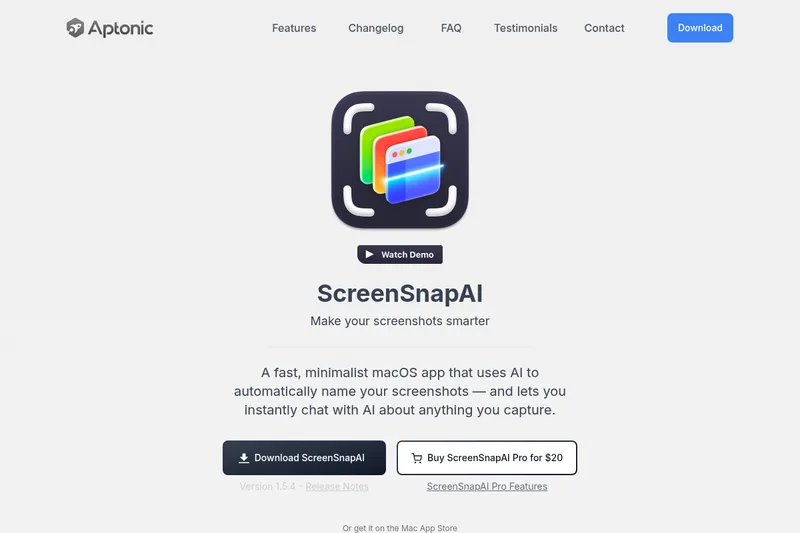
ScreenSnapAI is a native macOS app that automatically names and tags screenshots and lets users ask AI questions about selected areas of their screen. It supports Intel and Apple Silicon Macs running macOS 13 or later.
Promptbuilder
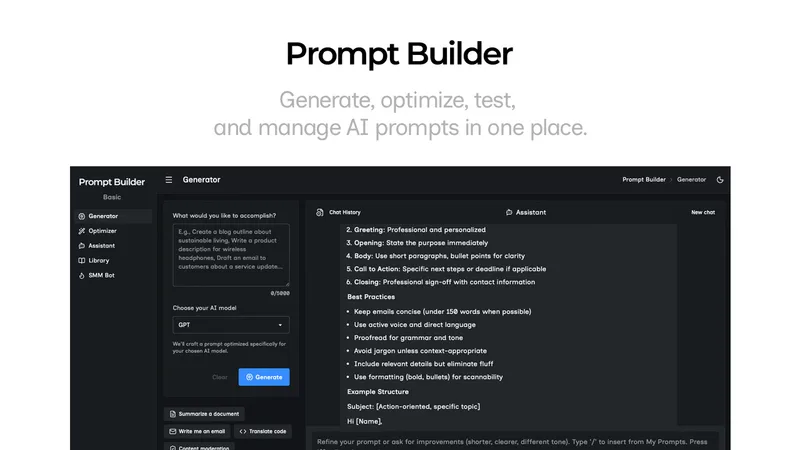
Prompt Builder is a web app that generates, optimizes, tests, and manages AI prompts tuned to specific models (ChatGPT, Gemini, Claude, Grok, etc.), with a prompt library, optimizer, built-in chat assistant, and versioning for prompt workflows.
Uncensored
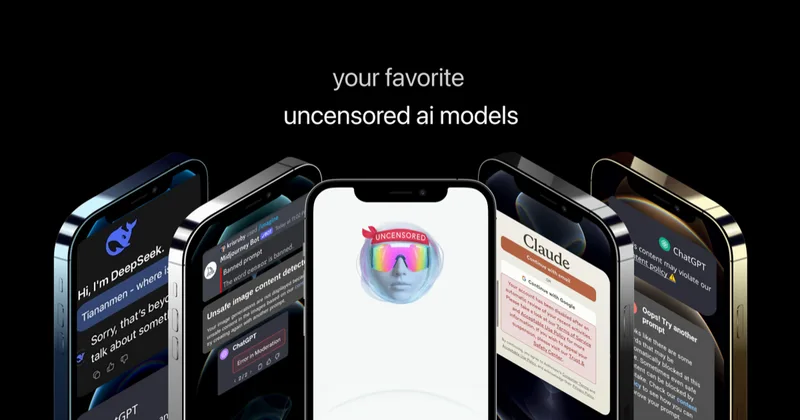
Uncensored AI is a chat and developer platform that provides access to a broad catalog of powerful, minimally filtered AI models for chat, voice, vision, code, and API access, with privacy features like auto-redaction and developer tooling.


pandachat-ai
PandaChat runs supervised AI customer operations for complex Adria/DACH e‑commerce stacks: a managed team of specialists and supervisors that connects to your systems, handles multilingual 24/7 support across channels, and sends daily briefings with value reports.