Docky.AI
Docky.AI is a browser sidebar extension that brings multiple large language and image models (GPT, Claude, Gemini, Flux, DALL·E, SDXL, Ideogram, etc.) into a single sidebar for chat, summarization, writing, OCR, and image generation without leaving the current web tab.
Docky.AI is chat software teams evaluate for education & research. Use this page to review pricing, integration signals, and the best alternatives before you commit.
Profile facts come from the vendor source. AiMatch labels unknown pricing or API details instead of estimating them.
Review official source →Used in These Packs
Quick Overview
Best for: Education & Research
What it does
Chat software for decision-makers comparing workflow fit and alternatives.
Best fit
Education & Research
Pricing snapshot
Freemium from Free forever
Next step
Compare Docky.AI with similar tools before you shortlist it.
Compare this tool before you shortlist it
Review alternatives, pricing posture, and workflow fit side by side.
Docky.AI is a browser extension that provides a persistent AI sidebar enabling multi-model chat and content tools directly on any web page. It centralizes multiple AI models (GPT, Claude, Gemini and others) so users can chat, compare answers from several models, summarize web pages and files, extract text via OCR, compose and edit text, and generate images — all without leaving the current browser tab. The product is positioned for a broad audience from students to product teams and creators and is offered as an installable Chrome/Edge extension with a free tier.
AI assistant integrating ChatGPT and GPT-4o for conversations, reading, and writing.
Own this listing?
Claim this page for a one-time $29 to add pricing, features, screenshots, verified owner details, and a clearly labeled 30-day category position after the profile is live.
Claim this listing for $29Key Features
Multi-model chat & @group
Chat with multiple models (GPT, Claude, Gemini, etc.) in one place and use @mention (e.g. @group, @gpt, @claude, @gemini) to query several models at once and compare answers side-by-side.
Web & document summarization
Summarize web pages and PDF / Word / PPT files to get instant insights without leaving the page.
OCR and image text extraction
Extract text from images via OCR to summarize or process scanned documents and images.
Writing assistant (compose, reply, grammar-check)
Compose, reply, and grammar-check content in the user's chosen tone, language, and length for emails, blogs, tweets, and more.
Image generation switching
Generate images and switch between image backends (Flux, DALL·E HD, SDXL, Ideogram) in one click to choose the right style.
Browser-first UI & keyboard access
Lives as a browser sidebar accessible with Cmd / Alt + K for instant access on any website and tab.
Smart text-selection toolbar
Highlight any text on a page to explain, translate, or continue writing instantly via a contextual toolbar.
Search-results enhancement
Displays AI-powered answers alongside Google and Bing search results.
Pricing
Free forever · No credit card required; 'Free to start' as indicated on the site
Free
Free forever- Free to start
- No credit card required
Use Cases
Research summarization
Summarize large numbers of research PDFs and extract key insights quickly (testimonial: summarizing 200+ research PDFs).
Content creation and editing
Draft and compare blog posts or drafts by querying multiple models side-by-side to choose the best output.
Image and design generation
Generate images in different styles by switching between Flux, DALL·E, SDXL, and Ideogram for design and creative tasks.
Translation and tone refinement
Translate text and refine tone or style for professional communication, including email and freelance translation workflows.
Quick in-page assistance
Summarize articles, explain highlighted text, or continue writing without leaving the current tab using the sidebar or selection toolbar.
Integrations
OpenAI (GPT / GPT-4)
Provides GPT model access for chat and generation features.
Anthropic Claude
Provides Claude model access for multi-model comparisons and chat.
Google Gemini
Provides Gemini model access for chat and comparisons.
Flux
Image generation backend selectable within the sidebar.
DALL·E (HD)
DALL·E HD image generation backend selectable in the extension.
SDXL (Stability)
Stable Diffusion SDXL image generation backend selectable in the extension.
Ideogram
Image generation backend selectable for different illustrative styles.
Search engines (Google & Bing)
Enhances search results with AI-powered answers alongside search listings.
Benefits
Limitations
No verified limitations are available.
Frequently Asked Questions
No verified FAQs are available.
Getting Started
- 1 Step 1: Visit https://docky.ai/ and click 'Add to Chrome' or install the extension for Edge.
- 2 Step 2: Install the extension (advertised as 'Install in 30 seconds').
- 3 Step 3: Open the sidebar with Cmd / Alt + K and sign in or start using the free tier to access models and tools.
Support
Website
Main site with product, pricing, and account links: https://docky.ai/
Legal
Privacy Policy and Terms of Service linked from the site.
API
Compare Docky.AI with similar tools
See how it stacks up against alternatives
Related Tools
View all 81 →




Premium Alternatives

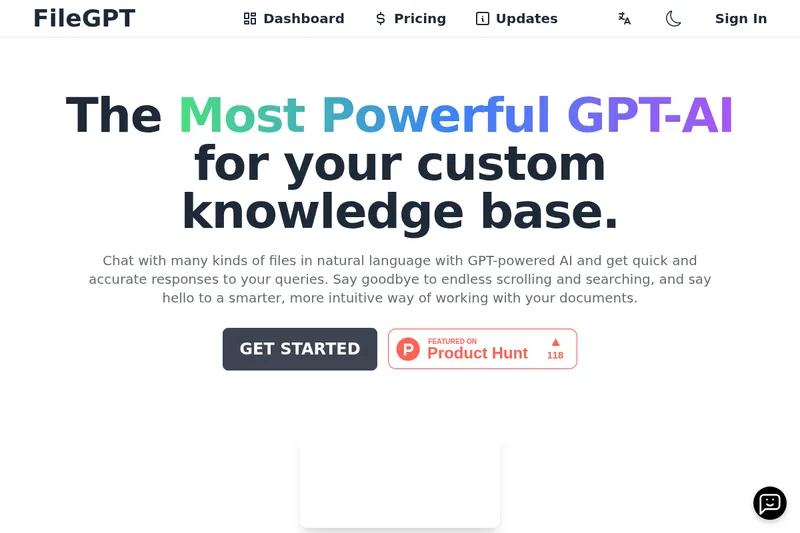
pandachat-ai
PandaChat runs supervised AI customer operations for complex Adria/DACH e‑commerce stacks: a managed team of specialists and supervisors that connects to your systems, handles multilingual 24/7 support across channels, and sends daily briefings with value reports.
Promptbuilder
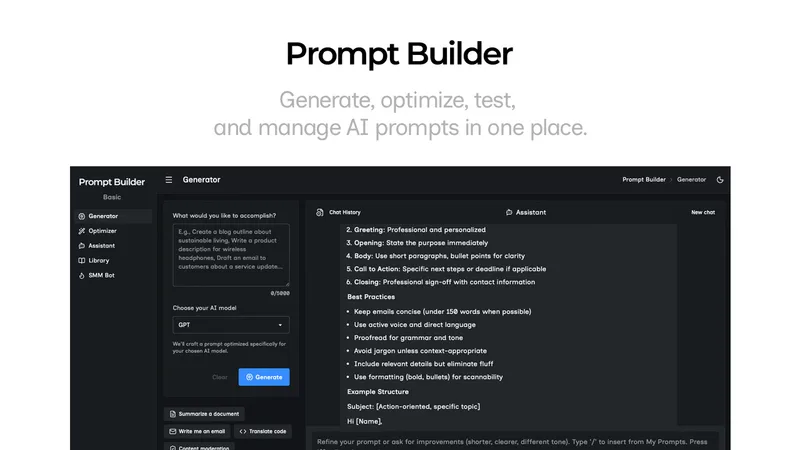
Prompt Builder is a web app that generates, optimizes, tests, and manages AI prompts tuned to specific models (ChatGPT, Gemini, Claude, Grok, etc.), with a prompt library, optimizer, built-in chat assistant, and versioning for prompt workflows.
screensnapai
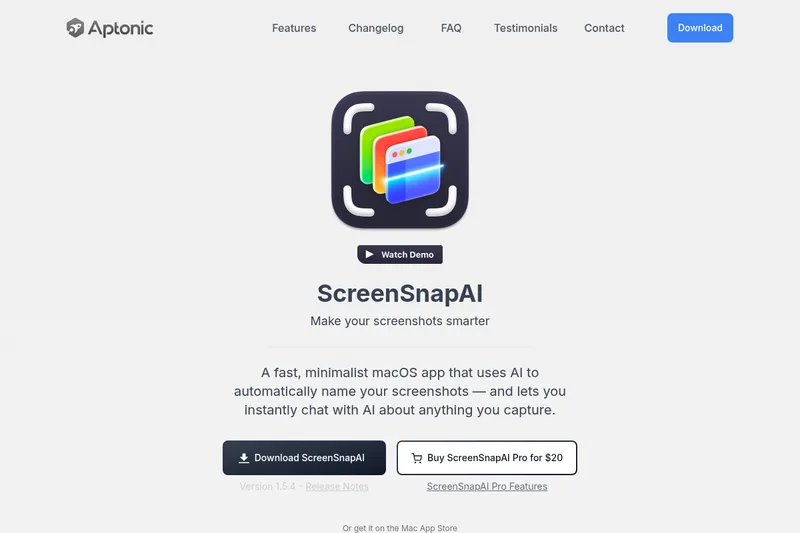
ScreenSnapAI is a native macOS app that automatically names and tags screenshots and lets users ask AI questions about selected areas of their screen. It supports Intel and Apple Silicon Macs running macOS 13 or later.
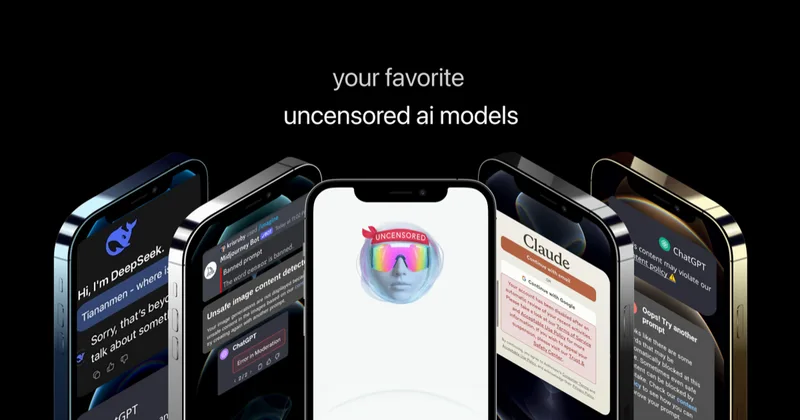
Uncensored
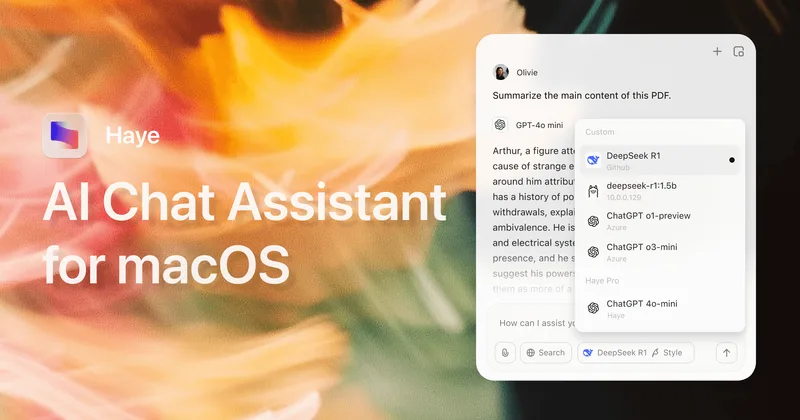
Uncensored AI is a chat and developer platform that provides access to a broad catalog of powerful, minimally filtered AI models for chat, voice, vision, code, and API access, with privacy features like auto-redaction and developer tooling.