
Squint
Squint is a lightweight desktop app that explains anything visible on your screen: press a hotkey, drag a box around what you want explained, and an AI-powered answer streams into a panel without switching apps or uploading files manually.
Squint is chat software teams evaluate for chat. Use this page to review pricing, integration signals, and the best alternatives before you commit.
Profile facts come from the vendor source. AiMatch labels unknown pricing or API details instead of estimating them.
Review official source →Used in These Packs
Quick Overview
Best for: Chat
What it does
Chat software for decision-makers comparing workflow fit and alternatives.
Best fit
Chat
Pricing snapshot
Freemium from $0
Next step
Compare Squint with similar tools before you shortlist it.
Compare this tool before you shortlist it
Review alternatives, pricing posture, and workflow fit side by side.
Squint is a desktop application that explains whatever is on your screen. It runs in the system tray and is activated with a hotkey; when activated it freezes the screen, you draw a box around the area you want explained, and an answer streams into a panel beside the selection. The product emphasizes minimal context switching — there is no persistent window to keep open, no file upload step, and the thing you point at becomes the question.
Answers are produced by an online model (two selectable models: Fast and Best). Squint stores chat history locally and supports follow-up questions per capture, with configurable streaming speed and a range of themes and UI options. It targets people who want fast, in-context explanations while working on their desktop.
Press a hotkey, drag a box around anything on your screen, and read the answer beside it. No switching apps, no describing what you are looking at, no chat window. For Windows and Linux.
Own this listing?
Claim this page for a one-time $29 to add pricing, features, screenshots, verified owner details, and a clearly labeled 30-day category position after the profile is live.
Claim this listing for $29Key Features
Hotkey Activation
Activate immediately using Win+Shift+Q (rebindable) to freeze the screen and start a capture without switching windows.
Streamed Response
Responses stream to the on-screen panel in real time; streaming speed is configurable in the app's settings.
Follow-up Questions
Ask follow-ups directly in the panel without taking a new screenshot or re-explaining; each capture permits a fixed number of follow-ups.
Two Models (Fast and Best)
Choose between a Fast model (default) and a Best model for difficult captures; model choice can be set per capture.
Rich Formatting
Supports Markdown, mathematical expressions, and code blocks in responses.
Themes and Appearance
Includes sixteen themes (Dracula, Nord, Gruvbox, Catppuccin, and more) and dynamic sizing of the response panel.
Multiple Regions
Hold Shift to select up to four regions in a single capture.
Chat History
Closed chats are stored locally, searchable, and can be continued; local storage can be turned off.
Cross-platform Desktop Builds
Distributed installers for Windows and Linux today (macOS coming soon); specific platform notes (Wayland-only AppImage for Linux).
Pricing
3 captures per day (or 10 per week), no card required, Fast model only, up to 2 follow-ups per capture.
Free
$0- 3 captures per day (resets at midnight UTC) or 10 captures per week (resets Monday at midnight UTC)
- Fast model only
- Up to 2 follow-up questions per capture
- All UI features available (multiple regions, archive, themes)
Plus
$10/month (or yearly with 17% savings)- 2,500 credits per month
- Access to all models
- Up to 10 follow-up questions per capture
- Signed in on up to 3 devices
Use Cases
In-context explanation while working
Capture a UI element, image, or document fragment and get an immediate explanation without leaving your current app or rebuilding context.
Reading dense or small text
Use the Best model for difficult captures such as dense fine print that you need read exactly.
Quick identification or information lookup
Ask questions about images or screen content (e.g., 'What is this place?', 'Who painted this?') directly from the desktop.
Integrations
Google Sign-In
Option to continue/sign in with Google (site shows 'Continue with Google').
Microsoft Store (distribution)
Microsoft Store listing noted as 'soon' for distribution on Windows.
Benefits
Limitations
Frequently Asked Questions
Is Squint watching my screen all the time?
What happens to what I capture?
Do I need an account?
Which model answers?
Does it work offline?
Can I change the hotkey?
Multiple monitors or high-DPI displays?
Is this a chat app?
Getting Started
- 1 Download the installer for your platform (Windows .exe, Linux AppImage; macOS coming soon) from the site.
- 2 Install and run the app; the app lives in your system tray until activated.
- 3 Press the hotkey (Win+Shift+Q by default), drag a box around what you want explained, and read the streamed answer. Sign in using your email link to access account features.
Support
Email support for questions, account trouble, and bugs — the site indicates a real person reads support messages and provides an email contact on the site.
docs
On-site help/FAQ content covers common questions (installation, privacy, models, hotkeys).
API
Compare Squint with similar tools
See how it stacks up against alternatives
Related Tools
View all 81 →



Chat & Ask AI
Chat & Ask AI is an advanced multi-model AI assistant and platform offering web search, document and link analysis, image generation, YouTube summarization, and chat features powered by a wide range of LLMs and AI technologies.


Premium Alternatives
Promptbuilder
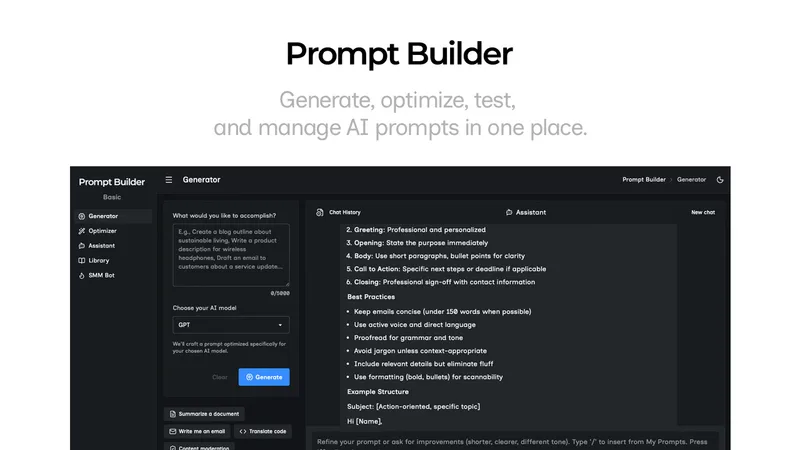
Prompt Builder is a web app that generates, optimizes, tests, and manages AI prompts tuned to specific models (ChatGPT, Gemini, Claude, Grok, etc.), with a prompt library, optimizer, built-in chat assistant, and versioning for prompt workflows.


pandachat-ai
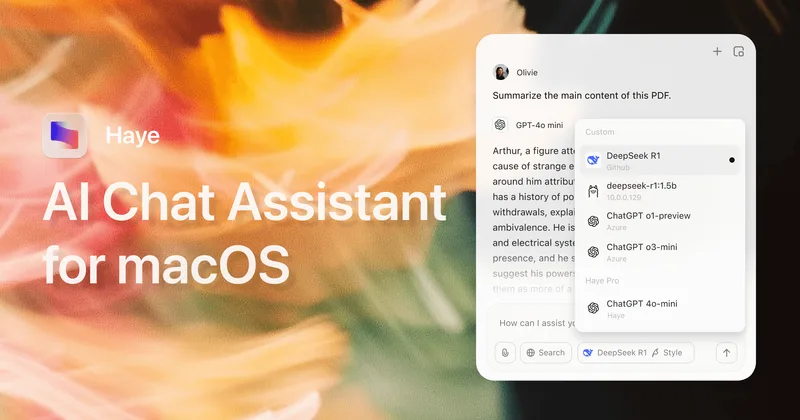
PandaChat runs supervised AI customer operations for complex Adria/DACH e‑commerce stacks: a managed team of specialists and supervisors that connects to your systems, handles multilingual 24/7 support across channels, and sends daily briefings with value reports.
screensnapai
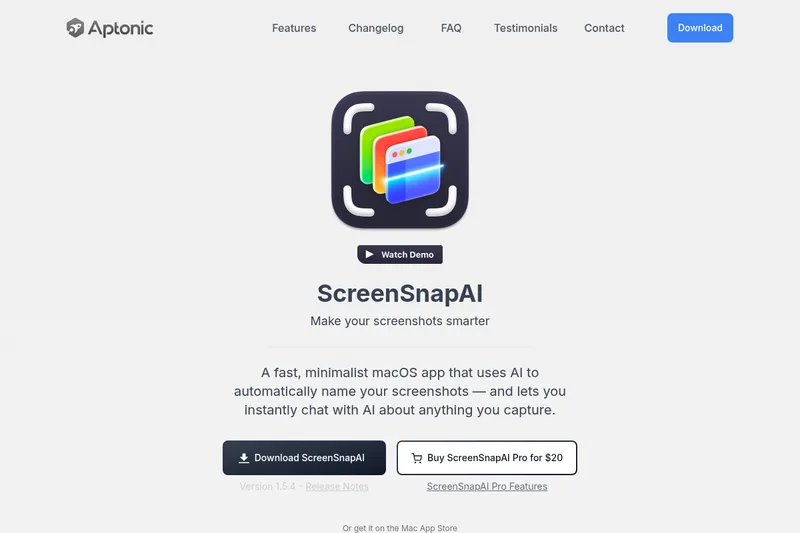
ScreenSnapAI is a native macOS app that automatically names and tags screenshots and lets users ask AI questions about selected areas of their screen. It supports Intel and Apple Silicon Macs running macOS 13 or later.
Uncensored
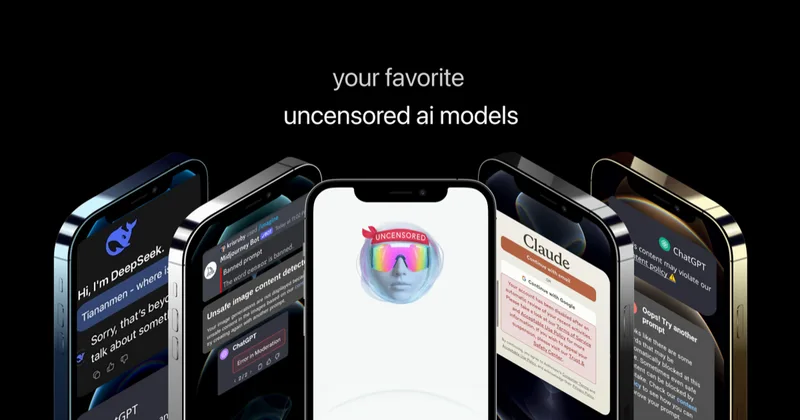
Uncensored AI is a chat and developer platform that provides access to a broad catalog of powerful, minimally filtered AI models for chat, voice, vision, code, and API access, with privacy features like auto-redaction and developer tooling.