Cartoonize AI
Cartoonize AI is a web-based AI image tool that converts photos into a wide range of cartoon and stylized images (anime, Pixar, Studio Ghibli, pixel art, etc.) with adjustable settings and high-resolution downloads.
Cartoonize AI is image & design software teams evaluate for creative & design. Use this page to review pricing, integration signals, and the best alternatives before you commit.
Profile facts come from the vendor source. AiMatch labels unknown pricing or API details instead of estimating them.
Review official source →Used in These Packs
Quick Overview
Best for: Creative & Design
What it does
Image & Design software for decision-makers comparing workflow fit and alternatives.
Best fit
Creative & Design
Pricing snapshot
Freemium from Not specified on page
Next step
Compare Cartoonize AI with similar tools before you shortlist it.
Compare this tool before you shortlist it
Review alternatives, pricing posture, and workflow fit side by side.
Cartoonize AI is a browser-based image transformation service that uses AI to convert user photos into cartoon and stylized artwork across many artistic styles. It is aimed at consumers and professionals who want to create avatars, stylized portraits, landscape art, pet cartoons, and other creative outputs quickly without design skills. The site emphasizes ease of use (upload, optional prompt, adjust settings, generate), fast processing times, and commercial-ready high-resolution outputs for premium users.
Cartoonize AI is a free online tool that turns your photos into stylized AI cartoons in many effects and aspect ratios. Cartoonize AI is a AI Tool featured on Dang.ai. Learn more about Cartoonize AI's AI tool.
Own this listing?
Claim this page for a one-time $29 to add pricing, features, screenshots, verified owner details, and a clearly labeled 30-day category position after the profile is live.
Claim this listing for $29Key Features
Photo-to-Cartoon Conversion
Instantly transforms uploaded photos into a variety of cartoon and stylized images while preserving core composition and recognizable features.
Multiple Artistic Styles
Offers many preset styles such as Studio Ghibli, Disney Style, Pixar Style, DreamWorks, Marvel Comic, Aardman Studio, Pixel Art, Action Figure and more.
Prompt & Strength Controls
Optional text prompt to describe desired changes and adjustable transformation strength to control subtle to dramatic effects.
Aspect Ratio & Output Settings
Fine-tune parameters like aspect ratio and output count to control framing and number of variations generated.
Fast Generation
Promised generation times of around 15–30 seconds for standard transformations and up to 60 seconds for complex styles.
High-resolution Downloads
Supports high-quality outputs, including export-ready images up to 4K for professional use.
Related AI Image Tools
Site navigation lists complementary tools such as Image Upscaler and Background Remover for post-processing and quality enhancements.
Pricing
Free accounts receive monthly credits that can be used to generate images; details and limits are available on the site.
Free
Not specified on page- Monthly free credits
- Access to basic photo-to-cartoon features
Premium
Not specified on page- Higher usage limits and additional credits
- Full commercial rights for generated images
- Higher-resolution downloads and priority processing
Use Cases
Create Cartoon Avatars
Upload selfies to produce stylized avatars in anime, 3D, comic or other cartoon styles for social profiles or branding.
Stylize Landscapes and Travel Photos
Transform landscapes into artful scenes (watercolor, anime, fantasy) while preserving composition and mood.
Cartoonize Pets
Convert pet photos into characterful cartoon or storybook-style images that capture personality.
Commercial Content Creation
Generate high-resolution images for marketing campaigns, social media content, product mockups and presentations (premium/commercial rights available).
Integrations
Developer API / API Management
Site navigation references developers and API management, indicating developer/API access for programmatic use (no public docs link provided on page).
Benefits
Limitations
Frequently Asked Questions
How does Cartoonize AI work?
What types of photos work best?
Can I control the transformation intensity?
How long does processing take?
What are the file requirements?
Do I have commercial usage rights?
How to improve unsatisfactory results?
What are the usage limits?
Getting Started
- 1 Step 1: Upload Your Photo — select an image (JPEG, PNG, WEBP) from your device.
- 2 Step 2: Describe Your Changes (Optional) — provide a prompt describing desired style, colors, or effects.
- 3 Step 3: Adjust Settings — choose aspect ratio, output count, and transformation strength.
- 4 Step 4: Generate and Download — click generate, review variations, select favorites, and download high-quality images.
Support
Feedback
Site provides a Feedback link for user input and issue reporting.
Account & Billing
Account & Billing area on the site for subscription and billing inquiries.
Docs / Resources
Site includes Resources, Blog and Pricing pages for guidance and information.
API
Compare Cartoonize AI with similar tools
See how it stacks up against alternatives
Related Tools
View all 386 →
Expression Editor AI
Expression Editor AI is a web-based tool for quickly changing and animating facial expressions, poses, and gestures in photos using AI, aimed at portraits, selfies, and creative or professional imagery.

PreCheck
PreCheck is an AI-powered facial recognition and face-search platform that lets users upload a single photo to find where that face appears across the web, and also provides reverse phone and email lookups for identity, reputation management, and fraud prevention.

Describepicture
Describe Picture is an AI-powered web tool that instantly analyzes images to produce detailed descriptions, alt text, tags, markdown, OCR-extracted text, and can convert screenshots into code. It targets accessibility, SEO, content workflows, and creative image generation.

Coloringmaker
ColoringMaker is an AI-powered web app that generates custom printable coloring pages from text prompts, photos, or names, aimed at parents, teachers, hobbyists and professionals who want unique coloring sheets.

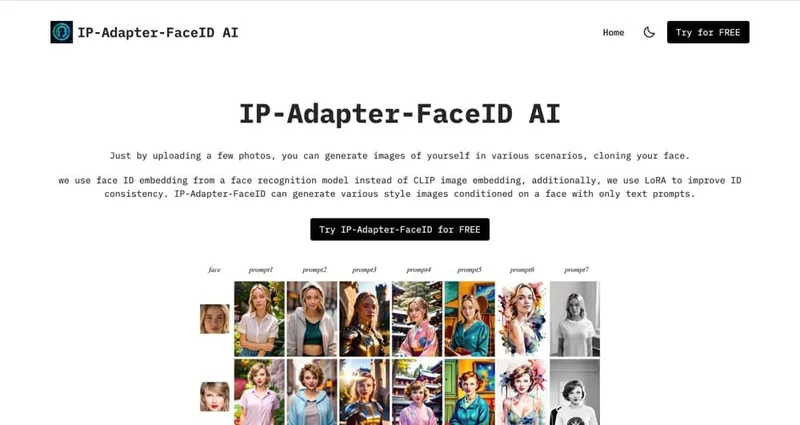
Ipadapterfaceid
IP Adapter Face ID is an image-generation offering based on the IP-Adapter-FaceID model that generates various-style images conditioned on a provided face using only text prompts; users upload a few photos and enter prompts to produce images that clone their face.
Premium Alternatives
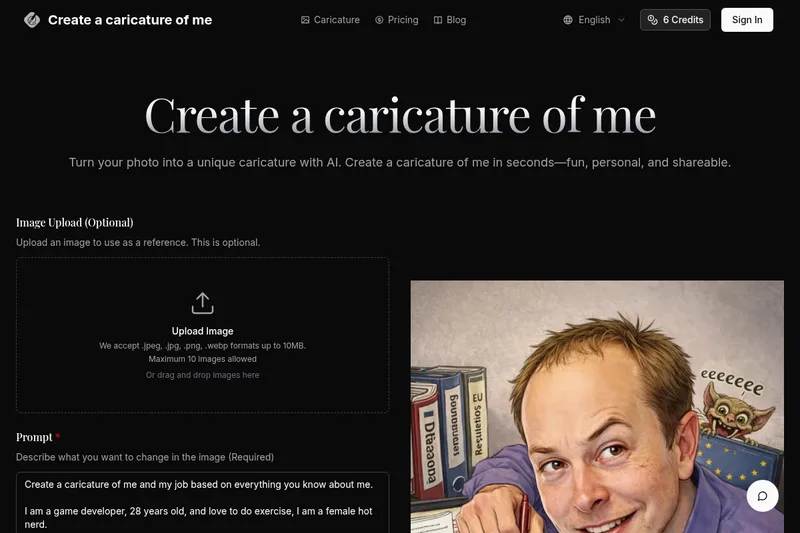
Createacaricatureofme
Create a Caricature of Me is a web-based AI image tool that turns user photos into personalized caricatures in seconds. Users can upload images, provide a prompt, choose AI models and output formats, then generate and download stylized caricatures for social, personal, or light professional use.
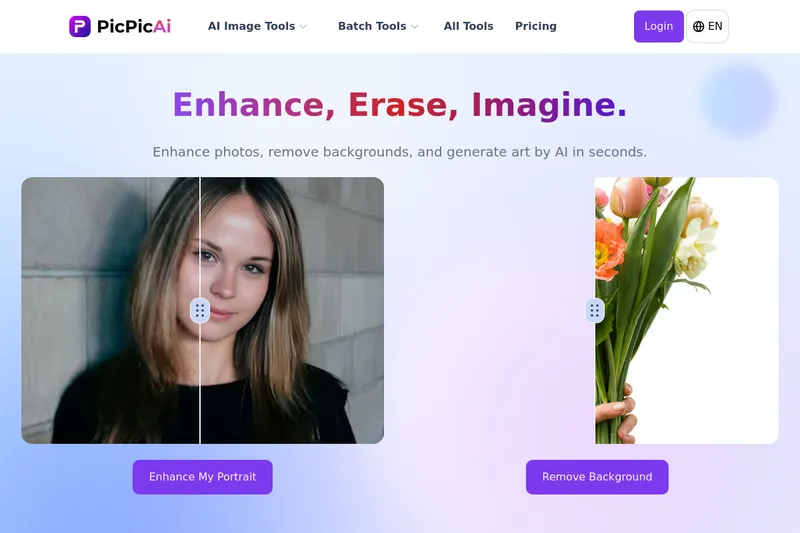

Realistic AI
Realistic AI is a web-based generator and editing suite for photorealistic images and videos. Users can create from text prompts or photos, choose from multiple AI models, and use additional tools to humanize, restore, upscale, or retouch images.